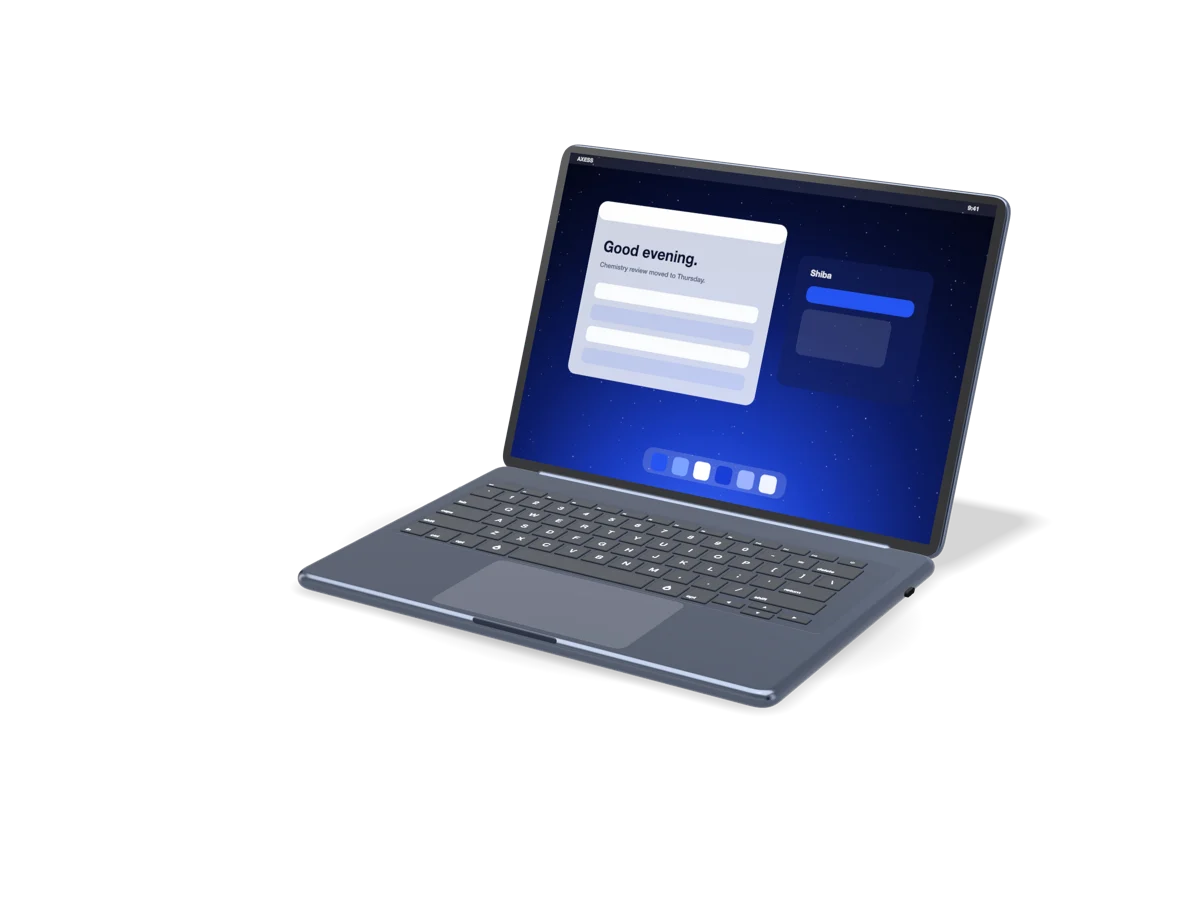
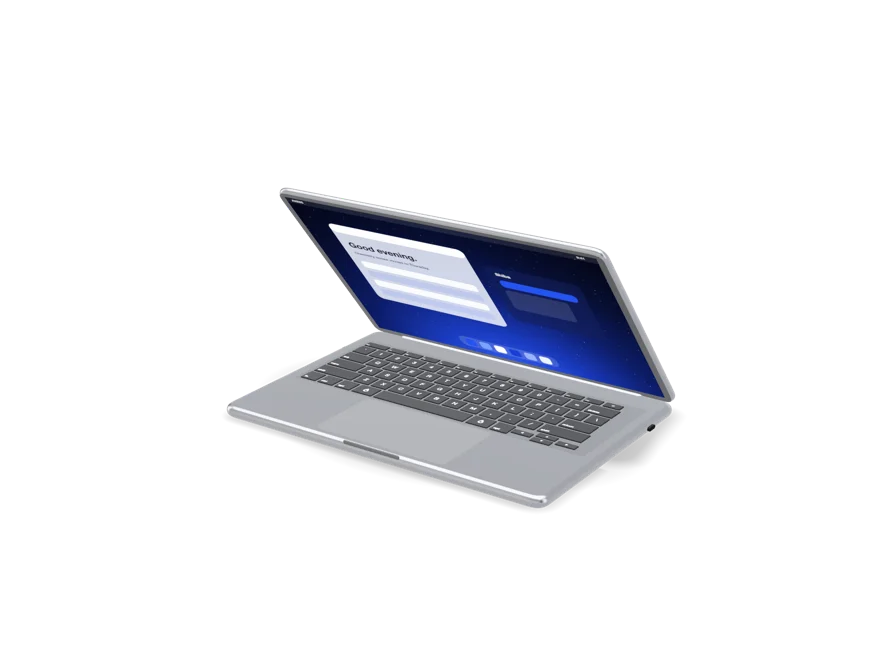
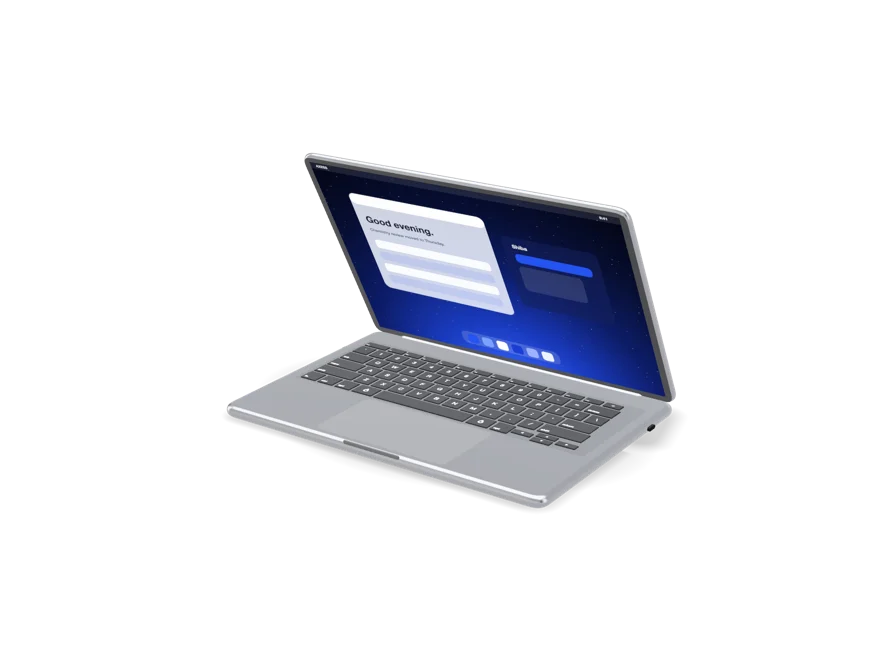
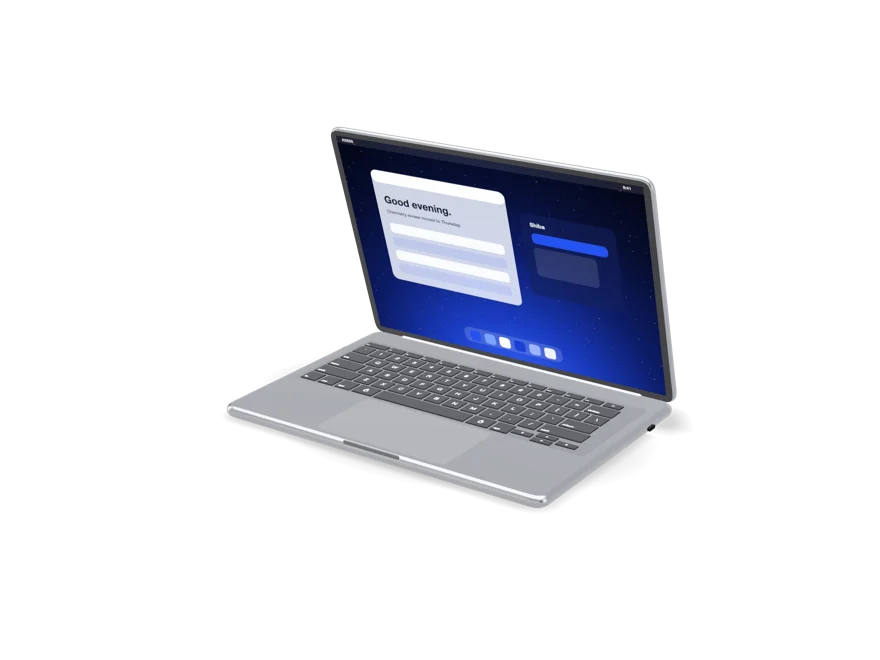
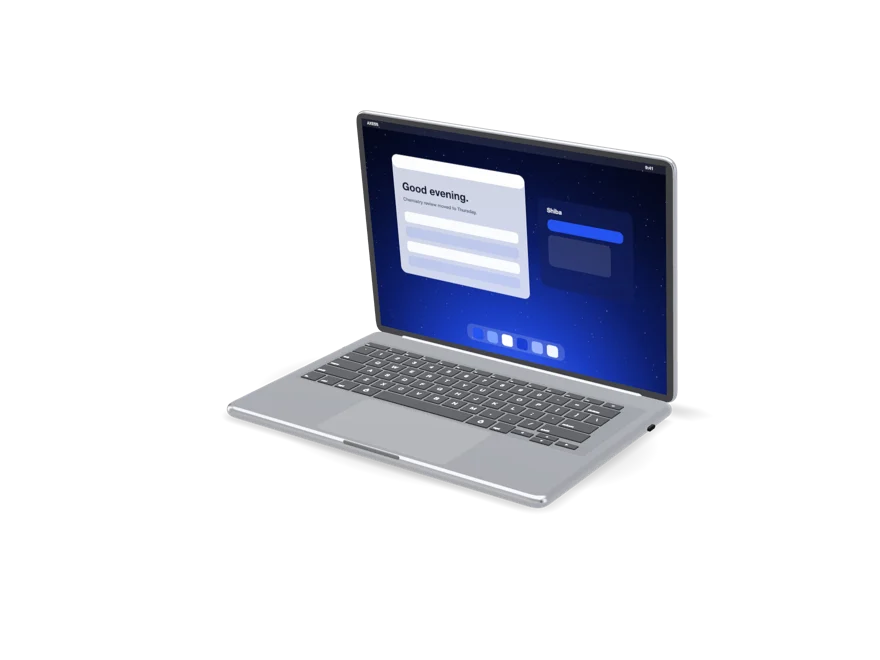
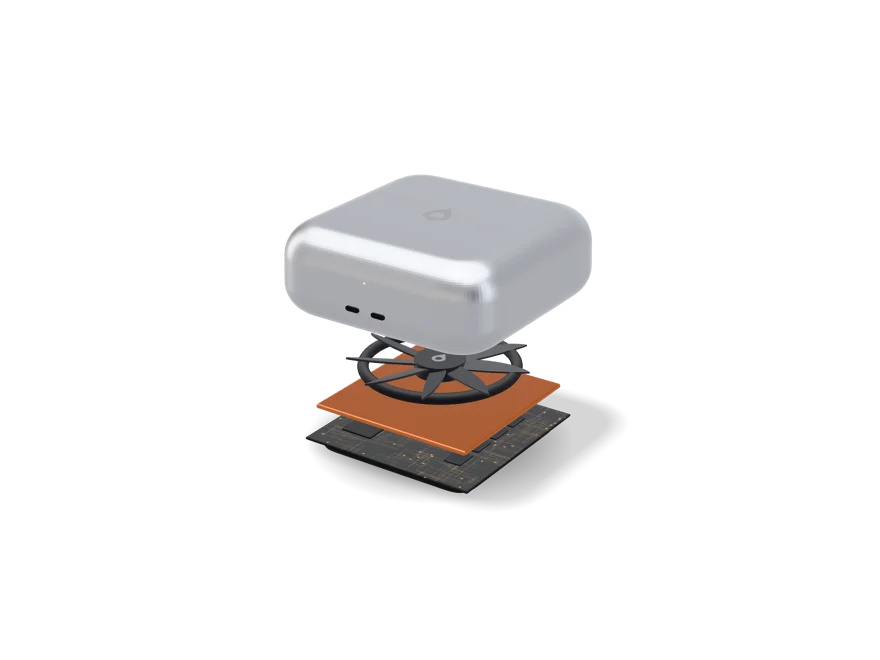
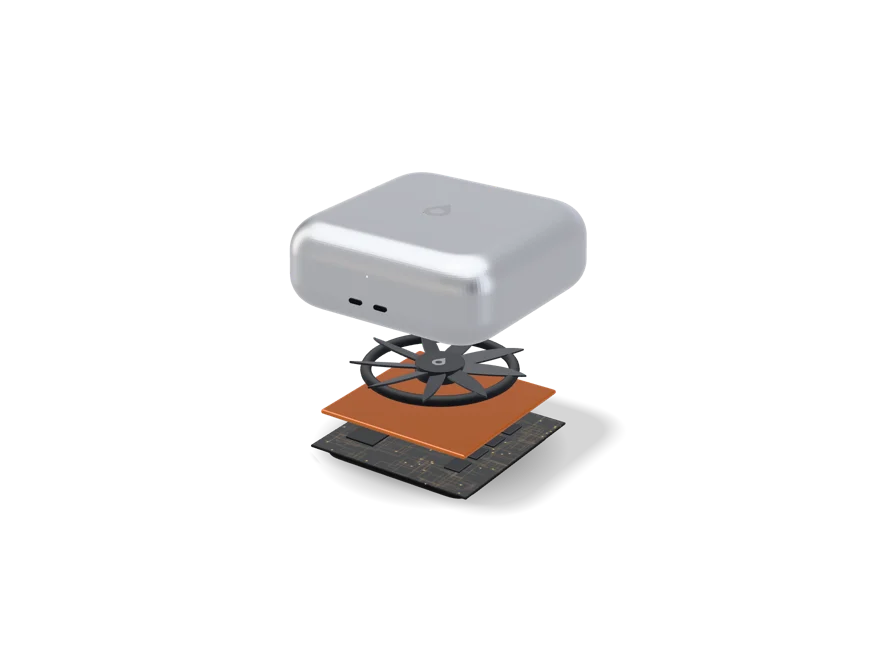
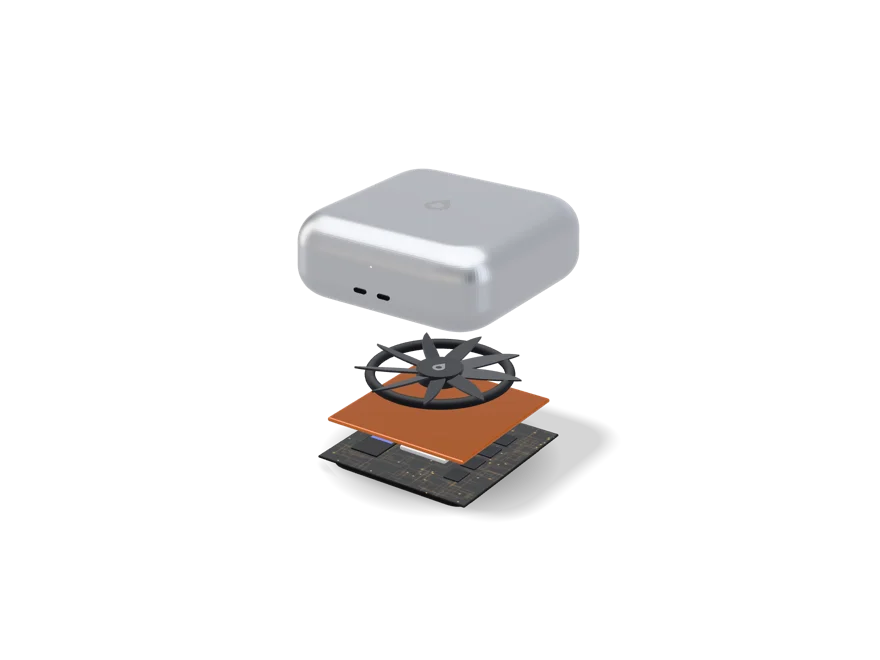
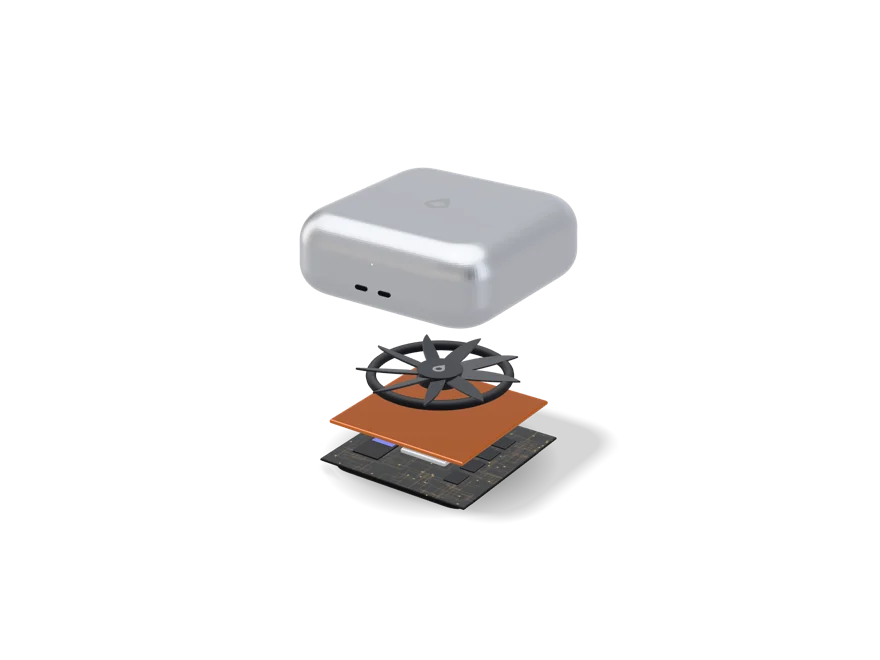
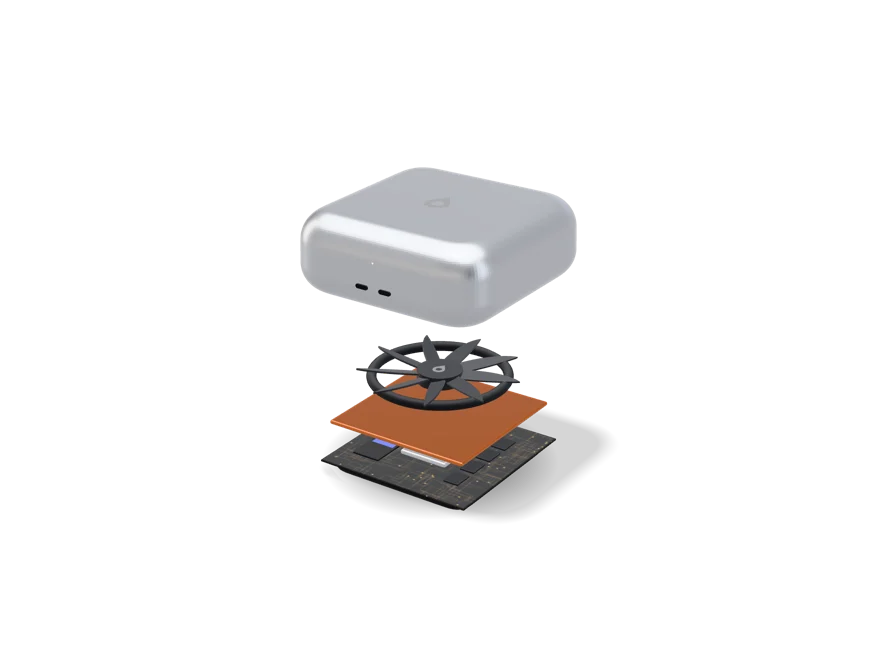
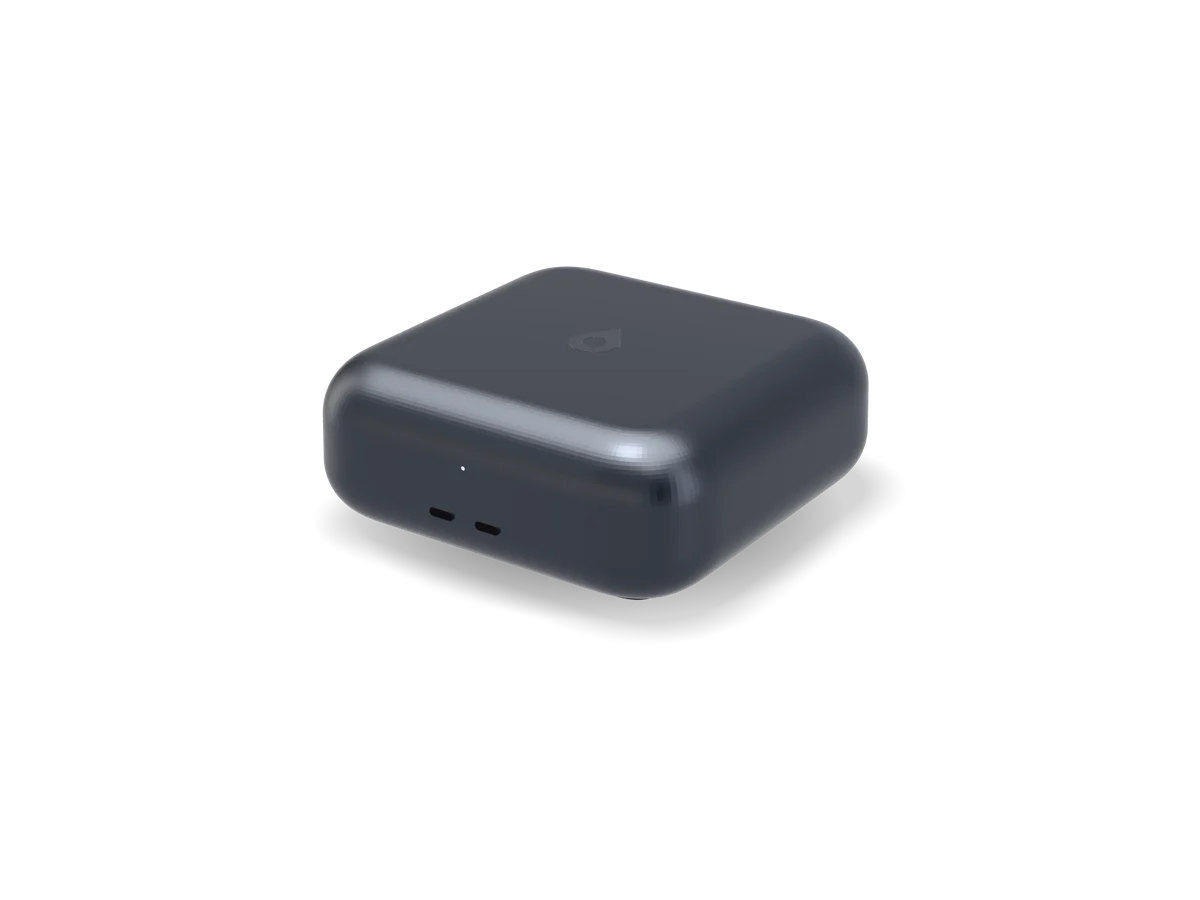
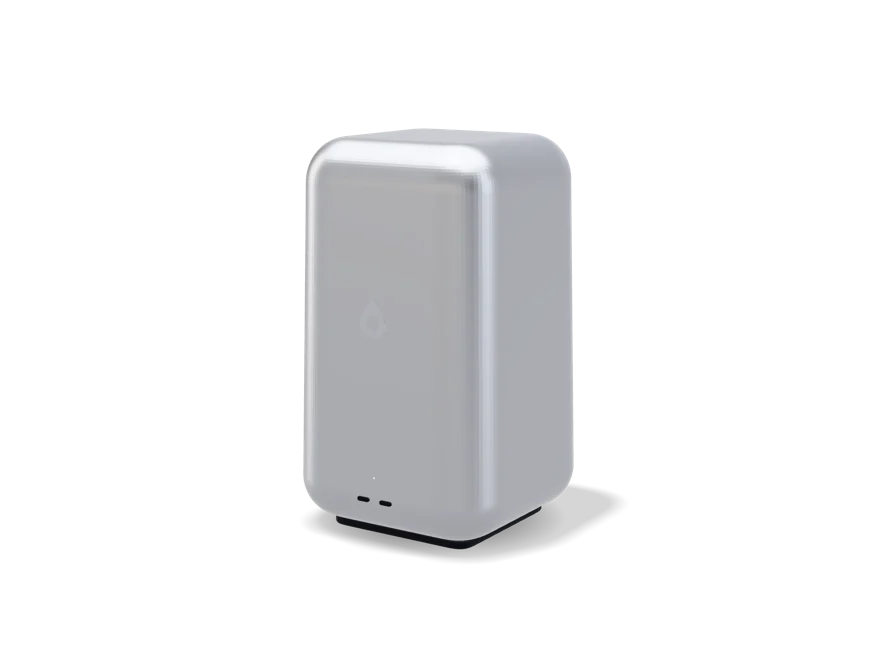
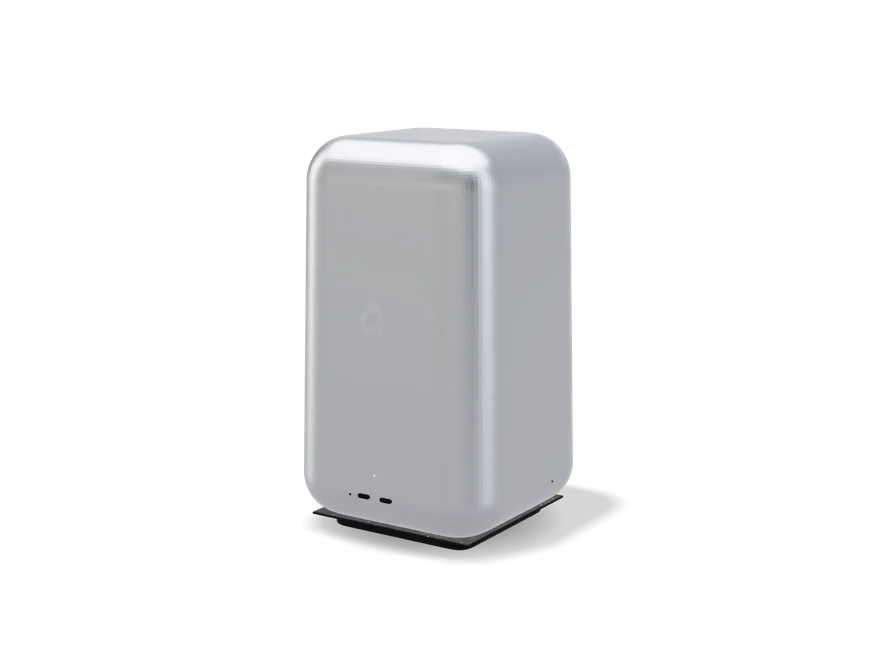
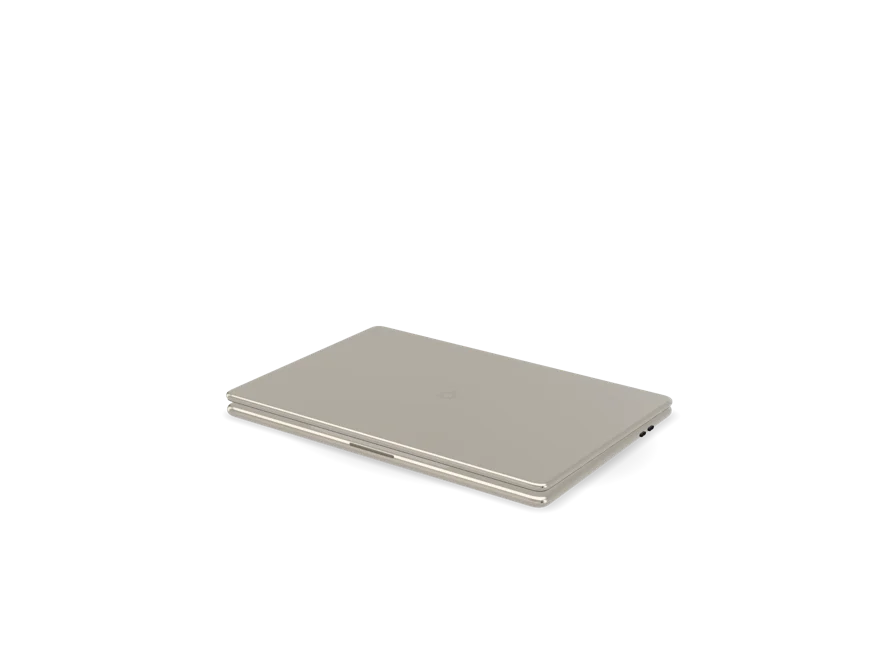
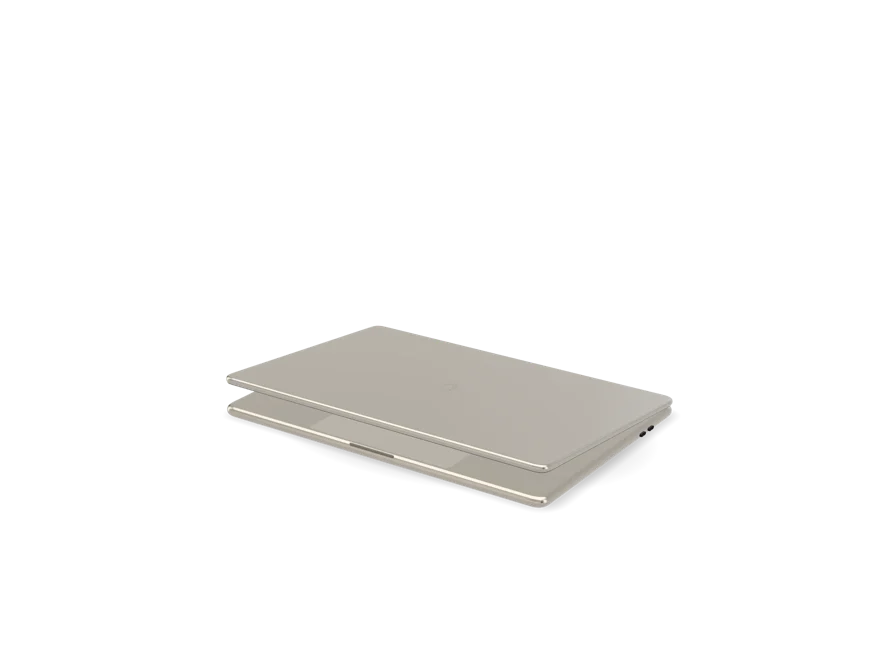
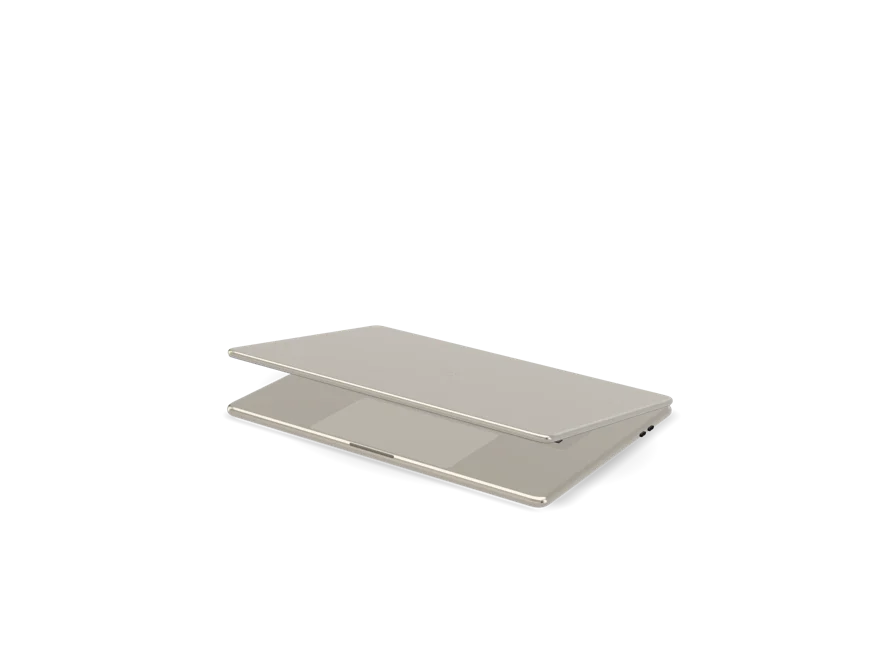
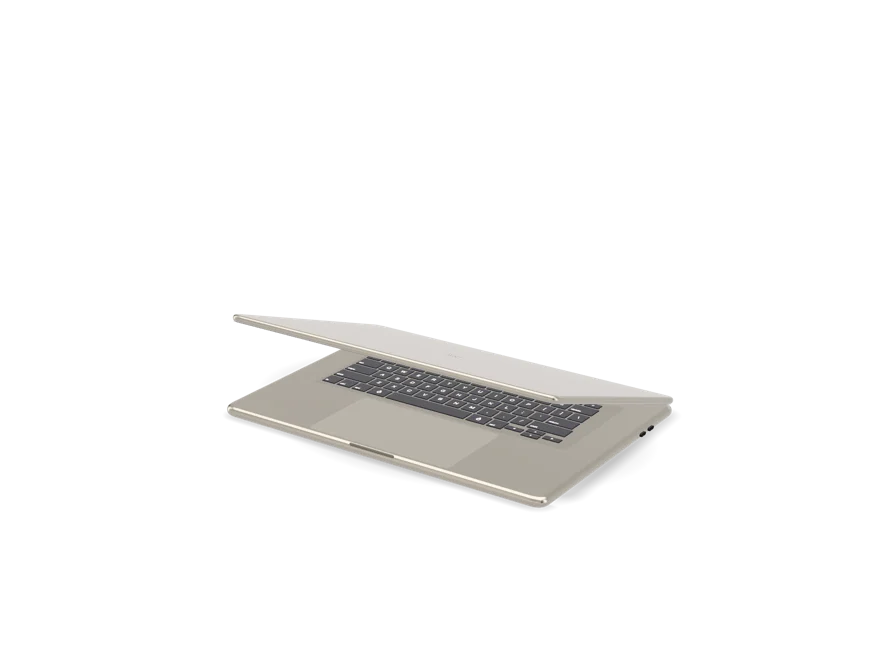
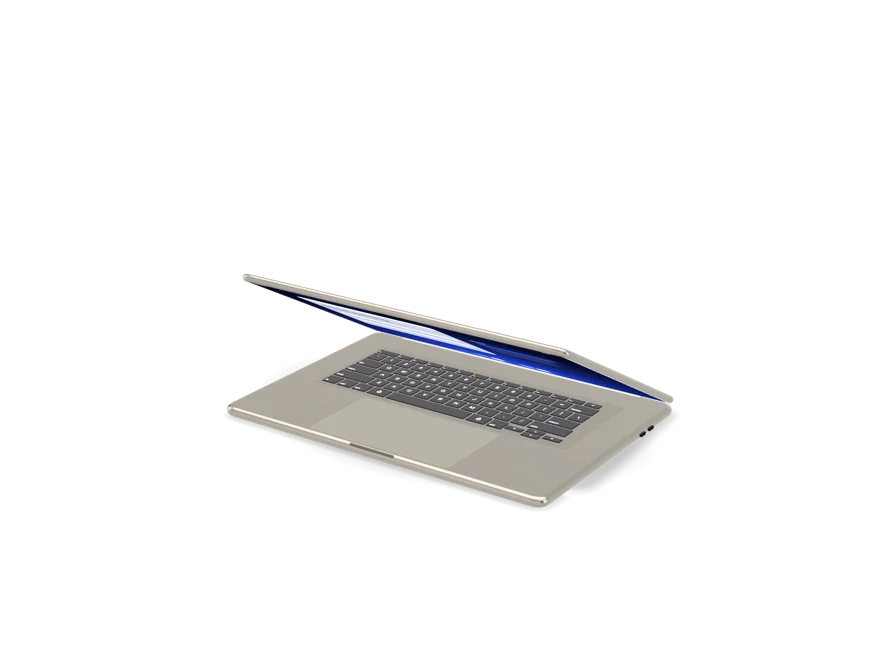
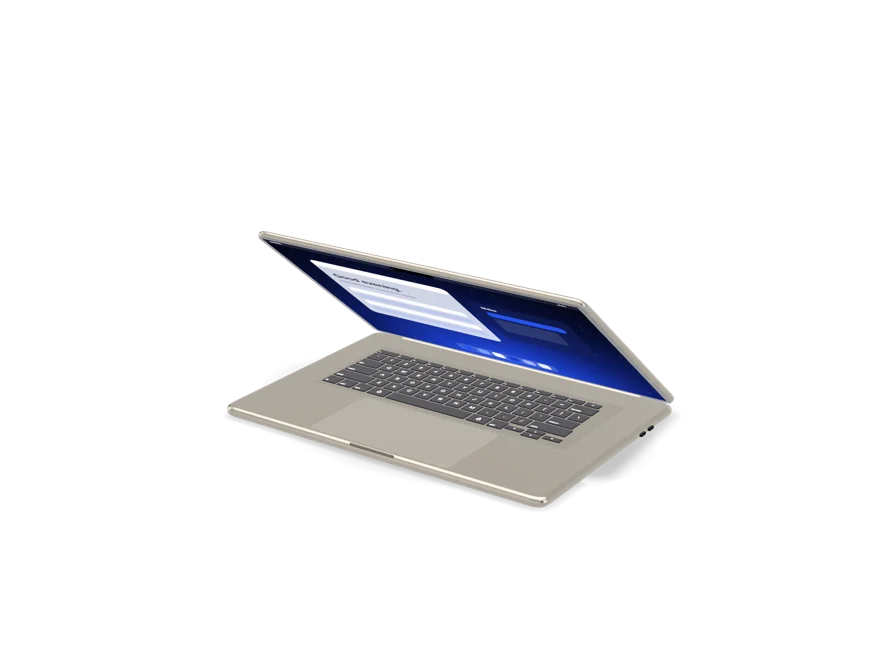
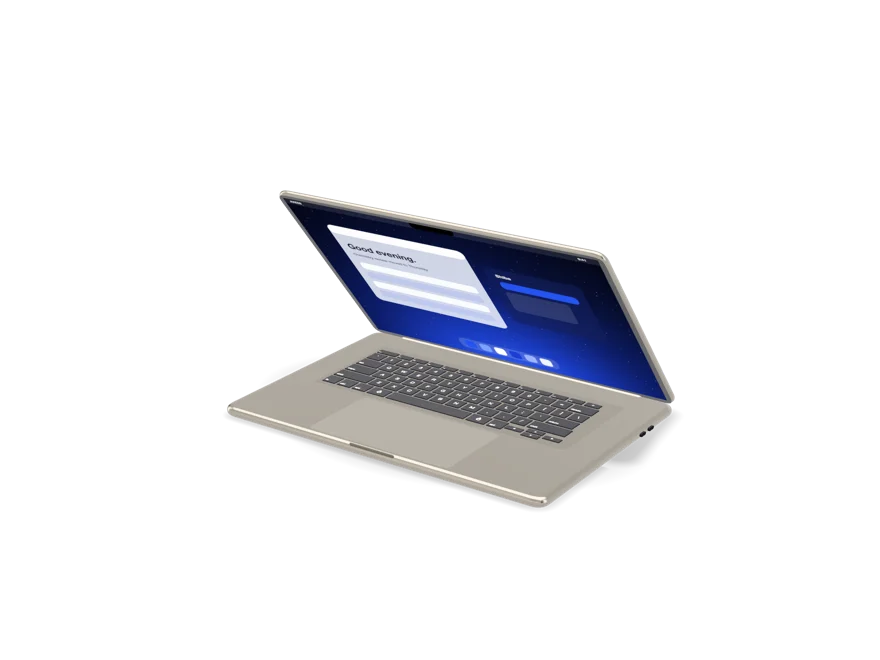
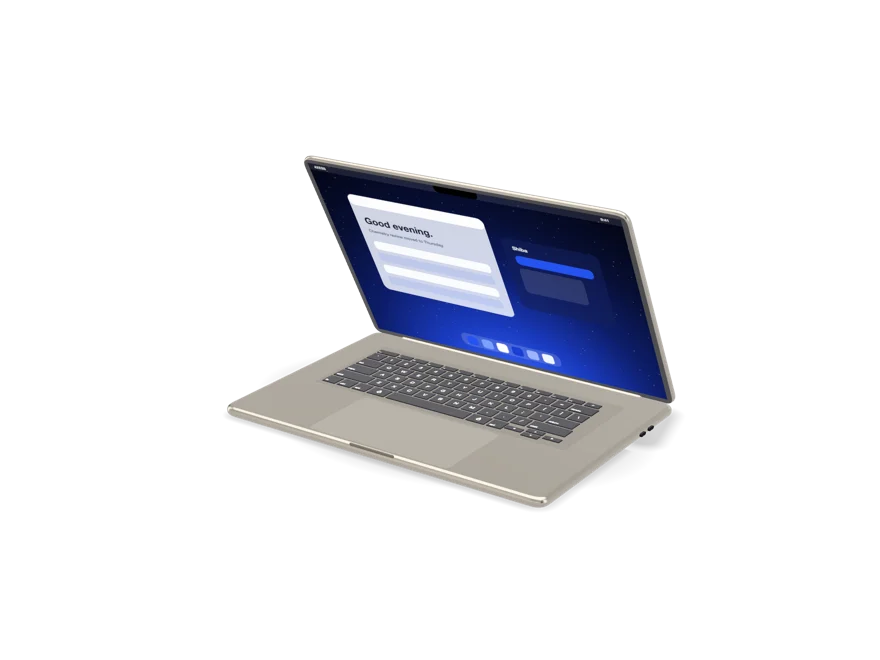
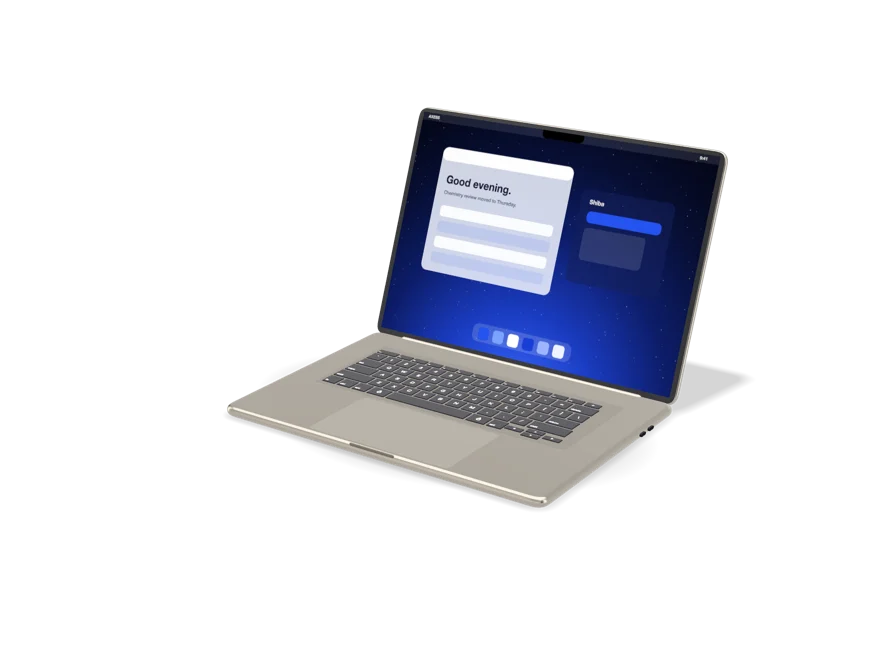
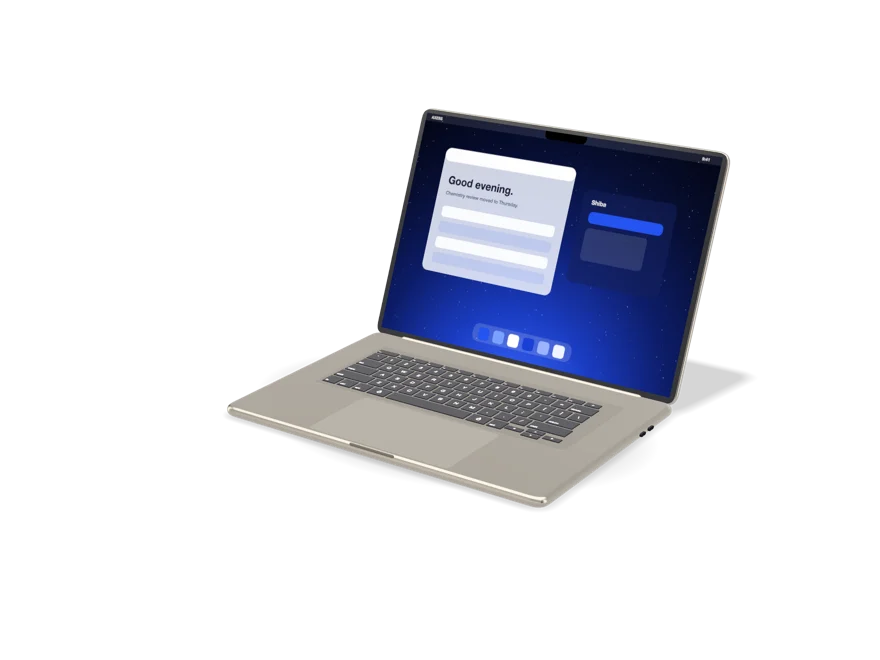
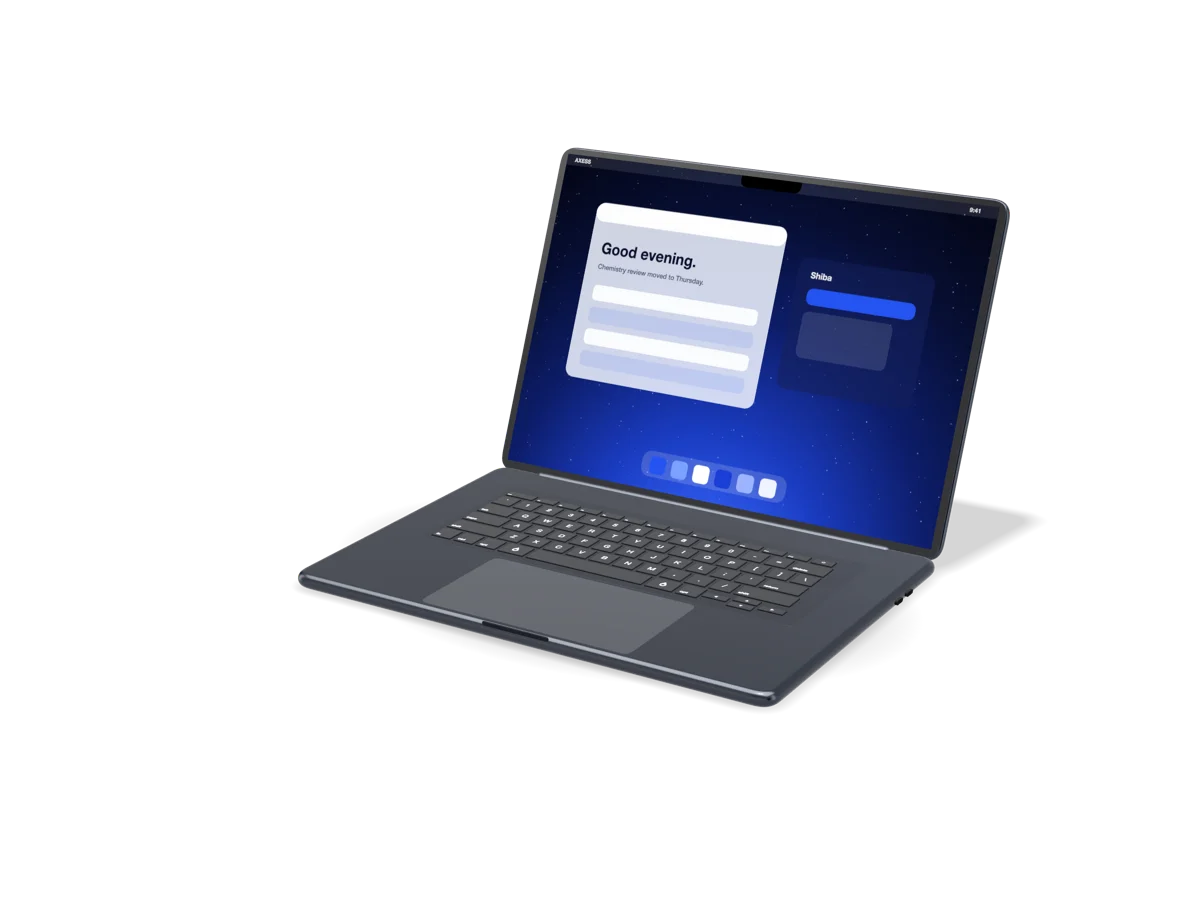
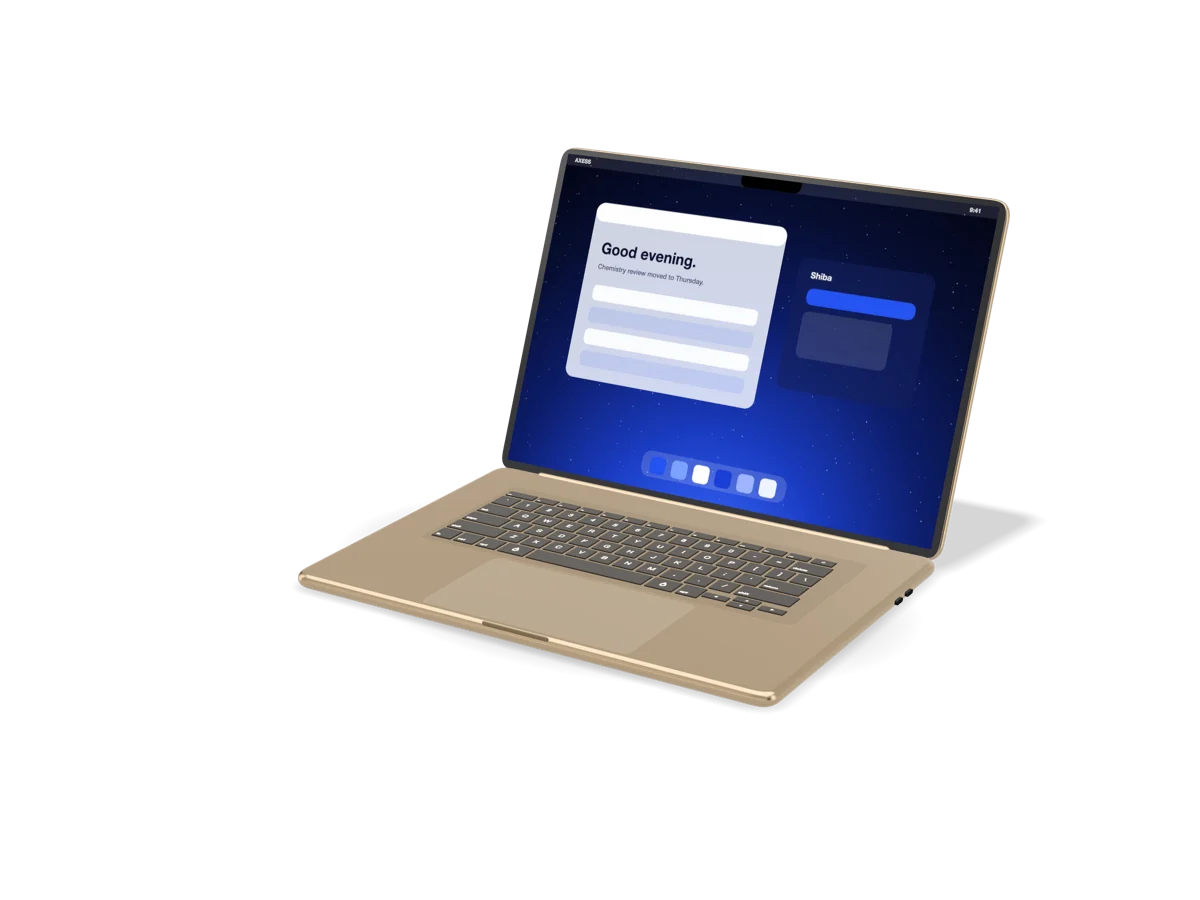
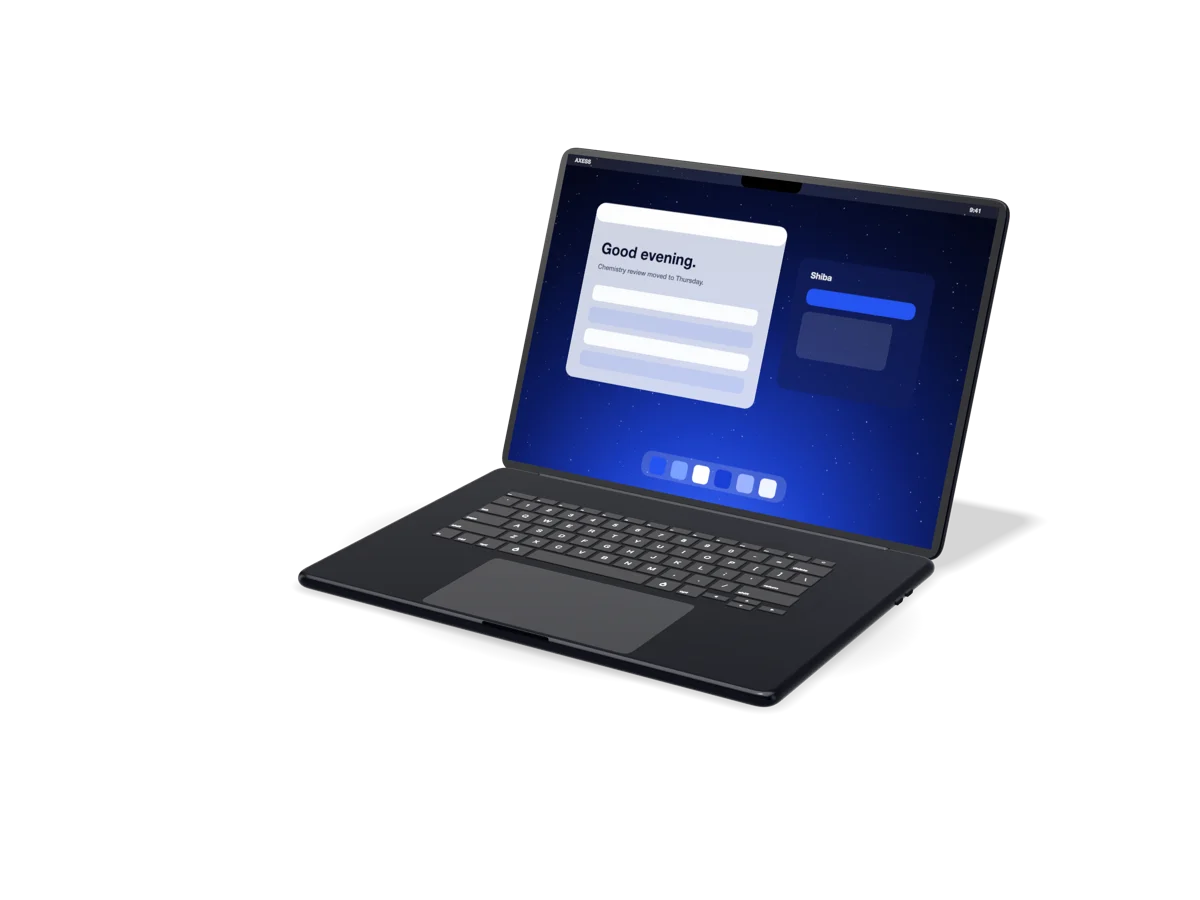
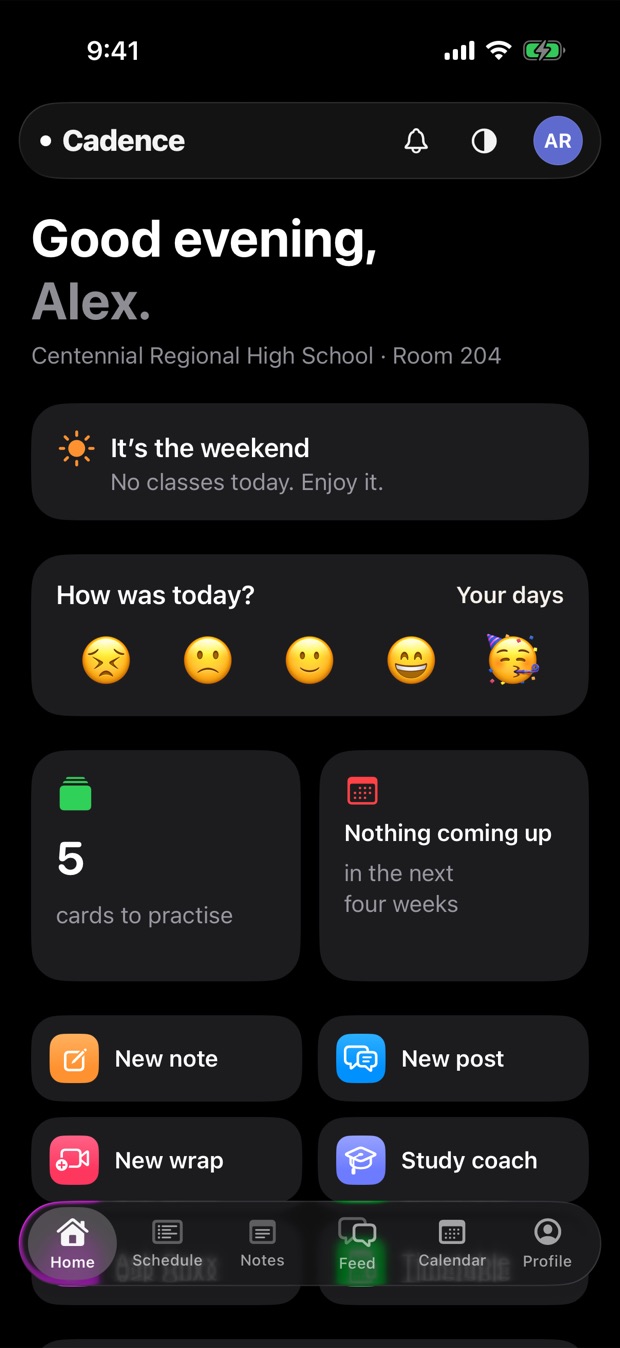
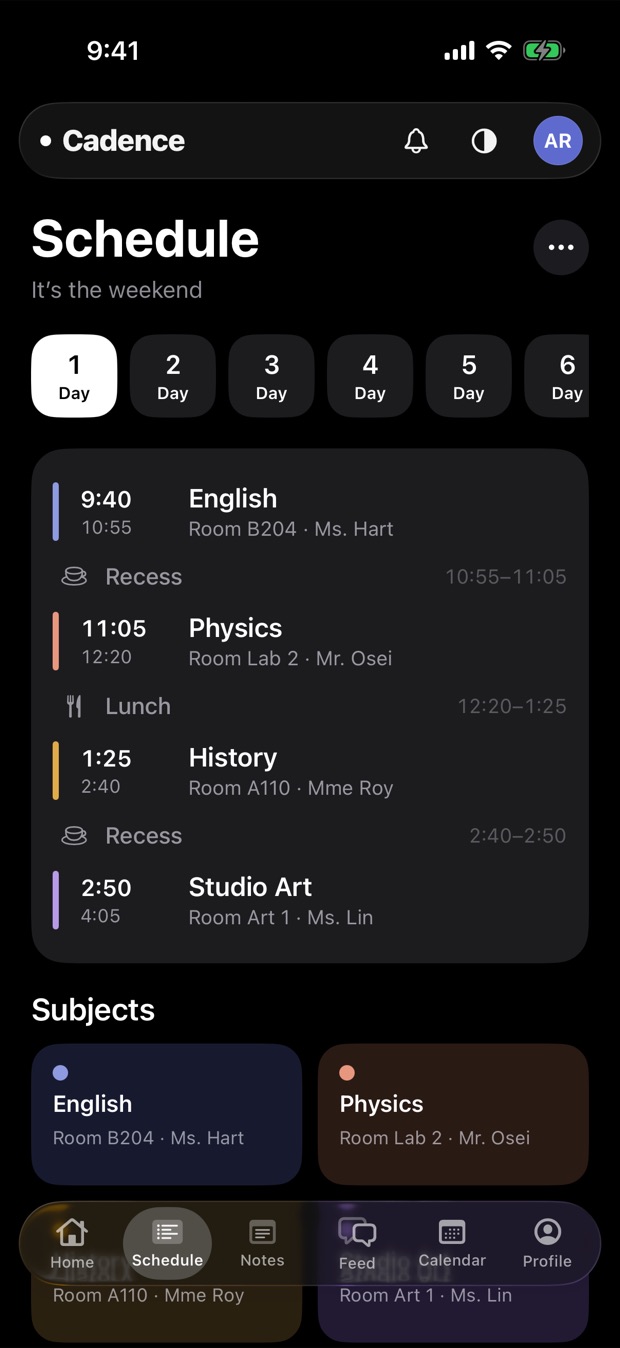
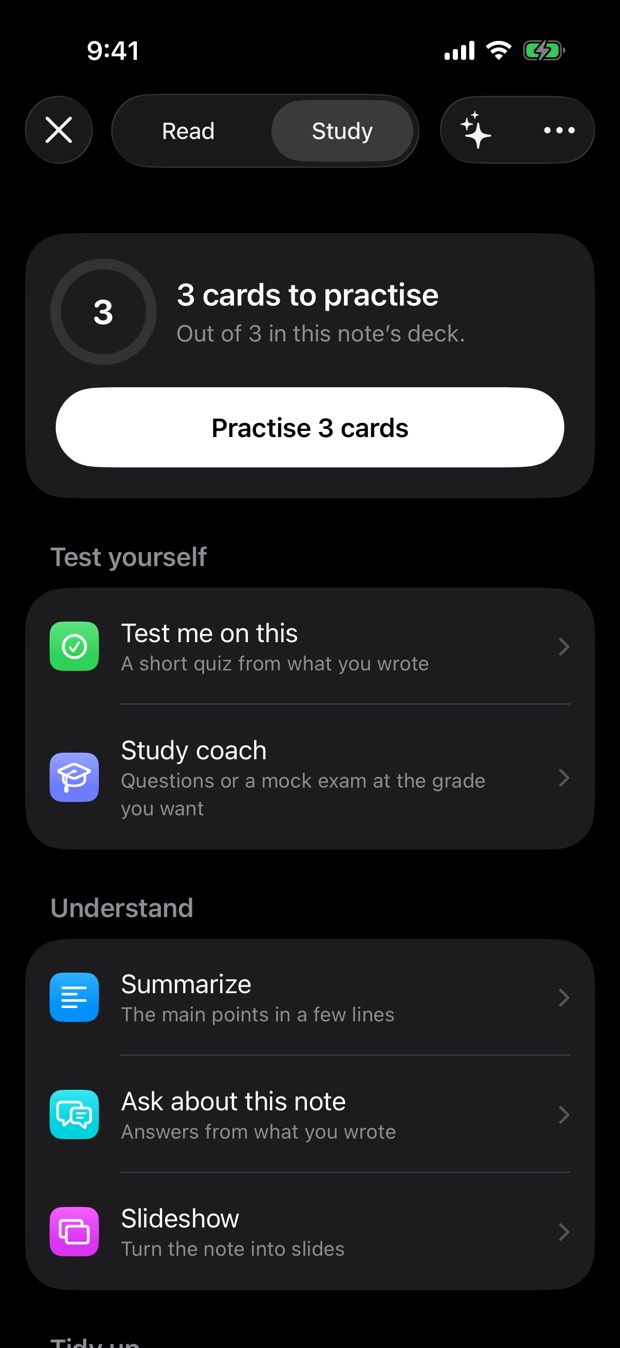
One account across every Noctic app. One design language on every surface. Hardware and software designed together, so technology ends up feeling obvious.
The same people who built noctic.ink, Shiba and Cadence build stuff for other people too. Websites, web apps, mobile and desktop apps, and all the backend stuff behind them. You can get a price in a few seconds.
We're the team that built noctic.ink, Shiba and Cadence, and we build for other people too. Websites, web apps, mobile apps, desktop apps and the backends that run them. Pretty much anything that needs code.
You tell us what you want built. One sentence is enough to start.
Instant estimate
The quote machine gives you a real price range up front. No surprises.
Scope and lock
A quick chat to nail the details, then we lock a firm price and a timeline.
Build and ship
We build it, keep you posted, and hand over something that works.
Before you ask.
How much is this going to cost me?
Put your idea through the quote machine up there and you'll get a real price range in a few seconds. Then we have a quick chat to sort out the details and lock in a firm price before we start. Whatever we agree on is what you pay.
Are there any ongoing costs after it’s built?
You pay once for the build. There are only two things that can cost money after that, and they're billed in your name. AI features, since those need a subscription or API credits from a provider, and a custom domain if you want a paid one. Everything else is yours with nothing to keep paying. The full breakdown is at nicodev.xyz/info.
How do I get the finished project?
Up to you. We can put it live so it's online the second it's done, or email it to you as a .zip so you can host it wherever you want. Either way you get the whole working build.
Can I get changes made after handover?
Yep. Small tweaks right after we hand it over are included. For anything bigger we'll tell you the price before we touch it, so you won't get a surprise invoice. The details are written out at nicodev.xyz/policies.
Got something to build?
Send us the rough idea, or run it through the quote machine first and send us the brief. We read every one and we'll get back to you.
Three apps on one account and one platform, and they're built to work together.
We're putting AI into every product, and we want it to actually be useful. It reads what you're working on, uses tools carefully, shows you its work, and you're always the one in charge.
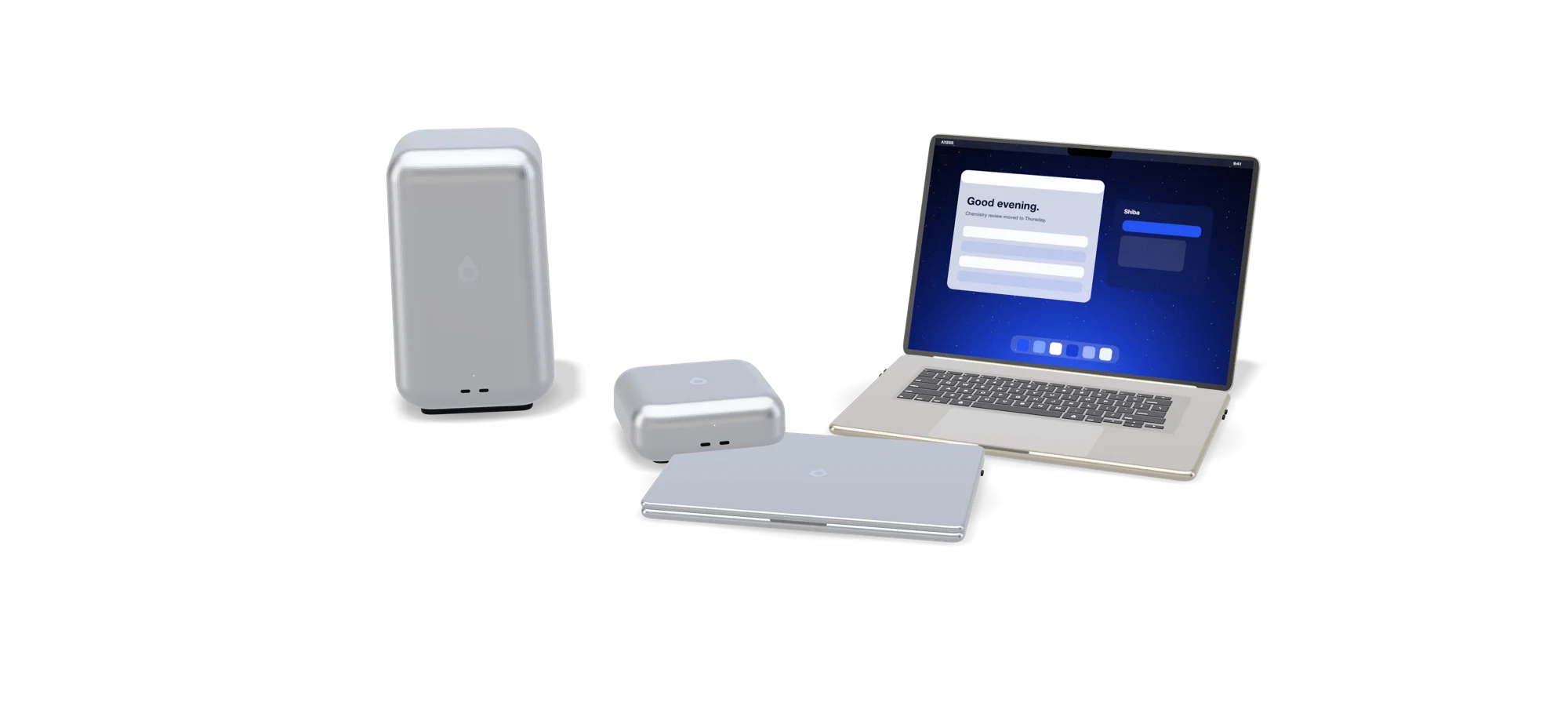
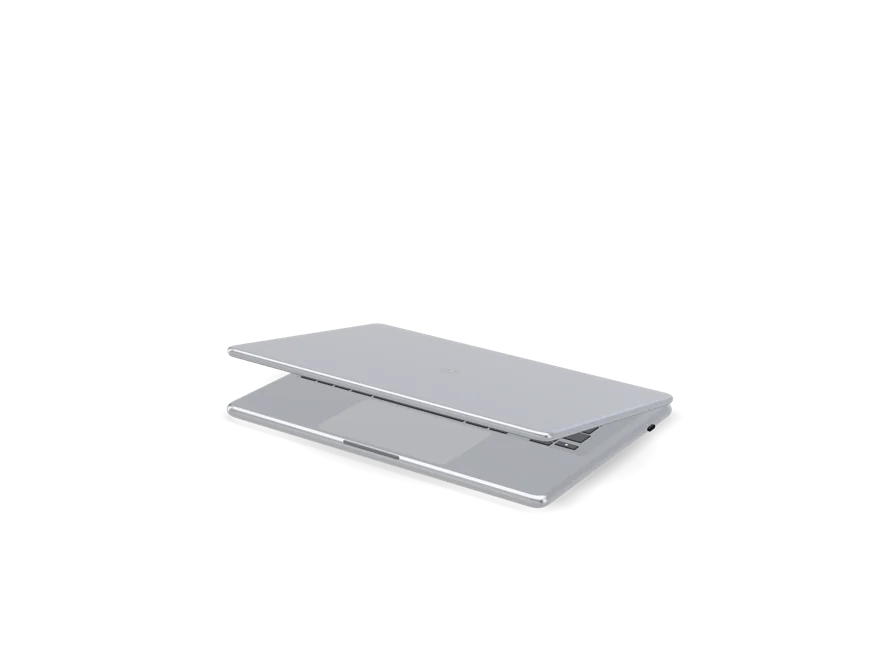
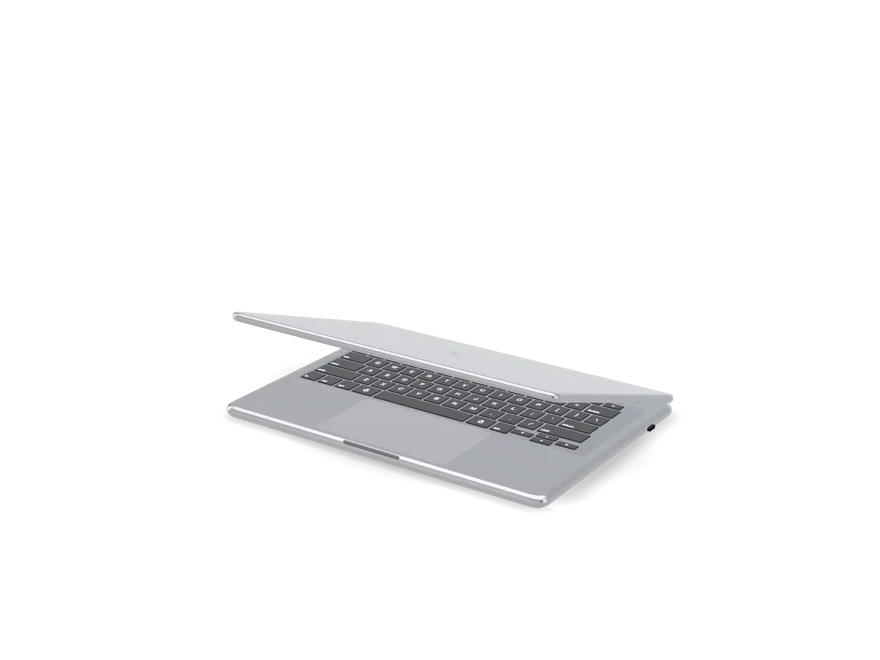
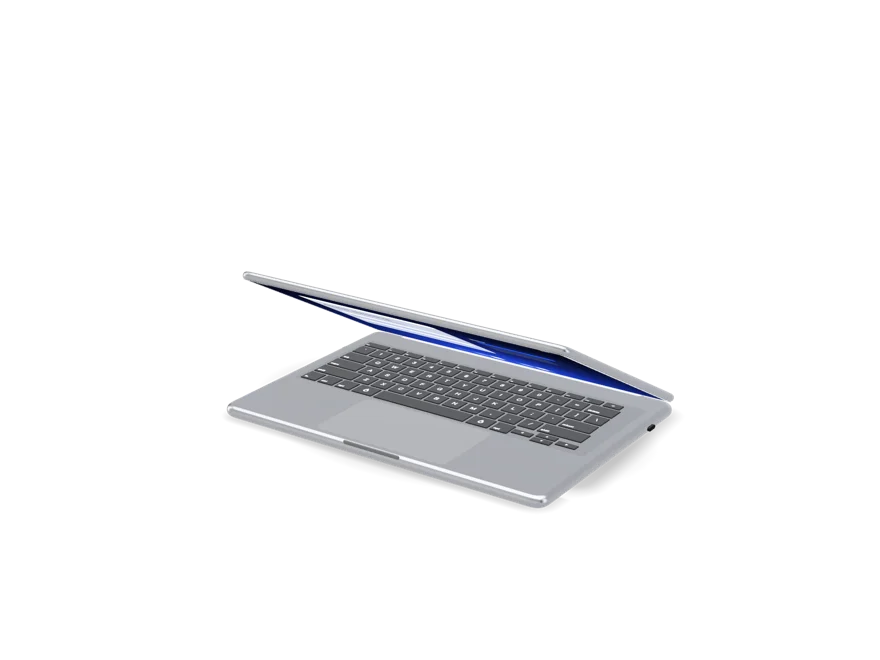
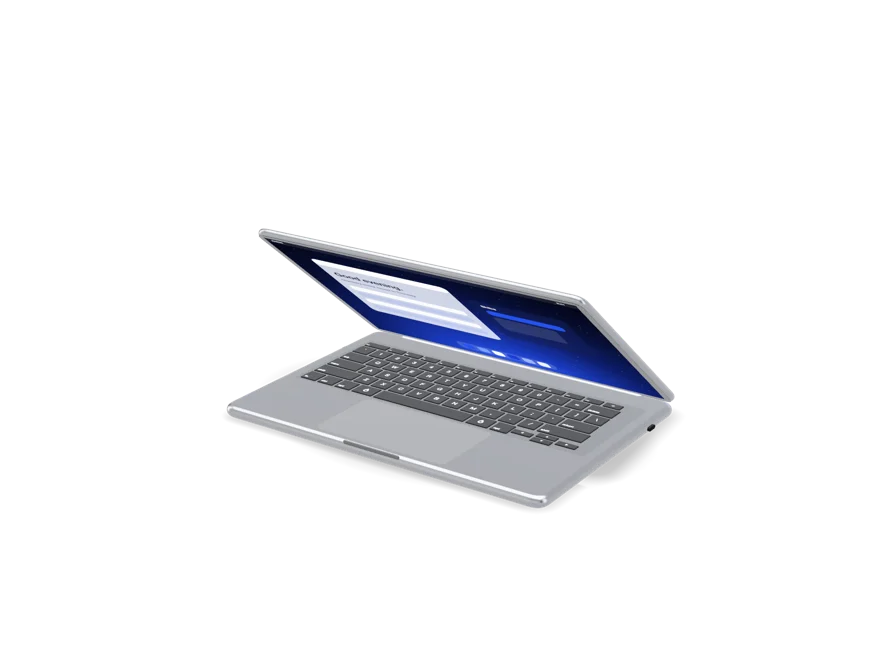
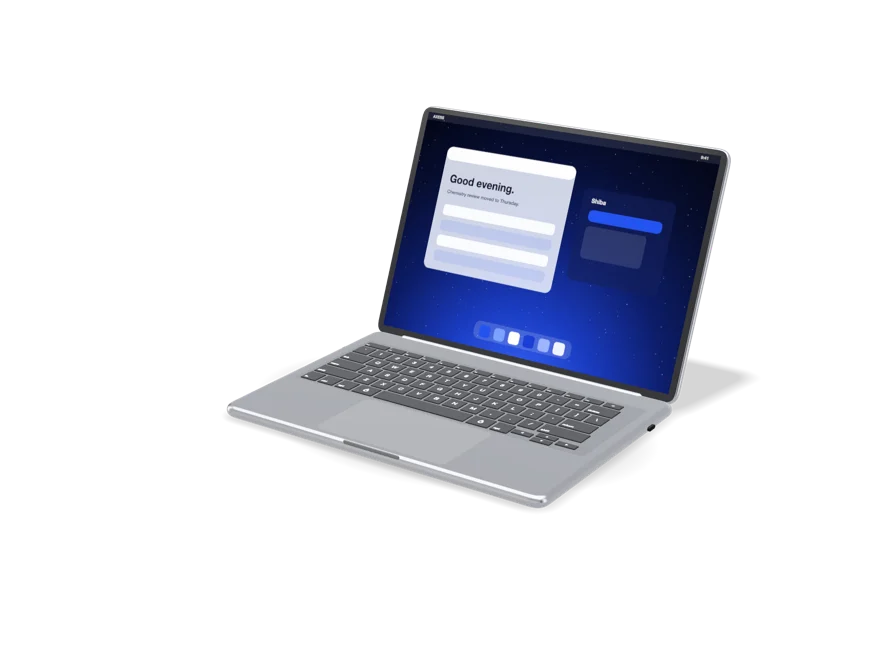
There's two desktops, Tacet™ and Tacet™ Neo, and two TacetBook™ laptops, the Nano and the Pro. They go all the way from an 8 GB fanless N100 laptop up to a twenty-four-core desktop, and they all run our own Linux with the Glass UX. The AI on them is there to help you out, like finding a document, summing up a project or showing you what's next, and it asks before it changes anything important.
They overlap on purpose. Which one you want really just depends on what you're doing this afternoon. It's not about which one is the most powerful.
Shiba
You've got a problem to think through, something to write, code to work on, or a question with more than one right answer. Start here. Everything else runs on the same reasoning anyway.
Cadence
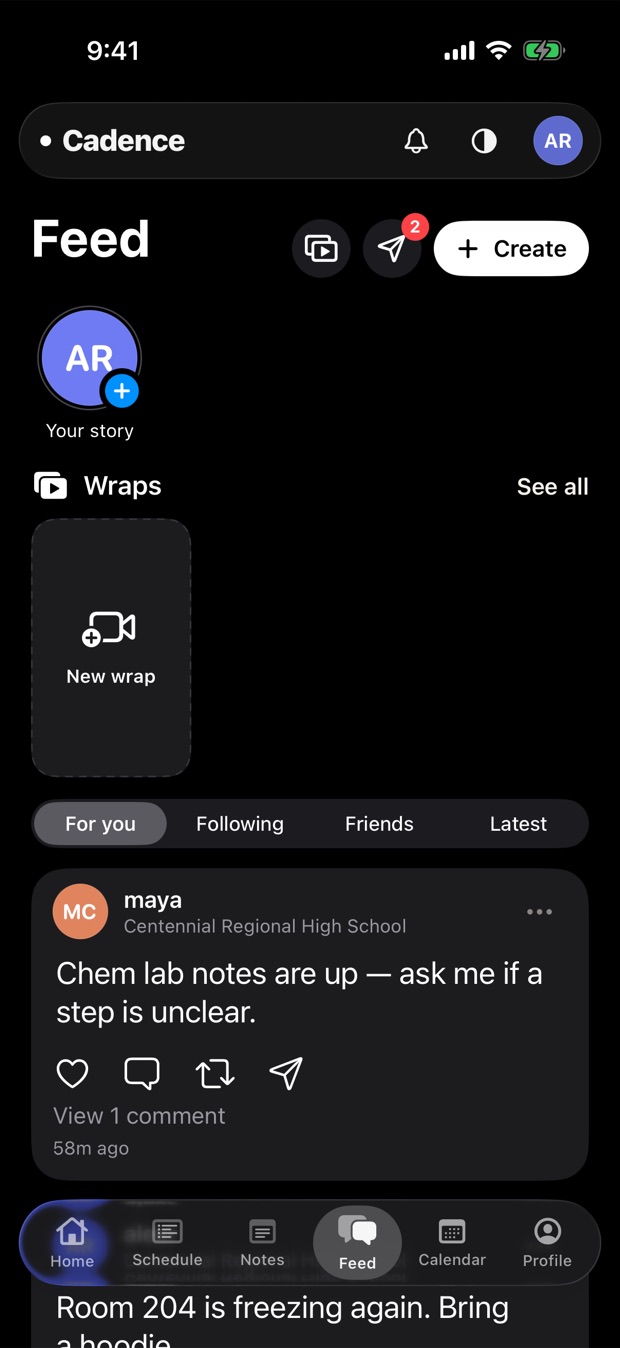
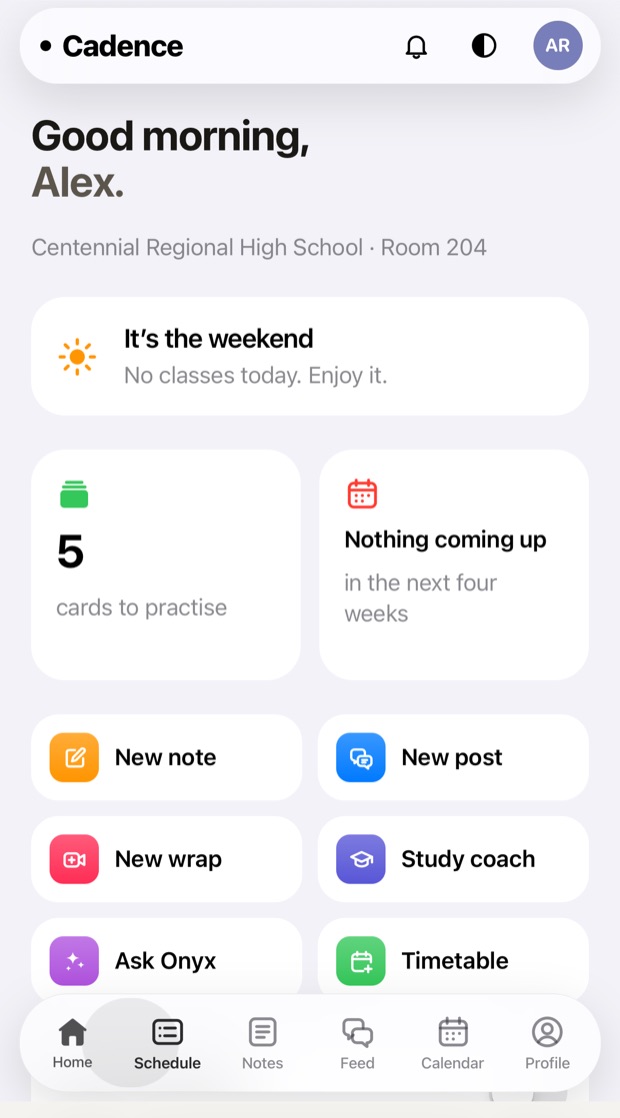
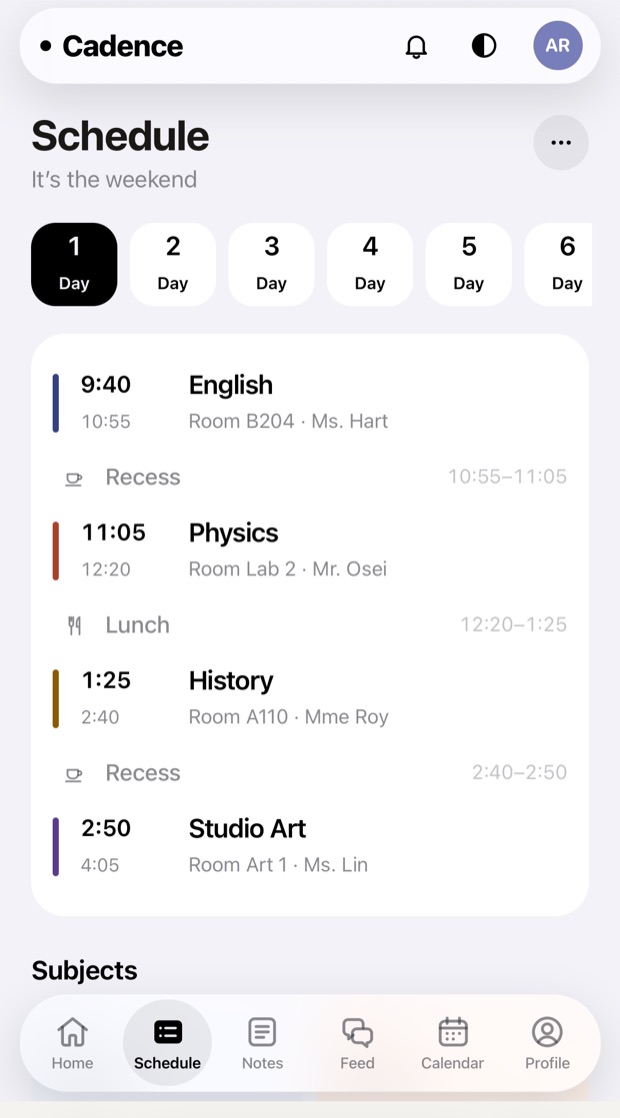
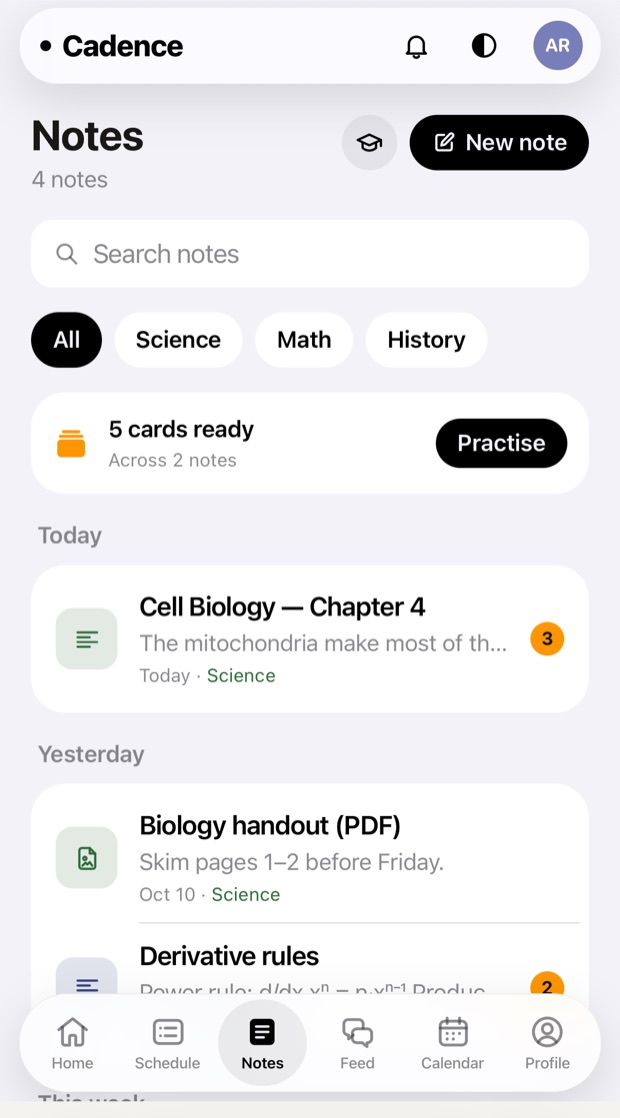
You're at a school and you want your whole day in one place. The feed, the calendar, notes, channels and messages, and verified sign up so you actually know who you're talking to.
Momentum
You want to keep at something every day and actually see it adding up. It's a thirty second check-in every evening, and it's saved on your own device.
What they share.
Why make a bunch of products and not just one? Because the hard parts are the same in all of them. They all sit on the same base, so when one gets better they all do.
One account
Sign in once and your account, your plan and your privacy settings come with you into every product.
One intelligence layer
The same reasoning model that runs Shiba answers in Cadence too.
One set of rules
Same privacy policy, same safety work, and the same limits on what any app is allowed to ask you for.
One place to leave
You can export everything, or delete your account and everything in it across every product, right from Settings.
Nope. Each one works fine on its own and none of them bug you about the others. They do get better together, but that's because they can see each other's context. We don't lock stuff until you sign up twice.
Is there a free tier?
Yep, on every product. Everything each plan comes with is on the pricing page.
Are my conversations used to train models?
Not unless you turn it on, and it's off by default in Settings. One thing to know though. Right now that switch only saves on the device you flipped it on and it doesn't reach our servers yet. So for now it's really just you telling us what you want. We can't enforce it yet, and this page will say when we can.
What about students under 13?
You have to be at least 13 to get a Noctic Account. What we do differently for younger and school-age users is all in children and teens.
Can I build on top of these?
Yep. Continue with Noctic works for apps that aren't ours too, and everything you need to hook it up is in the developer section.
It's the SaaS starter we build on, as a zip. Next.js 15, authentication, billing, workspaces for multiple teams and a dashboard, all hooked up together, typed the whole way through, and with no branding so you can ship it as yours.
It's not a template you have to pull apart. It's a working product that's just missing your name.
A download, $199 USD, paid once.
Five things nobody enjoys building.
Authentication
JWT sessions in httpOnly cookies with session records on the server, so revoking one is instant. Email and password, Google and GitHub over PKCE, middleware for protected routes and guards based on roles.
Billing
Stripe Checkout and the customer portal, webhooks that check signatures and don't break if they get delivered twice, tables for subscriptions and one off payments, and plan entitlements.
Database
A Drizzle schema for users, OAuth accounts, sessions, organisations, members, invitations, subscriptions and payments, and the SQL migrations are already generated.
Interface
A component library that runs on tokens, with buttons, cards, inputs, tables, modals, dropdowns, toasts, avatars and badges. Dark and light mode, responsive, and there's no extra framework to learn on top of Tailwind.
Dashboard
A sidebar that collapses, a workspace switcher, a user menu, theme switching that doesn't flash when the page loads, and the settings, team and billing pages already written against the schema.
Nothing broken on arrival
npm run typecheck and npm run build both pass right after you unzip it. It boots with three environment variables, and everything else just stays off until you add its keys.
Next.js 15 with the App Router, TypeScript, Tailwind CSS, Drizzle ORM, PostgreSQL and Stripe. The zip is just the source, there's no node_modules dump in it. Unzip it and run npm install.
One payment, by e-Transfer.
There's no checkout here and no card form. You send the money from your own bank, we send you a code, and the code unlocks the download.
Kick Start
$199 USD, once
The full source, unbranded
Unlimited projects, for you and for your clients
No subscription and no seat count
A code you can only use once, sent to your email
Send it to
nicholassteiche@icloud.com
Security question, if your bank asks for one
What kit is this
Answer
kickstart20
1
Send $199 USD
Send an Interac e-Transfer to nicholassteiche@icloud.com. If your bank wants a security question, use this one. The question is What kit is this and the answer is kickstart20, all lower case with no space.
2
Put your account email in the message
Put the email from your Noctic Account in the message box on the transfer. That's where we send the code, and it's the account the code goes on.
3
Get a code back
Once the money lands we email you your own code. It looks like KS-A7QF-2M4X-9KDP-3TWE, and nobody else ever gets that one.
4
Spend it
Type the code in below and the zip downloads. Using it burns the code, so keep the file, not the code.
Paying from outside Canada, or in a currency your bank won't e-Transfer? Message support and we'll figure out another way to get the $199.
Already paid? Enter your code.
Sign in first, because the code goes on your account. Putting it in uses it up and opens a private link that only lasts fifteen minutes, so grab the zip and hang on to it. Once a code is used it's done for good, even if someone forwards it to somebody else.
Your code is spent
Kick Start is all yours. Save the zip somewhere you'll find it again, then unzip it, run npm install, copy .env.example to .env.local, and the README walks you through the rest.
Every file, readable and editable. Nothing minified, nothing hidden, and nothing held back for some pricier tier.
Unlimited projects
Build as many products on it as you want, for yourself or for clients, and charge whatever you want. One purchase covers all of them.
Not for resale as a kit
Ship whatever you build with it. Just don't resell the kit itself, changed or not, as a starter for other people to buy or download.
No subscription
You pay once. There's no renewal and no seat count. Whatever you download is yours to keep and build on for as long as you want.
Support is best effort
Ask us anything at contact. It's a zip, it isn't a managed service, so think of any help as a favour and not something you're owed.
No refunds after the code
The code is the product, so it can't be returned once we send it. If something in the kit is actually broken though, tell us and we'll fix it or refund you.
Questions before you send money.
Why e-Transfer instead of a card?
Because taking cards would mean running a whole payment system for just one product. An e-Transfer doesn't cost you anything, clears the same day, and your card details never get anywhere near us.
How long does the code take?
Usually a few hours, one business day at most. A real person checks the transfers, so if you pay overnight you'll hear back in the morning.
My bank sends e-Transfers in Canadian dollars.
Send whatever $199 USD is in Canadian dollars on the day you pay. If the rate's a little off either way that's totally fine. We're not chasing anyone over a dollar.
Nothing happens when I enter my code.
Check it one character at a time. Codes never use the letters I or O or the numbers 0 or 1, so that's usually where the typo is. Spaces and lower case are fine. If it still won't work, reply to the email your code came in.
Can I use the code twice?
Nope, and that's on purpose. A used code is dead for everyone, so a forwarded one is worth nothing. For the first day after you use it we'll still give you a new link if your download cuts out halfway. After that just ask us and we'll open it again.
Do I need a Noctic Account?
Nope. Kick Start is sold and delivered completely outside the account system. Buying it doesn't touch your Noctic Account at all if you have one.
What isn't in the box?
The dependencies, which npm install grabs for you. A database, which you point DATABASE_URL at. And your own Stripe and OAuth keys. The README lists every variable and what it turns on.
Do I get updates?
You get the build from the day you bought it, and the code won't open a newer one. If you want the latest kit, message us and we'll send you a new code. There's no changelog feed and no way to upgrade a project you've already changed.
It's encrypted before it ever leaves your machine. Usync moves files between your own devices right in a browser tab. Usync Air moves them between people, from a Mac or an iPhone, and nothing in the middle can ever read them.
AirDrop only works when both machines are in the same room. Email attachments get read by every server they go through. This is the other option.
In development.
Your devices, and everyone else's.
Usync
Your own devices.
Open a browser tab on every machine you own. Drop files, a folder, some text or a link into one and it shows up on the other. No cable, no switching accounts, no emailing yourself.
It names your devices, remembers the ones you use, and works just as well in a phone browser as on a desktop. It comes with a Noctic Account.
Real apps for macOS and iPhone that send to contacts you've approved. Watched folders, team spaces, and a relay that holds the encrypted file for however long it takes the other person to pick it up.
$10 a month. Works on Apple silicon and Intel, and iOS 16 or later.
Files that just show up on your computer by themselves are how computers get wrecked. So a security code only lets someone reach you. It never lets them write to you. That needs your OK, once, for each person.
1
Everyone gets a code
Sixteen characters, made for you, never picked by you. Share it like you'd share a phone number. If it leaks, roll it and the old one stops working right away.
2
Email plus code opens a request
That pair finds a person and asks to connect, and that's it. It doesn't move a single byte. Wrong guesses are rate limited and look exactly like a miss, so nobody can fish out a code one try at a time.
3
You approve, once
Both of you have to agree before the database lets a single transfer through. After that, auto-download only works for approved contacts, and only up to the limit you set.
4
The relay never sees a file
Everything gets locked up on your device before it uploads. All that goes through is the encrypted file and a checksum, and it's deleted the second it's picked up.
How a file moves.
Five steps, and none of them touch a server that could read anything even if it wanted to.
1 · Sealed
The sender's device makes a key that's only used once and encrypts the file with AES-256-GCM. That key is only for this one transfer and it never gets reused.
2 · Wrapped
That key gets wrapped for the person receiving it using X25519 key agreement, so only their device can unwrap it. Private keys live in the Keychain and never leave the computer they were made on.
3 · Relayed
The encrypted file goes to the relay, which doesn't have a key and can't decrypt anything. It just passes things along. It doesn't store stuff.
4 · Verified
The person receiving it downloads it, unwraps it, decrypts it and checks the SHA-256 again. If it doesn't match it gets thrown out and never saved. Half a file is no good to anyone.
5 · Wiped
Once it's picked up it's deleted from the relay. Nothing builds up that could leak later.
Built for people who move files all day.
Watched folders
Point Usync Air at a folder. Save a file into it and it's already on the other computer. No button, no upload window, no remembering to send it.
Inbox or straight to disk
You pick for each contact. People you trust land straight in a folder. Everyone else waits in an inbox until you say so, no matter how much they send.
Team spaces
Put your people in groups. Drop a file in once and everyone approved in the space gets it.
Verified on arrival
Every transfer comes with a SHA-256 checksum that gets checked again after it's decrypted. If it doesn't match, it gets refused and never opened.
No shared network
Nothing has to be on the same Wi-Fi, in the same building or even on the same continent. If both computers can get online, they can reach each other.
One account
It's the same Noctic Account you use for Shiba and Cadence. Sign in once and the apps know who you are.
The rules that cannot be turned off.
Some settings are up to you. These ones aren't, because the whole point of auto-download is that you're not there to catch anything.
Executables never auto-save
No matter what auto-download says, anything on the refused list waits for you to look at it. The list lives in the app, so it isn't some server setting somebody else could change.
Quarantine is kept
Files saved to your disk keep the flag macOS puts on downloads, so your Mac still asks its own questions before anything runs.
Your size cap holds
Anything bigger than the limit you set waits in the inbox, so it doesn't fill up your disk while you're asleep.
Approval is per person
Approving one contact only approves that one contact. There's no setting that opens you up to everybody, because we just didn't build one.
Keys stay on the device
Private keys are made in the Keychain and they never leave it. We can't read your transfers, and there's no backup key anyone could force us to hand over.
Downloads are tied to your account and your plan, so nobody can pass a build around. Stripe handles the payment and your card details never reach us, same as everything else on the pricing page.
Honestly: not finished.
The apps are real and they actually build. What isn't real yet is everything behind them, and it'd be really easy to write this page like it was.
1
The apps build
The macOS app compiles for release and ships as a disk image. The iOS app runs. The encryption, the contacts setup and the safety rules up there are actually written, they aren't just sketches.
2
The backend isn't deployed
The database and the functions that turn a Noctic sign in into a session are written but they aren't live yet. Every call fails with a clear message so nothing pretends to work.
3
The installer is unsigned
Until it's signed and notarised, macOS won't run it on any computer except the one that built it. That's the last step before anyone else can use it.
4
Transfers cap at 45 MB
That's a limit of the storage plan we're on right now, it isn't how it's designed. Uploading in chunks that can resume is the next thing we're building, and that gets rid of it.
Questions.
Can you read my files?
No, and that isn't just us promising. It's how it's built. The key that opens a file is made on your device and wrapped so only the other person's device can unwrap it. All we ever hold is an encrypted file we don't have a key for, for a little while, and then nothing.
What happens if I lose my device?
The private key goes with it, so anything sent to that device that hasn't been picked up yet can't be opened by anything. Set up a new device and ask them to send it again. There's no recovery key, because a recovery key is a key somebody could make someone hand over.
Somebody has my security code. What can they do?
Ask to connect. That's literally it. Until you approve them the database blocks every transfer, and you can roll your code from the app, which kills the old one right away.
Is Usync Air different from AirDrop?
AirDrop needs both computers close by and both of them have to be Apple. This needs an internet connection and an approved contact. They overlap less than you'd think.
Do I need Usync Air to use Usync?
Nope. The browser part works on its own and covers sending stuff to your own devices, which is honestly most of what most people want. Air is for sending to other people.
Is there a Windows or Android app?
Not yet, and not anytime soon. The browser part runs anywhere. The real apps are macOS and iOS because that's where the Keychain work is done and where we can actually test them properly.
When can I actually buy it?
When the backend is live and the installer is signed. Both are on the list up there, and neither one has a date, because a date we can't keep is worse than no date.
New to Linux? That's fine. AXESS OS is easy to learn and easy to live with. If you're thinking about switching from Windows or a Mac, these are the questions people usually ask first.
Is AXESS OS as easy as my phone?
Is AXESS OS as easy as my phone?
Yep. It's Linux underneath and Glass UI on top, and settings are named after what they actually do. No daemons, no mount points, no weird acronyms you see once a year. The terminal is there if you want it, but you never have to open it for normal computer stuff.
Regular Linux software runs, AppImage packages work as they are, and a small set of our own apps comes with the basics already installed. All four machines use the same Intel parts right now, so whatever you install on one works on every Tacet™ we ship today. Noctic Silicon is RISC-V though, so when we move to our own chip the system and its packages get rebuilt for it.
Why is every port USB‑C?
Why is every port USB‑C ?
Because then every port is the same port. Power, displays, storage, audio and networking all go through one connector, and any cable fits any socket. The room an HDMI port would take up turns into battery on a laptop and airflow on a desktop. You'll probably need an adapter for something on day one, and one hub on your desk pretty much covers it.
What does it know about me?
What does it know about me?
Nothing you haven't turned on yourself. It doesn't log your keystrokes or watch your screen, there's no “improve the product” switch that's already on when you get it, and saying no never turns off something you paid for. Every machine works completely signed out.
Not yet. The TacetBook™ Nano is designed and its $499 price is locked in, but it hasn't been made, so there's nothing to ship and we're not taking orders. The other three are concepts with prices that could still change. Reserving a spot is free and doesn't lock you into anything.
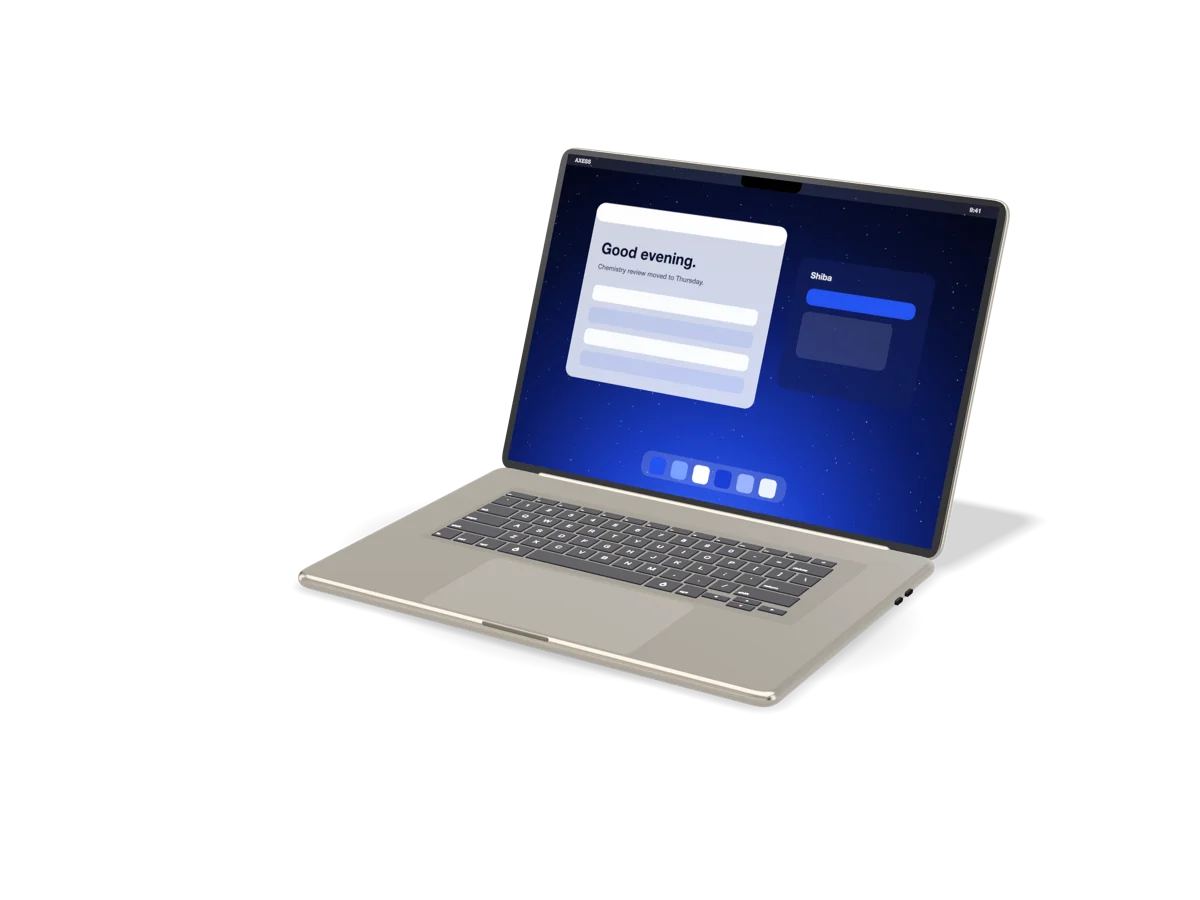
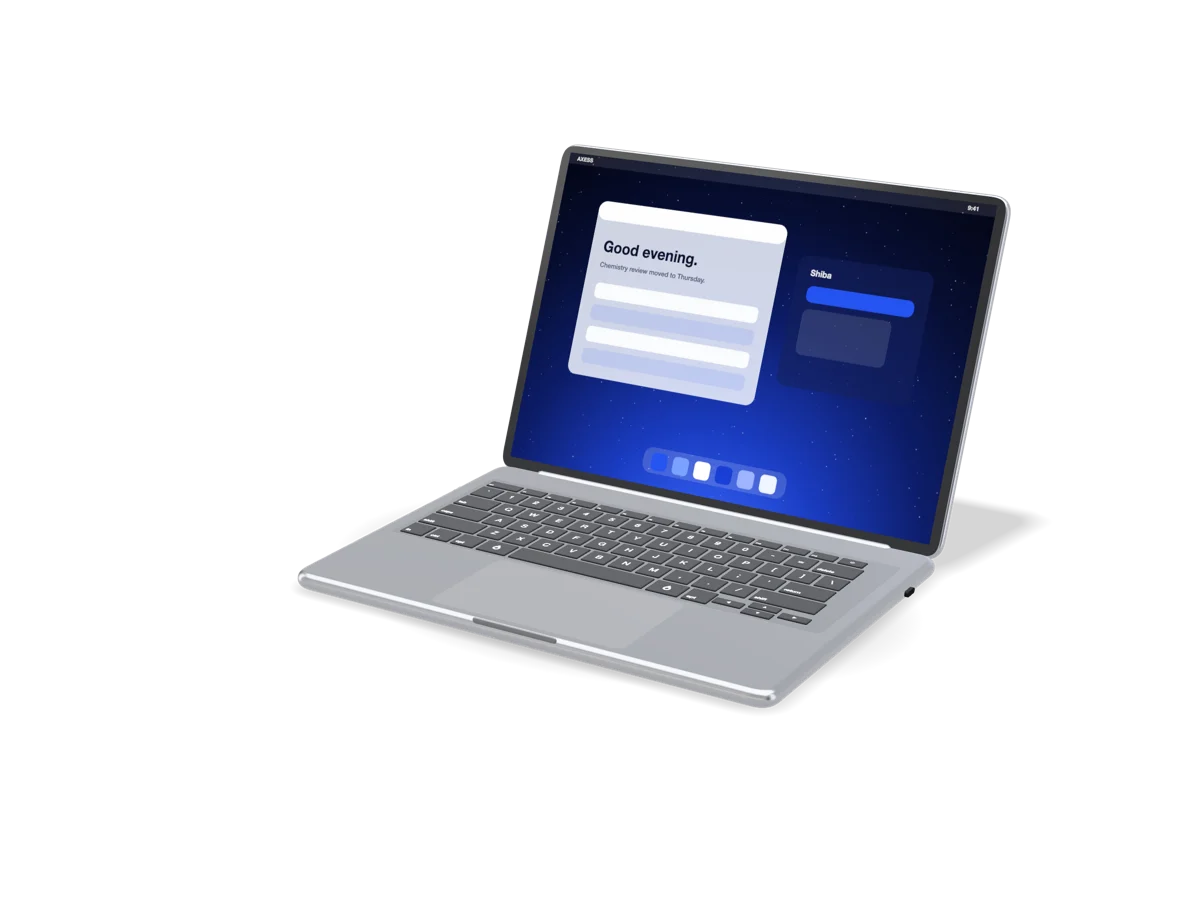
The same build of AXESS OS runs on all four machines, whether it sits on your desk or goes in your bag. Every control is drawn in Glass UI, there's no borrowed system popup anywhere, and the terminal is still there if you want it.
Regular AppImage packages work, plus a small set of our own apps and the useful basics installed from the start. It's still Linux, just presented better.
Plug in. Pair. Get going.
Plug in. Pair. Get going.
The desktops don't come with a screen, keyboard or mouse. Anything that does USB-C or Bluetooth works and pairs from the very first screen. You can run up to four displays on the Tacet™, and one of them can be 8K.
No account. No problem.
No account. No problem.
Every machine works completely signed out. A Noctic Account will sync your settings between machines if you want it to, and you don't miss out on anything if you don’t.
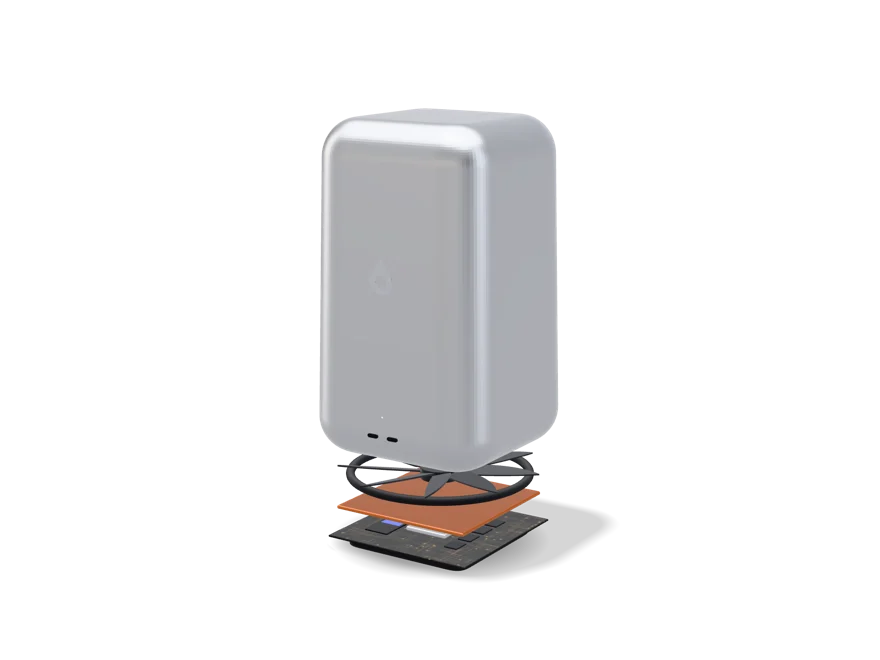
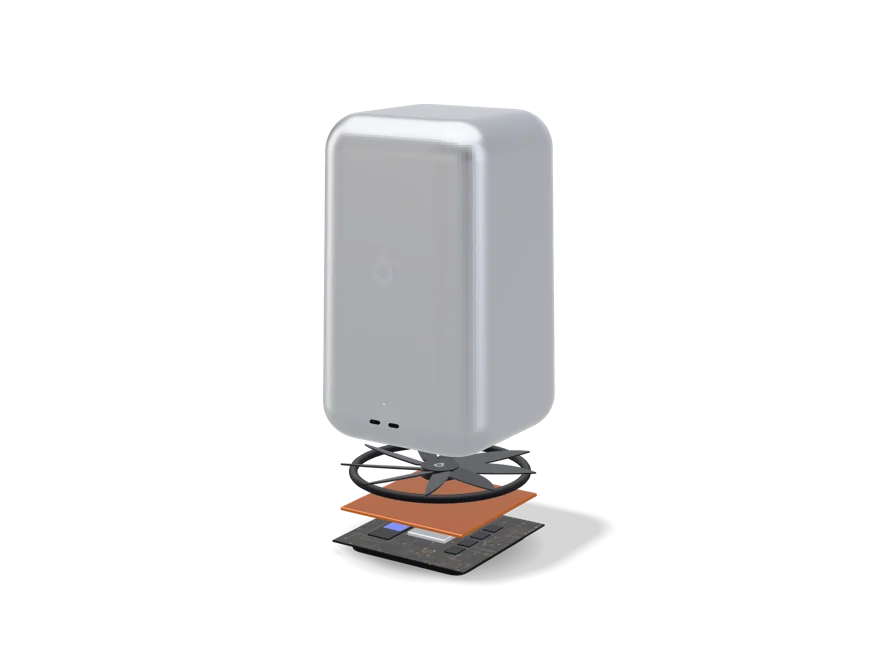
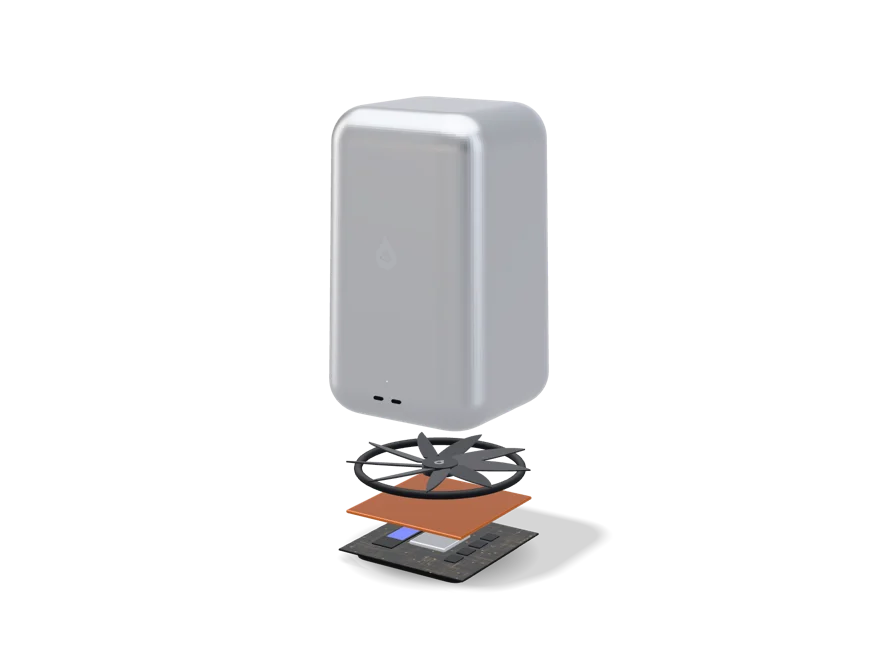
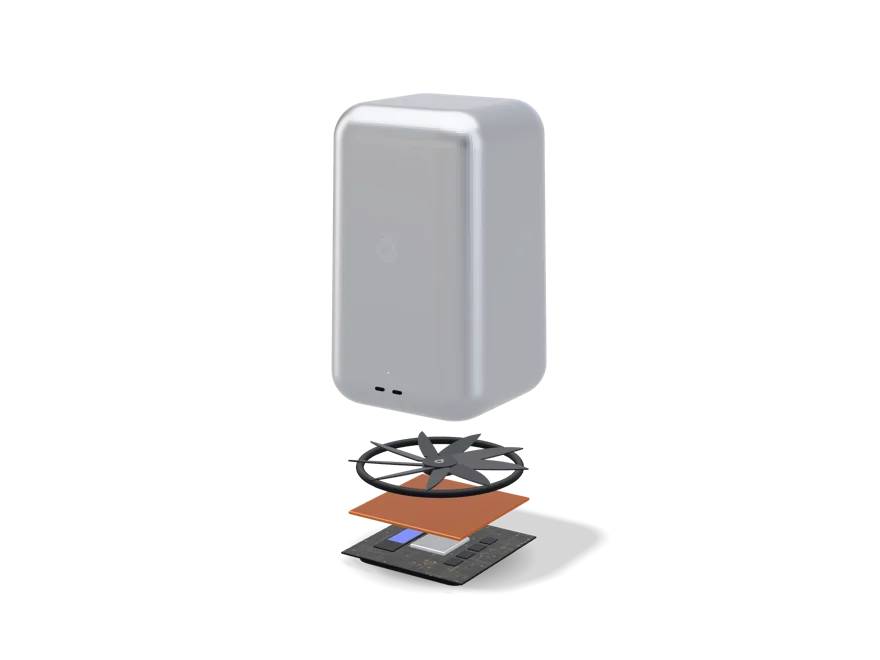
The Tacet™ puts Intel’s Core Ultra 9 285 (eight performance cores and sixteen efficiency cores, up to 5.6 GHz) together with 64 GB of memory, all under one big fan that barely even has to spin.
Cooled like a tiny fridge.
Cooled like a tiny fridge.
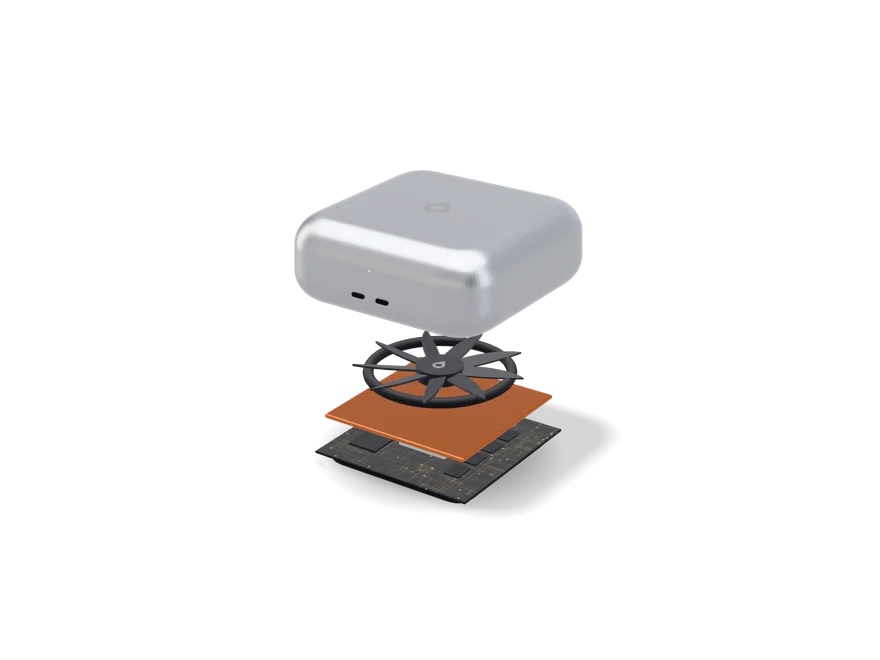
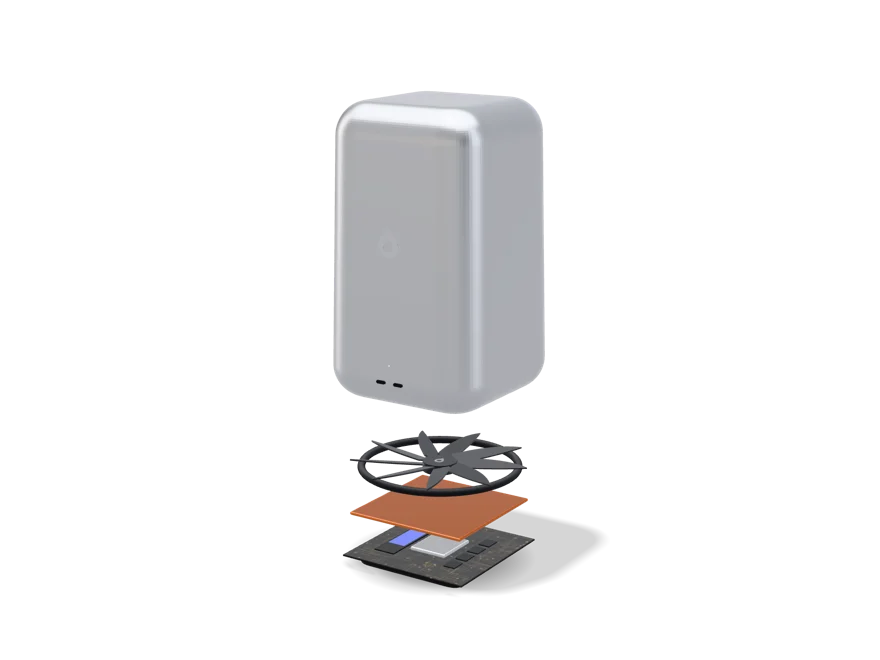
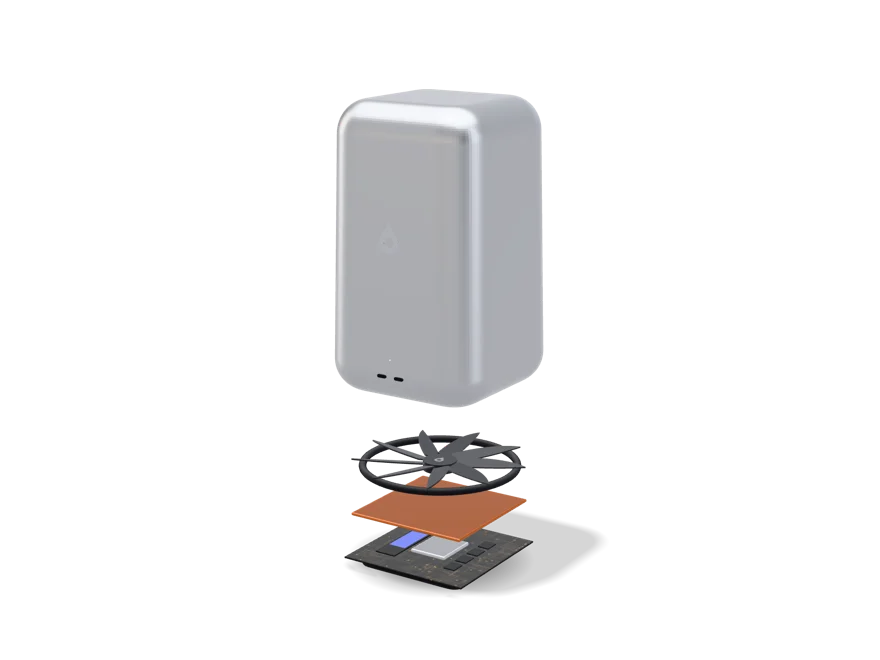
A vapour chamber is basically a sealed copper plate with a little bit of liquid inside. It boils where the chip gets hot and condenses again at the cool edges, over and over, with no pump and nothing to wear out. The TacetBook™ Nano doesn't need a fan at all.
Every port is the same port.
Every port is the same port.
There's no port that only charges and no port that only does data. It's USB-C for power, displays, storage, audio and networking. Up to 80 Gb/s per port on the TacetBook™ Pro.
Memory that stays where it’s put.
Memory that stays where it’s put.
It's soldered right next to the processor instead of going in slots. That means shorter distances and lower latency, but you can't upgrade it later. So buy the size you'll still want four years from now.
Up to 16 hours. For real.
Up to 16 hours. For real.
Up to 14 hours on the TacetBook™ Nano and up to 16 on the Pro. The Pro's 100 Wh battery is more than twice the size of the Nano’s, because a machine that can pull more power is going to.
Intel now. Noctic Silicon later.
Intel now. Noctic Silicon later.
The whole family is designed around our own N1 chips, the N1x, N1 Hybrid and N1 Pro. Until those exist it runs on Intel Core Ultra, and an N100 in the Nano. It's all Intel, so it's the same AXESS OS, the same apps and the same drivers.
The Nano’s $499 is final. The Tacet™ Neo from $1,499, the Tacet™ from $2,499 and the TacetBook™ Pro from $3,499 could still change before release in 2030, and every page says so right next to the price.
Built for years, not seasons.
Built for years, not seasons.
A vapour chamber with nothing to wear out, enough memory for the next four years, and one architecture for the whole family. When we move to our own chips one day, you won't even notice on the software side.
Made with classrooms in mind.
Made with classrooms in mind.
We made the TacetBook™ Nano partly with schools in mind. It's light, it's silent, it's cheap to replace, and it gets the same AXESS OS updates on the same day as the Pro.
Planned numbers for machines that mostly aren't built yet, so any of them could change.
Processor and memory, as it stands today
Tacet™ Neo
Tacet™
TacetBook™ Nano
TacetBook™ Pro
Processor
Intel Core Ultra 9 285H
Intel Core Ultra 9 285
Intel Processor N100
Intel Core Ultra 9 285H
Platform
Core Ultra 200H series
Core Ultra 200S series
Alder Lake-N
Core Ultra 200H series
CPU cores
16 (6P + 8E + 2LP-E)
24 (8P + 16E)
4 (4E)
16 (6P + 8E + 2LP-E)
Threads
16
24
4
16
Max turbo
5.4 GHz
5.6 GHz
3.4 GHz
5.4 GHz
L3 cache
24 MB
36 MB
6 MB
24 MB
Graphics
Arc 140T · 8 Xe cores
Intel Graphics · 4 Xe cores
UHD Graphics · 24 EU
Arc 140T · 8 Xe cores
Neural engine
NPU 3 · 13 TOPS
AI Boost NPU · 13 TOPS
None
NPU 3 · 13 TOPS
Memory
32 GB soldered
64 GB soldered
8 GB soldered
32 GB soldered
Memory speed
LPDDR5X-8400
DDR5-5600
LPDDR5-4800
LPDDR5X-8400
Upgradeable
No. Memory and storage are set when the machine is made, on all four.
Intel, Core Ultra and Arc are trademarks of Intel Corporation. Noctic doesn't have any partnership, endorsement or supply deal with Intel. These are just the parts machines like this would use if they got built today, picked off a public price list like anyone else’s.
What Noctic Silicon would replace them with
Our own RISC-V chips, the N1x, N1 Hybrid and N1 Pro. Three chips on one architecture, so one build of AXESS OS runs on all of them, and each one is a step up from the last. None of them have been made yet. Every number below is a target from a spec, not something we measured off a real chip.
Tacet™ Neo
Tacet™
TacetBook™ Nano
TacetBook™ Pro
Chip
N1 Hybrid
N1 Pro
None. Stays on Intel N-series
N1 Pro
CPU cores
8 (4P + 4E)
24 (8P + 16E)
None
24 (8P + 16E)
Threads
8
24
None
24
Max turbo
4.2 GHz
5.7 GHz
None
5.7 GHz
L3 cache
16 MB
36 MB
None
36 MB
GPU cores
10
24
None
24
Neural engine
16-core · 12.3 TOPS
32-core · 48 TOPS
None
32-core · 48 TOPS
Memory
16 GB LPDDR5X
16 GB
None
16 GB
Memory bandwidth
136.5 GB/s
205 GB/s
None
205 GB/s
Status
Designed and running in simulation. Not manufactured, no date.
Specification only. Not designed, not manufactured, no date.
Concept status: the Tacet™, Tacet™ Neo and TacetBook™ Pro are concepts. Nothing's been made, there's no manufacturing partner and there's no release date. Their prices in the builder could still change, and buying is locked until release, which we don't expect before 2030. The processor, memory, storage, display, battery, cooling, body and every other hardware and software detail on this page is planned, it isn't final, and it could change or get dropped. Intel, Core Ultra and Arc are trademarks of Intel Corporation, and Noctic has no partnership with Intel or endorsement from them. The N1x and N1 Pro are specs for silicon that doesn't exist yet, and the N1 Hybrid is designed but hasn't been made. See Noctic Silicon.
$499, and that's locked in. It's designed but it hasn't been made, so there's no date and nothing to order yet.
One kilogram.
No fan. Ever.
Four hundred and ninety-nine dollars.
TacetBook™ Nano
One kilogram.
Opens with one hand.
A first computer, or a second one.
Every other machine in the lineup is a premium one. This one isn't, and that's on purpose. It's the only real way to get AXESS OS in front of a student, a classroom, or anybody who just doesn't want to spend a lot on a laptop.
The TacetBook™ Nano is built around a processor that costs a fraction of what the others do, a body made of anodised aluminium instead of titanium, and a screen that's good without being amazing. What it doesn't cut back on is the software. It runs the same build of AXESS OS, gets the same updates on the same day, and collects the same amount of data about you as the Pro does, which is none.
Good for
Browsing, email, documents, spreadsheets that a person made and not a bank, calls, notes, streaming, homework, coursework, and getting carried around all day without a charger.
Not for
Video editing, 3D, gaming past what a browser can handle, big compiles, virtual machines, or forty tabs at once. It'll try all of those and you'll notice it struggling.
Where it tops out
Four cores, four threads and 8 GB. About twenty-five tabs and a document is a comfortable day. Go past that and it starts swapping and you start waiting. Better we tell you now than you find out three weeks in.
Silent, always
Six watts of base power means no fan, no vents whirring in a quiet room, and nothing inside that can break mechanically. It's fanless because of the chip, it isn't some huge engineering win. A thin vapour chamber spreads the heat out across the body instead. That's a sealed plate with a little liquid inside that boils off the hot chip and condenses at the cool edges, so it moves heat kind of like a tiny fridge with no pump.
The same system
Glass UI, the same settings, the same apps, and the same terminal if you want it. We don't hold anything back on the cheap one just to make the expensive ones look better.
Where it gives way
There's no neural engine, so AI on the device falls back to the CPU and runs slow or doesn't run at all. No face unlock. No touch. A 60 Hz screen. That's what the low price costs you, and it's a real cost.
TacetBook™ Nano
4cores
8 GBof memory
1.02 kgin a bag
$499to buy one
Intel N100. Nothing clever, and that is the idea.
A four-core Alder Lake-N chip that draws six watts and costs almost nothing. It's the most boring processor in the lineup and honestly the easiest one to defend.
The N100 has four efficiency cores, no performance cores, no hyper-threading and no neural engine. It turbos up to 3.4 GHz, shares 6 MB of cache between all four cores, and has a small built-in GPU that's enough for a 1200p desktop, video, and whatever graphics a web page needs. It's the same chip that's in tons of mini PCs and thin clients, and that's exactly why we'd use it. It's cheap, it's everywhere, Linux supports it well, and nobody has to invent anything to get it working.
Processor
Intel® Processor N100 (Alder Lake-N)
Cores / threads
4 efficiency cores / 4 threads (no hyper-threading)
Frequency
Up to 3.4 GHz burst
Cache
6 MB L3, shared
Base power
6 W
Graphics
Intel® UHD Graphics: 24 execution units, up to 750 MHz
Neural engine
None. On-device AI runs on the CPU, when it runs at all.
Memory
8 GB LPDDR5-4800, single channel, soldered to the board
Upgradeable
No. Nothing socketed, nothing removable.
Soldered, like the rest of the family
The Nano’s 8 GB is soldered onto the board right next to the chip, same as every Tacet™ and TacetBook™. It's slower than the LPDDR5X in the TacetBook™ Pro, you can't upgrade it, and that's part of how it hits the price.
Single channel, and what that costs
The N100 only has one memory channel, so it gets about a third of the bandwidth the TacetBook™ Pro gets. You feel that in graphics and anything that moves a lot of data at once. You won't feel it writing an essay.
No Noctic Silicon successor, on purpose
The N1 chips are planned for the machines that need them. The Nano is about being cheap and available now, so for a machine like this it just makes sense to keep buying the cheapest decent chip there is. The whole silicon story is on the Noctic Silicon page.
8 GB is the number, and it's fixed
It tops out low, the memory is soldered, and there's only one setup. If you already know 8 GB won't be enough, look at the Tacet™ Neo or the TacetBook™ Pro. We're just being straight with you, we're not trying to upsell you.
No fan.
Nothing to hear.
64 GB, or 500 GB.
It's the only choice you make when you buy a Nano, and it matters more than it looks like it does.
Nano 64 GB
Nano 500 GB
Medium
64 GB eMMC 5.1, soldered
500 GB NVMe SSD, M.2 2242
Sequential read
Around 300 MB/s
Around 2.2 GB/s
Free after AXESS OS
Roughly 48 GB
Roughly 484 GB
Made for
Cloud-first work, school fleets, a second machine
Keeping your files on the machine
Everything else
Identical. Same chip, same memory, same body, same screen, same system.
1
Take the 64 GB if your files live elsewhere
A school account, a cloud drive, a home server. The laptop is just your way into them, and it costs as little as it possibly can.
2
Take the 500 GB if they don't
Photos, a music library, years of coursework, anything you want to open on a train with no signal.
3
eMMC is slower, and it shows on big files
Booting up and everyday stuff feel about the same. Copying a few gigabytes doesn't. We're not going to act like they're equal.
4
Neither can be changed later
The eMMC is soldered. The NVMe module isn't, but we won't support you opening the machine up.
Two finishes
Aluminium Silver.
Aluminium Slate.
One kilogram, two ports, no fan.
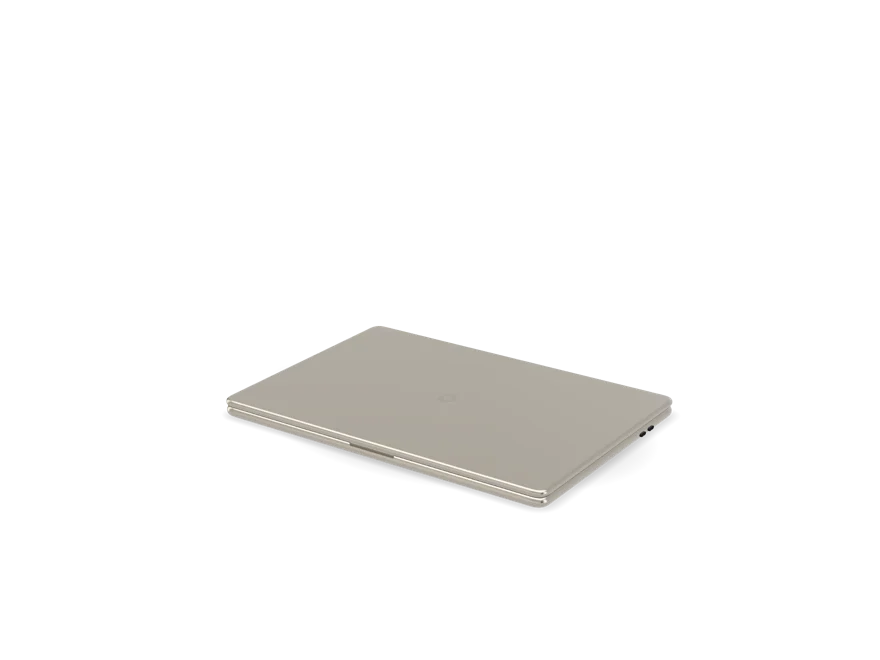
It's anodised aluminium, not the titanium and aluminium unibody the TacetBook™ Pro has. On a laptop this small titanium mostly just shows up as a cost on a spreadsheet. The lid is stiff, the hinge opens with one hand, and the whole thing weighs a little over a kilogram.
No. The TacetBook™ Pro has it, but this one doesn't.
Camera
1080p, in the top bezel. No notch, no face unlock.
Unlock
Password or PIN
Keyboard
1.3 mm travel, not backlit, with the Tacet™ key
Speakers
Two, bottom-firing
Microphones
Two
Ports
Two USB-C, USB 3.2 Gen 2 at 10 Gb/s, charge or data on either
External display
One, up to 4K at 60 Hz
Wireless
Wi-Fi 6E and Bluetooth 5.3
Battery
42 Wh, up to 14 hours, 45 W USB-C charging
Cooling
Vapour chamber, no fan. No vents, no moving parts.
Weight and thickness
1.02 kg · 15.4 mm
Body
Anodised aluminium
It's USB-C only, like the rest of the lineup. On the Nano that means USB 3.2 and not USB4, because the N100 doesn't do Thunderbolt. One cable still carries power, a display, storage and audio. If you need HDMI or USB-A, a hub gets you both.
Full specifications.
These are planned numbers for a machine that hasn't been built, and any of them could change.
A browser, a document, email, music and a video call all at once? Yep, easily. A big photo library, a virtual machine or forty tabs? No, and no setup of this laptop changes that. That's what the TacetBook™ Pro and the Tacet™ Neo are for.
Why an N100 and not something faster?
Because the second you go up a chip, the price goes up with it, and then it's just a more expensive laptop with the same screen. The Nano is only worth building if it's actually cheap.
64 GB or 500 GB?
64 GB if your files live in an account somewhere and the laptop is just how you get to them. 500 GB if you keep stuff on the laptop itself. Not sure? Get 500 GB. Storage is the one thing here you can't work around later.
Does it run the same AXESS OS?
Same build, same day. There's no cut down version and nothing saved for the expensive machines. The only thing missing is the AI features that need a neural engine, because this chip doesn't have one.
Can I upgrade the memory or storage?
The memory is soldered, so no. The 500 GB model uses an M.2 module you could physically swap out, but it isn't a machine you're meant to fix yourself and we won't pretend it is.
Is this the school machine?
Yes, it's the one we'd put in a classroom. It's silent, light, cheap to replace, and it runs a system that doesn't watch whoever's using it. What that looks like across a whole district is on the districts page.
Release status: the TacetBook™ Nano hasn't been made yet. It's designed, specced and priced, and the $499 in the builder is the price we plan to stick to. But we haven't built a single one, nothing is in production, and we aren't taking orders or giving a ship date. Think of every number on this page as a design target, not something we measured. Intel and the Intel logo are trademarks of Intel Corporation. Noctic has no partnership with Intel or endorsement from them.
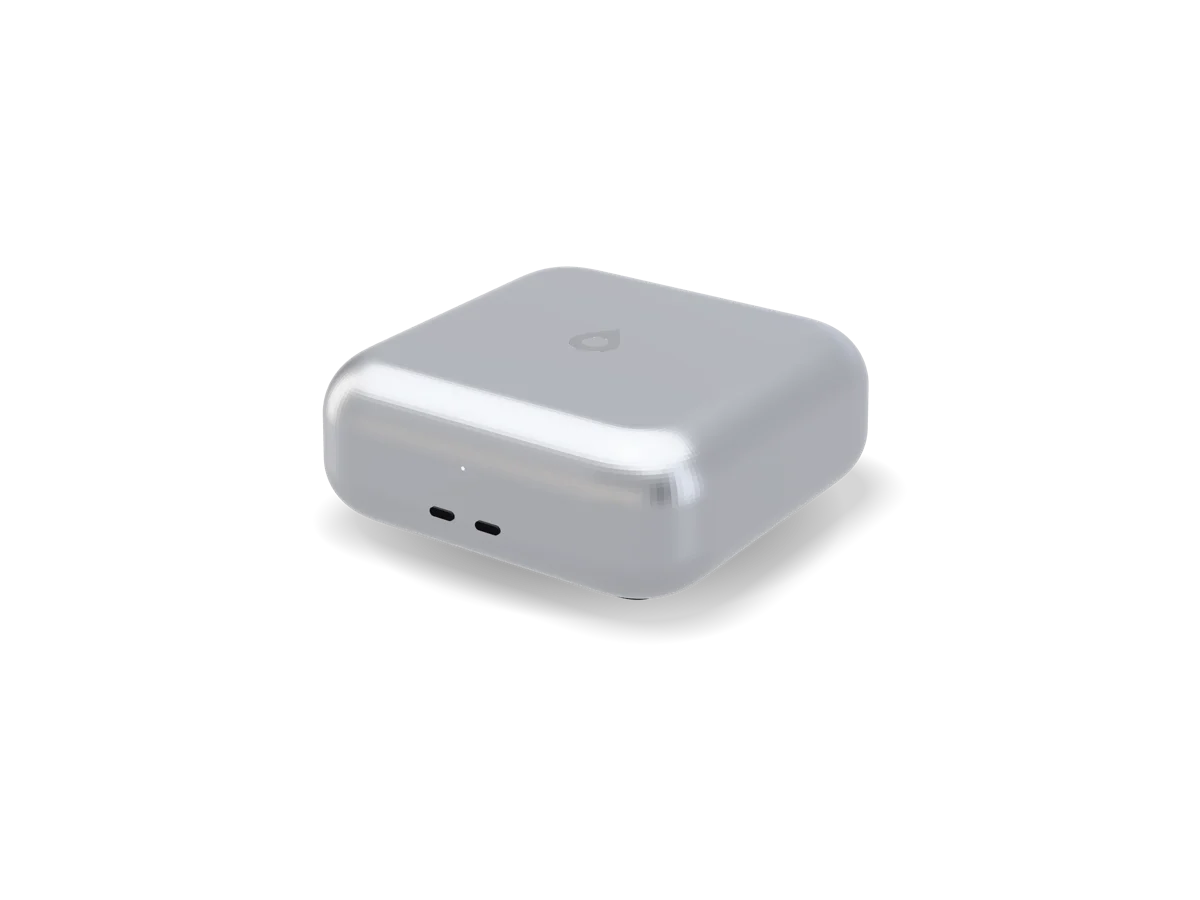
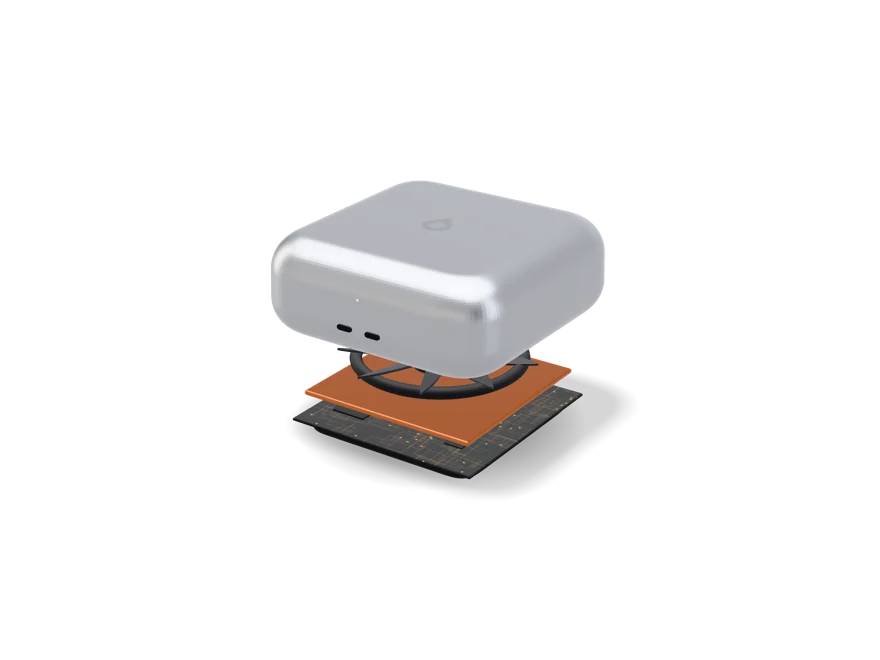
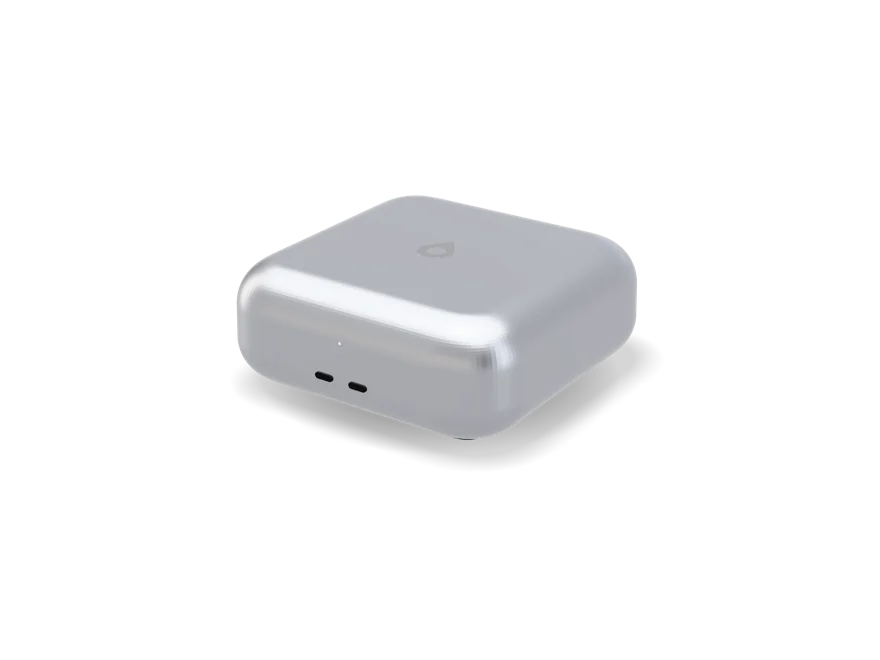
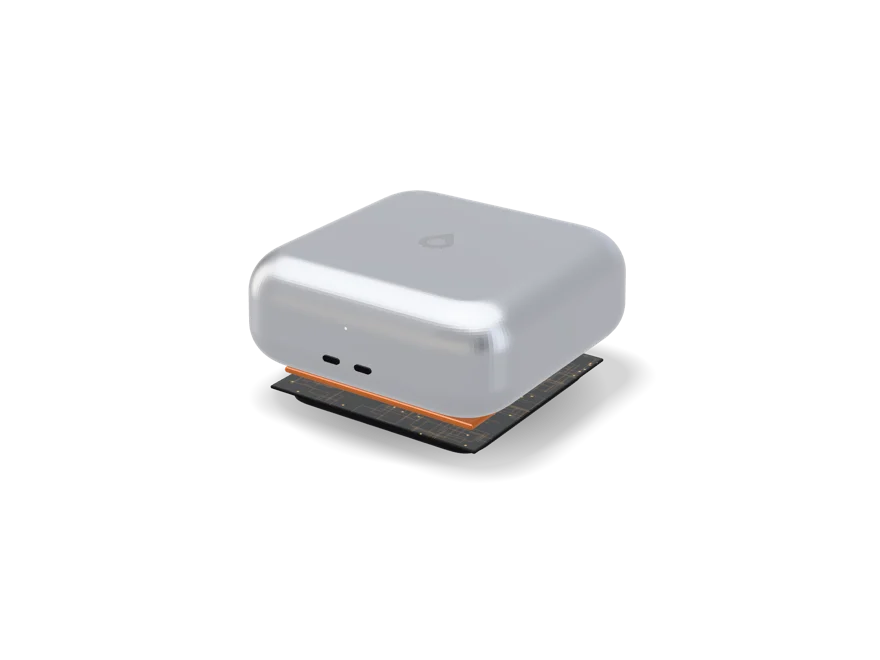
A desktop computer that's fifteen centimetres square. Sixteen cores, 32 GB of memory and four USB-C ports, in a box light enough to carry from one desk to the next.
It's a concept. Prices could still change, and buying is locked until 2030.
From $1,499, and that could still change. You can buy it when it comes out in 2030.
Fifteen centimetres square.
Sixteen cores.
A desktop that travels.
A desktop that fits in a bag.
Most of a desktop computer is just air. The Tacet™ Neo is what you get when you take the air out and keep the processor.
It has the same Intel Core Ultra 9 285H as the TacetBook™ Pro, just without the screen, keyboard and battery, which is most of what a laptop costs. Plug it into the screen you already have, grab it at the end of the day and plug it into a different one. It runs off a USB-C charger, so the second desk only needs a cable, not a whole second computer.
Good for
Coding, office and school work with a ton of stuff open, photo editing, 4K video, virtual machines, and anybody who works at more than one desk.
Not for
Working on a train. It has no screen and no battery, and a desktop that pretends it does is just a laptop with extra cables.
What it costs you
A fan you'll hear when all sixteen cores are working, graphics that are good for built-in graphics but aren't a graphics card, and 32 GB that's locked in the day it's made.
Powered over USB-C
A 140 W USB-C charger comes in the box. On a smaller charger the Neo still turns on and still works. It just holds back when things get heavy, and it tells you when it does.
Bring your own screen
There's no screen, keyboard or mouse in the box. Anything that does USB-C or Bluetooth works, and one cable to a USB-C monitor carries the picture too.
Against the Tacet™
The Tacet™ has eight more cores, twice the memory and a fan that barely spins. It also weighs four kilos and stays wherever you put it. The Neo is the one that comes with you.
Tacet™ Neo
16cores
32 GBof memory
15 cmsquare
1.5 kgto carry
Core Ultra 9 285H, in a very small room.
An Arrow Lake H-series chip with sixteen cores and memory soldered right next to it, cooled by one fan that's tuned to stay slow, not to break any records.
There's no battery to protect and no lap to keep cool, so the Neo can push the processor harder than the TacetBook™ Pro does, and for longer.
Still no discrete GPU
The Arc 140T shares the 32 GB with the processor. It's quick for photos, video and light 3D, but it isn't a graphics card. If your work needs one, this isn't the machine for you.
A vapour chamber, and one slow fan
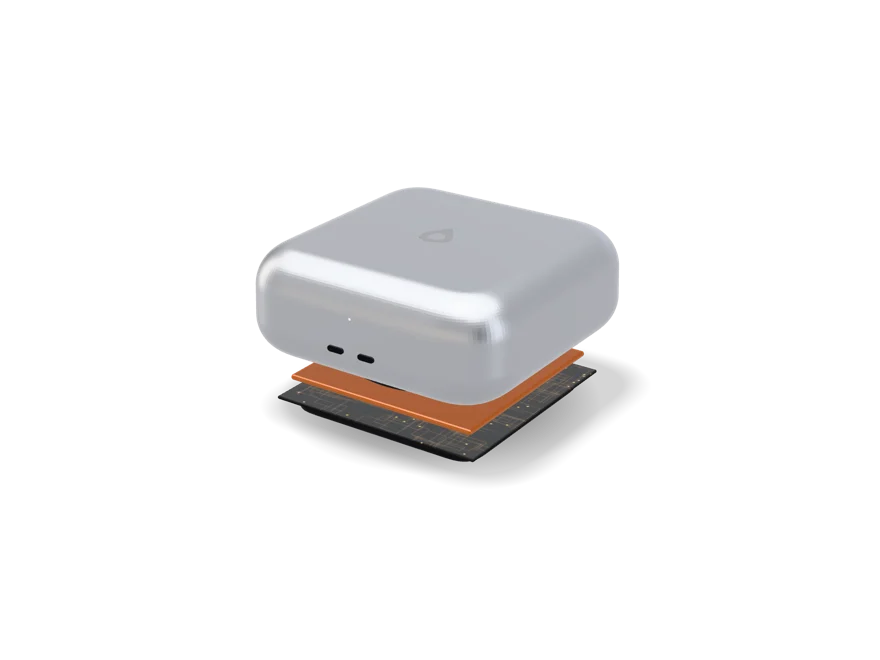
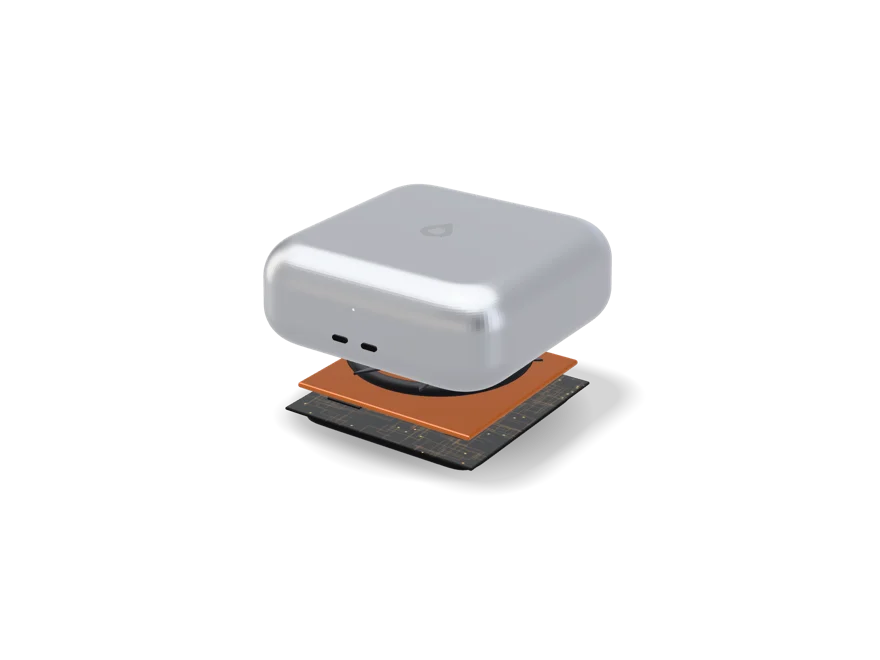
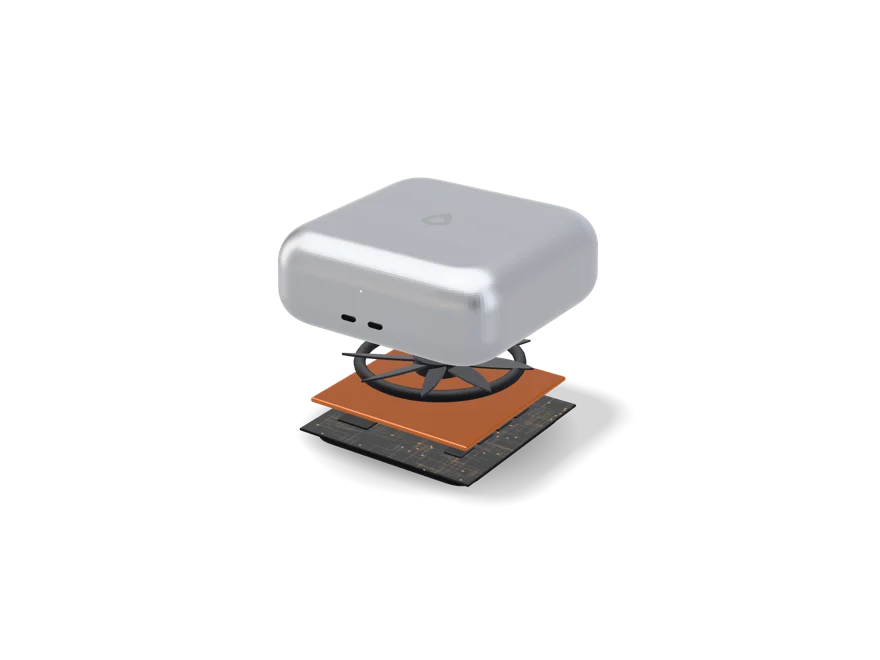
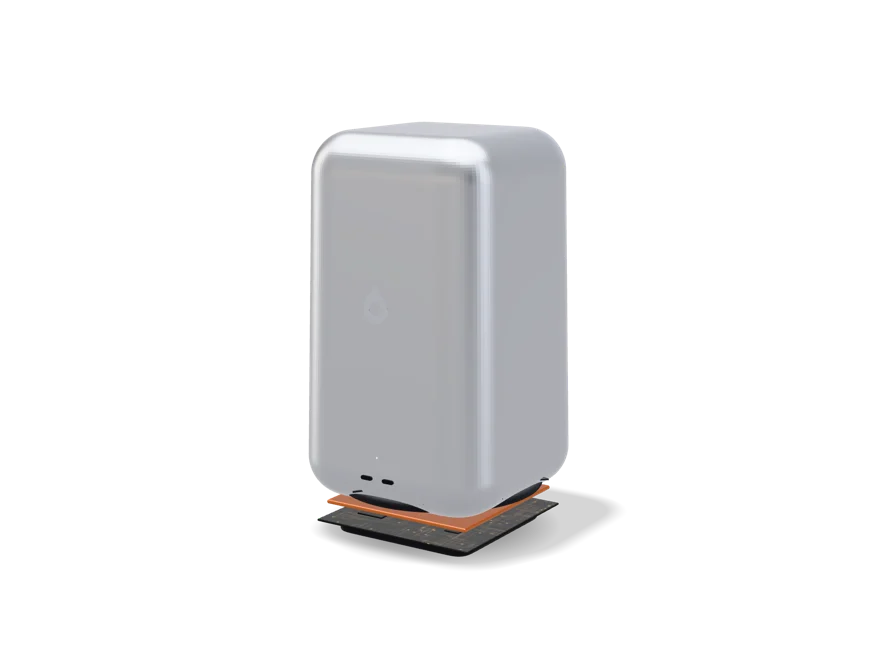
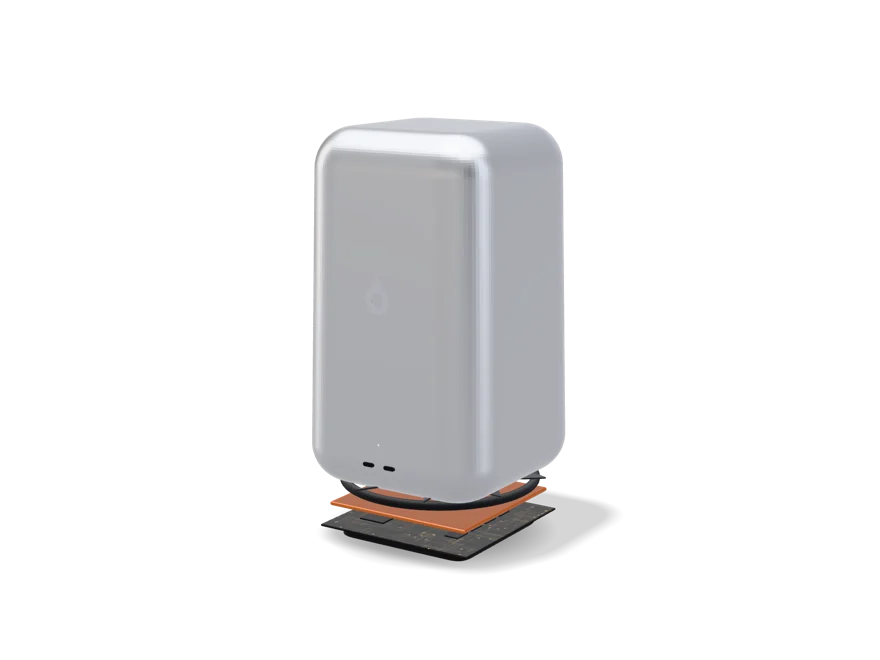
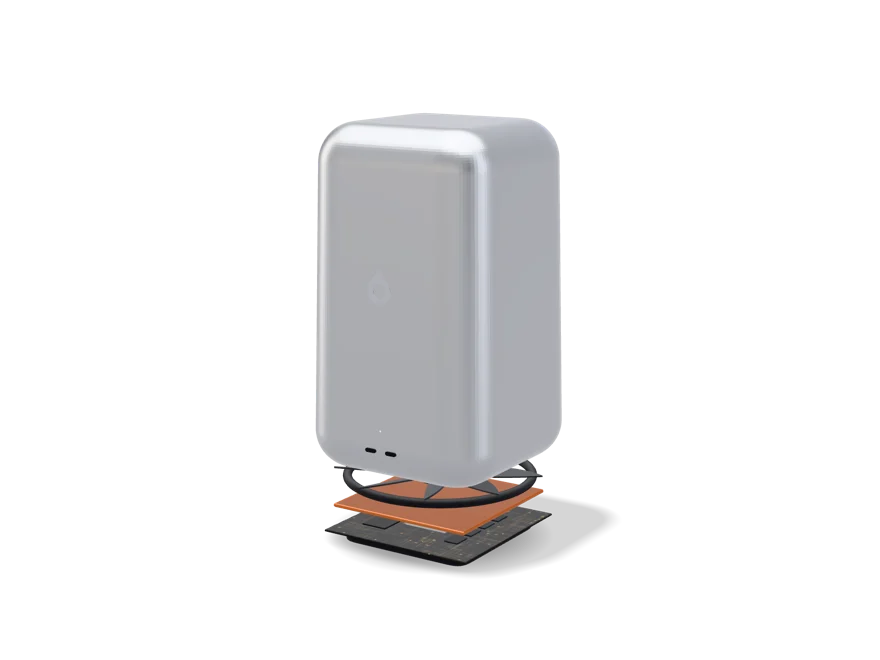
A vapour chamber sits on the processor. It's a sealed plate with a little liquid inside that boils off the hot chip and condenses at the cool edges, so it moves heat kind of like a tiny fridge with no pump. One blower that's tuned to run slow pushes the heat out of the case. It's silent while you write and you'll hear it during a long export.
What replaces it, one day
N1 Hybrid is eight cores and 16 GB on the package, designed for exactly this kind of small, efficient machine. It doesn't exist yet. The plan is on Noctic Silicon.
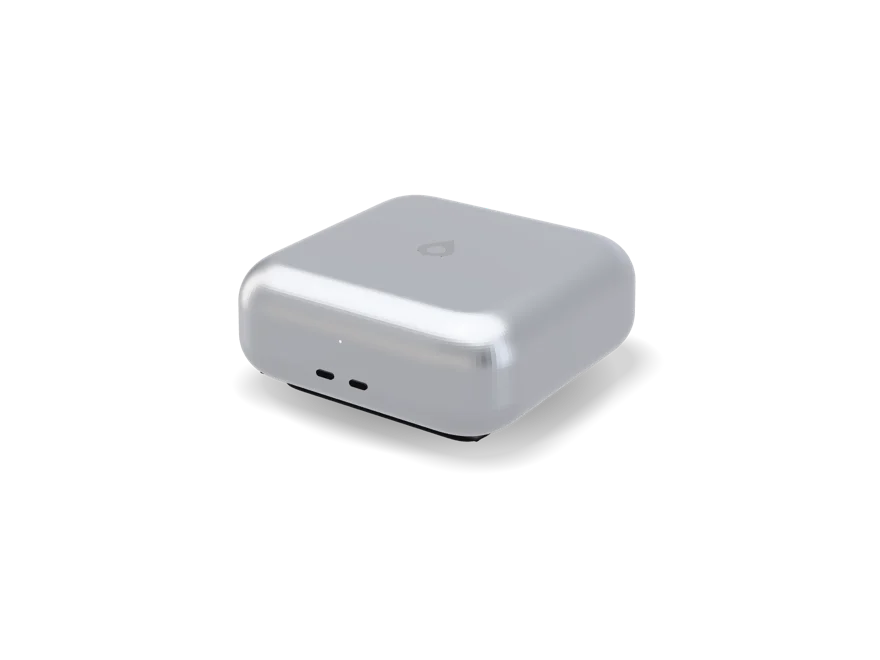
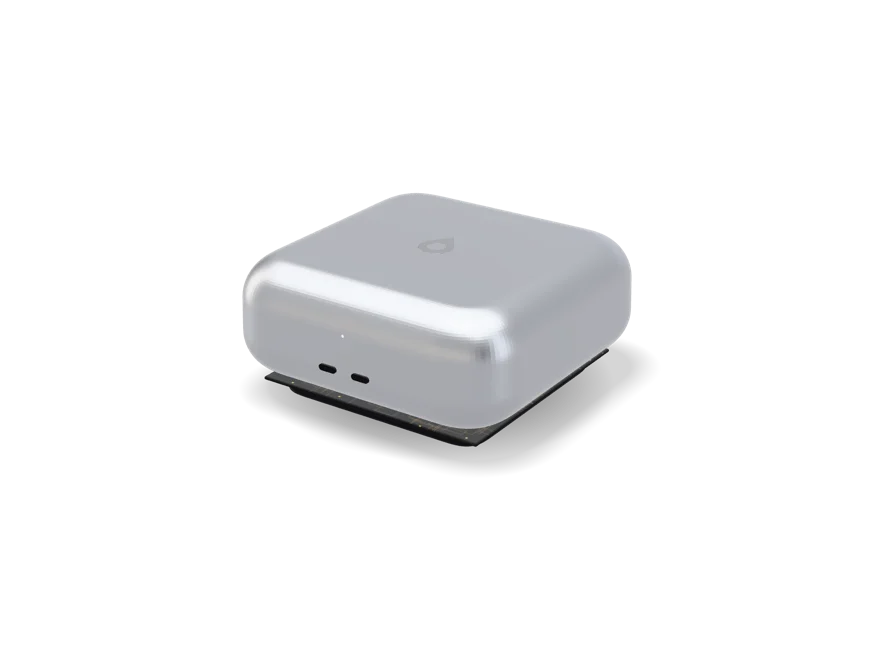
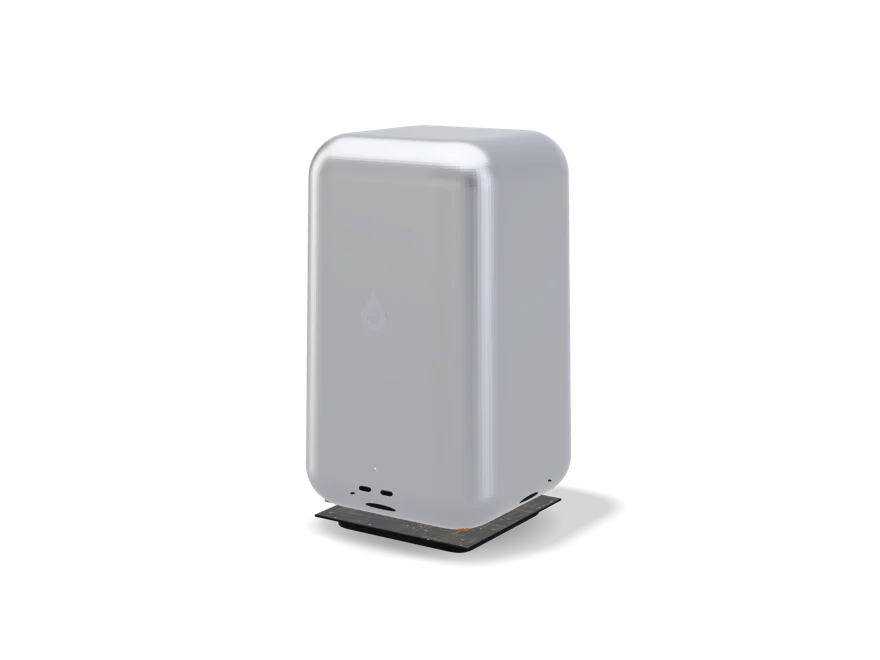
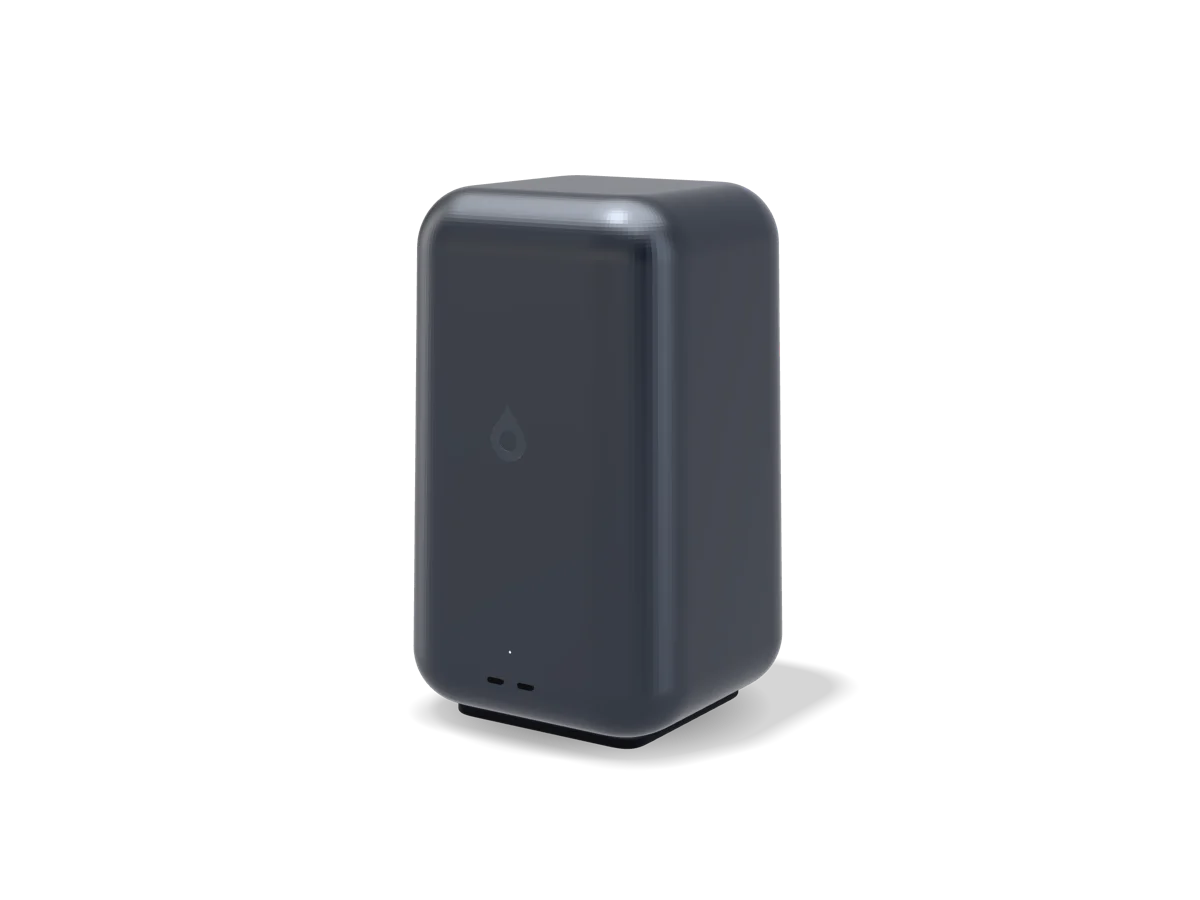
It's six centimetres tall on purpose, because sixteen cores need a real heatsink and room for a fan to spin slowly. It's one piece of aluminium on a dark foot, with the Tacet™ mark on top and a status light on the front. Two USB-C ports face you, two face the wall, and power goes into whichever one's closest.
Size
15 × 15 × 6 cm
Weight
1.5 kg
Ports
Four USB-C (two front, two rear), USB4 at 40 Gb/s
External displays
Up to three, at up to 6K
Power
USB-C Power Delivery, 140 W adapter in the box
Wireless
Wi-Fi 7 and Bluetooth 6.0
Wired network
None built in. The Tacet™ Dock adds Ethernet from one port
Storage
1 TB NVMe, around 7 GB/s sequential read, with 2 TB and 4 TB to order
Cooling
One quiet fan over a vapour chamber
Audio
One small speaker, for alerts. No microphone.
Body
Aluminium unibody, in Silver or Graphite
It's USB-C only, like every machine in the family. If the second desk needs HDMI, USB-A, an SD slot or Ethernet, one dock covers all of it and just stays there when the Neo leaves.
Four USB-C ports.
Power into any of them.
Full specifications.
These are planned numbers for a machine that hasn't been built, and any of them could change.
It weighs 1.5 kg and fits in a bag next to a laptop. It's portable the way a laptop charger is portable. You carry it between places that already have a screen, a keyboard and a plug.
Why not just buy the TacetBook™ Pro?
If you work away from desks, yeah. The TacetBook™ Pro costs $2,000 more for the screen, the battery and the titanium, and if you already have a monitor you'd basically be paying for a second one.
Will it run from my laptop charger?
Any USB-C Power Delivery charger will turn it on. Under 100 W it holds back when things get heavy. On the 140 W charger in the box it doesn't.
Can I add memory later?
No. The 32 GB is soldered right next to the processor and there's no bigger version. If you know you need more, the Tacet™ has 64 GB.
No Ethernet port on a desktop?
No. Every port is USB-C. The Tacet™ Dock adds Ethernet, HDMI, three USB-A ports and SD from one cable, and Wi-Fi 7 is fast enough that most people won't miss the socket.
Concept status: the Tacet™ Neo is a concept. Nothing's been made, there's no manufacturing partner and there's no release date. The prices in the builder could still change and buying is locked until release, which we don't expect before 2030. Every number on this page is planned, it isn't final, and it could change or get dropped. Intel, Core Ultra and Arc are trademarks of Intel Corporation. Noctic has no partnership with Intel or endorsement from them.
From $2,499, and that could still change. You can buy it when it comes out in 2030.
Twenty-four cores.
Sixty-four gigabytes.
And a fan you won't hear.
The one that stays on the desk.
A desktop gets to be bigger than it looks like it needs to be, and the Tacet™ uses that room on the two things a small machine can't have. More cores, and staying quiet while they work.
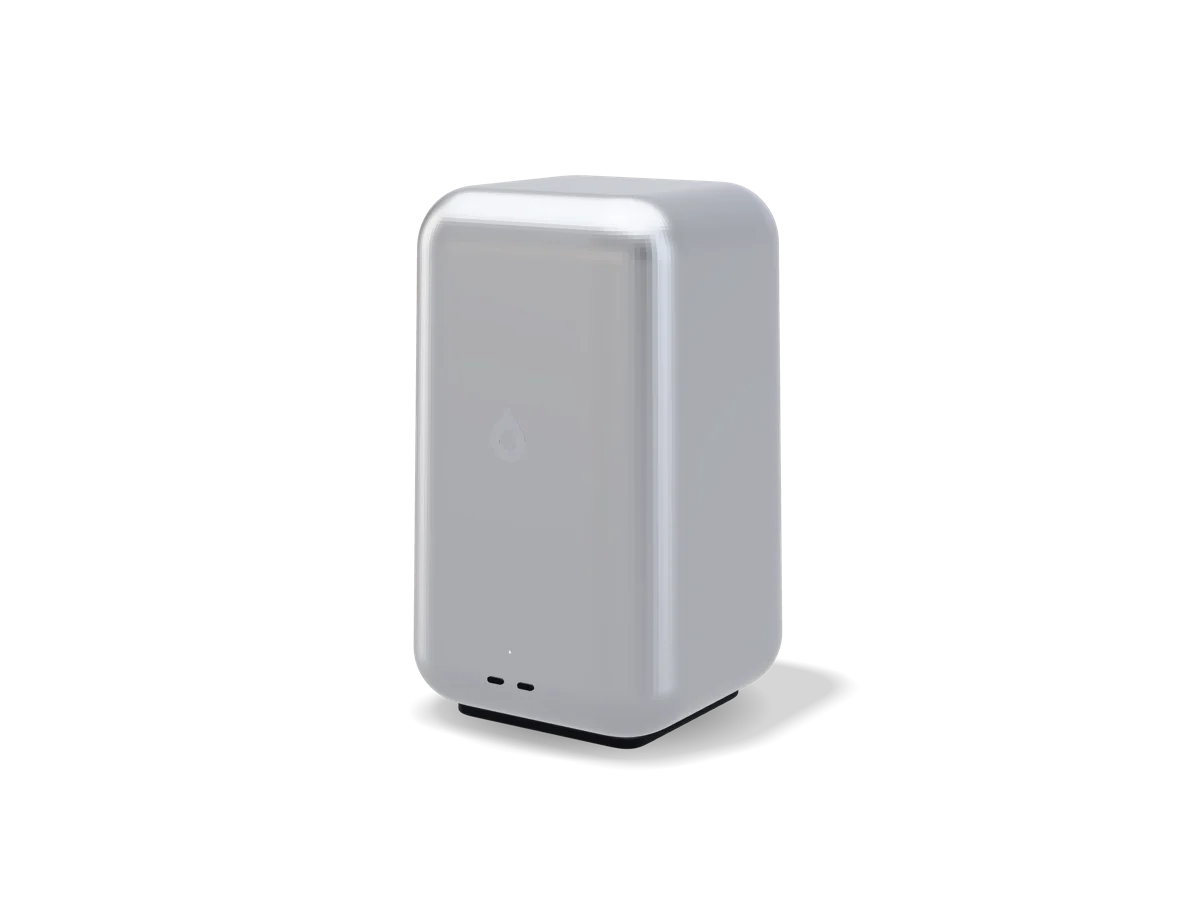
It's built around Intel’s Core Ultra 9 285, a desktop chip with eight performance cores and sixteen efficiency cores, with 64 GB of memory right next to it. The case is sized around one 140 mm fan, because a big fan spinning slowly is the only way to cool a chip like this without it sounding like one.
Good for
Big compiles, virtual machines, rendering on the processor, making music, huge photo libraries, local models that live in memory, and long jobs you'd rather not have to listen to.
Not for
Games and anything that needs a graphics card. The Tacet™ has built-in graphics and no slot for a card, and no amount of processor makes up for that.
What it costs you
Four kilos, a 240 W USB-C charger and a spot on the desk it never leaves. Memory and storage are locked in the day it's made, like every machine in the family.
Quiet on purpose
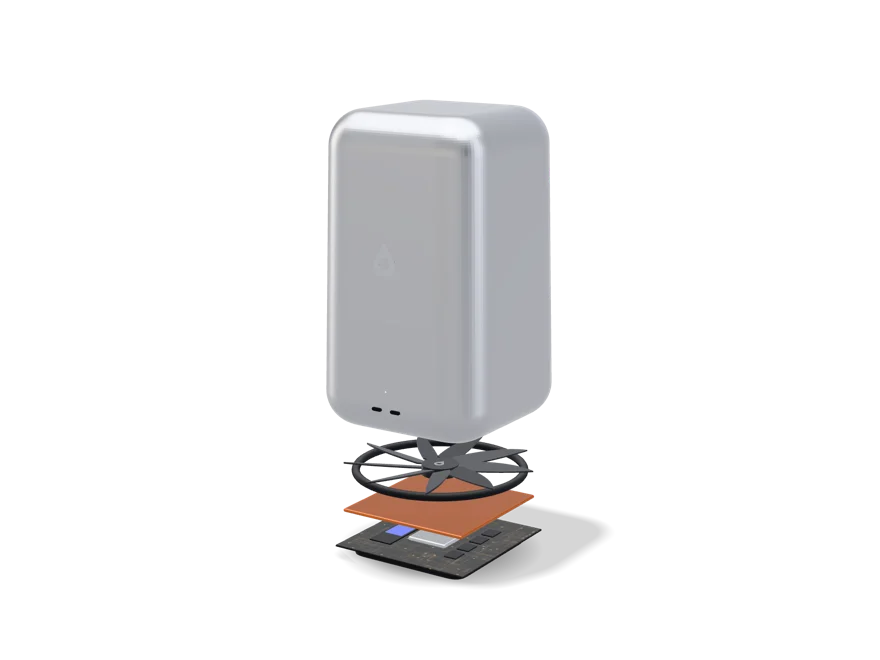
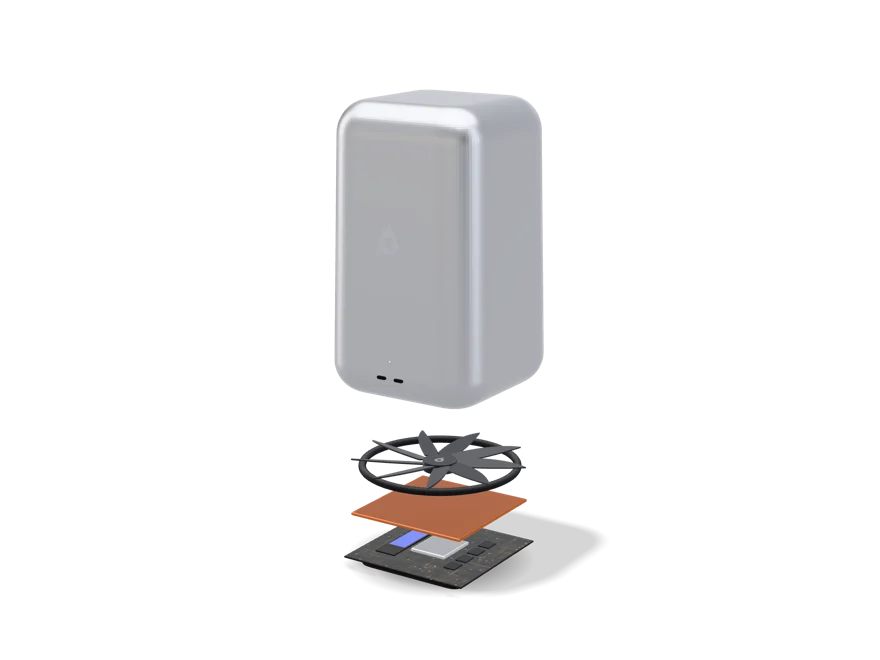
A vapour chamber pulls the heat off the processor, and one 140 mm fan gets it out of the case. The chamber is a sealed plate with a little liquid inside that boils off the hot chip and condenses at the cool edges, so it moves heat kind of like a tiny fridge with no pump. Most of the time the fan spins too slowly to hear. During a long export you'll notice air moving, but no whine.
Bring your own screen
There's no screen, keyboard or mouse in the box. Up to four screens connect over USB-C, one of them at 8K, and anything Bluetooth pairs from the very first screen.
Against the Tacet™ Neo
The Tacet™ Neo is a thousand dollars cheaper, a tenth of the size, and fast enough for most people. Get the Tacet™ when you can actually name the job that needs twenty-four cores.
An Arrow Lake desktop chip. Eight performance cores for stuff that has to finish right now, and sixteen efficiency cores for everything that can run next to it.
Processor
Intel® Core™ Ultra 9 285
Platform
Core Ultra 200S series (desktop)
Cores / threads
24 (8 performance + 16 efficiency) / 24
Max turbo
5.6 GHz
Cache
36 MB L3
Base power
65 W
Graphics
Intel® Graphics, 4 Xe cores, integrated
Neural engine
Intel® AI Boost NPU, 13 TOPS
Memory
64 GB DDR5-5600, soldered to the board
Upgradeable
No. Memory is soldered, there are no slots, and the case isn't made to be opened.
Intended successor
N1 Pro (specification only)
Why not the K part
The Core Ultra 9 285K adds a tenth of a gigahertz and sixty more watts of base power. In a case built to be quiet, all that really buys you is noise.
Soldered memory, in a desktop
That's unusual for a machine this big, and it's on purpose. It sticks to the family’s rule that nothing inside changes after it's made. Buy the size you'll still want in five years.
The graphics are the weak point
Four Xe cores are enough for a few big screens, video and a desktop that never stutters. For 3D and games they're way behind a graphics card, and we'd rather just tell you that here.
What replaces it, one day
N1 Pro is twenty-four cores with memory on the package, with the same eight and sixteen split. It doesn't exist yet and it's the hardest part to build. The plan is on Noctic Silicon.
Inside the Tacet™
Aluminium shell140 mm fanVapour chamberCore Ultra 9 285 · 24 cores64 GB DDR5, soldered2 TB PCIe 5.0 SSD240 W USB-C power board
Two finishes
Aluminium Silver.
Aluminium Graphite.
Twenty-seven centimetres of aluminium.
It's one aluminium shell with nothing on the front except the Tacet™ mark and two USB-C ports. Air comes in through the gap above the foot and goes out the back, which is where the power button and four more USB-C ports are.
Size
16 × 16 × 27 cm
Weight
4.1 kg
Ports
Six USB-C (two front, four rear), USB4 at 40 Gb/s
External displays
Up to four, one of them at 8K
Power
USB-C Power Delivery, 240 W adapter in the box
Wireless
Wi-Fi 7 and Bluetooth 6.0
Wired network
None built in. The Tacet™ Dock adds Ethernet from one port
Storage
2 TB PCIe 5.0 NVMe, around 14 GB/s sequential read, with 4 TB and 8 TB to order
Cooling
One 140 mm fan over a vapour chamber
Audio
One speaker, for alerts. No microphone.
Body
Aluminium, in Silver or Graphite
Power comes in over USB-C like everything else. USB Power Delivery carries up to 240 W, which is enough to run the Tacet™ flat out. Need HDMI, USB-A, SD or Ethernet? One dock gets you all of it.
Two USB-C on the front.
Four more at the back.
Full specifications.
These are planned numbers for a machine that hasn't been built, and any of them could change.
If you're not sure, get the Neo. The Tacet™ is for people who already spend time sitting around waiting on their computer. Long compiles, a bunch of virtual machines, renders that take hours.
Can I put a graphics card in it?
No. There's no slot, and the case is sized to cool the processor quietly, it isn't built to fit a card. If your work runs on a graphics card, this isn't the machine for it.
Why is the memory soldered in a desktop?
Because every machine in the family works that way, and 64 GB was picked to last the whole life of the machine. It's a real limit, and it's why there's only one size.
How loud is it?
Pretty much silent doing normal stuff at a desk. Under a long full load you'll hear air moving. One big fan is the quietest way we know to cool twenty-four cores.
Can a desktop really run on USB-C power?
Yep. USB Power Delivery carries up to 240 W, and the Tacet™ stays under that even at full load. A smaller charger still turns it on. It just holds back on heavy work until it gets enough power.
Concept status: the Tacet™ is a concept. Nothing's been made, there's no manufacturing partner and there's no release date. The prices in the builder could still change and buying is locked until release, which we don't expect before 2030. Every number on this page is planned, it isn't final, and it could change or get dropped. Intel and Core Ultra are trademarks of Intel Corporation. Noctic has no partnership with Intel or endorsement from them.
From $3,499, and that could still change. You can buy it when it comes out in 2030.
Sixteen cores.
A 144 hertz screen.
Wherever you put it down.
TacetBook™ Pro
Turn it round.
Open it up.
The fastest machine you can carry.
If you're reading this page trying to figure out whether you need a Pro, you probably don't. The people this is for already know exactly what they need, because their work told them.
Sixteen cores (six performance, eight efficiency, two low-power) in a body with enough room and airflow to keep all of them busy for an hour without backing off. Heavy software, heavy gaming, big models, big compiles, long exports. It weighs 2.14 kg and you'll hear the fan when you push it. That's kind of the whole point.
Good for
Long renders, big compiles, video over 4K, 3D, heavy gaming, local models, and any job where the machine is busy more than it's sitting idle.
What it costs you
It's twice the weight of the TacetBook™ Nano, $2,000 more than a Tacet™ Neo with the same chip, and you'll hear the fan under load. That's what power you can carry around actually costs.
Sixteen cores, sixteen threads
Six performance cores for stuff that has to finish right now, eight efficiency cores for getting through a lot of work, and two low-power cores for everything in the background. One thread each, on purpose.
A 100 Wh battery that still runs out first
That's more than twice the Nano’s battery for two more hours, because this machine actually pulls power. That's just math, and it's why the number says 16 and not something bigger.
Three displays, or one 8K
Four USB4 v2 ports at 80 Gb/s. This is the laptop that turns into a desktop when you get to a desk, and the ports are what make that work.
Where it doesn't win
The neural engine. The H-series chip has NPU 3 at 13 TOPS, which is way behind the newest low-power chips. On the CPU and graphics side though, the Pro is way ahead of them.
TacetBook™ Pro
16cores
32 GBof memory
144 Hzon screen
100 Whof battery
Core Ultra 9 285H, given room to work.
An Arrow Lake H-series chip. More cores, more cache, more power for longer, and memory soldered to the board instead of on the package.
No. Soldered, with nothing socketed anywhere in the machine.
Intended successor
N1 Pro (specification only)
Soldered, not on package
The H-series doesn't put memory on the package, so the Pro solders it right next to the chip instead. For you it's the same thing, set when you buy it, just laid out a little differently inside.
Still no discrete GPU
Not even here. A card means a second pool of memory, copying stuff back and forth between them, and a power budget that costs more than it's worth in a laptop this size. The graphics share the 32 GB.
Vapour chamber cooling
A big vapour chamber over the processor feeds two fans and two air intakes. The chamber is a sealed plate with a little liquid inside that boils off the hot chip and condenses at the cool edges, so it moves heat kind of like a tiny fridge with no pump. It's there so a forty minute export runs just as fast at minute forty as it did at minute one.
What replaces it, one day
N1 Pro is 24 cores, 5.7 GHz, 24 GPU cores and 205 GB/s. It doesn't exist yet and it's the hardest of the three to build. The plan is on Noctic Silicon, including all the ways it could fail.
Four finishes
Titanium Natural.
Titanium Graphite.
Titanium Sand.
Titanium Black.
16.2 inches, 144 Hz, four ports.
The biggest laptop in the family, in a titanium and aluminium unibody, with six speakers, two subwoofers and a studio mic array. It's 16.8 mm thick, because the cooling has to fit somewhere.
Full multi-touch, with touch unlock in the keyboard deck
Camera
12 MP in the Dynamic Notch, with face unlock
Keyboard
Backlit, 1 mm travel, with the Tacet™ key
Speakers
Six, with dual subwoofers
Microphones
Four, studio array
Ports
Four USB-C, USB4 v2 at 80 Gb/s, charge or data on any
External displays
Three 6K, or one 8K
Wireless
Wi-Fi 7 and Bluetooth 6.0
Storage
2 TB NVMe, around 7.4 GB/s sequential read
Battery
100 Wh, up to 16 hours
Cooling
Vapour chamber and two fans
Weight and thickness
2.14 kg · 16.8 mm
Body
Titanium-and-aluminium unibody
100 Wh is the biggest battery an airline lets you carry on, so that's where the number stops. We didn't just pick whatever would look nicer on a spec sheet.
Titanium and aluminium.
Machined as one piece.
Full specifications.
These are planned numbers for a machine that hasn't been built, and any of them could change.
If you're not sure, no. If you work at a desk, the Tacet™ Neo has the same chip for less than half the price. The Pro is for people whose heavy work has to travel with them.
Why only sixteen hours from 100 Wh?
Because it has sixteen cores and cooling that actually lets them run. A big battery in a machine that pulls a lot of power empties faster than a small one in a machine that can't.
No discrete graphics, even on the Pro?
No. It's integrated Arc 140T sharing 32 GB. For rendering and compute that's a good trade. For top end gaming it isn't, and if that's what you're into, this isn't the machine for you.
How loud does it get?
You'll hear it when it's under heavy load for a while, and it's silent the rest of the time. A machine this fast either makes some noise or slows down, and we'd rather it made noise.
Can I get more than 32 GB?
Not this generation. The memory is soldered at 32 GB and there's no bigger option. If your work needs 64 GB and can stay on a desk, the Tacet™ has it.
Concept status: the TacetBook™ Pro is a concept. Nothing's been made, there's no manufacturing partner and there's no release date. The prices in the builder could still change and buying is locked until release, which we don't expect before 2030. Every number on this page is planned, it isn't final, and it could change or get dropped. Intel, Core Ultra and Arc are trademarks of Intel Corporation. Noctic has no partnership with Intel or endorsement from them.
There's four machines, and the right one usually isn't the expensive one. Answer seven questions and we'll tell you which one we'd point you to, why, and where we'd argue with ourselves about it.
Or just read the short version.
The quiz is just there to help, it isn't magic. If you already see yourself in one of these lines, that's your machine.
You work at a desk, or a few of them, and you want real speed in something small and quiet. You've already got a screen, or you don't mind picking one out.
Your work already picked for you. Long compiles, virtual machines, renders on the processor, all at one desk. You want twenty-four cores and 64 GB, and you don't need a graphics card.
Price is what decides it. It browses, writes, does calls and goes in a bag. You're fine with 8 GB, four threads and a 60 Hz screen because it costs so little.
Heavy work that has to travel, like long renders, big compiles and local models away from a desk. And you're fine carrying 2.14 kg and hearing a fan for it.
None of them
You need a dedicated GPU, more than 64 GB of memory, or a machine you can upgrade later. Those are all limits we picked on purpose for this family, and no setup gets rid of them.
Pick the machine, the finish, how much storage you want and everything that goes with it. Prices could still change. Nothing can be bought until the machines actually exist, which we don't expect before 2030. Anything you build here can be reserved.
Tacet™ Neo
Aluminium Silver · 15 cm square · 6 cm tall · 1.5 kg
What happens between now and 2030.
A configurator with a locked button is kind of a weird thing to put out there. It's here because the machines are designed all the way down to the storage options, and we'd rather show you what the product really looks like than put up a page that pretends to sell you something.
1
Now. You build one
Every option here is a real design decision, and what you pick tells us which ones matter.
2
Next. A manufacturing partner
Nothing's been quoted, tooled or put on a production line yet. Until that changes we can't promise any price here.
3
Before release. Real prices
Once there's a real bill of materials, these numbers get swapped for ones we can actually stand behind.
4
2030. The button unlocks
We ask you to confirm a reservation first. If you don't say anything, nothing happens.
Why show prices at all if I can't buy it?
Because a spec with no price doesn't tell you anything about whether the machine is for you. These are the numbers we're designing toward, they're marked as estimates everywhere they show up, and they're going to move.
Does reserving cost anything?
No. No card, no deposit, no address. It just saves which machine you're into and holds you a spot in the first hundred. The reservation page explains the whole thing.
Will my configuration be kept?
The build you send with a reservation gets saved to your Noctic Account so we know what to make first. It doesn't commit either of us to anything, and you can change it whenever you want.
Why 2030?
Because that's a realistic guess at how long a machine like this takes when there's no manufacturing partner yet. If it moves, it'll be later, not earlier, and we'll say so on the changelog.
Our own RISC-V processor, designed here, for our own machines and our own operating system. It's honestly the hardest thing we've ever tried to do. It isn't impossible though, and this page is the whole plan, including the parts most likely to kill it.
Noctic designs its own semiconductors. We want to build a processor, and we mean a real one, not a chip someone else designed with our name stuck on it. One we spec, design, verify and get manufactured ourselves. It uses the RISC-V instruction set, which is open, so there's no architecture licence to sign, no royalties to pay, and we can extend it wherever the system needs something the base doesn't have. The catch is software. Anything that can be built from source runs once it's compiled for RISC-V, but a program that only ever shipped for x86 won't run at all. And we have actually designed it. The first processor, N1 Hybrid, is specced from end to end, and its core is written in SystemVerilog and runs compiled C in RTL simulation. We're a fabless chip designer, the same way Apple, AMD and Nvidia are. We design the chip and a foundry makes it. What it doesn't have yet is silicon, and the two things that decide when it gets some are patents and money.
0Chips taped out so far
5Rungs between here and a laptop part
~4–6 yrRealistic design-to-product time for one part
RISC-VThe instruction set, decided and not up for debate
Everything below is written like it's going to happen. Read the list of ways it could die before you believe any of it.
N1 Hybrid.
Designed. Running. Not yet made.
WE HAVE IT DESIGNED. The architecture is specced from end to end and the core runs real programs in simulation. A small test chip version is being laid out on the open SkyWater 130 nm process. Nothing has been manufactured yet.
N1
An illustration. No N1 Hybrid has been made yet.
What it does today.
Passes all 66 official RV64I and RV64M compliance tests, in both the full setup and the test chip setup.
Runs Dhrystone 2.1 compiled with GCC at -O3, with every checked result correct, at 2.162 DMIPS/MHz and 0.679 cycles per instruction.
Predicts branches and forwards stores to loads. Those two things took it from 0.951 to 2.162 DMIPS/MHz.
Checks itself every single cycle. The TAGE branch predictor, the 8-wide rename, the 512-entry reorder buffer and the issue queue each get run against their own separate model with random inputs.
What it's meant to become.
These are design targets. None of them have been measured.
Four performance and four efficiency cores, RV64GCBV on the RVA23 profiles, with 256-bit vectors.
Up to 4.2 GHz on the performance cores, at 15 W sustained and 30 W in bursts.
LPDDR5X-8533 on a 128-bit bus, so 136.5 GB/s, with a 16 MB system cache.
A 12.3 TOPS neural engine, on a 3 nm-class process that we'd need a foundry deal for.
P-coreP-coreP-coreP-coreEfficiency cluster 4 E-coresSystem cache · 16 MBNeural engineGraphicsRoot of trustLPDDR5XLPDDR5XLPDDR5XLPDDR5XPCIe · USB · display
The planned layout, not to scale. Graphics would be licensed, not designed here.
Designed, but still to be built as hardware. That's early mispredict recovery, out-of-order memory, real caches, the full width, floating point and vectors, and then the MMU, the efficiency cores, the shared caches, the on-chip network, the neural engine and the security part. The performance targets aren't proven until a cycle-level model runs real workloads.
N1 Hybrid, in characters.
The planned floorplan, drawn in text. Move your mouse over it to light up part of the chip.
Inside the N1 Hybrid core.
Here it is block by block, with where each one is at. In RTL means it’s written in SystemVerilog and runs in simulation. Designed means it’s specced but not written as hardware yet. Target means it’s a number we’re aiming for. Nothing here has been measured on silicon, because there isn’t any yet.
Block
How it works
Where it stands
Instruction set
RV64IM right now, which is the 64-bit integer base plus multiply and divide. The target is RV64GCBV on the RVA23 profiles, which adds compressed instructions, atomics, single and double precision floating point, bit manipulation and RVV 1.0 vectors with 256-bit registers.
In RTL: RV64IM. The rest is designed.
Branch direction
TAGE. There's a base table indexed by the branch address, plus tagged tables indexed by a hash of the address and the global branch history, and each table uses a longer history than the one before. Whichever matching table has the longest history makes the prediction. When it misses, it allocates into a table with a longer history, and usefulness counters decide which entries are allowed to get replaced.
In RTL. Checked against its own separate model with constrained random inputs.
Rename
Eight instructions every cycle. A register alias table maps each architectural register to whichever physical register holds its newest value, and a free list hands out the unused ones. Inside a group of eight, each instruction has to check every older one for a write to its sources. That's 28 comparisons per source operand, 56 for two, all in one cycle, and the cost grows with the square of the width.
In RTL, model-checked the same way.
Reorder buffer
512 entries in program order. Instructions go in at rename and come out at retire, strictly in order, so exceptions are precise. Right now a mispredicted branch gets recovered when it reaches the head of the buffer, by restoring the rename table from the retired state. Early recovery, which checkpoints the table at every branch, is designed.
Buffer in RTL, model-checked. Early recovery designed.
Issue
Instructions wait until their operands are ready. Every cycle, operations that finish broadcast their destination tag (wakeup), each waiting instruction compares that against its sources, and the ready ones get picked for the execution ports (select). That wakeup and select loop is one of the hardest timing paths in any out-of-order core.
In RTL, model-checked.
Loads and stores
There's a store queue and a load queue. When a load comes through it checks older stores for the same address, and if it finds one it just grabs the data right out of the queue. That's called store-to-load forwarding. Letting loads run ahead of stores whose address we don’t know yet, with a memory dependence predictor and replay, is designed. Ordering follows the RISC-V weak memory model, RVWMO.
Forwarding in RTL. Out-of-order memory designed.
Caches
The L1 instruction and data caches are 32 KB and 8-way each, virtually indexed and physically tagged. Each core gets its own 256 KB L2. Then there's a 16 MB L3 split into slices around a ring, with 64-byte lines and MESI coherence. Miss status registers let every cache keep a few misses going at once, and there are stride and stream prefetchers too.
Designed. Target sizes.
Address translation
Sv39 and Sv48 page tables. Each L1 has a small TLB right next to it, there's a bigger shared TLB behind those, and the page-table walker is in hardware.
Designed.
Floating point and vectors
Single and double precision IEEE 754 floating point, plus the RVV 1.0 vector unit.
Designed.
Efficiency cores, fabric, neural engine, security
Four efficiency cores that share an L2, the on-chip network, a 12.3 TOPS neural engine and the root of trust. The graphics would be IP we license from someone else.
Designed. Targets.
0.679 CPI, worked out
On Dhrystone it takes 0.679 cycles per instruction. Flip that, 1/0.679, and you get about 1.47 instructions finishing every cycle on average. A core that runs everything in order can’t get above 1, because any stall holds up everything behind it. Getting past 1 means the out-of-order stuff is actually doing its job.
Why 512 entries
Eight instructions a cycle fills a 512-entry window in 512 / 8 = 64 cycles. That's enough to cover a hit in L2 or L3. It isn’t enough for a trip out to DRAM, which takes a few hundred cycles, but it does let the core go find the next few misses while it's waiting on the first one. A bunch of misses happening at the same time costs about the same as one, and that's called memory-level parallelism.
Why a 32 KB, 8-way L1
32 KB / 8 ways = 4 KB per way, which is exactly one 4 KB page. That means every index bit lands inside the 12-bit page offset, and translation never touches that part. So the cache can start looking before the TLB even answers, and one line can never get stored under two different names.
136.5 GB/s, worked out
LPDDR5X-8533 does 8,533 million transfers every second. Put that on a 128-bit bus and you get 8,533 × 128 / 8 = 136.5 GB/s. N1x uses LPDDR5X-6400 on 128 bits, which is 102.4 GB/s. N1 Pro’s 205 GB/s needs either 6400 on 256 bits or 8533 on 192, and we haven’t picked that bus yet.
What a TOPS number means
TOPS = 2 operations per multiply-accumulate × how many MAC units there are × the clock. To give you a sense of scale, 4,096 INT8 MACs at 1.5 GHz comes out to 12.3 TOPS. We haven’t published the array size or clock behind the N1 Hybrid number, so treat it as a target. It isn’t a finished design.
Why 4.2 GHz is a burst
Dynamic power scales with capacitance × voltage² × frequency, and a faster clock needs more voltage. So those last few hundred megahertz cost way more power than the speed they give you. That’s why 4.2 GHz only happens inside a 30 W burst budget, and the chip normally runs at 15 W sustained.
What Dhrystone proves, and what it doesn’t.
Dhrystone is small and old, it fits in any cache, and compilers know it really well. Getting it to run correctly at 2.162 DMIPS/MHz proves the pipeline, the predictor and the forwarding all work together on real compiled C. What it can’t tell you is how fast a laptop would be. CoreMark and SPEC CPU 2017 on a cycle-level model with real caches would tell you that, and we haven’t run those yet. When we do, the results go on this page, good or bad.
How it’s checked.
Compliance. It passes all 66 of the RV64I and RV64M architectural tests.
One source, two builds. Widths and sizes are just parameters, so the same RTL builds both the full core and the smaller test chip version, and they both pass the same tests.
Per-block models. The predictor, rename, reorder buffer and issue queue each get run against their own model, written separately from the hardware, with constrained random inputs. A bug in the predictor doesn’t crash anything. It just makes the chip slower, so this is honestly the only way you'd ever catch one.
Next. Comparing against the functional model in lockstep at every retired instruction. Formal proofs of the stuff that should always be true, like the free list never handing out the same register twice, the reorder buffer never losing an entry, and no store reaching the cache before it retires. Then random instruction streams and coverage.
The test chip.
The test chip version is being laid out on SkyWater’s SKY130. It's a 130 nm process with an open process design kit. With an open PDK and open source tools, the whole flow from RTL to GDSII runs without paying for a licence. That's synthesis, floorplan, place and route, clock tree, static timing, DRC and LVS. It's slow and old on purpose. We're trying to prove the flow works from start to finish, and speed doesn't matter for that. Nothing has been taped out.
Built to be tested.
A factory needs to tell a good die from a bad one in seconds, so testing gets designed in from day one. Scan chains hook the flip-flops together into shift registers that a tester can load and read back. Every memory array has built-in self-test. And there's a debug port that follows the RISC-V debug spec, so on real silicon we can stop the core, read its registers and step through it one instruction at a time.
Why RISC-V, and not x86 or Arm.
An instruction set is basically the deal between the software and the chip. Whichever one you pick decides right away which programs already run and which ones have to get rebuilt, translated or dropped. x86 is covered in patents at the modern end, and its decoder is a research project all by itself. Arm means paying Arm and designing inside their licence. We're going with the third option. That leaves us a software problem to deal with instead of a licensing one.
x86-64
Arm
RISC-V
Software you already own
It just runs. Every Linux binary, every AppImage and every proprietary tool, exactly as they are.
Most of it has to be rebuilt, and the closed source stuff only moves if the vendor cares enough.
Some of it. There isn't much on the desktop side yet, and it's filling in slowly.
Licensing
There's no open licence, the modern end is tied up in patents, and it's the hardest of the three.
You can get it, but you pay Arm and you have to build inside their architecture licence.
It's free and open. There's nothing to sign and nothing to pay.
Firmware and boot
There's one well worn path. UEFI or coreboot, ACPI, and the standard PC platform.
It's all over the place. Every device tree is like its own little archaeology project.
It's getting better fast, but it's still not ready for everyday laptops.
Virtualising Windows
Native speed, no translation layer.
Possible with Windows on Arm, with caveats.
Not realistically.
Difficulty of building one
Highest. The decoder alone is a research project.
High.
It's the lowest. A student can build a working core.
Our verdict
RISC-V. Out of the three, it's the only one a company our size can actually build and own outright. There's nothing to licence and nothing to pay, and there's room to add whatever AXESS OS needs. What it costs us is that thin column on the right. Closing that gap is our problem to solve, and we don't think it's a good reason to rent somebody else's architecture.
The porting work is ours, not yours
AXESS OS is Linux, and Linux already runs on RISC-V. Where it gets thin is the long tail, like that one tool somebody needs that nobody has rebuilt yet. Checking for stuff like that is exactly the kind of homework Tacet™ is supposed to take off your plate, so keeping the whole distribution going is on us.
Translation is a tax we'd rather not levy
Running one architecture on another does work. Rosetta and FEX both proved that. But you pay for it in speed, in battery, and in a whole type of bug that only ever shows up on your machine. Native code running natively doesn't have any of those problems.
Designing the chip and the system together
When one company owns both the scheduler and the core, you can build them to agree with each other. Which work goes on an efficiency core, what the power states mean, how the neural engine gets fed. Right now those are all guesses. If we build both sides, they turn into decisions.
Unified memory needs package control
The bandwidth and latency numbers on the Tacet™ page only happen because the memory sits inside the processor package instead of in slots. You can't get that by picking a chip off a price list. It's a packaging decision, and that decision belongs to whoever designs the part.
Every fast chip is RISC underneath.
If you only get one thing from this page, get this. Inside, a modern x86 processor is already a fast, simple, RISC-style machine. Bolted onto the front is a decoder that reads x86 instructions and translates them in hardware into the simple operations the machine actually runs. That decoder is always there. It's silicon, power and complexity spent just to stay compatible with a format from 1978. Building on RISC-V gets you the same machine without the translator stuck on the front.
STAGE 1Fetch
Grab bytes of the program from the instruction cache, with the branch predictor guessing where the code is going next.
STAGE 2Decode
Read 16- and 32-bit instructions right out of the stream. The bottom two bits tell you the length, so there’s no searching for where one ends and the next one starts. Each instruction turns into one or more micro-operations.
STAGE 3Rename
Map the 32 integer and 32 floating-point registers the program can see onto a way bigger pool of physical registers. That way instructions that just happen to reuse a register name don't sit around waiting on each other.
STAGE 4Schedule
Hang on to micro-ops until their inputs are ready, then send them out in whatever order the machine can actually run them.
STAGE 5Execute
The integer, vector, branch and address units do the actual work, a bunch at the same time, across a set of parallel ports.
STAGE 6Memory
Loads and stores line up, check each other for conflicts, then go to L1, L2, L3 or main memory, in that order of hope.
STAGE 7Retire
Results get committed strictly in program order, so from the outside all that chaos looks just like a machine doing one thing at a time.
The x86 decoder is where it gets hard. Instructions can be anywhere from one to fifteen bytes long, and you don't know where the second one starts until you've finished reading the first. Arm's 64-bit instructions are always four bytes. RISC-V's are four bytes, or two with the compressed extension, and the lowest two bits of every instruction tell you which. So finding where each one starts takes a few gates and no searching. Solving that problem, usually with parallel speculative decoders and a cache of micro-ops that are already decoded, is most of why an x86 front end is so expensive.
Show it
CPUP-core clusterWide out-of-order cores for work that has to finish now. Deep buffers, aggressive prediction, high clocks, high power.
CPUE-core clusterNarrower cores sharing one L2. Several fit in the area and power of one P-core, and they take everything that can run in the background.
CACHEShared L3The last stop before memory, sliced across the fabric so every core sees roughly the same latency to any slice.
MEMORYMemory controllerTalks to LPDDR5X sitting on the package millimetres away, not centimetres away on a stick.
GRAPHICSIntegrated GPUShader cores, texture and raster units, media encode and decode blocks. It reads the same memory the CPU does, so nothing has to be copied across a bus to be drawn.
AINeural engineA fixed-function matrix machine for the on-device models in AXESS OS. Far more efficient than the CPU at exactly one shape of maths.
I/OUSB4 and PCIeEvery external port, the NVMe storage link and display output, all off one controller block.
FABRICInterconnectThe network on the die. Every block above talks through it, and it decides cache coherency, ordering and a great deal of the real-world performance.
POWERPower managementPer-block voltage and frequency, thousands of times a second. On a fanless machine this unit is the difference between silent and throttled.
TRUSTSecurity engineBoot measurement, key storage, memory encryption. Small, isolated, and the piece we would publish the most detail about.
PACKAGEOn-package LPDDR5XMemory dies sitting on the same substrate as the processor. Shorter wires mean lower latency and less energy per bit, and it's the reason unified memory is fast. It's also the reason it can never be upgraded.
CPUGraphics and AIMemoryShared and platform
One level down
Eight cores, and the memory they share.
The floorplan up there shows which blocks exist. This one shows how they get to memory, and like the cache note further down explains, that's where pretty much all real-world speed is won or lost.
Core and L1L2 cacheL3 cacheMemory and uncore
Eight cores, arranged two by four. Each core has its own L1 instruction and data caches and its own L2. All eight get to a shared 16 MB L3 over a ring bus, and the L3 feeds the system agent, which has the memory controller, the I/O hub and power management in it. Coherency is kept across the ring, and every memory request goes out through the system agent. It's one thread per core with no simultaneous multithreading, and the reasons are below.
These are target numbers for a part that's still planned. Nothing here has been taped out, checked on silicon or manufactured.
Why two kinds of core
A performance core is about four times the size of an efficiency core, and it does way less than four times the work. If something isn't urgent, running it on the small core gets it done at the same moment for a fraction of the energy. The scheduler decides what goes where, and that scheduler is ours.
Why one thread per core
Simultaneous multithreading fills empty slots by pretending one core is actually two. On servers it's worth it. On a laptop you get more throughput but lose predictability, and it's been behind ten years of side-channel bugs. We'd rather be consistent than impressive.
Why the cache hierarchy matters more than the clock
Missing all the way out to memory costs a few hundred cycles. Pretty much all real-world speed comes from not missing, so bigger caches, better prefetchers and smarter replacement. Clock speed is the number on the box. Cache is the number you actually feel.
Why there's no discrete graphics card
A separate card means a second pool of memory and copying stuff back and forth constantly. One shared pool is slower at the very top end, better almost everywhere else, and uses way less power. You only really get to make that call if you design the package yourself.
Speculation, and its bill
The chip guesses which way a branch goes and runs ahead on that guess. When it's wrong it throws the work out. Spectre and Meltdown showed that the work it throws out still leaves fingerprints. Any new core has to be designed against that from the very first sketch. Patching it in later doesn't cut it.
Fixing bugs after it ships
x86 chips patch themselves with microcode. A RISC-V core like this one is mostly hardwired and doesn't have a big microcode store, so fixes after it ships work in two other ways. Chicken bits are control registers that turn off a feature that's misbehaving, like a prefetcher or a fast path. And machine-mode firmware can catch an instruction the hardware gets wrong and emulate it in software. Both are easier to verify than microcode, and we’d document both of them in public.
From a document to a working part.
Chip design is really about a dozen different jobs that pass work to each other in a set order. Catch a mistake at step four and it costs you an afternoon. Catch the same mistake at step nine and it costs you a year and a mask set.
1
Specification
What the part has to do, at what power, how hot it can get, what it costs and when it's due. All of it gets written down and argued about before anyone draws a single block.
2
Performance model
A software simulator of the microarchitecture that's roughly cycle accurate and runs traces from real workloads. Cache sizes, pipeline depth and issue width all get decided here, in software, where changing your mind doesn't cost anything.
3
Microarchitecture
The actual design. Every buffer depth, every port, every queue and every weird corner case in the decoder. It's hundreds of pages of spec, and the RTL then builds exactly that.
4
RTL
The design written out as code in SystemVerilog, saying what every register holds on every clock edge. It reads like software but it acts like wiring.
5
Verification
This is half to two thirds of the whole thing. Constrained random tests, formal proofs on the tricky blocks, and running the design on real RISC-V programs to make sure it matches a reference model one instruction at a time.
6
Synthesis
Tools turn the RTL into real logic gates out of the foundry's standard cell library, and that's when the long fight over area, timing and power starts.
7
Place and route
Millions of standard cells get placed, a clock tree gets built so the clock reaches every flip-flop at almost the same moment, and every net gets routed across a dozen or more metal layers. Timing closure is the part that eats up months. Every single path has to meet setup and hold at every corner of process, voltage and temperature.
8
Signoff and test
Static timing, power integrity, electromigration, design rule checks and layout versus schematic checks. Scan chains and built-in self-test go in so a factory can tell a good die from a bad one in seconds.
9
Tapeout
The design gets frozen and sent off to the foundry, and the photomasks get made. This is the point where you can't take it back and it starts getting really expensive.
10
Fabrication
Twelve to sixteen weeks of lithography, etching, implanting and deposition. That's several hundred process steps on a mature node and way over a thousand at the leading edge. At the end you've got a wafer of dies that get tested while they're still attached to it.
11
Packaging
The good dies get cut out and mounted on a substrate with the memory stacks right next to them, then connected, lidded and tested again. Advanced packaging is a whole supply chain of its own with its own waiting line.
12
Bring-up
The first silicon shows up and somebody tries to get it to print one character. Then boot firmware. Then a kernel. Any bug found here becomes an errata entry, a chicken bit or firmware workaround, or a stepping, which is a partial re-spin that costs months and new masks.
13
Software enablement
Compiler support, kernel support, power management, the graphics driver and firmware. AXESS OS needs to know the part exists and how to run well on it, and none of that just happens on its own.
14
Qualification
Thousands of hours of testing across voltage, temperature and ageing, until we actually know the failure rates instead of just hoping. Only after that does a part go into something someone buys.
None of this is a secret. The tools come from Cadence, Synopsys and Siemens. The foundries are TSMC, Samsung, GlobalFoundries and Intel. Every fabless company goes through the same steps. What stops people was never knowing how. It's money, people and time, in that order.
Ambitious is not the same as impossible.
We're not going to try a laptop chip as our first project, because we already know how that goes. The plan is more like a ladder. Each rung can be paid for from the one below it, makes something real, and can get dropped without wasting the rungs underneath.
Sand
RUNG 0 NOW
A simulator, in software
An RV64GC functional model that decides what correct actually means, plus a cycle-approximate model of the microarchitecture. The hardware gets checked against the functional model. The cycle-level model with real caches, running CoreMark and SPEC-style workloads, isn’t done yet, and until it is the performance targets aren't proven.
Cost: time
RUNG 1 NOW
A core in RTL, then on an FPGA
The N1 Hybrid core, written in SystemVerilog. That part actually exists. It passes the RV64I and RV64M compliance suite and runs Dhrystone in RTL simulation. What’s left on this rung is getting it onto an FPGA development board and booting Linux on it at tens of megahertz. That's slow, but it proves the core works on real hardware too, outside a simulator.
Cost: low thousands, one to two years
RUNG 2
A shuttle test chip
Real silicon on a mature node, sharing a wafer with dozens of other projects through a multi-project wafer service. It's not a product. It's a few square millimetres that prove we can close timing, hand over a design that can actually be made, and get working parts back. It's the first time the design runs into physics instead of a simulator.
Cost: tens of thousands to low hundreds of thousands
RUNG 3
A small, real SoC
A modest multi-core part on a mature node, using licensed graphics and I/O blocks instead of our own, running AXESS OS on a development board. It's slow by 2026 standards but still useful as a product for something, like a thin client, a home server or a developer box. It'd be the first chip anyone outside the team could hold.
Cost: single-digit millions, a team of dozens
RUNG 4
A laptop-class part
Out-of-order cores, hybrid clusters, our own graphics or licensed ones, memory on the package, an advanced node and real packaging. This is the first rung where we get to use the word competitive, and it's also the first one that needs outside money because revenue won't cover it.
Cost: tens of millions per tapeout, hundreds of engineers
RUNG 5
N1 Hybrid
The chip described further down this page, inside a Tacet™ Neo, in someone's bag. A leading-edge node, the full neural engine, and the whole system designed together. Every rung below this one has to go right for it to exist at all.
Cost: a different company than we're today
Being realistic about it, rungs 0 and 1 just take a small team that won't quit and some time. Rung 2 takes a grant, a partner or a really good year. Rung 3 needs a business with funding. Rungs 4 and 5 need the industry to decide we're worth backing. We can start climbing without knowing if we'll make it to the top, and every rung is worth having by itself.
What silicon actually costs.
These are rough public industry numbers, rounded off, so the ladder up there reads like math instead of hope. The mask set is the fixed cost of getting a foundry to make your design at all, before you've got a single part you can sell.
Process node
Mask set, roughly
What it suits
Where it lands for us
130 nm – 65 nm
Tens of thousands, shared on a shuttle
Test chips, teaching, small controllers
Rung 2
28 nm
Around one to two million
Low-power SoCs, embedded parts
Rung 3
7 nm
Around ten to twenty million
Mainstream mobile and laptop silicon
Rung 4
3 nm and below
Twenty million and up, per tapeout
Flagship processors
Rung 5
And that's only masks
Tool licences, IP blocks, emulation hardware, packaging, qualification and salaries are all way bigger. A leading-edge laptop chip program costs several hundred million pounds before the first one even ships.
50–65%Of a chip programme's effort spent on verification, not design
12–16 wkWafer turnaround, every single time you re-spin
300+Engineers on a typical leading-edge laptop SoC
1Escaped bug needed to cost you the whole schedule
N1x, N1 Hybrid and N1 Pro.
Three chips on one architecture, so one build of AXESS OS runs on all of them. Kind of like base, Pro and Pro Max. Same design, and each one's a step up from the last. N1 Hybrid is designed and running in simulation. The other two are just targets in a spec that nobody's measured off a real chip, and none of the three has been made yet.
N1x
N1 Hybrid
N1 Pro
Intended for
A fanless machine (none in the lineup yet)
Tacet™ Neo
Tacet™ and TacetBook™ Pro
CPU cores
4 (2P + 2E)
8 (4P + 4E)
24 (8P + 16E)
Threads
4
8
24
Max turbo
3.4 GHz
4.2 GHz
5.7 GHz
L3 cache
12 MB
16 MB
36 MB
GPU cores
4
10
24
Neural engine
8-core · 11 TOPS
16-core · 12.3 TOPS
32-core · 48 TOPS
Memory
8 GB LPDDR5X, on package
16 GB LPDDR5X, on package
16 GB, on package
Memory bandwidth
102 GB/s
136.5 GB/s
205 GB/s
Instruction set
RV64GC, with the vector extension.
Multithreading
None. One thread per core, deliberately.
Package
Soldered, with the memory on the substrate. Nothing's socketed and nothing can be upgraded.
Status
Specification only. Not designed, not manufactured, no date.
Designed and running in simulation. It hasn't been made and there's no date.
Specification only. Not designed, not manufactured, no date.
Until these exist, Tacet™ runs on Intel Core Ultra silicon. That's a real platform that ships today, so you can judge the machine and the operating system now instead of ten years from now. What Tacet™ uses today.
The system comes first, on purpose.
Tacet™ ships on somebody else's processor, and it isn't because we're impatient. A custom chip is only worth anything if the software for it already exists and is already good. Building the OS on hardware anyone can buy means AXESS OS gets judged on its own, and the day Noctic Silicon works, there's already something ready to run on it.
One system, two architectures
Tacet™ machines run Intel today and Noctic Silicon is RISC-V, so this is a real architecture change. It's not some quiet swap. AXESS OS is built from source, so the system and its packages move over by getting rebuilt. What doesn't move over is a closed program that only ever shipped for x86. We'd rather tell you that now than have it blow up during the switch.
Firmware we can read
A custom part means the boot firmware is ours too. It's based on coreboot, anyone can audit it, and there's no management engine whose source nobody outside the vendor has ever seen. That's honestly one of the better reasons to do any of this.
The scheduler and the cores agree
Hybrid cores only work if the OS knows which thread goes on which core. When both sides are ours, we just decide that. We don't have to guess from hardware hints read through a keyhole.
Toolchains, unchanged
GCC and LLVM already make code for this instruction set. All we add is a tuning target. We don't have to write a whole back end. Compare that to a brand new architecture, where the compiler work alone takes years before anything runs well.
Errata, published
Every processor ships with bugs, and ours will too. What we can actually do differently is keep a public errata list in plain language, saying what each bug affects and how much speed the fix costs you. A real page, and not some PDF that nobody links to.
x86 vector code has to be ported
AVX and SSE are x86 instructions, so a RISC-V chip just doesn’t have them. Code built from source gets the RISC-V Vector extension instead, RVV 1.0, and that one doesn't care about vector length. The same binary uses whatever width the hardware has, which is 256 bits on N1 Hybrid. GCC and LLVM auto-vectorise plain loops for you. Hand-written AVX intrinsics don’t get that, so they need porting or a translation header like SIMDe. We’d list exactly which packages that affects.
How this dies.
We're writing this now while it's free to say, instead of later when it'd actually cost us something to admit.
Money, first and most likely
Every rung above rung 2 needs money we don't have and haven't raised. This is the most likely way it ends. The ladder stops wherever the money does.
Patents
A freedom-to-operate review is when a patent firm reads the design against live patent claims, and it could come back saying we can't ship without a licence. That licence might not be available at any price we could pay. If that happens it's over, no matter how good the chip is.
An escaped bug
If a gap in verification makes it all the way to silicon, that's a re-spin, which means three to six months and a new mask set. A small company gets one of those. Maybe two.
Being fast enough isn't optional
A first chip that's four times slower than an Intel part you can buy today is a cool engineering result and a product nobody buys. There's no partial credit in a laptop.
Foundry access
Capacity at the leading edge goes to customers who buy it by the wafer-year. A first-time customer with a small order ends up at the back of a really long line, if they even get in line at all.
People
Not many engineers on earth have built an out-of-order core of any kind, and almost all of them work for two companies that feel pretty strongly about keeping it that way. Hiring is harder than funding.
Time
Taking four to six years per chip means the spec gets written for a world that'll have moved on by the time it ships. If you aim at where the industry is today, you're guaranteed to show up late.
It might not be worth it
Intel and AMD make really good x86 chips and they'll sell them to anyone. If rung 3 tells us we can't beat what we can already buy, the right move is to stop, say that on this page, and keep building the software.
Questions.
Is Noctic a semiconductor company?
Yep, a semiconductor design company. Noctic designs its own semiconductors, and N1 Hybrid is our own processor design, written in RTL and running in simulation. We’re fabless, same as Apple, AMD and Nvidia. We design the chip and a foundry like TSMC or SkyWater makes it. We’re never going to be a manufacturer with our own factory. When the SkyWater test chip comes back, that’s our first actual semiconductor chip, and we'll update this answer.
Is any of this real yet?
There's no silicon yet. What we do have is N1 Hybrid, designed and running real programs in simulation, and the plan on this page. Anything described as a part is a spec. Nobody's measured it.
Then why publish it at all?
Because it explains why Tacet™ is built the way it is, and because if a plan is written down in public, people can hold us to it. If the ladder stalls, we'll update this page and say so.
Why RISC-V, when so little desktop software runs on it?
Because the licence problem never goes away and the software problem does. There's nothing we could do that would get us an x86 licence, and an Arm licence means designing inside someone else’s rules forever. The distribution we ship is built from source, so most of the gap is a recompile. It's not a rewrite.
Is RISC-V ready for a laptop?
Not yet, and we're not going to pretend it's close. The cores exist, Linux runs and the toolchains are good. What's missing is desktop polish and the long tail of closed software, and closing that gap is the actual work.
What does Tacet™ use in the meantime?
Intel Core Ultra processors, and an N100 in the Nano. They're real parts you can get right now, with the memory soldered right next to the processor, and the whole Tacet™ design depends on that.
Will my software run on a Noctic chip?
If it's open source, almost definitely. It gets built for RISC-V just like the rest of the system. If it's a closed program that only ever shipped for x86, then no. That's the real cost of going this way and we're not going to hide it.
When?
There’s no date, and making one up would be lying. Rungs 0 and 1 are already happening. The core runs in RTL simulation and the test chip version is being laid out. A shuttle tape-out, which is rung 2, needs money we haven’t raised. Rung 5 depends on whether this turns into a really different company.
Concept status: Noctic Silicon is a research and design project. N1 Hybrid is designed and runs in simulation, but no processor has been manufactured, verified on silicon or benchmarked on real hardware. The N1x, N1 Hybrid and N1 Pro, their core counts, clocks, cache, graphics, neural engine and bandwidth numbers, the process nodes, the costs and the stages on this page are all targets and estimates. They aren't commitments, products or final specs. There's no licence agreement, no foundry agreement, no funding and no date.
Agent mode makes a plan first and then does it. Every step it takes gets written down where you can read it.
Agent mode
Give it a goal instead of a question. Shiba makes a plan, does the work and tells you how it went.
Effort tiers
Economic, Low, Medium, High, Plus and Ultra. You only pay for as much thinking as you need.
Code
Whole projects, artifacts with lots of files, live previews and deploys in one click.
Images & video
It makes images, edits them, and does 360° panoramas and style transfer.
Voice & call mode
Speech that sounds super real, with quick answers that get to the point.
Memory
It remembers what matters to you and forgets whatever you tell it to.
Visible reasoning.
Watch it think before it answers.
On any effort tier above Medium, Shiba shows its chain of thought, so you can see why it picked an answer as well as what it picked.
Six tiers, one dial.
Most assistants decide how hard to think for you. Shiba lets you pick, and it shows you what each setting costs before you use it.
Economic
Fast, cheap and literal. Good for looking stuff up, reformatting, and anything where you already know what the answer should look like.
Low
Just normal conversation. It thinks enough to get it right without making you wait.
Medium
The default. It handles most real work, and this is where the reasoning starts showing up.
High
Problems with a bunch of steps, longer code, and arguments with more than one moving part.
Plus
Stuff you'd normally clear a whole afternoon for.
Ultra
The hardest tier. It's slower and costs more on purpose, for problems where getting it right matters more than getting it fast.
What people use it for.
Writing that has to be right
Drafting, editing and arguing with your own draft. If a paragraph isn't working it'll just tell you, instead of politely rewriting it into something more boring.
Code, from the first file
Whole projects, way more than snippets. Artifacts with lots of files, live previews and a deploy at the end. Agent mode runs the build, check and fix loop by itself.
Schoolwork, done right
Explaining something until it clicks, making practice questions and checking your reasoning. It won't write a student's assignment for them and act like that's what was asked.
Research with sources
Deep research goes through a lot of sources, keeps track of where every claim came from, and tells you when the sources disagree instead of just averaging them out.
Images and video
Making and editing images, 360° panoramas and style transfer, all in the same conversation as everything else.
Talking instead of typing
Call mode answers at the speed people actually talk and gets to the point, because nobody wants an essay read out loud to them.
Memory you control.
You can read it
Everything Shiba remembers about you is listed out in plain sentences. There's no hidden profile it's guessing from.
You can delete it
Delete one thing or all of it, whenever you want. Once memory is deleted it doesn't come back from some cached copy.
You can turn it off
Memory is just a setting, and you don't need it. Conversations work exactly the same with it off.
It isn't training data
Your conversations aren't used to train models. Memory is there for you, and it doesn't feed the next model version.
Where it says no.
An assistant that'll do literally anything isn't a feature. What it'll do depends on the verified age on the account, and the tiers are all explained on Safety.
It won't help with anything meant to hurt a person, and that includes weapons and mass-casualty capability.
It won't hand a student a finished assignment to pass off as their own work.
It never makes content that sexualises minors, no matter how it's framed.
It won't impersonate a real person or put made-up quotes in their mouth.
It won't pretend to be a clinician, a lawyer or a crisis service.
Yep, and it's the same account that brings your plan over to Cadence. Noctic Account.
What is visible reasoning, exactly?
Above Medium effort, the working shows up right next to the answer, so you can check how it got there instead of just trusting it. If you don't want to see it you can collapse it.
Can it browse the web?
Yep, for research and anything current, and it attaches sources to what it tells you.
Is my conversation private?
Your conversations belong to you and they aren't used to train models. Encrypted mode adds local processing plus screenshot and clipboard protection. More on Privacy.
Can I build on it?
Yep. Keys, OAuth and examples are all under Developers. Model access goes through our server, so a key never ends up in a browser.
A social network, calendar, notebook and messenger all made for school. It's in testing on iPhone and Android right now, and anyone at a school can join.
We took these this week from the actual builds, with the demo timetable loaded. The two aren't the same app underneath. iPhone is native and Android runs the web build, so each tab shows its own screens instead of one set pretending to be both.
Your schedule.
Built around a school day.
A photographed timetable, parsed
Real output shape
Mon
Tue
Wed
Thu
Fri
08:30
Math
Bio
Math
Eng
Art
10:00
Eng
Math
Bio
Gym
Math
12:30
Gym
Hist
Eng
Chem
Bio
14:00
Chem
Art
Hist
Bio
Study
Source Photo of a printed sheetParse time 4.1sConfirmed rows 20 of 20
Cadence AI, powered by Shiba AI, reads the photo, works out the grid and turns it into real calendar events you can edit.
Feed & reels
Posts, reposts and short videos that only go to your school and your grade.
Calendar
Bring in a timetable from a PDF or a photo, with holidays and PED days included.
Notes
AI summaries, cue cards, slideshows and tags that add themselves. That's Cadence AI, powered by Shiba AI.
Channels
Channels for your school and your grade, with verified announcements.
Messages
Encrypted DMs with local nicknames.
Verification
Scan your student ID and get a free blue check, verified by AI. The scan gets deleted the second the check is done, and only the result is kept.
A day in it.
1
Morning
Today's timetable, what changed, and if that PED day everyone was arguing about is actually happening.
2
Between classes
The feed for your grade, the bulletin board for tryouts, and channels that are actually just your school.
3
In class
Notes that turn into cue cards afterwards and tag themselves with the right subject.
4
After school
Messages, what's due and what's happening tomorrow.
Your people.
Why it isn't a group chat.
Every school already has one, and it works fine right up until the day it actually matters.
You know who is in it
Verification ties an account to a real student who's actually enrolled. No former students, no younger siblings, no random stranger who got the link in 2023. The card that proves it gets deleted as soon as it's read. The feed knows you're a student, and we don't keep any picture of you.
Announcements read as official
Only staff can post announcements, one channel at a time. So a notice from the office actually looks like one.
Nothing important scrolls away
The calendar and bulletin board are places you go and check. They don't get buried under 400 replies.
Reports go somewhere
Moderation is done by real named people at your school, and every decision gets logged with the reason.
Leaving is clean
If you switch schools, your access moves with you. Your notes and messages are still yours.
Nobody is farming attention
No endless feed, no streaks and no follower count. For students, quiet hours are on by default.
What staff can and cannot see.
Every school asks this first, so here's the straight answer with no marketing.
Visible to staff
Channel posts, bulletin entries, reports that got filed, and moderation history. Basically anything published to a group.
Not visible to staff
Direct messages, private notes and chats with the assistant. No setting exists that shows them.
Not visible to us
Private student stuff isn't used to train models and isn't read for ads, because there aren't any ads.
The one exception
One specific message that someone reported, which a moderator only sees as part of that report.
Yep, you can make an account and use notes, messages and your own calendar. For channels and verified announcements, someone on staff has to claim the campus first.
How does timetable import work?
Just take a photo of the printed sheet you got. Cadence AI works out the grid and makes real calendar events you can edit, so you're not squinting at a picture.
What does the blue check mean?
That the account belongs to a verified student or staff member at that school. It's free, and you can't buy one.
Does it work offline?
You can still read your calendar and notes offline, and they sync when you're back online.
Is it on the App Store?
It installs from the web on any device, and there's an Android build too. The details are on The base of Cadence. Until it comes out, iPhone and Android test builds go to testers first. Join Cadence Test.
What happens when I graduate?
Your campus access ends when the school takes you off the roster. The account, your notes and your messages are still yours and they go with you.
Try the iPhone and Android apps before they come out.
Until Cadence comes out, new builds of the phone apps go to testers first. Sign up here, tell us which phone you use, and the Cadence team adds you to the test through TestFlight on iPhone or Google Play’s internal testing on Android. The builds aren't finished, and that's on purpose. Your job is finding what breaks.
Which phone you have, and the email your app store knows you by. That's all we need to add you.
Checking your account…
You need a Noctic Account.
Cadence runs on a Noctic Account, so testers need one too. That also means only you can change your details or leave the test. It's free and it takes like a minute.
Right here, just once. Your spot is saved to your Noctic Account.
2
You're added
The Cadence team does it through TestFlight or Google Play. It's done by hand, so you'll get an invite later instead of a download here.
3
You install it and tell us
On iPhone the invite comes from TestFlight. On Android you get a link to join the test on Google Play. Then just use it and tell us what breaks.
Questions testers ask.
Which email do I give?
Whichever one your phone’s store uses. On iPhone that's your Apple ID, which you can check in Settings under your name at the top. On Android it's the Google account signed in to the Play Store. Your school email only works if it's also one of those.
Can students join?
Yep, from 13, or younger if a parent or guardian says it's OK. How Cadence handles students and minors is all in Students and minors, and test builds follow the same rules as the app.
How long does the test last?
Until Cadence comes out. There's no date here, because a date we can't keep is worse than no date at all.
How do I leave?
Sign in and hit Leave the test on this page. Your sign-up gets deleted, the Cadence team gets told to take you out of TestFlight or Google Play, and you won't get any new builds.
What changed in every build of the phone apps, including the stuff that was broken.
Cadence is in testing, so builds go out a lot and some of them fix stuff an earlier one broke. Testers get them through TestFlight on iPhone and Play internal testing on Android. Join the test if you want them as soon as they're out. The build numbers are the ones in Settings, under Help & about.
1.1.0
A new camera for wraps, and the website looks like the app
The wrap camera now shows exactly what it records. You see the whole 9:16 picture with nothing cropped to fill the screen, plus 0.5×, 1× and 2× on the back camera, pinch to zoom and tap to focus. You can record in clips too. Stop, start again right where the song left off, undo the last clip, then trim or delete any clip before you post. Lyrics can go on your wrap or just show up for you to lip-sync to.
Add sound now shows what’s trending and the sounds people at your school use the most, before you even search. Sharing a post sends a link that opens it on cadenceai.fyi, and the website and Android app now look and work like the iPhone app.
Live Photos move, and wraps look the way you filmed them
Live Photos in a post or story actually move now. Each one plays its few seconds of motion as a smooth loop in the slideshow, the same way it does in the Photos app. If you'd rather share the still photo, tap LIVE on it before you post.
Wraps filmed with the front camera on iPhone 17 were coming out sideways and zoomed in, because that camera is mounted differently from the older ones. Now Cadence asks each camera which way is up, and the iPhone 17’s square front camera films a proper upright 9:16 picture. Wraps also don't come out more zoomed in than what the camera showed you while filming.
More to do on the big screen
Cadence on Apple TV has an Ambient Mode you can leave on while you get ready. It's a big clock, the class you’re in with a ring showing how much is left, and what’s next. Set how long it takes you to get to school and Today tells you when to leave, with a reminder when it’s time. Today also shows when school ends and how long until the weekend or your next day off.
The new Focus Timer lets you study with a 25, 45 or 60-minute timer on the TV, and every session you finish counts toward your study streak on your iPhone. The You tab shows your streak, points and level next to the days you’ve rated, and you can play the song you picked for any day.
You can ask Siri “When does school end today in Cadence?” or “How long until my next class in Cadence?” on your iPhone, Apple TV or HomePod.
Cadence on Apple TV, and lyrics that start where your song does
Cadence has an Apple TV app now. Connect it from your iPhone in Settings › Apple TV with a 4-digit code, and the TV shows the class you’re in, or the next one, big enough to read from across the room. It also shows the next two weeks, the days you’ve rated, and your notifications. Everything comes straight from your iPhone over your Wi-Fi, encrypted. There's no account on the TV, nothing goes through a server, and messages never show what they actually say. While Cadence is open on the TV, a banner pops up five minutes before each class and whenever something new lands on your phone. When it’s closed, the number on its icon counts what you haven’t seen yet. Remove the TV from your phone and everything on it gets cleared.
You can ask Siri “What class do I have in Cadence?” on your iPhone, your Apple TV or a HomePod, as long as Personal Requests is on. Settings › Siri & HomePod has the list of what you can ask.
When you add a song to a wrap you can pick which part plays now. Just drag along the waveform and it plays from there. The lyrics line up with that part on their own, and if they’re off, tap the line you hear or nudge them earlier or later.
Notifications that arrive, and a tab bar made of glass
Cadence now checks for new posts from people you follow, plus likes, comments, replies, reposts, shares, follows and messages, even after you’ve left the app. iOS wakes it up every so often to look, and tapping a notification takes you to the post or chat. While you’re in the app they show up as a banner at the top, and the list under the bell is still there after you close Cadence. If you've got notifications off, the Feed offers to turn them on.
Put a finger on the tab bar and slide it. A lens of glass follows your finger, magnifies the tab underneath, and springs onto whichever tab you let go on. Tapping works the same as before.
Your study streak counts again
The streak and the daily points never moved, because a mix-up in the app meant no day ever got saved as a study day. Now your streak keeps going if you write or change a note, finish a quiz, practise flashcards, or study with Study Coach, Onyx or a note’s AI tools. Flashcards earn points too, 2 for each card and up to 60 a day. Tap the progress card on your profile to see what counts and what you’ve done today. Posting still earns points, but it doesn't count as a study day.
You can slide your finger along the tab bar to move between tabs, like iPhone apps do now. The glass follows your finger and letting go opens that tab.
Messages, reposts and a safer Feed
Messages are back on iPhone, just for friends, meaning people who follow each other. Open them from the paper plane in the Feed or the Message button on a friend’s profile. You can send photos, react with ❤️ 😂 😮 😢 🔥 👍, and see when a message has been seen. Every message and photo gets checked before it’s sent and again when it arrives. Links can only go to school sites, and phone numbers, addresses and invite links can’t be sent at all. A notification tells you who wrote to you but never what they said. You can report or block from any chat, and lock Messages with Face ID in Settings.
Reposting works like Instagram now. Tap the repost button to share a post with your followers, who see “you reposted” over it. Add a note if you want, and tap it again to take it back. You can also send a post or a wrap to a friend, add a photo to a comment, and follow someone right from their face in Wraps.
The Feed has For you, which gets ranked on your own phone, plus Following, Friends and Latest, and every post has “Why you’re seeing this” and “Not interested”. You can’t post swearing any more, even spelled like “fuk” or “sh1t”, and profile pictures get checked like any other photo. Notifications now cover likes, comments, replies, reposts, shares, new followers and new posts from people you follow. Anything that happened while Cadence was closed shows up when you open it, and tapping one takes you straight there.
Tap a class in Schedule to rename it or change its room, teacher or colour. Rate your day has a song of the day now, and its card is story-sized and shows your week so far.
Deleting stories, and moderation
Stories have a ··· menu now, where you can delete your own or report someone else’s. Cadence developers can delete any post, wrap or story from its menu, same as they already could on the website, and a delete now waits for the server. If the server says no, the post stays and you get told why. It used to vanish and then come back later.
Wraps, with the words on screen
You can post Wraps from the iPhone app now, from Create › Wrap. Pick a sound and it plays while you record, anywhere from 15 seconds up to 10 minutes, or pick a video you already have. Cadence finds the song’s lyrics and lines them up with the sound on its own, then shows the line being sung up by the camera while you record, so you can lip-sync. Practise plays the sound with the words before you start. Add text, set how loud your video and the sound are, write a caption and share it. The camera doesn't zoom in by itself anymore either, so recordings keep exactly the frame you saw.
Photos and videos of any size post now. Your phone shrinks them to a sensible size and sends them straight to storage, with a progress bar and a retry, instead of the short request that used to fail with “network” or “too large”. The Feed’s top bar tucks away when you scroll down and comes back when you scroll up.
Everything that was still a web page on iPhone is native now. That's writing a note, where you can scan pages or add a photo or a PDF, plus the AI tools for a note, the study coach, Onyx, your timetable and bell times, the school calendar, reporting a post, feedback, your standing and insights. The Feed opens with a free student ID check, and the picture gets erased right after. Also new, you can rate your day every evening, tell someone about it, see your days ranked from best to worst, and ask Siri “What classes do I have tomorrow in Cadence?”.
Notes, drawn by iOS
On iPhone a note opens as a native screen now instead of a web page. It fills the screen and closes with an X. Read and Study sit next to each other in a switch at the top, and Read shows the note laid out like a page. A PDF opens in Apple’s own reader, so you can select a word in a handout and copy it, look it up in the dictionary or translate it. The old reader drew pages as pictures, so it never could do that.
Study shows how much of the note’s deck is waiting, with one button to practise it, and the tools grouped underneath. Those are test yourself, understand, tidy up and homework help. Three rows that were all just flashcards under different names are gone. Practice is native too. You tap a card to flip it, and Again, Hard, Good and Easy each show how long they'd put the card away for. It uses the same deck and the same schedule as before, so nothing you studied gets lost and the website still matches.
The bar across the top is Liquid Glass again, in the floating shape you know, with lighter controls. Last time it was native, your profile picture disappeared in light mode. The page was sending the avatar’s colour as transparent, because the avatar is painted with a gradient. That's fixed on both ends now. The bar doesn't show up on the sign-in screen anymore, and it moves out of the way of the Study coach, since it used to cover its close button.
The app stopped shouting
A hundred and six rules in the stylesheet put text in capitals, and almost all of them were ten-pixel labels with wide letter-spacing. On a phone that meant the smallest text on every screen was also the loudest, fighting with the thing you actually came to read. Those labels read like normal sentences now, at a size you can actually see.
The three shortcuts on Home each had two labels, like “VIEW TIMETABLE” stacked above “Schedule” and “SCHOOL POSTS” above “Feed”. Now they just have one.
Your profile showed your streak twice. There was a pill with a dot for each day of the week, and right under it a ring that said the same number again. The ring is gone, and the two that are left, points and rank, share the row so there's no hole where the third one used to be.
The note page is a page again, and Settings has a way out
Tapping a note used to use up a quarter of the screen before you saw a single word of it. There was the app’s own bar across the top, then the subject, the title, the date and the card count on four separate lines. Now the note fills the screen, those four lines are one, and what you wrote sits on its own page instead of running edge to edge on the background.
Under the note there used to be eleven things to tap, and five of them were flashcards under five different names, all in the same scroll as your writing. They're in a Tools sheet now. The note keeps one action at the bottom where your thumb can reach it. It practises the cards it has, or makes them if it doesn't have any. Two dead tabs that said “Note” and “Study” were still left in the page from a design we removed. They're gone too.
Settings didn't have a close button at all. Now it does, it fills the screen instead of sitting under the app bar, and its seven headings don't shout in capitals anymore. Rows without an icon used to start their label in a different column from rows with one, so the list went down the page with two ragged edges. Now they line up. A section heading that stuck itself to the top was getting drawn under the rows it was covering, so text showed through it. The headings scroll with the list now, like an inset-grouped list on iOS does.
Study was unusable in the dark, and a flashcard had no card
In dark mode you couldn't see the label on the Study screen’s main button. The word “Continue” was there the whole time, just in the exact same cream as the button behind it, so it looked like a blank pill at the bottom. The same bug hid “Try again”, “Next question” and “Next card”. One line of theme styling that was written for form fields was hitting the buttons too and making them take the page’s text colour.
We rebuilt the rest of that screen around it. Each question sits in its own rounded card now instead of a thin outlined box. The grades you can aim for don't wrap anymore, so “100” isn't stuck alone on its own line. The four labels that shouted in capitals read like sentences now. And the button sits at the bottom of the screen where your thumb is, instead of under a text box you had to scroll past to get to it.
Practising a note’s cards was a flashcard screen without an actual card. The question just floated in the middle of a flat page with nothing around it. Now it's a card, and tapping it flips it over. Again and Easy are tinted so you can tell them apart without reading, and the intervals under them are actually readable instead of grey on grey.
Four widgets on Home, and a reader that behaves like a book
Home used to open with three numbers that never changed. How many subjects you take, how long the cycle is, and how many periods there are. Now there's four things that actually move. A ring showing how much of today’s studying is done, a colour-coded list of what’s being tested or handed in over the next four weeks, the notes you wrote last, and what’s sitting in your card decks with a tap to start.
A document note opens with a cover now, showing the title, how many pages, which file and when you added it. There's a scrubber under the page that you can drag through the whole document instead of tapping an arrow once for every page. You can mark a page, which puts a tick on the scrubber, and write a note on a specific page.
Highlighting and looking up a word aren't here yet. The pages are drawn as pictures instead of laid out as text, so there's nothing to select, and buttons for those would just be pretending. It needs a text layer over every page, and that's the next thing coming to the reader.
It stops flashing the old design, and it stops dropping frames
When you opened the app it used to flash an older looking version of itself for a second and then redraw. The app is one really big page, and the phone was painting it before it was done reading it. Now nothing shows until the whole thing is ready, in whatever theme you picked last.
Scrolling is faster for five specific reasons. A shader was repainting the bars on every single frame forever. A timer was making the phone redo the layout four times a second. A contrast check was re-reading everything on screen whenever anything changed. Nineteen surfaces were running an expensive blur filter. And a cleanup step was firing a fake window resize. The worst frame we could measure went from 30.5 ms to 8 ms.
The buttons in the top bar are smaller now, but they're just as easy to hit.
A glass top bar you can actually see, and a Notes list that gets out of the way
The buttons in the top bar were white on a pale bar, so in light mode you couldn't see them. They're back now, on a bar that's actually Liquid Glass. Same shape, real material.
Notes used to put six controls between you and your first note. The two view switches and the filter button are gone, so what's left is search, the category pills and your notes grouped by day.
Settings actually looks like Settings now, with rounded inset groups, dividers that start after the icon, and a search box that finds the row you meant instead of the section it's in. Liking a post is instant too. It used to redraw the whole post just to colour in one heart.
Notes fill the screen, and the theme stops arguing with itself
A note used to open as a card floating over a dimmed copy of the list. Now it fills the screen between the top bar and the tab bar, and so does Settings.
Switching between light and dark left the words in the old theme’s colour, so you got white on a pale page and it never fixed itself. A safeguard that was supposed to rescue unreadable text was locking colours in a way nothing else could override. Now it lets go every time you switch, and checks again once the new colours are actually drawn.
The Read / Study switch is gone
A note had two modes and you could only see one of them at a time. But reading a note and studying it aren't really two modes. You read a note, and studying is something you do with it. So now it's one screen. First the note, then what the cards are doing, like “12 cards · 3 ready · practised 2 days ago”, then one button that knows what comes next, either Practise 3 cards or Make cards from this note if there aren't any yet. The rest of the study tools sit under that.
Sign-up worked again
On a phone you couldn't see the Grade field on the Create account form, and the form wouldn't submit without it, so nobody could actually finish making an account. Deleting your account and signing out had also disappeared whenever Settings was filtered to Account, which is literally the first place anyone would look.
PDFs you can read, and a straight answer about school email
A PDF note was getting scaled to fit its height, which made a letter-size page 261 px wide on a phone. Now it fits the width and scrolls, like Files and Books do, and the document goes edge to edge instead of sitting inside a frame.
Verifying a school email used to fail with “Check your connection” even when your connection was fine. The check just isn't turned on yet. Now it tells you that, and it checks if you're actually online before blaming you.
PDFs don't freeze the app anymore while they open either. A security rule was stopping them from being drawn in the background, so all that work was happening on the screen’s thread.
Home Screen widgets, study cards, and a tab bar drawn by iOS
Widgets for the Home Screen and Lock Screen that show your next class and the day’s cycle. Study cards that a note writes once and then brings back right when you start forgetting them. On iPhone the tab bar is drawn by the system in Liquid Glass now instead of painted by the app, and the selected tab slides between spots.
Reporting and blocking a post opened a menu that could end up off the screen, and the notifications panel opened in the top-left corner with half of it hanging off the edge. Both are fixed.
Known, and not fixed yet
Unlocking the Feed with a school email isn't turned on yet, so that check can't pass. The app tells you that instead of pretending it's your connection. Direct messages are off in this version. If you find anything else, tell us. The whole point of a test build is that it breaks.
Cadence ships as one web app with everything inside it, a hash router, a glass design system and a Noctic backend behind it.
Shell
One HTML document, routing based on the hash, and no bundler. It loads instantly on any device.
Design
Glass, with floating pill navigation, a 30px blur, hairline borders and safe areas that go edge to edge.
Data
A Noctic cloud backend with row-level security, and media goes through signed uploads so posts sync across devices.
AI
Every model call goes through a server function, so a key never gets anywhere near the browser.
Identity
Regular Cadence accounts, or Continue with Noctic if you want to sign in with one tap.
Delivery
Installable PWA, Android APK and iOS home-screen app.
Why it was built this way.
Cadence runs on whatever a student already has, and that's usually a four-year-old phone with no storage left. Everything below comes from that.
It has to open on the bus
Because it's one document, the app works on a bad connection in about the time it takes a native app to show its splash screen.
No app store in the way
There's nothing to review and nothing to approve. A fix gets to every student the same day it's written, which matters a lot when the thing that broke is the timetable in September.
Nothing for IT to deploy
No server, no plugin and no management profile. A school can be up and running by the end of lunch instead of the end of a procurement cycle.
Old devices still count
The interface is built to stay smooth on the kind of hardware that flagship demos just ignore. Nobody should need a new phone to read an announcement.
What you can count on.
Offline
You can still read your calendar and notes offline. Anything new you write just waits and syncs later.
Updates
It applies next time you open it. There's no version to chase and nobody's stuck on last term's build.
Notifications
Student accounts have quiet hours on by default, and channels you're not in can't reach you.
Appearance
Light and dark follow your system, or you can pick yourself and each device remembers it.
Accessibility
Keyboard controls, screen reader labels and reduced motion all the way through. What's still missing is listed on Accessibility.
Model access
Every call goes through our server and gets rate limited. A key is never in a browser, on any page, in any build.
Every page opens on a real landscape and settles onto warm paper as you read. Bold type holds it all together, ink points you where to go, and nothing gets an outline.
Our Glass design is sexy.
Glass, running live
Drag it. Throw it. Let go.
Noctic
It's real refraction. A blur wouldn't cut it. Every pixel behind the panel gets bent through a bevelled glass surface using Snell's law, with per-channel dispersion at the rim, which is the same optics we tune in Shiba and Cadence. It acts like the material it's drawn as too. It trails along after your hand instead of being stuck to it, stretches in whatever direction you throw it, ripples where you touch it, and melts into any drop you bring close.
One blue, from night to day.
The palette is just one sky. Navy at the top of the page, royal blue at the horizon, then ice and white. Royal blue is the only colour that ever asks you to do anything.
NightWarm black to umber
Royal blue#1c1310
Night blue#c9b8a8
Ice#efebe4
Day#FFFFFF
Ink#0A1030
Bold on top.
It's SF Pro everywhere. Headlines are weight 800 with tight spacing and the text under them stays regular, so you can tell what matters just from the weight.
Display · 800
Make it intuitive.
Headline · 800
One account for all of it.
Title · 700
Works ahead of your school year.
Tagline · 600
Consistency you can see.
Body · 400
Sign in once and every Noctic app knows it's you. The text that explains stuff stays plain, so the headline above it can do the heavy lifting.
Rules we keep.
No outlines.Surfaces get separated by tint and a long, low shadow. There's no hairlines and no boxes drawn around stuff.
No black.The darkest colour on any page is night navy, and screens float without a device frame around them.
One blue.Royal blue fills buttons and whole bands, and it always points at the next thing to do.
Status in words.If something's available, in testing or just a concept, we say it in a sentence. Never with a tag or a dot.
Centred.Content stays in the middle of the page, so you never have to hunt around for where a section starts.
Every page starts at dusk.Each page opens on the night sky and fades into day as you scroll down.
The pieces.
Anything you press is a pill. Anything that holds stuff is a rounded, tinted surface.
NocticProductsResearchDesign
The bars are clear liquid glass. You can see right through them, the edges bend whatever’s underneath like a lens, and the rim catches the light. They're never solid, whether they're over the dusk or the day.
One solid blue pill for the action that matters most, and a soft blue one next to it for the next best thing.
Email
Fields are tinted wells that go white with a blue ring around them when you type.
Tonight’s plan17:00 Chemistry review18:00 History outline
Panels lift off the page with a long, low blue shadow instead of an edge.
Motion that means something.
The light at the top of every page is real. Particles drift around, form the Noctic droplet on the home page, move out of the way of your pointer, and spread out as you scroll into the day. An animation has to explain a change. If it's only there to look expensive, we delete it.
Reduced motion matters just as much. Every transition has a still version that means the same thing, and it kicks in by itself when your device asks for less movement. The particles settle into a still constellation too. Settings → Appearance overrides it either way.
Auth, billing, the AI gateway, storage and security, all shared across every Noctic product.
Build on the platform and the moment your app goes live you get years of work on rate limiting, row-level security, scoped consent and model routing, and it doesn't cost you anything.
Continue with Noctic, step by step
Runs automatically
Your app
›
Noctic Account
›
Consent
›
Token
Authorization code flow with scoped consent. You can revoke tokens from the account page whenever you want.
Identity
OAuth 2.0, scoped consent, tokens you can revoke, and verified profiles that carry over.
Billing
One subscription goes wherever the account goes. If a payment fails, access gets cut right away.
AI Gateway
Access to the AI layer from any app, rate limited and routed to the right model, with no keys involved.
Storage
Signed uploads, RLS at the bucket level, and media that syncs across devices.
Security
Grants at the column level, security definer functions, and dependency scanning that never stops.
Edge functions
Serverless functions that always validate the JWT and put abuse limits on automatically.
What you inherit on day one.
These are the parts nobody plans for and everybody ends up building anyway.
Sign-in that already works
No password reset flow to write, no sessions to mess up and no verification email to send. The account already exists before your app does.
A plan that follows the user
If someone upgrades in Shiba, they're upgraded in your app on the very next request. You never have to build billing to find that out.
Model access without keys
Requests go through us and get routed and rate limited on our end. There's no key sitting in your client to leak and no provider account for you to deal with.
Consent you didn't design
People see exactly which app wants what, approve it one scope at a time, and revoke it from one page. Revoking happens instantly. There's no eventually about it.
Abuse limits by default
Rate limiting is already on from the start, so it's not something you scramble to add after your first bad week.
Age-aware behaviour
Assistant tiers follow the verified age on the account, so an app that students use behaves properly without you having to write the rules.
Rules of the platform.
Least privilege
Only ask for the scopes you actually use. If you ask for more than your app needs, it gets refused at review.
Revocation is real
When someone revokes access, their tokens stop working right away. There's no grace window for anyone to abuse.
No secrets in a browser
Client secrets live on your server. If an app ships one in front-end code, it gets suspended.
State isn't optional
The authorisation flow needs it, and any callback that comes back without a matching value gets rejected.
No re-selling identity
Profile data you get from sign-in can't be sold, brokered or merged into somebody else's graph.
Students are a special case
If your app reaches student accounts, it has to follow the extra rules in Children and Students.
Getting on it.
Register the app
Give it a name, set a redirect URL, and pick the scopes you really need. Register.
Build the flow
An authorisation code with state, swapped on your server. There are ready-made examples in Code examples.
Test it for real
The developer tools let you look inside tokens, check webhook signatures and see what a real consent screen sends back.
Go live
Any scope past basic identity gets reviewed before release. If something's missing we tell you about it instead of just quietly rejecting it.
Everybody says their stuff integrates and you never actually notice it. These are the exact moments where using two of our products is better than using one.
Verification travels
A blue check you earn in Cadence shows up anywhere your account does, and you don't have to check your ID twice.
One upgrade, three products
Upgrade in Shiba and your limits in Cadence go up on the very next request. You don't wait for the next billing cycle.
One consent screen
Every app that wants something asks using the same words, in the same spot, with the same revoke button underneath.
One deletion
Delete the account and it's gone from everything. No product gets left holding a copy.
Joined up, not locked in.
Each product stands alone
Cadence is worth using even without a Shiba plan, and Shiba is worth using even if you're not at a school. Nothing here holds anything else hostage.
Your data comes out
Export whatever you've written, in a format you can actually open, without asking anybody.
Connections are reversible
You can cut off any connected app from one page, and its access stops the second you do it.
Third parties welcome
Continue with Noctic is open to apps that aren't ours too, so the ecosystem is bigger than just our own products. Developers.
We just sent a six-digit code to your address. Type it in to finish signing in.
Codes expire after 10 minutes.
Still no code? Check your spam folder. The same email has a sign-in link in it that works just as well if you'd rather tap it. Wrong address? Contact support.
We couldn't send the code, so nothing's on its way. Nobody's signed in and nothing on the account changed. Tell support and we'll get the delivery fixed.
Account temporarily locked
Sign-in failed five times on this account, so we locked it and emailed an unlock link to the address we have. Open that email and follow the link to confirm it's yours.
The lock comes off by itself in 15:00, or right away when you use the link.
You're connecting as this account. Hit Switch if you've got more than one. We'll ask for the password and a code we email you before anything gets connected. You can revoke access whenever you want from your account.
Your Noctic Account details are used to sign you in, to keep the account secure and to support you.
We don't sell them and we don't hand them to the apps you connect unless you approve the scope
first. See how your data is handled. By continuing you agree to the
Terms of Service and the Privacy Policy.
One account for Shiba, Cadence, and every app you hook up with Continue with Noctic.
Account
Noctic Account
Member since
Last sign-in
About you
Personal Information
These are the details on your account. Your name is what apps see when you approve the profile scope, and everything else stays with us.
About you
Date of birth
Your date of birth turns on features that fit your age, so you can't change it here. If it's wrong, contact support. Language and text size are in Settings.
Protection
Sign-In and Security
Your email address is your account name. Every time you sign in you also need a code we email you, so a password on its own is never enough.
Sign-in
Noctic Account
Two-step verificationOn
Account recovery
Lock after failed attemptsAfter 5 attempts, for 15 minutes
Access
Your browser checks passwords against known breaches before we accept them, and the password itself never leaves this device. There's more in Security.
Access
Devices
Every device that's signed in to this account, plus its recent sign-ins. You can sign out any one of them, all the others, or every device including this one, which also revokes the tokens the Noctic apps are holding.
Connections
Sign in with Noctic
Apps you've approved with Continue with Noctic, what each one got, and a button that cuts it off. Revoking works right away.
Apps only ever see the scopes you approved. Your date of birth, plan history, moderation records, private notes and assistant conversations aren't available through any scope at all. How the ecosystem works.
Subscription
Plan and Billing
What this account is on right now. You buy plans inside whatever product you're using, and cancelling kicks in at the end of the period you already paid for.
Stripe handles card details and they never touch our systems. Contact us about invoicing or an education agreement.
Your data
Data and Privacy
Grab a copy whenever you want, or close the account for good. Neither one costs anything, and you don't have to talk to us first for either.
Deleting removes your profile, posts, notes and generated content from everything. You can't undo it, and it's finished within thirty days. How privacy works.
What it protects.
Scoped consent
Apps ask for identity, profile, email or API access, and you approve each one yourself.
Revocable
Take away any app's access whenever you want from your account settings.
Private by default
Birthdays, plan history and moderation records never get shared with apps.
Verified status
Verification you earn in one product counts in all of them.
What an app can ask for.
Four scopes, no bundles, and nothing gets granted unless you say so.
identity
That you're a real Noctic user who's signed in, and an identifier for you that doesn't change. That's it.
profile
Your display name, avatar and verification badge. Stuff other people can already see anyway.
email
Your email address, so the app can contact you. It's asked for on its own, so you can say no to just that one.
api
Permission to make model requests for you. They count against your plan and show up in your usage.
Your date of birth, plan history, moderation records, private notes, direct messages and assistant conversations aren't available through any scope, and there's no partner tier that unlocks them.
Keeping it yours.
See every connection
A list of every app that has access, what it asked for, and when you said yes.
Revoke immediately
One button ends access right away. There's no grace period and no token that keeps working for another hour.
Strong sign-in
New passwords get checked against known breach lists before they're accepted, and the password never leaves your browser.
Export and delete
Grab a copy of everything, or delete the account and its content across every product, right from Settings.
Noctic is one account across Shiba, Cadence and everything else we make, so building on Noctic really means building on that account. There's three ways in.
Sign people in. Continue with Noctic is standard OAuth 2.0, with an authorisation code, optional PKCE and a userinfo endpoint. Any Noctic Account can register an app, and it's free.
Connect a classroom. Class Sync takes what a class website publishes and pulls it into Cadence, and the Teacher API keeps the class and its roster matched up with the school's own records.
Join the Developer Program. You get your name as publisher on the consent screen, a listing in the Ecosystem, higher limits, early builds and hardware. It's free, and the Noctic Developer team decides who gets in.
Where things are
Address
What it's for
developer.noctic.ink
This site. The docs, the platform, keys, tools, examples, Kick Start, the Program, Shouts and events.
noctic.ink
The Noctic Account itself, so sign-in, profile, devices and connected apps.
shibaai.dev/oauth/authorize
Where your app sends people to sign in and say yes to it.
oijfjxqcavxiexnyszbu.supabase.co/functions/v1
The token and userinfo endpoints.
api.noctic.ink
Class Sync at /class-sync, the Cadence Teacher API at /teacher and the Parable API at /parable.
Start
Quickstart
Going from nothing to a signed-in user. You need a Noctic Account, and if you're signed in reading this you've already got one. You also need a server that can keep a secret.
Register an app. Give it a name and the redirect URI of your callback page on Register an app. You get a client ID and a client secret, and you only see the secret once.
Send people to Noctic. Link to the authorisation URL with your client ID, your redirect URI, the scopes you want and a random state.
Take the code on your callback. Noctic comes back with ?code=shc_…&state=…. Before you do anything else, make sure state is the same value you sent.
Exchange it, on your server. POST the code with your client ID and secret to the token endpoint. A code only lasts sixty seconds and only works once.
Read who signed in. Call userinfo with the access token and hang on to whatever you need.
Everything on this site happens as your Noctic Account, so every key traces back to whoever made it and they can revoke it. There's no separate developer login and nothing extra to set up.
You're signed in here automatically
noctic.ink and developer.noctic.ink are one family of sites and they share one session. Sign in on either one and the other knows right away. If you come here from a browser where you're already signed in to Noctic, there's nothing to press. Signing out works the same way. Sign out of one and you're signed out of both, on this device.
Not signed in anywhere? Sign in takes you over to noctic.ink for your password and the emailed code, then right back to the page you were on, signed in.
Picked not to stay signed in? Then the session only lasts until you close the browser, on both sites, and it isn't saved on the machine.
What the people using your app see
Everyone who signs in to your app can see it in their Noctic Account along with the scopes it has, and they can disconnect it whenever they want. When they do, its tokens stop working right away with no grace period. If you get a sudden 401, treat it as a disconnect and send them back through sign-in instead of retrying over and over.
Sign in with Noctic
How it works
Sign in with Noctic is OAuth 2.0 using the authorisation code grant, and your app never sees a password. People sign in on Noctic, approve the scopes your app wants, and come back to you with a short-lived code that your server trades for tokens.
Authorise. Your app sends the person over to the authorisation endpoint.
Consent. They sign in if they have to, then see your app's name and the scopes it wants. If the app comes from a Developer Program member, the member's verified name shows here.
Callback. Noctic sends them back to your redirect URI with a code and your state.
Exchange. Your server swaps the code for an access token and a refresh token.
Use. Call userinfo with the access token, and refresh it before it runs out.
Just a plain link or a redirect. Every parameter goes in the query string.
Parameter
Required
What it is
client_id
Yes
Your app's client ID.
redirect_uri
Yes
Where to send the person back. It has to exactly match one that's registered for the app.
response_type
Yes
Always code.
scope
No
Space-separated. identity profile email covers most apps.
state
Recommended
A random value you save and then check on the way back. That's what stops a fake callback.
code_challenge
Public clients
The PKCE challenge, for apps with no secret.
code_challenge_method
With a challenge
S256.
Token exchange
From your server, POST JSON to the token endpoint. The code starts with shc_, expires sixty seconds after it's issued and only works once, and redirect_uri has to match the one used to get it byte for byte. Nothing gets sent there this time. It's just part of proving the exchange belongs to that sign-in.
Field
What it is
access_token
A signed JWT. Send it as Authorization: Bearer …. It's good for one hour.
refresh_token
Gets you a new access token without bugging the person again. Keep it on your server, encrypted, because it's a real credential.
expires_in
Seconds until the access token expires.
scope
What was actually granted, which might be less than what you asked for. Read it instead of assuming.
Refreshing
Access tokens last an hour. Refresh a little before one expires instead of waiting for a request to fail, and save the new refresh token that comes back along with the new access token.
PKCE, for apps that can't keep a secret
Single-page and mobile apps ship their code to the people using them, so they can't keep a client secret. Instead they send a code_challenge with the authorisation request and prove it with the matching code_verifier when they swap the code. The PKCE generator makes you a pair to test with.
Userinfo and scopes
One GET with the access token. What comes back depends on what the person actually approved, which can be less than you asked for, and a field you got refused is just missing instead of empty. So check before you read it. Call it once after sign-in and save what you need, because it's rate-limited per token.
Scope
What it adds
identity
The stable Noctic user ID, sub. It proves there's a real account and that's it.
profile
Username, display name, picture, plan and verified status. The stuff other people already see.
email
email and email_verified. People can refuse this one on its own without refusing the rest.
api
Model requests on the person's behalf, taken from their plan. No extra profile fields. It's granted on request, so ask us.
Date of birth, plan history, moderation records, private notes, direct messages and assistant conversations aren't available through any scope, and no partner tier unlocks them either.
OAuth errors
You see
What it means
invalid_grant
The code expired, got used already, or was issued for a different client or redirect URI. Codes are fragile on purpose, so just start the flow again.
invalid_client
The client ID and secret don't match. If you lost the secret, roll it on Keys.
401 from userinfo
Either the token expired or the person disconnected your app. Refresh once, and if that fails too, send them back through sign-in.
403 from userinfo
The token is fine but it doesn't have the scope. Ask for it in the authorisation URL, because you can't widen a scope afterwards.
Build
Apps and keys
An app is a name, a homepage and one or more redirect URIs, and it comes with two credentials.
Credential
How to treat it
client_id
Public. It goes in the authorisation URL and puts your app's name on the consent screen.
client_secret
Private. You see it once, when the app gets made or the secret gets rolled, and never again. It belongs in an environment variable or a secret manager on your server. Keep it out of repositories, front-end bundles and screenshots.
Redirect URIs
Register every environment you actually use, like production, staging, and http://localhost while you're developing.
localhost can use http://. Everything else should be https://.
The redirect_uri in a request has to match a registered one exactly. Scheme, host, port and path.
Register production and development as separate apps, so if a development secret leaks it can't get anywhere near real users.
Rolling a secret, and signing everybody out
A lost secret can't be recovered, only replaced. Rolling it on Keys gives you a new one, and the old one stops working that same moment, so have your deploy ready before you roll it. Sign out all users on the same page ends every session your app holds, on every device.
Every webhook we send has its signature in the X-Noctic-Signature header. That's sha256= followed by the HMAC-SHA256 of the raw request body, keyed with your signing secret, in lowercase hex. If a request's signature doesn't match, it didn't come from us. Drop it and don't do anything else.
Take the raw body. The exact bytes that came in. If you parse the JSON and turn it back into text, the bytes change and the hash breaks.
Compute the HMAC. SHA-256, keyed with your signing secret, as lowercase hex.
Compare in constant time. A normal equality check leaks the answer one byte at a time.
Refuse old deliveries. Anything older than five minutes, so nobody can replay a captured delivery at you.
Verify, answer with a 2xx, and then do the work. Slow handlers cause retries and retries cause duplicates, so make the handler idempotent and key it on the event's ID. The webhook signature tool makes the exact header for a payload so you can test your check.
Build
The button
Every integration uses the same entry point, so people recognise it wherever they see it. Use the mark and the wordmark together, keep the trademark symbol, and don't ever restyle the label.
The brand guidelines cover the mark, the wordmark and the product names in full detail.
Build
Design kit
Glass is the design language behind everything Noctic makes. System type does the hierarchy, and there's one blue accent, hairline borders, blurred surfaces over a single background, two corner radii and one motion curve. The design kit packs it all up as a skill, with the rules, every token in light and dark, the components and the way we write, so Claude can build your interface in the Noctic look. Or you can just read it and build it by hand.
Noctic design skillnoctic-design-skill.zip · 16 KB · a skill for Claude, and plain CSS for everyone else
Unzip it wherever your tools look for skills. Then ask for the Noctic look, like “build the settings page in the Noctic style”, and Claude reads the kit before it writes anything.
What is inside
File
What it holds
SKILL.md
The four layers, the rules we never break, type, colour and a checklist to go through before anything ships.
assets/glass.css
Every token in light and dark, and the components made from them. The glass bar, stages, pill buttons, cards, fields, status pills, code blocks and sheets. Drop it into any site, there's no build step.
assets/starter.html
A whole page built from nothing but glass.css, with an appearance switch, for you to copy from.
references/components.md
Markup, sizes and states for each component, and the motion table.
references/voice.md
How we write buttons, headlines, errors and empty states.
The rules, in short
PageStageCardInkSecondaryAccent
Tokens, never values. No component holds a raw colour, so light and dark are just one switch.
Two radii. Controls are 12px, containers are 16px, and floating buttons are full pills.
One accent. Blue marks the next thing to do and that's all. One filled blue button per screen.
Type does the hierarchy. If you took every border away, the page should still read right.
Motion has to earn it. 220ms on one curve, cubic-bezier(.16, 1, .3, 1). With reduced motion it fades instead, and nothing goes missing.
Words stay whole. Sentence case, full stops on headlines, and a navigation label never gets cut off with an ellipsis.
The look, not the brand. Use Glass however you want in your own product. The Noctic mark, the name and our product names stay ours, so keep them out of your logo, app name and copy. The only place they belong in your app is the button up there. The brand guidelines have the details.
Cadence
Class Sync
A class website, read into a class. Your site sends a manifest of what it publishes, like decks, notes, handouts and links, and Cadence grabs each item, pulls the text out and files it under the class the key belongs to. Everything a student sees comes from something the teacher posted, and everything Cadence AI says about the subject can be traced back to it.
Two kinds of key
Key
Where it lives, and what it can do
ntk_pub_…
Publishable. It sits in a script tag right on the class website, so it's locked to the class's own sites and can only do one thing, which is offer material for its class. It can't read anything back or see a student.
ntk_sec_…
Secret. Server side only, for an LMS or CMS plugin. It reads and withdraws material as well as posting it, and it's the only key the Teacher API accepts.
Get both from Class keys. We only store a hash of each key, so if you lose one it gets replaced. It can't be recovered.
Endpoints
The base URL is https://api.noctic.ink/class-sync. Send the key as a bearer token, or in X-Noctic-Key.
Call
What it does
POST/verify
Checks a key and gives back its class without changing anything. Call it first and show the class name, so it's obvious if a key got pasted into the wrong site.
POST/materials
The manifest, up to 500 items. Items already on file get matched on id and updated, so posting the same list on every page load is totally fine.
GET/materials
What's being held for the class and what happened to each item. Secret key only.
DELETE/materials?id=…
Pulls one item away from students and from Cadence AI. Secret key only.
Only id and url are required on an item. title, kind, topic, checksum and posted_at make it easier to find and cheaper to sync. A top-level complete: true says the manifest is the whole class, so anything that's missing from it gets withdrawn. Leave it off if you sync one page at a time. The full Class Sync reference has every field, the file types Cadence reads, and the drop-in script that does all of this for a normal class page.
Cadence
Teacher API
Class Sync handles material. The Teacher API handles everything else about a class, like its name and term, the sites allowed to speak for it, and the roster. It's for schools where the register lives in an SIS or an overnight CSV instead of a web page.
Secret key only, and only from a server. It flat out refuses ntk_pub_ and sends no CORS headers, so a browser will never hand a roster to a script, even if somebody pastes a secret key into a page.
The base URL is https://api.noctic.ink/teacher, with the same authentication as Class Sync and a budget of 60 calls a minute shared with Class Sync, because the budget belongs to the key. There's no class ID to pass, since the key is the class.
Call
What it does
GET/class
The class, its allowed origins, whether sync is live, and how many people are on the roster and how much material there is.
PATCH/class
name, subject, school, term, site_origins, live. Fields you leave out or send empty stay as they are, except site_origins: [], which clears them.
GET/students
The roster. ?include=removed adds people taken off it.
POST/students
{"handles": ["alice", "@bob"]}, up to 200 at a time. A string gets split on commas and whitespace.
DELETE/students?handle=…
Takes one person off, right away. Removing someone who's already off isn't an error.
Each handle comes back as one of four things. active means they have an account and they're in the class. invited means nobody has that handle yet, and it turns on by itself when they sign up. Then there's already and invalid. If a whole export comes back as invited, it usually means the export has the wrong column in it. The full Teacher API reference walks through a full nightly sync.
Parable
Parable API
Parable 1 is our own model, and this is how you put it in your app. It's in pre-alpha, so the API is early access. Answers and limits can change between updates, and we'll say so in the changelog. There's one endpoint and one model, and you pick how hard it thinks. It uses the same chat completions shape most SDKs already know, so pointing an existing client at it is usually just a new base URL and a new key.
Keys go on a server. A Parable key spends your token budget, so it never goes in a page or an app bundle. The API doesn't send CORS headers, so a browser won't get an answer back even if a key ends up in one.
The base URL is https://api.noctic.ink/parable. Send your key as a bearer token. Keys start with pk_live_ and you make them under Parable keys. We only keep a fingerprint of each one, so if you lose a key it gets replaced. We can't recover it.
Call
What it does
POST/v1/chat/completions
Send messages and get an answer back. model is parable-1, effort picks how long it thinks, and stream: true sends the answer back as server sent events.
GET/v1/models
The model and its effort levels. You don't need a key for this one.
GET/v1/status
Whether Parable 1 has somewhere to run right now, and how many tokens your key has left for today.
Each message has a role, which is system, user, assistant or tool, and text content. Images and voice work in Shiba but aren't on the API yet, so a message with an image in it gets a clear 400 instead of getting quietly dropped. When the model shows its working, it comes back in message.reasoning right next to the answer where you can see it.
Effort
There's just one model, so there's no menu to pick from. Effort is how long it gets to think before it answers, and it's the main thing that decides cost and speed. If you leave it out you get medium.
Effort
Good for
economic
Labels, short rewrites, yes or no. Fastest and cheapest.
low
Everyday questions and quick summaries.
medium
The default. Most chat, most writing.
high
Maths, code and anything with several steps.
plus
Long problems where it should plan and check its own work.
ultra
The hardest work. It's the slowest, and it uses way more tokens than the rest.
Where it runs
Parable 1 can run on our servers or right in a browser on a Noctic machine, and the API splits the work between the two. Lighter effort usually runs locally and heavier effort goes to a server. If one side is busy or offline the other one picks it up, so your code never has to care. Every reply tells you which one answered in noctic.route, either server or local.
A prompt sent to a local machine only waits in the queue until it's answered, and then it gets wiped. Nothing you send gets used to train the model.
Limits and errors
Each key starts out with 60 requests a minute and 200,000 tokens a day. Both are counted per key, and Parable keys shows where you're at.
Code
Meaning
400 invalid_request
Something in the body is wrong. The message tells you which field and why.
401 no_key
No bearer token was sent.
401 unknown_key
The key was typed wrong or revoked. Make a new one under Parable keys.
429 rate_limited
Over 60 requests this minute. Wait for Retry-After.
429 daily_budget_spent
The key has used up today's tokens. It resets at midnight UTC, and Retry-After tells you how long that is.
503 no_capacity
There's nowhere to run it right this second. Nothing got charged. Try again after Retry-After.
504 timed_out
It didn't finish in time, and you weren't charged for the answer. Try again or use a lower effort.
Reference
Limits and errors
Every refusal tells you what it is and, when it can, what to change. These are the ones worth knowing about before you ship.
Limits
Limit
Applies to
What happens
60 calls a minute
Each class key, across Class Sync and the Teacher API
429 rate_limited, with Retry-After in seconds
500 items, 512 KB
One Class Sync manifest
413 too_many_items, so split it
200 handles
One POST /students
413 too_many_handles, so send batches
200 MB
One file read by Class Sync
The item is marked skipped with a reason
60 seconds
An authorisation code
invalid_grant on exchange
1 hour
An access token
401, so refresh it
Error codes
Code
From
Meaning
401 no_key
Teacher API
No bearer token and no X-Noctic-Key.
401 malformed_key
Teacher API
That isn't the shape of a class key.
401 unknown_key
Both
The key isn't active. It got rolled, revoked or typed wrong. Make a new one under Class keys.
403 origin_not_allowed
Class Sync
A publishable key got used from a site the class doesn't list. Usually that's www, staging, or http against a registered https.
403 read_needs_secret_key
Class Sync
A publishable key tried to read or withdraw. That's blocked on purpose.
403 needs_secret_key
Teacher API
You sent the publishable key.
405 no_browser
Teacher API
A CORS preflight came in. Call it from a server instead.
409 class_paused
Class Sync
The class exists but sync is turned off. Turn it on under Class keys.
413 too_many_items
Class Sync
More than 500 items or 512 KB in one manifest.
413 too_many_handles
Teacher API
Over 200 handles in one call.
429 rate_limited
Both
More than 60 calls in a minute on one key. Wait for Retry-After.
Broken items inside an otherwise good Class Sync manifest get counted in ignored and rejected instead of failing the whole call. One bad date shouldn't cost a teacher a whole term of material.
Reference
Security checklist
Before you ship, every one of these should be true.
The client secret and every ntk_sec_ key live on a server, in an environment variable or a secret manager.
Every authorisation request has a random state, and the callback refuses any that don't match.
Apps without a server use PKCE with S256, and never use a client secret.
Redirect URIs are registered exactly, and production and development are separate apps.
Refresh tokens are kept server side, encrypted, and treated like a password.
You ask for the fewest scopes that work, and you read the scope that comes back.
Webhooks get checked against the raw body, compared in constant time, and refused after five minutes.
A 401 sends the person back through sign-in instead of retrying in a loop.
Publishable class keys only list the exact origins that should be using them.
Found a vulnerability in Noctic itself? Tell us through Security instead of an issue anybody can read.
Reference
Tools and examples
Tools that run in your browser, as you, against the live endpoints. Nothing you type leaves your device except the call you decide to make.
Everything above is free and open to any Noctic Account. The Program is for the stuff that needs a name on it. A verified publisher on the consent screen instead of "an unverified developer", a listing in the Ecosystem, higher limits, early builds, hardware and the labs. Membership is free.
Memberships
Membership
For
Individual
One person publishing under their own legal name.
Organisation
A company publishing under its registered name. It needs an entity number, an email at the company's own domain, and someone who can sign for it.
Education
A school, college or university. We don't ask for an entity number.
Enterprise, in-house
Apps that get used inside your own organisation and never get listed publicly.
How an application is decided
You enrol. Who you are, the entity if there is one, eight questions about what you're building, and the agreement. It saves as you go.
An automatic check reads it the moment you submit. If anything's missing or contradicts itself, it comes straight back with a list of what to fix. Fix it and submit again as many times as you need.
The Noctic Developer team decides. A complete application waits with the team, and they accept or decline it with a note written for you. While it's waiting you can pull it back to change something.
A complete application is accepted right away. The Developer team can still review any membership afterwards, and decline one with a note written for you.
You're a member. The decision shows up on your membership page the second it's made, and everything the Program unlocks turns on from then.
Status
What it means
Draft
Still being filled in. Nobody but you can see it.
Needs a change
Sent back, either by the automatic check or by the team. The note tells you what to change.
Waiting for review
Complete, and with the Developer team.
Member
Accepted. The membership is active.
Declined
Not accepted this time. The note says why, and Support is where you ask again.
Developer Shouts are short posts from the Noctic Developer team, like releases, heads-ups about changes, events and anything else a developer should know about. They're on developer.noctic.ink/shouts, and the latest three sit at the top of the developer home. Pinned shouts stay first as long as they're still true, and anything that changes how an API behaves gets written into these docs too.
Events like sessions, labs and meetups get listed on Events once they're scheduled, and you grab a seat there with the account you already have. Program members get the labs first.
Community
Help
Does any of this cost anything?
Nope. Registering apps, the identity, profile and email scopes, Class Sync, the Teacher API and the Program are all free. Only the api scope uses a plan, and it uses the user's plan.
Why am I not signed in on the developer site?
Usually it's because you're not signed in on noctic.ink in this browser either, or you signed out of one of them, which signs you out of both. Hit Sign in and you'll come right back here. If you're signed in on noctic.ink and still see this, reload the page once and tell us if it keeps happening.
I lost my client secret
It can't be recovered, only replaced. Roll it on Keys, and the old one stops working as soon as the new one is issued.
My webhook signature never matches
It's almost always the body. A framework that already parsed the JSON threw away the bytes you need. Use its raw-body option, and check the secret for a newline at the end.
How long does a Program application take?
The automatic check answers the second you submit. After that a complete application waits for the Developer team, and the decision shows up on your membership page as soon as they make it.
Five parameters, and only the first two are required. Everything the builder makes is just a plain URL. You can read it, paste it into a browser, and see exactly what your users are going to see.
client_id
Your app's public ID, which you get when you register it. It's fine to ship in a mobile app or a front-end bundle. It says who you are but doesn't prove anything by itself.
redirect_uri
Where we send people once they've decided. It has to match one of the URIs registered for the app character for character, including the scheme, any port and any slash at the end.
scope
A space-separated list from identity, profile, email and api. Ask for as little as you need. Short lists get approved way more often than long ones.
state
Any random string. We hand it back untouched on the redirect, and checking it against what you sent is what stops cross-site request forgery. The spec says it's optional, but in real life it's expected.
code_challenge
The S256 hash of a secret your app keeps for the whole flow. It's required for anything that can't hold a client secret, so single-page apps, mobile apps and desktop apps.
The whole round trip.
1
Send them here
Your app opens the URL this page builds. Nothing's been granted yet.
2
They decide
We show who's asking and exactly which scopes they want. The person can approve or refuse each request.
3
We redirect back
Your redirect URI gets a one-time code and the state you sent, as query parameters.
4
You exchange it
Your server swaps that code for tokens. The code dies the first time it's used, or after sixty seconds.
The URI in the link isn't one of the URIs saved for the app. It has to match exactly, so http versus https, an extra slash at the end or a missing port will all fail. Fix it under API keys.
invalid_client
The client ID doesn't exist, or the app got deleted. Copy it again from API keys instead of typing it out.
invalid_scope
You asked for a scope the app isn't allowed to request. Scopes get set at registration, so widen them there first and then rebuild the link.
The user lands back with access_denied
They said no, or closed the window. That's a normal thing to happen and it isn't an error. Handle it by explaining what your app can't do without the grant, and offer the link again.
Should I build this URL by hand in production?
Yep. This page is for checking your parameters while you build. In production, build the URL in your own code so the state and code challenge are fresh every time.
A client secret only works if it can stay secret. A single-page app ships its source to the browser, and a mobile app can be unpacked, so neither one can keep a secret. PKCE swaps the secret for a value that's made fresh for each sign-in and used exactly once.
1
Invent a verifier
A long random string, 43 to 128 characters. Keep it in memory or session storage for the flow.
2
Hash it
SHA-256, then base64url with the padding taken off. What you get is the challenge.
3
Send the challenge
It rides along on the authorisation URL. The verifier itself never leaves your app.
4
Prove it at the end
You send the verifier when you exchange the code. We hash it and compare. If it doesn't match, you don't get tokens.
Even if someone steals the authorisation code they still can't use it, because they never saw the verifier that has to go with it.
Getting it right.
Do I need a new pair for every sign-in?
Yep. Reusing a verifier kills the whole point. Make one when the user starts signing in and throw it away once you've got the tokens.
Can I use the plain method instead of S256?
We only accept S256. The plain method sends the verifier out in the open on the first request, which leaves it sitting in browser history, referrer headers and server logs.
Where should the verifier live between the two requests?
For a web app it's usually session storage, so it dies with the tab. Stay away from local storage, and anywhere another site or another app on the device could read it.
My exchange fails with invalid_grant
Nine times out of ten, the verifier sent at the end doesn't match the challenge sent at the start. Usually a new one got generated in between, or a page reload wiped it.
Is this pair safe to use for real?
The values here come from your browser's own crypto.getRandomValues, so they're properly random. Use them to test the flow, and let your app make its own in production.
This calls the live endpoint, so you need a real code from a real redirect. Codes only work once and don't last long. If you already exchanged one, start the flow again to get another.
A fresh code
Starts with shc_, shows up as the code query parameter on your redirect URI, and expires sixty seconds after it's issued.
The same redirect URI
It has to be byte for byte the one used to get the code. Nothing gets sent there this time. It's part of what proves the exchange belongs to that authorisation.
Your client secret
Only for confidential clients. If your app is a single-page or mobile app, leave it empty and send a PKCE verifier instead.
A server to do it from
In production this call goes on your backend. A secret that makes it to the browser is a published secret, no matter what the bundler promises you.
What comes back.
access_token
A signed JWT. Send it as Authorization: Bearer …. It's good for one hour.
refresh_token
Trades for a new access token without bugging the user again. Keep it on your server, encrypted, and treat it like a real credential.
expires_in
Seconds until the access token dies. Refresh before that, instead of after a request already failed.
scope
What was actually granted, which might be narrower than what you asked for. Read it instead of assuming.
invalid_grant
The code expired, got used already, or was issued for a different client or redirect URI. Codes are fragile on purpose. Just run the flow again.
invalid_client
The client ID and secret don't match a registered app. If you lost the secret, roll it from API keys.
The user revoked access. What happens to my tokens?
Both stop working right away, with no grace period. If you get a sudden 401, treat it as a revocation and send the user back through authorisation instead of retrying.
This page splits the token on its dots and base64-decodes the middle part, and that's literally all decoding is. Nothing here checks the signature, and nothing here leaves your browser. Anyone can read a JWT. Only your server, holding the right key, can tell if it should be trusted.
What to check on your server
The signature against our published keys, then exp, then iss, then aud against your own client ID. Do it in that order, and reject on the first one that fails.
Never trust the header
The alg field comes from whoever made the token. Pin the algorithm you expect in your own code instead of reading it back out of the token.
Don't put secrets in one
A JWT is signed but it isn't encrypted. Anyone holding the token can read every claim in it, and that includes the browser it went through.
Mind the clock
Expiry gets checked against your server's clock. If the clock drifts, tokens can look expired the second they arrive, or they can hang around too long.
The claims you will see.
sub
The stable Noctic user ID. This is the value to save against your own records.
iss
Who issued the token. For tokens from our endpoints it's always a Noctic issuer.
aud
Who it's for. It should be your client ID, and if it isn't, the token isn't yours to accept.
exp
Expiry as a Unix timestamp. For an access token that's one hour after it's issued.
iat
When it was issued. Handy for spotting a clock-skew problem between machines.
scope
What the user actually granted. Enforce this on every request, and at sign-in too.
email
Only shows up when the email scope was granted and approved.
A user ID stays the same for the life of the account. An email address doesn't, because people change them. Key your database on sub.
What comes back depends on what the user approved, which can be less than you asked for. A field you got refused is just missing instead of empty, so check it's there before you read it.
identity
sub only. It proves there's a real signed-in account and gives you an identifier for it that doesn't change.
profile
name, picture and verified. The stuff other users already see.
email
email and email_verified. It's asked for separately, and people can refuse it on its own without refusing the rest.
api
No extra profile fields. It lets you make model requests against the user's plan, and that's all.
Date of birth, plan history, moderation records, private notes, direct messages and assistant conversations aren't available through any scope, and no partner tier unlocks them.
Using it well.
Should I call this on every request?
No. Call it once after sign-in, save what you need, and refresh it every now and then, like once a day at most. The endpoint is rate-limited per token, and an integration that calls it too much will hit that limit.
I get 401 with a token that worked a minute ago
It expired or got revoked. Refresh it once. If the refresh fails too, the user pulled access and needs to authorise again.
I get 403 with a valid token
The token is fine but it doesn't have the scope. Ask for it in the authorisation URL, because you can't widen a scope after the fact.
The name field is missing
Either the profile scope got refused, or the account doesn't have a display name set. Fall back to something neutral instead of showing a blank space.
Can I cache the picture URL?
Cache it, but grab it again every so often. Avatar URLs change when someone updates their picture, and the old one stops working.
Every webhook we send has an HMAC-SHA256 signature over the raw request body, made with your signing secret. Work it out again on your end and compare. If they don't match, the request didn't come from us and you should drop it without doing anything else.
1
Take the raw body
The exact bytes you got, before any JSON parsing. Serialising it again changes them and breaks the hash.
2
Compute the HMAC
SHA-256, keyed with your signing secret, written out as lowercase hex.
3
Compare in constant time
Use your language's timing-safe comparison. A normal equality check leaks the answer one byte at a time.
4
Check the timestamp
Reject anything older than five minutes, so nobody can replay a captured delivery at you later.
Common traps.
My signature never matches
It's almost always the body. A framework that parses JSON and hands you an object already threw away the bytes you need. Use your framework's raw-body option.
It matches locally but not in production
Look for a proxy that rewrites the body, and check for a newline at the end that your shell added when you copied the secret into an environment variable.
Should I respond before or after processing?
Verify, send back a 2xx, and then process it. Slow handlers cause retries, and retries cause duplicates. Make your handler idempotent and key it on the event ID.
What if my secret leaks?
Roll it from API keys. Deliveries signed with the old secret stop verifying right away, so deploy the new value before you roll.
Is the payload encrypted?
It's signed but it isn't encrypted, and the transport is HTTPS. The signature proves who sent it and that nothing changed on the way, but it doesn't hide what's inside from anything terminating your TLS.
Registering takes about a minute, and nothing here is permanent. You can change every field later from API keys.
A name people will recognise
It shows on the consent screen, above the list of scopes. Use the name your users actually know the product by instead of some internal codename.
A homepage
Somewhere a curious user can go to figure out who you are. It's optional, but apps without one get approved less often when they ask for more than identity.
At least one redirect URI
Where we send people after they decide. Add every environment you'll actually use, like production, staging and http://localhost for development.
Somewhere to put the secret
An environment variable or a secret manager. Not a repo, not a front-end bundle, and definitely not a screenshot in a group chat.
What happens next.
1
You get credentials
A client ID you can publish, and a client secret you only see once, on this page.
2
Your app appears in API keys
Where you can edit URIs, roll the secret, grab the button markup or delete the app for good.
3
You build the flow
The authorisation URL, then the code exchange. Our tools check each step against the live endpoints.
4
You ship
New apps start out with identity, profile and email. Ask us if you need api.
Nope. Registering an app and using identity, profile and email is free and it always will be. Only the api scope uses a plan, and it's the user's plan, so it doesn't cost you.
Can I register more than one app?
Yep, and you should. Separate credentials for production and development mean a leaked development secret can't get anywhere near real users.
I lost the client secret
It can't be recovered, only replaced. Roll it from API keys. The old one stops working the second the new one gets issued, so be careful when you deploy.
Do I need a review before going live?
Not for the three default scopes. A real person looks at apps that ask for api first, so write to support with what you're building and roughly how much traffic you expect.
What are the rules about what I do with the data?
Profile data you get through sign-in can't be sold, brokered or merged into a third-party graph. The full terms are in the legal centre.
There's three kinds of keys here. App keys are for signing people in with Noctic. Class keys are for teachers pushing their own material into Cadence. Parable keys are for calling Parable 1 from your own app. They've got nothing to do with each other except they're all yours, and it's easier to find them in one place.
A key you paste into the class website you already have. Every deck, set of notes and handout you post there shows up in Cadence under that class, and Cadence AI answers your students using the actual slide you taught from. You pick who those students are, and only they can read it.
A Parable key lets your server call Parable 1. It spends your token budget, so it goes in an environment variable on a server and never in a page or an app.
Your new key. Copy it now. You won't see it again, since we only keep a fingerprint of it.
Pick an app up there, then copy the markup. It renders the official Continue with Noctic™ element and sends people through the authorisation flow.
Preview
Markup
Choose an app above to generate your snippet.
Looking after credentials.
A client ID is public on purpose. A client secret is basically a password for your app, and everything that applies to a password applies to it too.
Server-side only
If a secret is sitting in a browser bundle or a mobile app, it's published. Public clients use PKCE instead, which was made for exactly that.
Out of version control
Environment variables or a secret manager. If a secret gets committed even once, it lives in the history forever, even after you delete the file.
Roll on a schedule
Twice a year is a good habit, and right away whenever someone who had access leaves. Rolling is instant with no downtime as long as you deploy the new value first.
One app per environment
Separate registrations for production, staging and local work. It keeps redirect URIs tidy and limits the damage when something goes wrong.
Rolling and deleting.
Roll the secret
Gives you a new secret and kills the old one right away. Existing access tokens keep working until they expire, but new exchanges need the new secret. Deploy the new value before you roll.
Edit redirect URIs
Takes effect right away. Removing a URI breaks any sign-in that's already in progress against it, so change them when things are quiet.
Delete the app
Permanent. Every token and every grant gets revoked right there, and the client ID never gets reused. Users see the app disappear from their connections list.
If you think a secret leaked, roll it first and figure out what happened after. Then tell us at support so we can look for anything weird using the old one.
The name is what your students see above the material in Cadence, so use whatever they call it. The site is the address your class pages actually live at, and the publishable key only works from there.
Publishable key: this one goes in your class website.
Secret key: server side only, and you only see it once. Skip it unless you're hooking up an LMS.
Sync starts out paused. Paste the snippet below, make sure it says the right class, then turn the class on.
The snippet, ready to paste.
Pick a class up there, then drop this into the template your class pages share. The footer usually works. It reads the page you already publish and sends a list of what's on it. Nothing about any student gets read, and the only thing uploaded is the addresses of your own files.
A key decides what gets into Cadence and the roster decides who reads it. They're separate on purpose, because your class website is public and the material Cadence keeps for your class isn't.
Add people by the username you already know them by (@alice) from the Students button on the class up there. You can paste a whole class list at once if you have one. Commas, spaces and new lines all work, and you don't need the @.
1
You add a handle
If it belongs to a Noctic Account, that student can study the class the next time they open Cadence. There's nothing to accept and no invite email.
2
A handle nobody holds waits
It's totally normal to set up next term's roster before the students even have accounts. The handle gets held, shows as unfinished, and doesn't give access to anything until someone claims it.
3
They read the class, not the keys
A student on the roster sees the class name and the material that's still published. They can't see your keys, your other classes, or who else is on the roster.
4
Removing is immediate
Take a handle off and their access is gone right away. You still see the name marked as removed, so a student who left halfway through the term doesn't just vanish from your own record of the class.
Take a deck down from your class site and nobody on the roster can read it anymore, all at the same moment. The roster gives access to what you publish right now. It isn't an archive.
Two keys, on purpose.
A key pasted into a web page is public, no matter what anyone meant. So the key made for that job is built to survive a stranger reading it, and the other key never goes there.
ntk_pub_… Publishable
This one lives in the page out in the open. It can offer material for its own class and nothing else. It can't read the class back, can't see a student, can't reach another class, and gets refused outright from any site except the ones you named. If someone copies it out of your source, the worst they can do is offer your class a link, which you'll see in the list below and can remove.
ntk_sec_… Secret
For a server, like an LMS plugin, a static-site build step or a nightly job. It can also list and withdraw material, and it isn't locked to a site, which is exactly why it should never show up in a page. Treat it like a password.
Both are locked to one class. A key can't be tricked into touching a class it wasn't made for, so the worst a leaked key can do stays inside the room it came from.
What students get.
1
You post as usual
The deck goes on the class page like always. There's no second place you have to upload it.
2
Cadence reads it
Slides, speaker notes, headings and handouts get pulled apart into text, saved under the class, and dated to when you posted them.
3
It shows up in the class
Students in the class see the material where they already look, right next to the lesson it goes with in the calendar.
4
The tutoring gets specific
Cadence AI answers from your slide 14 and quotes it, instead of going off whatever the internet thinks about the topic. When it doesn't have anything from you, it says so instead of making something up.
Nope, and that's kind of the whole point. Class Sync reads the site you already have, wherever it's hosted, whether that's a school CMS, Google Sites, WordPress or a folder of static pages. If you can paste a script tag into the template, it works.
What if a student has no Noctic Account yet?
Add them anyway. The handle gets held for the class and shows as unfinished, and it doesn't give access to anything until someone actually owns it. Then they get access without you doing anything else. That's why you can write September's roster in August.
Could I add a handle and reach the wrong person?
A handle belongs to one Noctic Account, so if you type it right it reaches exactly that person, and if you mistype it, it reaches nobody. It just sits there unclaimed. The chips on the class show you which is which before anything gets read.
Can students see who else is in the class?
No. A student can see they're on a roster and read the class material, but the class list belongs to you. Knowing you're in a class doesn't mean you get to see the list.
Can students see material I haven't posted yet?
Only what your class site publishes ever gets sent, so a draft that isn't on the site doesn't exist as far as we're concerned. Take a deck down and it gets pulled from Cadence on the next sync.
What happens to files behind a login?
They get skipped, and the list below tells you. Cadence fetches your material as an anonymous visitor, and if it can't open something it won't guess at it. If you need to push material we can't reach ourselves, use a secret key from your server.
Is my material used to train a model?
No. Class material only gets read to answer questions for the students in that class. It isn't training data, it doesn't get pooled across schools, and deleting the class deletes it. The legal centre has the wording that holds us to that.
I pasted the key and nothing happened.
Make sure the class is turned on, since sync starts paused on purpose, and that the address in your browser bar matches the site you registered, www included. The list up there shows the last time each key got used, which is usually enough to tell "not reaching us" apart from "reaching us and getting refused".
Can another teacher use my key?
It could only ever add to your class, and you'd see it in the material list. If a few teachers share a class site, register the class once and make a key for each of you, so one key can be rolled without messing anyone else up.
One endpoint. You send a manifest of what your class site publishes, and we fetch each item, pull the text out, and file it under the class the key belongs to. Everything a student sees comes from something you posted, and everything Cadence AI says about your subject can be traced back to it.
The base URL is https://api.noctic.ink/class-sync. Authenticate with the key as a bearer token, or in X-Noctic-Key if a bearer header is a pain where you are.
POST /verify
Checks a key and gives back the class it belongs to. It's free and doesn't change anything. Call it first and show the teacher the class name, so a key in the wrong template is obvious right away.
POST /materials
The manifest, with up to 500 items in one call. Items already on file get matched on id and updated, so posting the same list on every page load is exactly how it's supposed to be used.
GET /materials
What we're holding for the class and what happened to each item. Secret key only, because a publishable key can't read anything back.
DELETE /materials?id=…
Withdraws one item. Students can't see it anymore and it stops getting quoted. Secret key only.
An item.
Only id and url are required, and id falls back to the URL if you leave it out. Everything else makes the material easier for a student to find and for Cadence to place in the term.
id
Your own identifier for the item, like a slug, a CMS post id or a file path. It's what makes the second sync an update instead of a duplicate. Keep it the same even when you rename things. The title can change whenever.
url
Where the file actually is. It has to be reachable without signing in, or the item gets marked skipped so no student ever sees a broken link.
kind
slides, notes, handout, reading, syllabus, assignment, link or document. If you leave it out we work it out from the file extension, which is almost always right.
checksum
Anything that changes when the file does, like an ETag, a hash or a last-modified stamp. When it hasn't changed we skip the fetch completely, which is most of the cost of a sync and all of the load on your server.
topic
The unit or chapter in your own words, like "Unit 3: Reconstruction". It lets a student ask about a unit instead of a filename, and it's what Cadence cites back to them.
posted_at
When you posted it. Cadence uses this to line material up with the calendar, so a student studying last Tuesday's lesson gets last Tuesday's deck.
complete
This one's top-level, it doesn't go on each item. true says the manifest is the whole class, so anything not in it gets withdrawn. Leave it off when you sync one page at a time, or a single page will wipe out the rest of the term.
Wiring it up.
The drop-in script covers the normal case, which is a class page with links on it. Class keys writes it for you with your own key already in it. The rest is for when you've got a real CMS and you'd rather push than get scraped.
Put your publishable key in and the browser examples rewrite themselves with it. The server-side ones read a secret key from the environment instead, and they always will. A secret key that's been through a web page isn't a secret anymore.
Nothing you type here gets sent anywhere. Get a key from Class keys.
What we can read.
A slide deck isn't a wall of text and we don't treat it like one. Cadence keeps the structure, because a student asking "what was on the slide about the New Deal" is asking about a slide.
PowerPoint and Keynote
.pptx, .ppt, .key and .odp. Titles, body text, tables and, the part that usually matters most, the speaker notes, all kept per slide and numbered, so an answer can point at slide 14 and actually mean it.
PDF handouts
Text and headings by page. A scanned worksheet gets read with OCR, and if the scan is too bad to trust, the item gets marked failed so it doesn't get indexed as nonsense.
Notes and documents
.docx, .odt, .rtf, .md, .txt and Pages. Headings turn into structure, so a document's own sections carry over into what a student can ask about.
Pages on your site
A link item gets read like an article, so the actual page content without the navigation and the cookie banner. Handy for a syllabus that lives as a web page instead of a file.
Spreadsheets
.xlsx and .csv, read as tables with their headers. Mark schemes and data sets stay readable instead of turning into a pile of numbers.
What we skip
Video and audio, anything behind a login, anything over 200 MB, and anything that isn't one of the types up there. Skipped items get listed under the class with the reason, so nothing just disappears.
Limits and what they mean.
500 items per call
Per manifest, not per class. If you have more, send a term at a time.
512 KB per manifest
This is a list of addresses, it isn't the material itself. If you're anywhere close to the limit, you're probably sending file contents by mistake.
60 calls a minute per key
Plenty for a class site, and low enough that a key found in someone's page source isn't worth much. The drop-in script syncs once per page load and that's it.
200 MB per file
Anything over that gets skipped with a reason. Split up a deck that covers a whole term. Students like it better anyway.
Unchanged items are free
Same checksum means no fetch. A site that posts its whole manifest on every page load costs one database statement, which is why we'd rather you do that than try to be clever about it.
When it goes wrong.
401 unknown_key
The key isn't active. It got rolled, revoked or typed wrong. Make a new one under Keys.
403 origin_not_allowed
A publishable key got used from a site the class doesn't list. It's almost always www, a staging domain, or http against a registered https. Add the exact origin.
403 read_needs_secret_key
A publishable key tried to read or withdraw. That's blocked on purpose. It isn't a bug.
409 class_paused
The class exists but sync is off. Turn it on under Keys once the snippet shows the right class.
429 rate_limited
More than sixty calls on one key in a minute. Retry-After tells you how many seconds are left. The drop-in script syncs once per page load, so if you're seeing this from a class site, something's calling in a loop.
413 too_many_items
More than 500 in one manifest, or more than 512 KB. Split it up.
Every refusal tells you what it is and, when we can, what to change. Broken items inside an otherwise good manifest get counted in ignored and rejected instead of failing the whole call. One bad date shouldn't cost a teacher a whole term of material.
Class Sync handles material. Your site says what it publishes and Cadence reads it. This handles everything else about a class, like what it's called, which sites can speak for it, and the register. It takes the same key, so if your class site is already syncing, you already have one.
It's for schools where the class list isn't a web page. If your students come from an SIS, an overnight CSV or a script somebody wrote in 2019, this is how the roster stays right without a teacher typing it all back into Class keys every September.
A publishable key lives in a <script> tag on a page anyone can read. A class list is a list of kids’ handles. Those two are never allowed to meet, so this endpoint refuses ntk_pub_ completely. It doesn't get a limited view of the roster. It gets no view at all.
It also doesn't send any CORS headers. That's on purpose, and it's really the same decision said a different way. A browser won't hand the response to a script even if somebody pastes a secret key into a page. The request can go out, but nothing comes back. Call this from a server.
Base URLhttps://api.noctic.ink/teacher
AuthThe secret key as a bearer token, or in X-Noctic-Key. Same as Class Sync.
ScopeWhatever class the key belongs to. There's no class id to pass and no way to reach another one.
Rate limit60 calls a minute, shared with Class Sync. The budget belongs to the key, not the endpoint.
The whole API.
GET /class
The class, its allowed sites, whether sync is live, and how many people are on the roster and how much material we have. Call it first. A wrong key pointed at a real class is obvious here and expensive later.
PATCH /class
name, subject, school, term, site_origins, live. If you leave a field out it stays as it is, and the same goes for one you send empty. That's the same rule as the developer page. The exception is site_origins: [], which clears them, because there has to be some way to take away a site’s permission.
GET /students
The roster. ?include=removed adds the people who got taken off it. Each entry has a status and whether that handle has a Noctic account yet.
POST /students
{"handles": ["alice", "@bob"]}, up to 200 at a time. A string works too and gets split on commas and whitespace, because that's what comes out of a spreadsheet cell. You get a result for each handle plus a total.
DELETE /students?handle=…
Takes one person off, and their access goes right away. Removing someone who's already off is not an error, so a nightly sync doesn't have to remember what it did last night.
What a result per handle means
activeThat handle has a Noctic account. They're on the class now.
invitedWritten down, but nobody holds that handle yet. It becomes active by itself the day they sign up. A
whole export landing as invited usually means the export has the wrong column in it.
alreadyThey were on the roster before you called.
invalidNot a handle. Letters, digits, dot, dash and underscore, two to forty characters.
A nightly roster sync.
Here's what almost everyone wants. Read what we have, compare it to the class list you already have, and send only the difference. Adding someone twice doesn't hurt anything, so the safe version is the one that doesn't try to be clever.
const KEY  = process.env.NOCTIC_TEACHER_KEY;   // ntk_sec_…
const BASE = 'https://api.noctic.ink/teacher';
const head = { Authorization: `Bearer ${KEY}`, 'Content-Type': 'application/json' };

// 1 · Check the key points where you think it does.
const { class: cls } = await fetch(`${BASE}/class`, { headers: head }).then(r => r.json());
console.log(`${cls.name} — ${cls.students.active} active, ${cls.students.invited} invited`);

// 2 · What we hold, and what your register says.
const { students } = await fetch(`${BASE}/students`, { headers: head }).then(r => r.json());
const held    = new Set(students.map(s => s.handle));
const should  = new Set(await registerFromYourSIS());        // your side

// 3 · Send only the difference.
const adding = [...should].filter(h => !held.has(h));
if (adding.length) {
  const out = await fetch(`${BASE}/students`, {
    method: 'POST', headers: head, body: JSON.stringify({ handles: adding }),
  }).then(r => r.json());
  console.log(out.tally);        // { active: 24, invited: 2 }
}

for (const h of [...held].filter(h => !should.has(h))) {
  await fetch(`${BASE}/students?handle=${encodeURIComponent(h)}`,
              { method: 'DELETE', headers: head });
}
Keep an eye on the invited count. It's how many names didn't match anyone, and the first time you run it against a real school, it's the only line that tells you whether the handles in your export are actually Noctic handles.
Put your client ID and redirect URL in the two boxes and every example below rewrites itself with your values. Nothing you type here gets sent anywhere. It stays in this browser.
Your client secret never goes in front-end code. Keep it on your server in an environment variable.
Step 1 — Send people to Noctic.
A plain link is enough. This is the official button, styled for both light and dark.
Step 2 — Swap the code for a token.
Noctic sends the person back to your redirect URL with ?code=…&state=…. Your server trades that code for an access token, and that part has to happen on the server.
Step 3 — Read who signed in.
One GET with the access token gets you the person's Noctic identity. That's id, username, name, picture, and email if they approved the email scope.
Step 4 — Keep the session alive.
Access tokens don't last long. Use the refresh token to get a new pair, and revoke them when someone signs out.
Everything here applies to your Noctic Account, so if you change something once it follows you into Shiba, Cadence and anything else you sign in to. Preferences save the moment you set them.
Account unlocked
Thanks. Following the emailed link confirmed the account is yours, and the lock is gone. If those failed attempts weren't you, set a new password below before you keep going.
Not signed in
Sign in to sync these preferences across your devices.
While you're signed out, your choices only get remembered on this device.
Appearance.
How Noctic looks on this device. Text size and accent colour are saved locally, so a shared computer never carries your choices into someone else's session.
Accent colour
Used for links, highlights and focus rings on every page.
Text size
Makes body text bigger without messing with the layout.
Animations
Page transitions, reveals, and the scenes on the Tacet™ pages. Matching your device follows its own setting, which is Reduce motion on a Mac or iPhone and Animation effects on Windows, and battery saver turns it off too. When it's matched, scenes still play, just without anything sliding or zooming.
Always underline links
Marks links by shape as well as colour, which helps if colours are hard to tell apart.
Language
Noctic follows your device language by default, and picking one here overrides it.
If you leave it on match your device, Noctic follows your system's reduce-motion setting, so nothing slides, zooms or drifts, and the scenes on product pages still play without moving. The other two options override it here, on this device. See Accessibility for everything else we support.
Notifications.
Pick what reaches you and when. Security messages are the one thing we always send, because a sign-in code or an unlock link has to get to you even if everything else is off.
Security and sign-in
Confirmation codes, unlock links, alerts about new devices, and password changes.
Product updates
A note every so often when something you use gets a feature worth knowing about.
Research and papers
New stuff from the research team, including model cards and evaluations.
Cadence mentions and messages
Someone replies to you, mentions you in a channel, or sends you a direct message.
Newsroom
Company announcements. About one email a month, and never more than that.
Where to send them
In-app notifications show up the next time you open the product.
Quiet hours
Nothing except security messages between these times, in your local time zone.
to
Weekly digest instead of alerts
Bundles everything that isn't urgent into one message every Monday.
We don't sell your address, and marketing mail stays off unless you turn it on. Every email we send has a one-click unsubscribe.
Account privacy.
What other people can see, and what we're allowed to learn from how you use things. The defaults are the private ones, so you don't have to switch anything off to be protected.
Who can see your profile
Your display name, avatar and verification badge.
Discoverable by email
Lets someone who already knows your address find your profile. Turning it off hides you from search.
Show when you were last active
Shows a little presence dot in Cadence channels and direct messages.
Usage analytics
Overall counts of which features get opened. Never anything you actually wrote.
Personalised suggestions
Lets Shiba use your recent activity to decide what to show you first.
Help improve our models
It's off by default, and we don't train on your conversations. Right now this switch only saves on this device and doesn't reach our server yet, so it tells us what you want but can't enforce it. Write to us if you need that in writing.
How your account is protected, and how to cut off access you don't want anymore.
Two-step email verification
Required. Every sign-up and every sign-in ends with a six-digit code sent to your address, so a password on its own is never enough.
Lock after failed attempts
Five wrong passwords lock the account for fifteen minutes and send an unlock link to your email. Follow the link and the lock comes off right away.
Alert me about new sign-ins
An email whenever your account gets used on a device we haven't seen before.
Change your password
Pick something long. New passwords get checked against known breaches before we accept them, and that check happens in your browser, so the password itself never leaves this device.
We'll email you a six-digit code to confirm the change before it goes through.
Confirm the change
Type in the six-digit code we sent to your address. Your password doesn't change until the code checks out.
Codes expire after 10 minutes.
Where you're signed in
Signing out everywhere revokes every token on every device, including the Noctic apps. You'll need your password and a new code to get back in.
When this account got signed in to, how, and from which network address.
Apps you've approved with Continue with Noctic have their own tokens. Check and revoke those from your Noctic Account, or read how grants work in Security.
Your data.
Grab a copy whenever you want, or close the account for good. Neither one costs anything, and you don't have to talk to us first for either.
Export a copy
Downloads your profile and every preference on this page as a JSON file you can read or keep.
Reset preferences
Puts appearance, notifications and privacy back to their defaults on this device.
Delete your account
Deletes your account and its content across every Noctic product, and you can't undo it. Type DELETE to confirm, and we'll take care of it and email you when it's done.
What we keep and for how long is in the Privacy Policy. Backups clear out within thirty days of a deletion.
One form, one inbox, and a real person. We usually get back to you within a day.
We'll send a copy to your email so you've got a record of it.
When to expect an answer.
These are the times we actually hold ourselves to, not just the ones we're hoping for.
General questions
One working day. Usually the same day.
Billing and plans
One working day. Refund decisions happen in the first reply, so there's no waiting on some review cycle.
School and district
One working day, from the person who actually knows your campus.
Privacy requests
Acknowledged in seven days, completed within thirty.
Accessibility reports
Acknowledged in two working days, assessed within ten.
Security reports
Same day, including weekends.
Anything involving a student's safety
Right away, before everything else in the queue.
Before you write.
Check the status page
If something broke for everyone at the same time, it's probably us and it's probably already posted. Service status.
Search the Field Guide
Verification, calendar imports, plan changes and sign-in problems are covered there in more detail than an email would give you. Field Guide.
Try one clean attempt
Reloading signed out in a private window rules out like half of all sign-in problems in about thirty seconds.
Manage it yourself
Connected apps, appearance, plan and deletion are all in Settings and they work right away.
What to put in the message.
The difference between one reply and four is usually just three lines of detail.
1
What you did
The steps you took, in order, ending with the thing that broke.
2
What you expected
Sometimes the product is doing exactly what it was designed to do and the design itself is the problem. We want to hear about that.
3
What happened instead
The exact wording of any error message, or a screenshot with other people's names taken out.
4
Where
Browser or app, device, and roughly when it happened. Never send us a password or a full API key.
Special routes.
Security
Report a vulnerability through Contact and mark it security. We reply the same day, we won't threaten you for reporting in good faith, and we credit researchers who want it. Please don't test against real student accounts.
A student at risk
Contact your school's moderators first, because they can act right away. Tell us too and we'll put it at the top of the queue.
Privacy and data requests
Access, correction, export and deletion. Parents and guardians should read Children and Students first, because we check the relationship before we do anything.
Legal and copyright
Notices and counter-notices go through the legal centre.
Press
Announcements are in the Newsroom, and asset requests go through Brand.
Developers
API keys, OAuth and webhooks are all documented under Developers.
We answer in English and French. There's no phone queue and no chatbot in front of the inbox. Every reply comes from someone who can actually change the thing you're writing about.
Announcements people actually read, a calendar that matches the real timetable, verified student identity, and an AI study coach, all under one district agreement.
Scanning a student ID links each account to a real student, so outsiders stay out of channels.
Official channels
Channels for each grade, each homeroom and the whole campus, with broadcast rights for staff.
Shared calendar
Holidays, PED days and maybe-PED days, posted once and visible everywhere.
Timetable import
Students take a photo of a printed schedule and AI turns it into a live calendar.
Moderation
Reporting, review queues and staff moderators, with a full history of every action.
Bulletin board
Clubs, tryouts and lost and found on a board students actually check.
Rolling out.
Register the school
Claim your campus in Cadence and verify with a staff ID.
Open the channels
Grades and homerooms set themselves up, and staff get broadcast rights.
Load the year
Import the calendar once, with holidays and PED days included.
Most schools get through all three steps in under a week. None of it needs a server, a plugin or an IT project.
Four people, one app.
Administrators
One place to reach the whole campus, and a record of who announced what. Verified rosters mean the audience is exactly the school, and you can export the moderation history whenever you need it.
Teachers
Post once to a homeroom and stop chasing a group chat you don't control. Broadcast rights get handed out per channel, so a message from staff actually reads like one.
Students
The timetable, holidays, club sign-ups and the real announcements in one feed, on the phone they already have. There's no public follower count to perform for.
Families
A straight answer about what the school can and can't see, and a way to request or delete a student's data that goes to a real person instead of a form.
What a licence covers.
Everything below is included. You don't pay extra for any feature.
The whole campus
Every enrolled student and every staff member, on any number of devices. It's licensed per school instead of per seat, so a class that grows in October doesn't turn into a procurement meeting.
Channels and announcements
Channels for the whole campus, each grade and each homeroom, made from the roster, plus channels staff set up themselves for teams, trips and clubs. Broadcast rights get set per channel.
One calendar, loaded once
Term dates, holidays, PED days and maybe-PED days, entered by one person and visible to everyone the second they hit save. Students add their own timetable on top.
Timetable import
A student takes a photo of the printed schedule they got in September and gets a live calendar out of it. No template, no data entry, and no asking the office to export anything again.
Bulletin board
Tryouts, auditions, club sign-ups, lost and found. The paper board nobody reads, moved to where students already look.
Moderation with a paper trail
Reporting, a review queue, named staff moderators and a full history of actions with the reasons written down. Every decision traces back to a person.
What it is not.
Being clear about this up front saves everyone a whole procurement cycle.
Not the official record
Cadence doesn't hold grades, transcripts or attendance. Your student information system stays the system of record and we're not trying to replace it.
Not a surveillance tool
There's no admin view of private notes, direct messages or assistant chats, and you can't buy one. See Children and Students.
Not a marking platform
Assignments can be announced and given dates. Submitting, marking and feedback stay wherever your school already does them.
Not a device manager
We don't install profiles, lock down devices or report on anything a student does outside our app.
What you need before you start.
1
A staff verifier
One staff member with a school ID to claim the campus and approve the first moderators.
2
A roster source
A list of grades or homerooms. A spreadsheet works fine, there's no integration to build.
3
A calendar owner
One person in charge of term dates, so the year gets entered once and stays right.
4
A moderation policy
Your existing conduct policy, applied to a channel. We give you the tools and you bring the rules.
The school. Announcements, channels and the calendar stay with the campus.
Who owns private content
The student. Staff can't see notes, direct messages or assistant history.
Advertising
None, anywhere, on any plan. We don't build ad profiles of students.
Model training
Private student content isn't used to train models.
Leaving
A school can export its channel and moderation history and close its campus. Student accounts stay when the school leaves, because they were never the school's to delete.
Requests
Parents and guardians can ask for access, correction or deletion. We check the relationship, reply within seven days, and finish most requests within thirty.
Support and training.
Setup session
A live walkthrough with whoever's claiming the campus, going over channels, rights and the calendar.
Staff briefing
A short session for teachers on broadcasting, moderation and what students can and can't see.
Term-start check
We go over the calendar and rosters with you before the year starts, while mistakes are still cheap to fix.
A named contact
School email goes to a person who actually knows your campus instead of a general queue.
Questions we get asked.
Do students need a school email address?
Nope. Verification links an account to a real student through the school's own roster and ID check, so it works even for schools that don't give out student email at all.
Can teachers read direct messages?
No, and there's no setting that turns it on. A moderator only sees a specific message when someone reports it, and only as part of that report.
What happens to a student who transfers mid-year?
Their access to the old campus ends when the school takes them off the roster. The account, its notes and its calendar go with the student and can be attached to the new school.
Does this work on school-managed devices?
It runs in a browser and as an app. There's nothing to install centrally and no management profile to push out.
What if a student posts something serious?
Reports go to your moderators, not ours. Your staff handle them under your conduct policy, and there's a log of what was decided and who decided it.
Can parents get accounts?
Parent accounts aren't part of the current licence. Parents can make data requests about their own kid whenever they want through Contact.
How is it priced?
Per campus under one agreement, not per seat. Prices for your school size are on the Pricing page, or you can just ask us.
Noctic Plus and Noctic Pro cover Shiba, Cadence and Momentum on one monthly bill. Turn off an app you won't use and the price goes down with it.
Included apps. Switch off anything you won't use
$12 / month, USD
Billed every month in US dollars. It renews on the same day each month for the same amount until you cancel. If there's tax where you live, Stripe adds it at checkout. You can cancel whenever from your Noctic Account.
Noctic Free
A daily allowance across chat, images and code, all of Cadence, and a Noctic Account that works everywhere. No card and no time limit.
Plans renew monthly and cancel instantly if a payment fails. Access stops the moment billing lapses, and we never quietly keep it going. Stripe handles card details and they never reach us.
What the plans actually change.
Every product is on every plan. What changes is how much you get and how hard it thinks.
Daily treats
Free gets a daily allowance across chat, images and code. Noctic Plus raises it a lot and Noctic Pro raises it again. Treats reset on a rolling daily window instead of at midnight in one time zone.
Effort tiers
Free goes up to Medium. Noctic Plus opens up High and Plus effort, and Noctic Pro unlocks Ultra. A harder tier thinks longer and costs more treats per request.
Cadence
Free anywhere a school has licensed the campus. Cadence Air on Plus and Cadence Pro on Pro add group spaces, analytics and the staff tools on top.
Momentum
Momentum Plus syncs streaks and the evening check-in across your devices. Momentum Pro adds long-range trends, exports and shared habits.
Voice, research and market data
Plus and above.
Peak-hour priority
When things are busy, Plus and Pro get served before Free.
Dropping an app
An app you switch off just isn't part of the plan anymore. It drops back to its Free tier and the monthly price goes down by that app's share. Add it back whenever you want and the change gets prorated.
About treats.
A treat is one unit of work. A short answer costs one. A long piece of reasoning, an image or an agent run with a bunch of steps costs more, because it actually uses more.
You see the cost first
You set the effort tier yourself, and you see what a request costs before you send it.
Nothing expires early
Treats reset every day. We don't sell packs that quietly expire at the end of a month.
Running out isn't a wall
Lower effort tiers keep working when the higher ones run out, so you're never totally locked out.
No surprise overage
Consumer plans can't charge you more than the plan price, so there's no surprise overage bill later.
Billing, plainly.
Renewal
Monthly, on the same day of the month you subscribed. You'll see the date and amount in your Noctic Account before it happens.
Cancelling
One button in your Noctic Account, under Plan and Billing. No "are you sure" offer and no cancellation survey. It goes through right away, and you keep the plan until the time you already paid for runs out.
Failed payments
Access ends right away and doesn't keep running on credit. Nothing gets charged again unless you do it yourself.
Refunds
If something we shipped made the plan unusable, write to us and we'll refund it. We decide in the first reply, so there's no waiting on some review cycle.
Changing plans
Upgrades and added apps kick in right away and get prorated. Removing an app or going from Pro down to Plus happens at the end of the month you've already paid for.
Card details
The payment processor handles all of it. Card numbers never touch our systems.
Price changes
We announce it at least thirty days ahead. A plan you already have keeps its price until the notice period's over.
Schools are priced differently.
A campus licence covers every enrolled student and every staff member under one agreement instead of per seat. A class that grows in October shouldn't turn into a purchase order.
The Free plan is the trial. It doesn't expire, it comes with all of Cadence, and it never asks for a card.
What happens to an app I switch off?
It drops to its Free tier, so it doesn't disappear. Your data stays exactly where it is, and if you add the app back later it picks up right where you left off.
Do students pay?
Not for Cadence. When a school licenses the campus, the school pays and students use it for free. A student can still get their own Shiba plan if they want the higher tiers.
What happens to my content if I downgrade?
Nothing gets deleted. Conversations, notes and posts all stay put, and only the limits change.
Can I pay monthly?
Yep, monthly is the only way they're billed. It's $12 a month for Noctic Plus and $24 for Noctic Pro, and you can cancel any month. Campus agreements are the exception, since those are yearly and invoiced instead of put on a card.
Do you offer education or non-profit discounts?
Campus licensing is already cheaper than paying per seat. For anything else, ask us and we'll give you a straight answer.
Is there advertising on the free plan?
No. There are no ads in any Noctic product on any plan, so there's no plan that removes them.
We build the software, and the hardware it runs on.
Noctic™ writes the models, the accounts and the apps people actually open, and designs the silicon and the machines underneath them.
We started with one AI assistant and one school app. The interesting part turned out to be the space between them, so one account, one plan, one privacy model, and products that get better the second you use another one. Everything since has been that same idea pushed further down the stack, all the way to the chip.
Our philosophy.
Hardware and software only feel like one thing when the same people are responsible for both. Most of it feels stitched together because it actually is. The model comes from one company, the interface from another, the device from a third, and nobody's answerable for the seams.
So we focus on the whole path instead of one layer. The silicon, the hardware it goes in, the model, the software people actually use, and one design language across all of it. Owning more isn't good just by itself. We do it because the parts only stop fighting each other when the same people are responsible for all of them.
Honestly, it's slower, it's harder, and it leaves us nobody else to blame. That's the trade, and we think it's the only way the result feels like one thing instead of four.
Fewer apps, deeper ones
Every new screen has to earn its spot by getting rid of one somewhere else.
Keys never touch the browser
All model access runs on the server. It's slower to build that way and we're not budging on it.
Ship to real users
Cadence gets used in a real school while it's still in beta. That's how we get feedback.
Say what it costs
Clear plans, cancelling that's instant, and no tricks at renewal.
Where we are.
3Products shipping
1Account across all of them
2026Cadence public release
"The goal isn't to make the most features. It's to make the right ones disappear."
Noctic design principle
What we make.
Shiba AI
A reasoning model and assistant, with effort tiers you pick instead of one setting we picked for you. It's the layer the other products are built on.
A campus platform with verified rosters, real channels and a calendar that matches the timetable a student actually got. It's in beta at a real school.
The machines everything else runs on, designed around how the software behaves instead of around some chassis that already existed. Two desktops, and two TacetBook™ laptops.
Our own chips, designed for the model they actually run and not for a benchmark. They're the bottom of the stack, and the reason the top of it behaves.
Shiba started as a model and a chat window, built to actually be useful instead of looking impressive in a demo.
One school app
Cadence started because a group chat is a bad way to run a campus, and everyone had just accepted it was the only option.
One account
The interesting part turned out to be where they connect. One identity, one plan, one privacy model, and products that get better the second you open another one.
One company
Noctic became the parent brand, and everything moved under one ecosystem and one policy.
How we operate.
1
Remote, written
Decisions get written down so nobody needs to have been in the meeting to understand them.
2
Small on purpose
A team small enough to fit in one conversation. Every hire has to make the product better, and bigger doesn't count.
3
Users before roadmap
A real school uses the beta. What breaks there matters more than whatever was planned for the quarter.
4
Slow where it counts
Privacy, minors and key handling don't get shortcuts. Nothing ships around them.
Where to go next.
Who runs Noctic
One person for now, holding more titles than is ideal. The full story is on Leadership.
Press and media
Announcements are in the Newsroom, and assets and usage rules are on Brand.
Working here
Open roles, how we hire and what the trial project looks like are all on Careers.
Privacy and data
The plain-language version is on Privacy, and the binding version is the Privacy Policy.
Safety
How the assistant behaves for each age tier, and what it won't do, is on Safety.
Schools
Licensing, rollout and district questions are on Education.
Our plan to design our own RISC-V processor finally has a real page instead of a rumour. It covers how the chip works, how one gets made, the five stages between here and a laptop part, what each stage costs, and the real list of ways it could fail. No silicon exists yet.
Tacet™ is a concept, on Intel for the time being
Tacet™ is labelled a concept everywhere it shows up, and the lineup is now specced around Intel Core Ultra parts that actually ship, instead of silicon that doesn't exist. The N1 chips are still the goal. They just moved to the page that lays out what building them would take.
Tacet™ hardware
Noctic is exploring four computers, the Tacet™ and Tacet™ Neo desktops and the TacetBook™ Nano and TacetBook™ Pro laptops, all running AXESS OS, our own Linux-based system with the Glass UI.
Noctic™ becomes the parent brand
Shiba and Cadence come together under one company, one account and one ecosystem site.
Continue with Noctic
OAuth 2.0 sign-in opens up to first-party apps, with scoped consent and access you can revoke.
Parable 1
Our own model, trained on our own. Six effort tiers from Economic to Ultra, reasoning you can see, and Agent Mode for work that takes a bunch of steps.
Cadence beta
Feed, calendar, notes, channels, DMs, reels and verified school registration. Public release NOWW!! 1,
2026.
For press.
We're a small team, so press emails go to a real person instead of an agency. Expect a reply within a working day, and a straight answer even when the answer is no.
Interviews
Available for stories about product, education technology and privacy. Tell us your deadline in the first email.
Assets
Logos, product shots and screenshots if you ask. Usage rules are on Brand and the legal side is under Trademarks.
Fact checking
Send us the claim and we'll confirm or correct it before you publish. It's free and it's quick.
Schools
We won't put a school or a student in front of a journalist. Any campus story goes through the school's own communications team first.
Embargoes
We respect them and expect the same back. Everything that isn't under embargo is already on this page.
Every row is here because something would break without it.
Account details
Name, email and a verified date of birth. The date of birth sets which behaviour tier the assistant uses, and other users never see it.
What you write
Conversations, notes, posts and messages. We store them so you can come back to them, and you can read them.
School membership
Which campus, grade or homeroom you're in, so the right channels show up and the wrong ones don't.
Plan and billing
What you pay for and when it renews. The payment processor handles card details and they never reach us.
Security signals
Sign-in attempts and rate-limit counters, kept for a short time and used to stop account takeovers and abuse.
Diagnostics
Optional, and only in totals. Error and performance counts with no advertising identifier attached.
What we do not do.
No advertising
None in any product, on any plan. There's no advertising business here that could mess up the rest.
No selling data
We don't sell, rent or trade personal information, and we're not part of any identity graph.
No training on private content
Your notes, messages and assistant conversations don't get used to train models.
No silent expansion
A connected app gets the scopes you approved. If it wants new ones, it has to ask you again.
No background tracking
We don't follow you around the web, and we don't read your location when the app is closed.
No shadow profiles
We don't build records about people who've never had an account with us.
What you can do about it.
1
See it
Ask for a copy of what's held against your account. The button in Settings gives you your profile, your preferences and your devices right away. Anything past that, including conversations and school data, comes by request and gets put together by hand.
2
Correct it
Fix anything that's wrong, including a date of birth that got typed in wrong at sign-up.
3
Revoke it
Cut off any connected app from account settings. Access ends right away instead of at the next renewal.
4
Delete it
Delete the account and its content from settings, in any product. No retention call and no exit survey.
We answer requests within seven days and finish them within thirty. When a parent asks about a student, we check the relationship first, and the details are on Children and Students.
How long we keep things.
Your content
Until you delete it or delete the account. We don't expire your own stuff to save space.
Deleted content
Taken off the live service right away and wiped from backups as the backups rotate.
Security logs
Kept for a short time, then thrown out. Long enough to look into an incident, but not long enough to turn into a record of you.
Billing records
Kept for as long as tax and accounting law requires, and no longer.
Moderation records
Kept while the account exists, because a safety decision with no record can't be reviewed.
School ID scans
Deleted the moment the check finishes. The card only gets scanned to verify a student for the Cadence feed, and we keep the yes or no and the school, never the image.
If you like owning a product from start to finish, this is that.
Applied AI engineer
Full-time · Remote
Turn what the model can do into product behaviour that holds up in front of teenagers. Evaluation, refusals, latency budgets, and the difference between a demo and something a school actually trusts.
Design engineer
Contract · Remote
Design in the browser instead of in a file. Interface work across Shiba, Cadence and this site, with strong opinions on type, motion and what to leave out.
Education partnerships
Part-time · Remote
Sit between schools and the product. Run campus onboarding, answer the questions districts actually ask, and bring the awkward ones back to us instead of smoothing them over.
Security engineer
Full-time · Remote
Access control, keeping schools separate, key handling and abuse resistance on a platform full of minors. You'll be able to block a release, and we expect you to.
iOS/Android engineer
Full-time · Remote
Native apps for Cadence and Shiba. Offline behaviour, notifications that respect quiet hours, and the kind of performance work that never shows up in a screenshot.
Ten teams, and none of them are big. Every open role up there is in one of these, and you're expected to wander into the others.
Core OS
6 people · Hiring
Identity, keeping schools separate, the data layer and the background work every product sits on. If the wall between two schools has to hold, this is where it holds first.
Web
4 people · Hiring
This site, the console and the dashboard. Rendered on the server, fast on a school laptop, and readable without JavaScript wherever we can manage it.
Apps
3 people · Hiring
Native iOS and Android for Cadence and Shiba. Offline behaviour, notifications that respect quiet hours, and performance work that never shows up in a screenshot.
Applied AI
4 people · Hiring
Model behaviour as part of the product. Evaluation, refusals, latency budgets and the gap between a demo and something a school will trust on a Monday.
Infrastructure
2 people · Not hiring
Deploys, monitoring, on-call and the bill. The team that finds out first, and would way rather find out from a graph than from a student.
Security & Trust
3 people · Hiring
Access control, key handling, abuse resistance and the appeals process. This team can block a release and is expected to.
Design
2 people · Hiring
Design engineering, with no handoff. Type, motion, density, and a never-ending argument about what to leave out.
Data
2 people · Not hiring
Instrumentation, experiments and real numbers. That includes telling the rest of us when a result we liked doesn't hold up on a second look.
Education Partnerships
2 people · Hiring
Between schools and the product. Campus onboarding, the questions districts actually ask, and bringing the awkward ones back to us.
Words
1 person · Hiring
Docs, the Field Guide, error messages and release notes. Anything a user reads that isn't a button gets written here.
Not sure where you fit? Tell us what you'd want to own and we'll work it out.
Remote, and everything's written first. The team can be anywhere on this.
You own the surface
It's not a ticket queue. You take a product area, decide what it should be, and you're the one who answers when it breaks.
Remote and asynchronous
Everything gets written first, with a couple hours of overlap instead of a calendar full of meetings. Decisions get written down so nobody has to have been in the room.
Ship to real users
Cadence is in a real school while it's in beta. Feedback comes from students the same week you ship, which is uncomfortable and super useful.
Slow on the parts that matter
Privacy, minors and key handling don't get shortcuts. Everything else is expected to move fast.
The hiring process.
You write to us
A short note about what you've built and what you'd want to own here. No cover letter.
A conversation
Forty-five minutes on your work and ours. You'll be talking to someone who can actually answer technical questions.
A real problem
A real piece of work from something we're actually building, done on your own time, and you get paid for it. No algorithm puzzles and no unpaid weekend projects.
Decision
An answer within a week either way, with a reason. We don't leave people hanging.
What we look for.
Evidence over credentials
Something you made that we can look at counts for more than where you went to school. No role here needs a degree.
Comfort with ambiguity
Most problems show up as a complaint from a real user instead of a spec. Turning that into a decision is the skill.
Writing
A remote team runs on written arguments. If you can explain a trade-off in a paragraph, you'll do well here.
Judgement about minors
Every role touches a product teenagers use. We look for people who see that as a responsibility and not an annoyance.
Questions we get asked.
Do you sponsor visas?
All roles are remote, set up as employment or contract depending on where you live. Tell us your location early and we'll be straight with you about what's possible.
Do you hire students or junior engineers?
Yep, if the work fits. What we care about is proof you've built and shipped something. Years of experience don't matter much.
Is the trial project paid?
Always. It's sized to take a few hours and you keep the work no matter how it goes.
Do you work with recruiters?
No. Candidates sent to us without being asked get deleted without being read.
What if none of the roles fit?
Write anyway. Tell us what you'd build and why it belongs here. A few of the roles up there started as exactly that kind of message.
Noctic research turns reasoning, multimodality and agents into product behaviour that's actually useful, instead of a show for its own sake.
Our research is small and applied. We study the parts of AI that change how a product feels, like how a model plans, grounds answers in real sources, uses tools, recovers from a wrong first step, and knows when a person should be brought back in. One part of it isn't about models at all. Noctic Silicon is our long-range work on the processor underneath.
Graded deliberation
Choose an effort tier
Chain length 3 stepsLatency 1.4sRelative cost 1x
Same question, six budgets. The tier decides how long the model thinks before it commits to an answer.
AI built for the real world.
Attention, drawn in text: in “the cat sat down because it was tired”, the word “it” looks back at every word before it, and looks hardest at “cat”.
Graded deliberation
Six effort tiers, from Economic to Ultra. The same question can cost a fraction of a cent or kick off a long chain of thinking, and the user gets to decide.
Legible reasoning
The steps in between get summed up into something a person can check. They don't get dumped raw or hidden completely.
Agentic execution
Planning, picking tools, code across multiple files and fixing its own mistakes, judged on whether the program actually runs.
Grounded multimodality
Photos of timetables, scanned handouts, charts and panoramas. Vision that has to handle a bad phone photo taken in a classroom.
Tool use with boundaries
Models should know what they can check, ask before doing anything big, and leave a clear trail of what they changed.
Personal context
A useful assistant remembers the right context without turning someone's private life into a mystery training set.
How we evaluate.
Task completion
Did the program compile, run, and do what was asked? No partial credit.
Cost per solved task
Effort tiers only help if a cheaper tier can handle most of the work. We keep track of where that line is.
Recovery rate
How often the model catches its own wrong turn without anyone telling it.
Refusal quality
Refusing the right things and explaining why, without refusing normal work.
Real usage
Cadence runs in a real school during beta. Failures in the real world matter more than test scores.
Model line.
Parable 1
Our current general model, trained independently by Noctic. Reasoning, code, vision and voice, with six effort tiers and Agent Mode.
Cadence AI
The applied layer for education, powered by Shiba. Pulling out timetables, notes, flashcards and summaries.
Noctic Image
Image generation and editing, including equirectangular panorama output.
Noctic Voice
Fast speech in and out for call mode, tuned for people interrupting each other instead of one long speech.
The longest-term thing we work on, and the only one we measure in years instead of releases. Our own RISC-V processor.
Everything up there is software research, where a wrong answer costs you an afternoon. Silicon is the opposite, because a mistake caught late costs a mask set and a year. So this part is slow on purpose, completely public, and for now it lives in a software simulator and not a fab. It's the most ambitious project at Noctic and the one most likely to fail, and we'd rather publish the plan with the ways it could fail attached than act like we're further along than we are.
Why it belongs in research
Because it isn't a product and won't be one for a long time. It's a question, whether a small team can design a useful RISC-V core, and we're answering it out in the open one stage at a time.
Where it's now
N1 Hybrid is designed and runs in a software simulator, with a functional and cycle-approximate model behind it. Nothing's on an FPGA yet, there's no test chip back, no foundry, no licence and no date. Zero chips taped out.
What it's for
Firmware we can read, a scheduler and cores designed to agree with each other, memory decisions that belong to us, and a public errata list. Until then Tacet™ runs on Intel Core Ultra.
How it's evaluated
Same as everything else here, against a reference model, one instruction at a time. A core that disagrees with the spec on even one edge case doesn't ship.
A lot of our users are minors. That isn't an edge case we deal with later. It's the default we design around.
Age-aware responses
Switch the account age
One prompt, four account states. The refusal line never moves for harmful categories. Only the tone and how much room there is on topics change.
Age-aware by construction.
Under 16
Clean language, careful handling of topics, no mature content, and stricter refusal thresholds.
16 to 17
Language is a little more relaxed. Mature and harmful categories stay closed.
18 and over
Adult tone is available. Illegal, harmful and exploitative categories stay refused at every age.
Unverified
Treated as the strictest tier until a birthday gets confirmed on the account.
What we refuse, always.
Sexual content involving minors
Zero tolerance no matter how it's framed, including fiction and hypotheticals. Attempts get preserved, escalated and reported. Here's what that means in practice.
Self-harm instruction
The assistant points people to crisis resources and won't give out method information.
Weapons and biothreats
No synthesis routes, no building devices, and no uplift for mass-casualty capability.
Targeted harassment
Nothing written to intimidate, dox or degrade a named person.
Academic dishonesty
Study tools explain and quiz. They won't hand in graded work for a student.
Fraud and malware
No phishing kits, no credential harvesters and no ransomware, however it's framed.
Moderation in practice.
Reporting
Every post, message and AI response can be reported right where you see it.
Review queues
Reports go into a queue with a full history of actions, and every decision traces back to a named moderator.
School moderators
Verified staff can moderate their own campus without seeing private notes or direct messages.
Appeals
Suspended accounts get told why, and they get a way to appeal through the Field Guide.
No warning. No strike count. No appeal. No exception for a first offence.
Everything else on this page is a scale. Sexual content involving minors, and any attempt to use our products to reach, groom or exploit a child, sits completely outside it. There's no version of that we manage, moderate or educate someone out of. We remove the account, we keep the evidence, and we hand it to the people whose job is to act on it.
What happens, and how fast.
The account is frozen
Access ends the moment the report is confirmed. The account can't post, message or reach any student while it's being reviewed, and it isn't restored during an appeal, because there is no appeal.
A person reviews it
Nothing in this category gets decided by an automated system alone. A trained staff member reviews the report, and that review comes before every other item in every queue.
Evidence is preserved
Content, account records, sign-in history and identifiers get put under legal hold. Deleting a message, a conversation or the whole account doesn't remove anything that's already been preserved.
It's reported to the authorities
We report to the national child protection body for the jurisdiction and to law enforcement, as the law where we operate requires. It isn't optional and it doesn't wait for a court order.
The account is terminated
Termination covers the whole ecosystem, not just one product. Every connected app, API key and active token on that account gets revoked at the same time.
Return is blocked
Trying to come back under a new name counts as part of the original conduct and gets reported again. Deleting an account doesn't reset anything and it never has.
The consequences, stated plainly.
We'd rather anyone thinking about this reads the list before they try it, not after.
Permanent loss of access
Every Noctic product, forever. It isn't a suspension or a cooling-off period, and it doesn't expire after a year.
No appeal
Every other enforcement decision we make can be appealed to a person. This one can't. It's the only category like that, and that's on purpose.
Referral to law enforcement
Reports go to the police service with jurisdiction and to the national reporting body, with the preserved material attached and not just described.
Full cooperation with investigations
We respond to valid legal process quickly, we don't make investigators fight us for records they're entitled to, and we have a named contact whose only job is this.
Records survive the account
Material under legal hold is kept for as long as an investigation or prosecution needs it, no matter what deletion request comes in. A deletion request can't be used to destroy evidence.
Civil action
If someone used our products to hurt a child, we'll go after every remedy we have, and we'll support a family or school going after theirs.
Notification to the school
If a student at a registered campus was targeted, the school's safeguarding contact gets told directly and right away. It doesn't wait for a monthly report.
No quiet settlements
We never offer reinstatement in exchange for silence, and no business deal is big enough to change any line in this section.
Grooming is not a grey area.
Explicit content is where a process ends, and it's rarely where it starts. The behaviour that leads there is a reason to terminate on its own, and we act on it without waiting until it's undeniable.
Adults seeking private contact with students
An adult account trying to start private conversations with minors it has no legitimate reason to contact.
Moving a child off-platform
Pushing a student over to another service specifically so things can keep going without moderation or a record.
Requests for secrecy
Asking a student to hide a conversation from parents, teachers or friends, however it's worded.
Isolation and dependency
Setting an adult up as the only person a student can talk to, or discouraging them from telling anyone.
Gifts, money and offers
Anything offered to a minor in exchange for contact, images, silence or continued attention.
Sexualising a real child
That includes through the assistant, in fiction, in a hypothetical, and when the request is framed as a test of the system.
We don't publish how any of this gets detected. Explaining it in public would only help the people it's meant to catch, and no amount of transparency is worth that.
The child comes first, not the case.
Going after the offender is the easy half. What really matters is what happens to the student after.
No paperwork burden on a minor
We put the record together ourselves from what we already have. A student is never asked to collect evidence, re-read what was sent to them, or tell us what happened more than once.
The account isn't punished
A student who was targeted keeps their account, their notes and their standing. Being a victim isn't a policy violation and it never gets recorded as one.
Contact is severed properly
The offending account gets blocked from every route to that student, including new accounts, before the student is told anything has happened.
The school is brought in
The campus safeguarding contact gets told directly, so the people who see that student every day can help in person instead of finding out later.
Guardians are supported
A parent or guardian gets a real person to talk to, a clear picture of what we have, and help making the report themselves if they want to.
Images can be removed
If intimate images of a minor exist, we help the family reach the specialist services that get them taken down across the whole internet, not only from us.
Specialist help exists and it's free. In Canada, there's Cybertip.ca and the Canadian Centre for Child Protection. In the United States, the National Center for Missing & Exploited Children. In the United Kingdom, the Internet Watch Foundation and CEOP. We'll make the introduction and stay involved instead of just handing over a link.
If you need to report this now.
1
If a child is in immediate danger
Call your local emergency services first. We can't reach them any faster than you can.
2
Report it in the product
Use the report control on the message or account. Reports in this category go to the front of every queue.
3
Or write to us directly
Through Contact, marked urgent. Someone watches it outside working hours too.
4
Don't investigate it yourself
Don't confront the account, collect images, or ask a child to keep a conversation going. Don't save anything yourself. We already have it, and handling this material can put you at legal risk.
Reports made in good faith that turn out to be wrong never get the person in trouble. We'd rather read a hundred reports that turn out to be nothing than miss the one that isn't.
In plain English: what is a redirect URL (and where do I find mine)?
A redirect URL is just the page on your own website that people land on right after they press “Continue with Noctic”. We don't give it to you. You pick it, because it's a page in your app.
How to pick one, step by step:
1. Think of your app's address, for example https://myapp.com. 2. Add a page that'll get the sign-in result, for example /auth/callback. 3. Put them together, so https://myapp.com/auth/callback. That's your redirect URL. 4. Open Register an app, paste that exact address into the “Redirect URIs” box, and save. 5. If you're still building on your own computer, add http://localhost:3000/auth/callback too (use whatever port your app runs on).
The stuff that trips people up is that it has to match character for character. https isn't the same as http, and a slash at the end counts. Add every address you use, like local, staging and live, as separate entries.
Where do I find my Client ID and Client Secret?
Go to Developers → API keys. Every app you've registered is listed there with a Copy button for the Client ID. You only see the Client Secret once, right after you register an app. If you lost it, hit Roll secret on that app and you'll get a fresh one.
The Client ID is public, so it's fine to put in your web page. The Client Secret is private, so only ever use it on your server. Never paste a secret into front-end code or a public repo.
Add “Continue with Noctic” to my app in 5 steps.
1. Register your app and copy the Client ID and Secret. 2. Add your redirect URL (see the article up there). 3. Send people to the sign-in link. You can build it with the Authorisation URL builder. 4. We send them back to your redirect URL with ?code=shc_… in the address. 5. On your server, swap that code for tokens. Test it first with the Token exchange tester, then read the person's details with the Userinfo explorer.
What are scopes, and which should I ask for?
Scopes are the boxes people tick when they approve your app. identity gives you a user ID that doesn't change. profile adds their name and avatar. email adds the email address. api lets you make calls for them. Ask for as few as you need, because shorter consent screens get approved more often.
What is PKCE and do I need it?
PKCE is a small extra safety step for apps that can't keep a secret, like mobile apps and apps that run only in the browser. Make a pair with the PKCE generator, put the challenge in the sign-in link and keep the verifier in memory, then send the verifier when you exchange the code. If your app has a server that can keep the Client Secret private, you don't need PKCE.
What is “state” for?
State is any random text you make up. You put it in the sign-in link, we hand it back untouched, and you check that it matches. If it doesn't, someone else started that sign-in and you should ignore it.
How long do tokens last, and how do I refresh them?
Access tokens last one hour. Refresh tokens last thirty days and get replaced every time you use one. Paste any token into the Token inspector to see exactly when it expires. To refresh, call the token endpoint again with grant_type=refresh_token.
Error: “redirect_uri_mismatch”. How do I fix it?
The address in your sign-in link isn't exactly the same as one saved on your app. Copy the address from the error, open API keys, and paste it in exactly. Watch for http vs https, www vs no www, a different port, a slash at the end, or capital letters.
Error: “invalid_client”.
The Client ID or Secret is wrong, has extra spaces, or belongs to a different app. Copy both again from API keys. If the secret was ever shared, roll it.
Error: “invalid_grant” or “code expired”.
Authorisation codes only work once and expire after sixty seconds. Exchange the code right away on your server, and never reuse one. Refreshing the page after sign-in also reuses the code, and that's the most common reason this happens.
My developer tool says “Network error”.
It's almost always one of three things. You're offline, an ad blocker is blocking the request, or you're calling from a page that isn't allowed. Try again in a normal browser tab, and if it keeps happening send us the exact request through Contact.
How do I verify a webhook we send you?
We include a header, X-Noctic-Signature: sha256=…. Take the raw request body, sign it with your signing secret using HMAC-SHA256, and compare. The Webhook signature tool gives you the exact value so you can check your code matches.
Are there rate limits?
Sixty sign-in requests per minute per app, and six hundred API calls per minute. Go over that and you get HTTP 429 with a Retry-After header. Wait that many seconds and try again.
Can I test without publishing my app?
Yep. Register the app, add a localhost redirect URL, and sign in with your own Noctic Account. Nothing's public until you share the link.
What is a Noctic Account?
One sign-in that works across everything we make. It carries your name, avatar, plan, verification status and the permissions you've given connected apps. Make one at Sign in.
I forgot my password.
Open the sign-in page, type your email and ask for a reset link. The link expires after an hour and only works once. If it doesn't show up within a few minutes, check spam and make sure it's the address on the account.
What are the password requirements?
At least eight characters, with an uppercase letter, a number and a special character. We also check the password against known breach lists using a privacy-safe hash prefix, so a password that's already leaked can't be used here.
How do I change my email address or name?
Open Noctic Account. Changing your email sends a confirmation link to the new address, and the change only happens once you click it, so your old address keeps working until then.
How do I see and remove apps connected to my account?
Noctic Account lists every app you've given access to, what it can see, and a Revoke button. Revoking is instant and its tokens stop working right away.
How do I delete my account?
Account settings in any product has a delete option. Deleting removes your profile, posts, notes and generated content from everything. You can't undo it, and it's finished within thirty days.
It says my email is already registered, but I have never signed up.
Usually the account already exists from another Noctic product, since one account covers all of them. Use “Forgot password” on the sign-in page to take control of it. If that email isn't yours, tell us through Contact.
What do the plans cost?
Free is free. Noctic Plus is twelve dollars a month and Noctic Pro is twenty-four, and both cover Shiba, Cadence and Momentum. Drop an app you won't use and the price drops too. Head to Pricing to build yours.
What happens if a payment fails?
Access gets cut right away. It doesn't quietly keep going on a lower tier. Update the card and the plan comes back on the next charge that goes through.
How do I cancel?
Cancel from billing settings. It goes through right away and you keep the plan until the end of the current period. No "are you sure" flow and no cancellation fee.
Can I get a refund or an invoice?
Invoices are in billing settings and get emailed after every charge. For a refund, write to us through Contact within fourteen days of the charge and tell us what went wrong.
What are treats?
Treats are the daily usage allowance on the Free tier. Higher effort tiers use more treats per request, from a quarter of the base cost at Economic up to eight times at Ultra. Treats reset every day.
What do the effort tiers do?
They control how long the model thinks before it answers. Economic is almost instant and cheap. Ultra runs a long chain of reasoning for hard problems. Most everyday questions are fine at Low or Medium.
Can I see the reasoning?
Yep. The thought process gets summed up and shown above the answer. It's a summary instead of the raw chain, because raw chains are long and often misleading out of context.
What is Agent mode?
Agent mode lets Shiba plan a task, run a few steps in a row and check its own work before it answers. Use it for long jobs like building a page or reworking a document, and use normal chat for quick questions.
Replies are slow or cut off.
Drop the effort tier down one step, shorten really long attachments, and check Service status. If one prompt always fails, send it to us through Contact and we'll look at that request.
How do I register my school?
Open Cadence, pick your campus, and scan a real student or staff ID card. The scan gets checked before the school is created. Fake cards get rejected and the attempt is logged.
How do I import my timetable?
From the calendar screen, take a photo of the printed schedule or upload a PDF. It gets read on our server and turned into real calendar entries you can edit afterwards.
My timetable import failed.
Make sure the whole page is in the frame, the text is in focus, and the file is under ten megabytes. Photos of screens often come out blurry, so a PDF works best. Try again, and if it still fails, contact us with the file.
How do I get verified?
Verification is free. Scan a valid ID card during school registration. Verification you earn in one product counts everywhere.
How do reposts and channels work?
A repost shows a small “you reposted” header on the original post, and your followers can see it. You get added to school and grade channels automatically once your school is confirmed, and you can leave any channel from feed settings.
How do I install Cadence on my phone?
Open the download page in Cadence. Android gets an APK, and your phone will warn you it's not from a store, which is normal for a direct download. On iPhone, use Add to Home Screen from the share menu.
How do I add Continue with Noctic to my app?
Register an app to get a client ID, a secret and your redirect URIs, then run a normal OAuth 2.0 authorisation code exchange. The full steps are on the Developers page.
Which scopes exist?
Identity, profile, email and api. The user approves each one separately on the consent screen and can revoke them whenever from account settings.
Do you train on my content?
We don't use private notes, direct messages or encrypted conversations for training. The Privacy Policy has the full rundown of what we process and why.
How do I report abuse?
Use the report button on the post, message or response. Reports go into a moderation queue with an audit trail. Urgent safety stuff can also go through Contact.
How do I get a copy of my data?
Ask through Contact and pick the privacy topic. We'll send back a machine-readable export within thirty days, for free.
How do I report a vulnerability?
Send the details through Contact with steps to reproduce it. We confirm every report and we don't go after researchers acting in good faith. Details are on the Security page.
Nothing loads, or a page looks broken.
Go in this order. Reload the page, check Service status, sign out and back in, then try a private window with extensions off. Still broken? Send us the page address and a screenshot through Contact.
Noctic checks which system you're on and shows that system's keys. You're on your device, so the modifier below is the modifier key. You can open the full list any time with .
Search everything
Jump to any page, or run a command like switching the colour scheme.
Search without the modifier
Works anywhere you're not typing into a field.
This list of shortcuts
A panel over the page, with the keys written out for your system.
Close anything open
Palette, menus, date pickers, confirmations. All of it.
Go straight to a page
Press and then one more key. You've got about a second and a half for the second press.
Home
Products
Research
Ecosystem
Developers
Noctic Account
Settings
Company
Field Guide
Why is there nothing on the Windows or Super key?
Because it wouldn't work. Your operating system grabs those keys before a web page ever hears about them, so a shortcut using either one would just do nothing. Off the Mac we use Control instead, which a browser tab can actually get.
It's showing the wrong system's keys
We go by what your browser tells us. A browser in compatibility mode, or a remote desktop session, can report the host machine instead of the one in front of you. Everything still works, it's just the labels that are wrong.
Do these clash with my browser's own shortcuts?
We stayed away from the combos browsers keep for tabs, windows, bookmarks and printing. gets used by some address bars, and on this site we take priority the same way other web apps do.
Can I turn them off?
The single-key ones never fire while you're typing in a field, which is the thing people actually trip over. If they still get in your way, tell us at contact and we'll add a switch to Settings.
Is there anything for screen readers?
The palette is a labelled combobox with a listbox of results, the panel is a modal dialogue, and focus goes back to wherever you were when either one closes. There's more in Accessibility.
Checked live from your browser, every thirty seconds.
Checking every service…
Checking…
Platform
AI
Apps
Rows with a timing got measured from this browser a moment ago, so they show the path between you and us, and a slow network on your end will show up here too. Rows marked Reported by Noctic come from us. An endpoint answering doesn't prove the feature behind it works, so a declared incident always beats a probe. Incidents get posted here first and summed up later in the Newsroom.
What each level means.
Operational
Working normally. Regular ups and downs in speed aren't an incident and we won't post about them.
Degraded
Usable, but slower or flakier than it should be. Some requests fail and then work when you retry.
Partial outage
One feature or one region is down while everything else keeps working.
Major outage
A core service is down for most people. We post it within fifteen minutes of confirming it.
Maintenance
Planned work with a start and end time, announced at least three days ahead.
How we handle an incident.
The trip every request makes, drawn in text. It isn’t live data. The live checks are at the top of this page.
We say something
A first post as soon as we've confirmed the problem, even if we don't know the cause yet. Saying nothing is worse than an update that's missing stuff.
We keep saying something
Regular updates while the incident is open, whether anything changed or not.
We mark it fixed
Only once it's actually fixed for everyone, and not just when it looks better on our end.
We write it up
Anything that caused a major outage gets a plain-English write-up in the Newsroom, covering what broke, who it hit, and what we changed so it doesn't happen again.
Maintenance and schools.
Never during school hours
Planned work stays out of the school day anywhere Cadence is used, and nothing gets touched at the start of term.
Announced in advance
At least three days' notice here, plus a note in the campus channel when a school is affected.
Read-only first
When we can, the calendar and existing posts stay readable while we work on everything else.
Told directly
School admins hear from their named contact instead of from this page.
Seeing a problem that isn't listed? Tell us through Support. A report from one person is often how we find out.
Noctic, always with a capital N. Use the trademark symbol the first time it shows up prominently, like Noctic™.
Products
Shiba AI, Cadence, Noctic Account. Never hyphenate or shorten them.
Clear space
Leave at least the height of the mark as empty space on every side.
Colour
Black on light surfaces and white on dark ones. Don't add gradients, shadows or outlines to the mark.
Don't
Recolour it, rotate it, stretch it, animate it, put it inside another shape, or lock it up with someone else's logo.
Endorsement
Don't use our marks in a way that makes it look like we partner with you, sponsor you or approve of you, unless we said so in writing.
Writing the name.
Most brand mistakes are about type, not graphics.
Correct
Noctic. Shiba AI. Cadence. Noctic Account. Continue with Noctic.
Incorrect
NOCTIC, noctic, Noctic.ai, Noctic AI, Shiba AI™ on every mention, Cadence App.
Trademark symbol
Once, the first time it shows up big in a document. Not in headlines, and not every time after that.
As a verb or noun
Our names are adjectives. Write "the Cadence calendar", not "Cadence it" or "send me a Cadence".
Possessives and plurals
Avoid both. Write "the Shiba AI assistant" instead of "Shiba AI's assistant" or "Shibas".
Translation
Product names don't get translated or transliterated. They stay exactly as written in every language.
The mark.
Minimum size
Never smaller than sixteen pixels on screen or five millimetres in print. Any smaller and the drop stops looking like a drop.
Clear space
At least the full height of the mark on every side, with no type, rules or other logos in that space.
Backgrounds
Solid, calm backgrounds. Not on busy photos, not on a gradient, and not on another logo.
One colour only
Black on light and white on dark. There's no brand colour version of the mark, so please don't make one up.
Never redrawn
Use the file we give you. Don't trace it, re-letter it, or rebuild it from a screenshot.
No lockups
Don't put the mark next to your own logo as one unit. Keep them apart, or just use text.
Colour and type.
Ink
#1D1D1F on light surfaces. #F5F5F7 on dark. Pure black is reserved for full-bleed dark sections.
Accent
#1c1310, used for actions and links only. It isn't a decorative colour and not a background.
Surfaces
#FFFFFF and #F5F5F7 in light appearance, and #000000 and #101010 in dark.
Typeface
The system sans on each platform. If you need a substitute, use Helvetica or Arial, and never a display serif.
Setting
Sentence case everywhere, tight letter-spacing on headlines, and no product names in all caps.
Screenshots and press use.
Use real screens
Take the screenshot from a current build. Don't mock up an interface and pass it off as ours.
Don't edit the interface
Cropping and scaling are fine. Changing labels, colours or numbers inside the screenshot isn't.
Blur other people
Cadence screens often have students in them. Take out names and faces before you publish anything.
Ask for assets
Logos, product shots and fact-checking go through the press contact on Contact.
What we cannot approve.
Merchandise carrying the mark.
The mark or a product name inside your own logo, app icon, domain or social handle.
Any use that makes it look like there's a certification, a partnership or an official integration that doesn't exist.
Comparison ads that put our mark next to claims about our products.
Use in political, religious or campaign material of any kind.
For anything else, just ask. Requests go to the press contact on Contact and usually get answered within a few days. The legal side is under Trademarks.
The notice and counter-notice process is on the Copyright page.
How we handle changes.
1
Dated, always
Every policy carries the date it last changed at the top. Nothing is edited quietly.
2
Notice before it counts
Material changes are announced at least thirty days before they take effect.
3
In plain words
Announcements say what changed and why, in the Newsroom, not only in the diff.
4
You can leave
If you do not accept a change, delete the account before it takes effect and nothing new applies to
you.
Requests from authorities.
We require valid legal process for user data. We tell the affected person unless we are legally prohibited
from doing so, we read every request for scope and push back on the ones that are too broad, and we do not
provide bulk or standing access to anyone.
Emergencies involving a risk to life are handled immediately and reviewed afterwards. Requests go to the
legal contact on Contact.
These terms govern your use of Noctic™ products, including Shiba AI, Cadence, Noctic Compass and
the Noctic Account. By creating an account or using a product, you accept them. If you do not accept
them, do not use the products. Noctic is operated by Nicholas Steiche, carrying on business as Noctic, in
Montreal, Quebec, Canada.
1. Eligibility and accounts
You must be at least thirteen years old to create an account, and old enough to consent to data
processing where you live. You are responsible for the security of your credentials and for everything
done through your account. Provide accurate information, including your date of birth, because product
behaviour depends on it. We may suspend or close accounts created with false information.
2. Your content
You keep ownership of what you write, upload and generate. You grant us the limited licence needed to
store, transmit, display and process that content in order to operate the products you asked for. That
licence ends when you delete the content, apart from copies retained in backups for a limited period or
where retention is legally required.
3. Generated output
Subject to these terms, you own the output the models produce for you. Output may be inaccurate, may
resemble output given to others, and must not be relied on as professional, legal, medical or financial
advice. You are responsible for reviewing output before you use it, publish it, or submit it anywhere it
matters. The AI Policy explains the models' limits and what they may be used for.
4. Acceptable use
Your use must comply with the Acceptable Use Policy and, in shared spaces, the
Community Guidelines. We may remove
content, restrict features, or suspend accounts that breach it, and we will tell you the reason where we
are permitted to.
5. Plans, billing and cancellation
Paid plans renew on a monthly cycle until cancelled. A plan covers the applications you selected when
you bought it; applications you did not select remain on their free tier. Prices are shown before
purchase and may change with notice ahead of a renewal. If a payment fails, access to paid features is
revoked immediately rather than silently downgraded. Cancellation stops the next renewal and takes
effect at the end of the paid period. Refunds follow the Refund and Cancellation
Policy. Campus agreements are governed by their own ordering document.
6. Free tier and fair use
Free accounts receive a daily allowance. We apply rate limits, abuse detection and minimum account-age
rules to prevent automated farming of that allowance. Circumventing these controls is a breach of these
terms.
7. Schools and organisations
Where a school or organisation licenses a product for you, an administrator may manage your access,
moderate shared spaces, and see participation data. Administrators cannot read private notes or direct
messages. Their agreement with us governs where it conflicts with these terms.
8. Third-party applications
Applications that use Continue with Noctic receive only the scopes you approve. Those applications are
operated by their developers, not by us, and their handling of your data is governed by their own terms. Their developers are bound by the Developer
Terms and the Developer Data Policy.
Revoke access at any time from account settings.
9. Intellectual property
We keep all rights in the products, models, software, designs and marks. Nothing here transfers those
rights to you. See Trademarks for permitted use of our names and logo.
10. Beta products
Products marked beta or preview, including Cadence before its public release now, are provided as they
are. They may change, break or be withdrawn, and they carry no availability commitment.
11. Disclaimers and liability
To the fullest extent permitted by law, the products are provided without warranties of any kind, and
our aggregate liability is limited to the greater of the amount you paid us in the twelve months before
the claim arose and one hundred Canadian dollars. Nothing here limits liability for intentional or gross
fault, for bodily or moral injury, or any other liability that cannot lawfully be limited, and nothing
here removes a right you hold under the Quebec Consumer Protection Act.
12. Suspension and termination
You may stop using the products and delete your account at any time. We may suspend or terminate access
for breach of these terms, for legal reasons, or to protect other users. Where we terminate without
cause, we refund the unused portion of a paid period.
13. Changes
We may update these terms. Material changes are announced before they take effect, and continued use
afterwards means acceptance. The date at the top always reflects the current version.
14. Governing law
These terms are governed by the laws of Quebec and the federal laws of Canada that apply there. The
courts of the judicial district of Montreal have jurisdiction, except where the law of the place you
live gives you the right to bring proceedings at home.
This policy explains what Noctic™ collects, why, how long we keep it, and what you can do about
it. It applies to Shiba AI, Cadence, Noctic Compass, the Noctic Account and this website.
Date of birth, used to apply age-appropriate behaviour and protections.
Content you create: messages, prompts, notes, posts, uploads and generated results.
Verification material: identification card scans submitted for school registration.
Payment records. Card numbers are handled by our payment processor and never reach our servers.
Information we collect automatically
Usage and diagnostic data: feature use, error reports, request counts and timing.
Device and connection data, including internet protocol address, used for security and rate limiting.
2. Why we process it
To provide the product you asked for, which is the performance of our contract with you.
To keep accounts and shared spaces safe, which is our legitimate interest and, in places, a legal
obligation.
To bill you and keep financial records.
To improve reliability and quality, using aggregated or de-identified data wherever it is sufficient.
With your consent, where consent is the appropriate basis, which you may withdraw at any time.
3. Training
We do not use private notes, direct messages, or conversations held in encrypted mode to train or
fine-tune models. Where we use any content to improve quality, it is de-identified first. The training preference in
Settings is currently saved on the device you set it on and is not yet carried to our servers, so treat it
as a statement of preference rather than an enforced control until this policy says otherwise.
4. Identification scans
A school identification card is collected for one purpose: to confirm that the holder is a currently
enrolled student, so that a verified account can take part in the Cadence social feed. The scan is read
by the verification model and then deleted immediately once the check completes —
whether it passed or failed. We keep the outcome, the school it named and the date, and nothing else.
The image is never shown to other users, never shown to school staff, never used to train a model, and
never retained as a record of identity. There is no archive of student cards to request, to leak or to
be compelled to hand over, because after the scan there is nothing left to hand over.
5. Sharing
We do not sell personal information, and we do not share it for cross-context behavioural advertising.
We share it only with processors who run infrastructure, payment and model services on our behalf under
contract, who are listed on the Sub-processors page, with applications you
explicitly authorise through Continue with Noctic, whose developers are bound by the
Developer Data Policy, and with authorities
where the law compels it. Where a school licenses a product, administrators see participation and
moderation data, never private notes or direct messages.
6. Protection at the database level
Sensitive fields, including date of birth, plan history and moderation records, are unreadable by other
users at the database level rather than merely hidden in the interface. Model provider keys never reach
a browser; every model call is proxied server-side and rate limited.
7. Retention
Account data: for as long as the account exists.
Content: until you delete it, then removed from live systems and purged from backups within thirty
days.
Security and abuse logs: up to twelve months.
Financial records: as long as tax and accounting law requires.
Tacet™ reservations: until you cancel or the programme ends, then deleted within thirty days.
8. Your rights
Depending on where you live, you may request access, correction, deletion, a portable copy, restriction
of processing, or object to processing based on legitimate interests. Deletion is started from
account settings, which raises the request with us; it is carried out by a person rather than
instantly by the button. Other requests go to the privacy contact on the
Contact page, and we respond within thirty days. You may also complain to your local supervisory authority.
9. International transfers
Our infrastructure and processors may be located outside your country. Where that happens we rely on
recognised transfer mechanisms and contractual safeguards.
10. Children
Accounts belonging to minors receive additional protections described in
Children and Students. We do not knowingly create accounts for anyone under
thirteen, and we delete them when we discover them.
11. Who is responsible
Noctic is operated by Nicholas Steiche, carrying on business as Noctic, in Montreal, Quebec, Canada. The
person in charge of the protection of personal information, as Quebec law requires, is Nicholas Steiche,
reachable at privacy@noctic.ink.
12. Changes
Material changes are announced before they take effect. The date at the top always reflects the current
version.
We use a deliberately small number of cookies and browser storage keys. We run no advertising trackers
and no cross-site profiling.
What we set
Session token. Strictly necessary. Keeps you signed in to your Noctic Account.
Expires when the session ends or is refreshed.
Preferences. Functional. Remembers appearance, language and interface choices on this
device.
Security. Strictly necessary. Supports rate limiting and abuse prevention.
Translation. The English site is at noctic.ink, and each other language has its own
address, such as noctic.ink/fr. On your first visit we take you to your device's language if we offer
it, or, when we do not, to the language your time zone suggests. A page in another language sends its
visible text to our translation provider. Choose English and you stay on the English address, where
nothing is sent. We remember that choice on the device.
Controls
Strictly necessary keys cannot be disabled without breaking sign-in. Everything else can be cleared
from your browser at any time. Translation is the one optional thing, and it happens only on a language's
own address; to stop it, choose English from the notice, the footer or Settings.
How long each one lasts
noctic_sso
Your session, so that signing in once works across noctic.ink, account.noctic.ink and
developer.noctic.ink. It carries your sign-in tokens, your user id and your email address. Thirty
days if you asked to be remembered, otherwise until you close the browser. Cleared on sign-out.
noctic_hop
Twenty seconds. Tells the next page that you have just come from another Noctic site, so the
move between them does not flash.
Browser storage
Your appearance, language and notification preferences, the same session, and a cache of
translated phrases. Stored on the device until you clear it.
That is the complete list. There is no advertising cookie, no analytics cookie and no third-party
script on this site at all.
Browser storage, not just cookies
Some preferences are kept in local storage rather than in a cookie: your appearance choice, your
language, and a translation cache that stops the same phrase being sent for translation twice. These
stay on your device. Clearing site data removes them.
Third parties
We set no advertising cookies and embed no advertising trackers. We do not run cross-site profiling and
we do not participate in data co-operatives or identity graphs. Where a page loads something from
another service, it is because that service is doing work you asked for, such as processing a payment.
Global Privacy Control
We honour the Global Privacy Control signal where your browser sends it. We do not sell or share
personal information for advertising, so the practical effect is that we never move you to another
language on our own and do not ask you to switch: nothing is sent to our translation provider unless
you open a language's address yourself.
Consent
We set nothing beyond the strictly necessary keys and your preferences, for everyone, not only the regions
that require it. The one thing that reaches another company on its own is translation, and only on a
language's address: the first time we move you to one, a notice says so and offers English, and your
answer is remembered on that device. If your browser sends a Global Privacy Control signal we do not
move you at all.
Turning things off yourself
Every browser can block or clear cookies for a single site. Blocking the strictly necessary keys will
stop sign-in from working, which is a limitation of how sessions work rather than a choice we made.
Nothing else breaks.
Changes
If we add a cookie or a storage key, this page is updated before it ships, and the date at the top
changes. Material changes are also noted in the Newsroom.
This policy applies to every Noctic™ product and to anything built on our interfaces. It is
written short on purpose.
Do not
Create, request or distribute sexual content involving minors, in any form, at any time.
Produce instructions for weapons, explosives, biological or chemical harm.
Seek or provide methods of self-harm or suicide.
Harass, threaten, dox or impersonate a real person.
Build malware, phishing pages, credential harvesters or fraud tooling.
Submit generated work as your own where an institution forbids it.
Scrape, resell or redistribute model access outside the published interfaces.
Evade rate limits, farm free allowances, or run bulk automated accounts.
Upload someone else's personal information or identification documents.
Present model output as human-authored where doing so misleads people who need to know.
Enforcement
Depending on severity we may remove content, restrict features, suspend the account, or terminate it.
Serious matters, including material involving minors, are escalated to the appropriate authorities.
Suspended users are told the reason and may appeal through the Field Guide.
How we decide
A mistake
A refusal and an explanation. Most first contacts with this policy end here and nothing happens to
the account.
Repeated attempts
A warning naming the rule, and the feature involved may be restricted while it is reviewed.
Deliberate misuse
Suspension, with the reason stated and an appeal available.
Harm to a person
Immediate termination, no warning, and referral where the law requires it.
Anything involving minors
Immediate permanent termination across every product, evidence preserved under legal hold, and a
report to law enforcement and the national child protection body. No warning, no threshold for a
first offence, and no appeal. The full position is on Safety.
Appeals
An appeal is read by a person, not by the system that made the decision. Tell us what you were doing and
why you believe the decision was wrong. We answer within five working days and we will say plainly if
the answer is no. Decisions involving child safety are not appealable.
Schools
Conduct inside a campus is moderated by that school's own staff under the school's policy. This document
sets the outer boundary that applies everywhere regardless of what a campus permits, and we act on it
whether or not the school does.
Developers
An application built on our interfaces is responsible for what its users do through it. Apps that
systematically enable conduct on this list lose access, and apps that ship a client secret in front-end
code are suspended until it is rotated. The platform rules are on Platform.
Automated systems and humans
Some enforcement starts automatically because volume requires it. Any action that suspends or terminates
an account is reviewed by a person before it stands, and any action taken in error is reversed with the
account restored to where it was.
Reporting something
Report an account, a post or a message through the product where you found it, or write to us through
Contact. Reports about the safety of a student are handled ahead of everything
else in the queue. If you believe someone is in immediate danger, contact your local emergency services
first — we cannot reach them faster than you can.
Changes
This policy can change as products change. The date at the top moves whenever it does, and material
changes are announced in the Newsroom before they take effect.
All traffic is served over encrypted transport with strict transport security enforced.
Passwords are hashed with a slow, salted key-derivation function. We never store or log a plaintext
password.
New passwords are checked against known breach corpora using a hash-prefix lookup, so the password
itself never leaves the browser.
Row-level security governs every table, and sensitive columns are revoked from ordinary roles rather
than filtered in the client.
Server functions validate an authenticated token on every privileged call, with per-account and
per-address rate limits.
Model provider keys exist only in server-side secrets. They are never embedded in a page or bundle.
Administrative actions are recorded with an attributable audit history.
Reporting a vulnerability
Send reproduction steps, affected endpoints and impact to the security contact on the
Contact page. Please give us reasonable time to fix an issue before disclosing
it, avoid accessing other people's data, and do not run denial-of-service or automated scanning against
production. We will not pursue researchers acting in good faith under these conditions.
Out of scope
Missing best-practice headers with no demonstrated impact, self-inflicted issues requiring a compromised
device, social engineering of our staff, and reports produced solely by automated scanners without a
working proof of concept.
What to expect from us
First reply
Same day, including weekends, from a person rather than an automatic acknowledgement.
Assessment
Within three working days we confirm whether we could reproduce it and how we are rating the impact.
Critical issues
Mitigated immediately, ahead of anything else in progress.
Updates
You hear from us while it is open, not only when it is closed.
Credit
Public thanks if you want it, silence if you would rather not be named.
Good faith
We will not pursue legal action against researchers who follow the conditions above.
Special care around students
Cadence holds data belonging to minors. Please do not test against real school accounts, real student
data or a live campus. If a vulnerability can only be demonstrated that way, tell us what you believe is
possible and we will reproduce it ourselves on a test campus rather than asking you to.
If something goes wrong
In the event of a breach affecting personal data we notify affected people directly and without delay,
notify the relevant supervisory authorities within the period the law requires, tell the schools
involved before we tell anyone else, and publish a plain-language account in the
Newsroom
once people have been informed. We would rather publish an uncomfortable summary than a vague one.
What we ask of you
Use a strong, unique password. We check new ones against breach corpora, but that is a floor, not a
wall.
Keep client secrets on your server. Anything shipped to a browser is public, whatever the file is
called.
Review connected apps occasionally and revoke what you no longer use.
Treat any message asking for your password, a full API key or a session token as fraudulent. We will
never ask for them.
We target conformance with the Web Content Accessibility Guidelines, version 2.2, at level AA, across
every product we ship.
What that means in practice
Full keyboard operation, with visible focus on every interactive element.
Semantic structure and accessible names, so screen readers announce controls correctly.
Contrast ratios checked against the guideline minimums in both light and dark appearance.
Motion reduced automatically when the operating system requests it.
Text inputs sized to prevent forced zoom on mobile devices.
Captions and transcripts for spoken content where we provide it.
Known gaps
Some dense data views and the panorama viewer are not yet fully operable by keyboard alone. Work on
those is in progress.
Tell us
If something is unusable, write to us through Contact with the page and the
assistive technology you use. Accessibility reports are treated as defects, not feature requests.
What we test with
Automated checks catch a minority of real problems, so every release is also driven by hand. We test
with VoiceOver on macOS and iOS, NVDA on Windows, TalkBack on Android, keyboard-only navigation in each
supported browser, and both appearance modes at two hundred per cent zoom.
By product
This site
Fully keyboard operable, with a visible focus ring on every control and headings that describe the
page rather than decorate it.
Shiba
Conversations are a semantic list, streamed replies are announced without interrupting, and every
control has a text label as well as an icon. Reasoning output can be collapsed entirely.
Cadence
Feed, channels and calendar are navigable by keyboard and by heading. Calendar entries carry full
dates in text so a screen reader never has to interpret a grid position.
Compass
Study plans are readable as ordinary text, not only as a chart, and every suggestion states its
reasoning in words.
Things we hold ourselves to
No control that works only on hover, and no gesture without a button that does the same thing.
Colour is never the only signal. Status carries a word or a shape alongside it.
Errors are announced, described in plain language, and say how to fix the problem.
Nothing moves, flashes or auto-plays for more than five seconds without a way to stop it.
Time limits can be extended, and no session ends silently in the middle of a task.
Text can be resized to two hundred per cent without losing content or function.
Schools and accommodations
Cadence is used by whole campuses, which means it is used by students with formal accommodations. If a
student's plan requires a change we do not currently support, write to us through the school. We treat
that as a defect on the same footing as any other, and we will tell you honestly whether it is weeks or
months away.
How we handle reports
Acknowledgement
Within two working days, from a person rather than an automatic reply.
Assessment
Within ten working days we tell you what we found, whether it is a defect, and what happens next.
Blocking problems
Anything that makes a core task impossible is fixed ahead of feature work.
Everything else
Scheduled, with the date shared with you rather than kept internally.
Known gaps, in detail
Dense data views in the developer tools are not yet fully operable by keyboard alone.
The panorama viewer has no non-visual equivalent. A text description is planned.
Some long assistant outputs are announced in one block rather than in readable sections.
This list is kept current. We would rather publish an honest gap than claim conformance we have not
earned.
Cadence is used in schools, so most of the people in it are minors. These additional protections apply
to those accounts.
Minimum age
Accounts require a minimum age of thirteen. We do not knowingly serve anyone younger, and we delete such
accounts when we find them. Where local law sets a higher age of consent, that age applies.
Age-appropriate behaviour
Assistant language and topic handling are tied to the verified date of birth. Unverified accounts are
treated as the strictest tier. See Safety for the tiers.
What schools can and cannot see
Staff and administrators see channel activity, moderation reports and participation. They do not see
private notes, direct messages or assistant conversations.
No profiling, no advertising
We do not build advertising profiles of students, and we do not show advertising in any product.
Parents and guardians
A parent or guardian may request access to, correction of, or deletion of a minor's data through the
privacy contact on the Contact page. We verify the relationship before acting.
Send the student's full name, the school, the account email if you know it, and what you are asking for.
We reply within seven days and complete most requests within thirty. If we cannot verify that you are
the parent or guardian of that student, we will say so rather than release anything.
Who this applies to
A student account is any account created through a registered school, or any account whose verified date
of birth places the holder under the age of majority where they live. Staff accounts at the same school
are not student accounts, even when a teacher is in the same channel.
Where this page and the Privacy Policy differ, the stricter of the two
applies to student accounts.
What a student account holds
Identity
Name, school, grade or homeroom, and a verified date of birth used to set the behaviour tier.
School activity
Channel posts, replies, bulletin entries and anything else published to a group at the school.
Private content
Notes, direct messages and assistant conversations. Held for the student, not for the school.
Calendar
The school year plus whatever the student adds or imports from a photographed timetable.
Safety records
Reports filed, reports received, and actions taken by moderators, with the reason recorded.
Identification
The result of the student ID check and the school it named. The scan itself is deleted as soon as
the check finishes, so no card image is held against a student account.
What we never do
Keep a student's identification card. It is deleted the moment the check finishes.
Build an advertising profile, or run advertising of any kind.
Sell, rent or trade student data. There is no arrangement under which this happens.
Use private student content to train models.
Track location in the background, or read contacts, photos or messages outside the app.
Use facial recognition or other biometric identification.
Let one school see another school's data.
How the assistant behaves
Assistant tone, topic handling and refusals are set by the verified date of birth rather than by a
self-declared age. An account without a verified date of birth is treated as the strictest tier until it
is verified. The tiers themselves are described on the Safety page.
The assistant will not help with anything that would put a student at risk, and it does not pretend to
be a counsellor. Where a conversation suggests a student is in danger, it points to real help rather
than continuing the conversation.
Messages and notes
Direct messages and private notes are not visible to staff, administrators or other students. Schools
cannot request bulk access to them, and there is no administrator view that exposes them. The exception
is a specific message reported for review, which a moderator sees only in the context of that report.
Reporting and moderation
Any student can report a post, a message or an account. Reports go to a queue staffed by the school's
own moderators, with every action logged and attributable. A student who is actioned is told what
happened and can ask for it to be reviewed again.
Reporting is not anonymous to us, because a reporting system that cannot be audited is a system that
gets abused. It is anonymous to the person being reported.
Attention and notifications
There is no infinite feed, no streak mechanic and no notification designed to pull a student back. Quiet
hours are on by default for student accounts, and channels a student is not part of cannot notify them.
When a student leaves
Leaving a school removes access to that school's channels and calendar immediately. The account itself
survives — notes, direct messages and assistant history belong to the student, not the campus. Deleting
the account removes all of it. School-owned content such as a channel announcement written by staff
stays with the school.
What schools agree to
Only enrolled students and employed staff get accounts.
Moderator rights go to named staff, not to shared logins.
Any data exported from the platform is handled under the school's own retention rules.
Requests from parents are pointed at us where they concern private content we hold.
Regional protections
Where local law sets a higher minimum age, a stronger consent requirement or a shorter retention limit
than this page describes, the local rule applies to accounts in that region. This includes the student
privacy and parental consent regimes in the United States, Canada, the United Kingdom and the European
Economic Area.
If an adult targets a student
This is the one part of our rules that has no scale, no warning and no appeal. An account used to reach,
groom, sexualise or exploit a child is terminated permanently across every Noctic product, its content
and records are placed under legal hold, and it is reported to law enforcement and to the national child
protection body for the jurisdiction, as the law where we operate requires.
Deleting the account does not undo any of that. Material already preserved stays preserved, a deletion
request is not a route to destroying evidence, and an attempt to return under a new name is treated as
part of the original conduct and reported again.
What we do the same day
Freeze the account so it cannot reach any student while the report is reviewed.
Put a trained person on the review, ahead of everything else in every queue.
Preserve the content, the account records and the identifiers under legal hold.
Report it to the police service with jurisdiction and to the national reporting body.
Tell the school's designated safeguarding contact directly, not through a monthly summary.
Sever every route from that account to the student before we tell the student anything.
Conduct that counts, before anything explicit happens
Waiting for explicit material means waiting until the harm has already been done. We act on the pattern
that leads there: an adult seeking private contact with students, pushing a conversation onto another
service to escape moderation, asking a child to keep something secret from parents or teachers, offering
gifts or money for contact or images, or positioning themselves as the only person a student can talk
to. Each of those is a terminable violation on its own.
We do not publish how this is detected. Explaining the mechanism would help the people it exists to
catch, and that is not a trade we are willing to make for the sake of transparency.
Cooperating with investigations
We respond to valid legal process in these cases quickly and without argument, and we do not make
investigators fight us for records they are entitled to. Where a family or a school pursues civil
action, we will support it, and we will pursue the remedies available to us. There is no commercial
relationship, school agreement or account size that changes any of this.
Helping the student, not just closing the case
Enforcement against an offender is the straightforward half. What happens to the child afterwards
matters more, and it is where we put the effort.
A student who was targeted keeps their account and their standing. Being a victim is not a policy
violation and is never recorded as one.
We build the record from what we already hold. A minor is never asked to gather evidence, re-read what
was sent to them, or repeat the account to us more than once.
Parents and guardians get a person to speak to, a clear description of what we hold, and help making
their own report if they want to make it.
Where intimate images of a minor exist, we help the family reach the specialist services that get them
removed across the wider internet rather than only from us.
The school's safeguarding staff are brought in so that the adults who see that student every day can
act in person.
Free specialist help exists: Cybertip.ca and the Canadian Centre for Child Protection in Canada, the
National Center for Missing & Exploited Children in the United States, and the Internet Watch
Foundation and CEOP in the United Kingdom. We make the introduction and stay involved rather than
handing over a link.
Reporting it
If a child is in immediate danger, contact your local emergency services first — we cannot reach them
faster than you can. Otherwise use the report control in the product, or write to us through
Contact marked urgent. Reports in this category are monitored outside working
hours and jump every queue.
Do not confront the account, collect images, or encourage a child to keep the conversation going.
Handling that material can put you at legal risk, and we already hold what is needed. A report made in
good faith that turns out to be mistaken carries no consequence for the person who made it. We would
rather read a hundred reports that come to nothing than miss the one that does not.
Questions
Anything on this page can be asked about directly through Contact. Questions from
parents are answered by a person, not a form response. The wider enforcement picture is on the
Safety page.
Noctic™, the Noctic drop mark, Shiba AI, Cadence, Cadence AI, Noctic Compass, Noctic Account and
Tacet™ — including Tacet™ Neo — and TacetBook™ — including TacetBook™ Nano and
TacetBook™ Pro — are trademarks of Noctic. All rights are reserved.
Permitted use
Referring to our products accurately in text, in ordinary prose.
Stating truthfully that your application supports Continue with Noctic, using the wording and button
we provide.
Using our marks in your product name, company name, domain name or application icon.
Altering the mark, or combining it with your own logo into a single lockup.
Any use suggesting partnership, sponsorship, certification or endorsement without written permission.
Requests for permission go to the legal contact on the Contact page.
Naming your own things
You may say what your product does with ours. You may not name your product after ours. "Timetable sync
for Cadence" is fine. "CadenceSync" is not, and neither is a name that merely rhymes closely enough that
people will assume a connection.
The same applies to domain names, subdomains, application identifiers, package names, social handles and
repository names. A descriptive phrase is acceptable; a name that reads as ours is not.
Using the marks in an interface
The Continue with Noctic button is supplied by us. Use it as provided, without recolouring or
relabelling.
Our name may appear in a settings row describing a connection, at the same visual weight as other
services you support.
Do not use our mark as your application icon, your favicon or your splash screen.
Do not imply that a connection is certified, reviewed or officially supported unless we have said so
in writing.
Open source and plugins
A community project that works with our products can say so plainly in its description and
documentation. It may not use our marks in its own name, its logo or its package identifier, and it
should state clearly that it is unaffiliated.
Editorial and academic use
Journalists, researchers and educators may use our names to refer to us without asking, provided the use
is accurate and does not suggest we participated. The presentation rules are on
Brand.
Reporting misuse
If you find our marks being used to impersonate us, particularly on a sign-in page or in something aimed
at students, tell us through Contact with a link and a screenshot. Impersonation
that puts minors at risk is escalated the day we receive it.
Enforcement
We would rather correct a misunderstanding than start a dispute, and most matters end with a short
email. Permission granted under this page can be withdrawn in writing, and no permission is implied by
the absence of an objection.
We respond to valid notices of claimed copyright infringement and terminate the accounts of repeat
infringers.
Submitting a notice
Send the following to the legal contact on the Contact page:
Identification of the copyrighted work you claim has been infringed.
The exact location of the material on our service.
Your name, address and contact details.
A statement that you believe in good faith the use is not authorised by the owner, its agent or the
law.
A statement, under penalty of perjury, that the information is accurate and that you are the owner or
authorised to act for the owner.
Your physical or electronic signature.
Counter-notice
If your material was removed in error, you may send a counter-notice with the same contact details,
identification of the removed material, and a statement under penalty of perjury that the removal
resulted from mistake or misidentification. We may restore the material after the statutory waiting
period unless the original complainant files an action.
Misuse
Knowingly filing a false notice carries liability. We keep a record of every notice received.
What happens after you send a notice
Acknowledgement
Within two working days, confirming what we received and whether anything is missing.
Assessment
We check the notice is complete. An incomplete notice is returned with the missing element named
rather than ignored.
Action
Valid notices result in removal or disabling of access to the material, usually within five working
days.
Notification
The person who posted it is told what was removed and why, and is given a copy of the notice.
Counter-notice
If one arrives, we forward it to you and the statutory waiting period begins.
Repeat infringers
We keep a record of valid notices against each account. An account that accumulates repeated valid
notices is terminated, and the count is not reset by deleting and recreating the account.
What this page does not cover
Trademark complaints, which are handled under Trademarks.
Privacy complaints about your own personal information, which go to the privacy contact.
Disputes about who owns a work. We are not able to decide ownership between two claimants.
Model output
A notice about material generated by one of our models should identify the specific output and where it
appears, in the same way as any other notice. We investigate these seriously and will tell you what we
find, including when the honest answer is that the output does not reproduce the work you have
identified.
Before you file
Consider whether the use might be permitted. Quotation, commentary, criticism, news reporting and
teaching are lawful in many places, and a notice filed against clearly lawful use may itself carry
liability. If you are unsure, take advice — we cannot give you legal advice about your own notice.
These terms apply when you build on Noctic: when you register an app, use Continue with Noctic, hold an API key or a class key, receive webhooks, or call any documented endpoint. They sit alongside the Terms of Service and the Acceptable Use Policy, which keep applying to your own account. Registering an app, or using a key, means you accept them. Noctic is operated by Nicholas Steiche, carrying on business as Noctic, in Montreal, Quebec, Canada ("Noctic", "we", "us").
1. Who may build
You must hold a Noctic Account and be at least eighteen, or be acting for an organisation that has authorised you. If you build for an organisation, these terms bind that organisation and you confirm you may accept them for it.
The details you give when you register an app, including its name and homepage, must be accurate and must describe the product the people signing in will actually be using.
2. What these terms cover
Continue with Noctic: OAuth 2.0 with an authorisation code, optional PKCE, access and refresh tokens, and the userinfo endpoint.
App credentials: client IDs, client secrets and redirect URIs, managed from API keys.
Class keys for Class Sync and the Cadence Teacher API, in their publishable and secret forms.
Webhooks we send to you, and the developer tools that help you test each step.
3. Credentials
A client secret is shown once, when you create the app. Keep it, and every secret class key, on a server, in an environment variable or a secret manager. Never put a secret in a browser, a mobile app bundle, a public repository or a screenshot. If a secret may have been exposed, roll it straight away from API keys.
You are responsible for everything done with your credentials. A publishable class key may appear in a web page; it can only send material and cannot read anything back. The Teacher API accepts the secret key only and sends no CORS headers, because it handles class registers.
4. Scopes and consent
Ask only for the scopes your app needs at the moment it needs them, and say on your own site why you need each one. The scopes are identity, profile, email and api. The api scope lets your app make model requests on a person's behalf, drawn from their plan, and is granted only when we approve it.
The consent screen shows your app's name and homepage, and the scopes it asks for. Apps outside the Developer Program are shown as coming from an unverified developer. You must not disguise your app, imitate Noctic or another developer, or try to get consent by misleading anyone.
Some data is not available through any scope: date of birth, plan history, moderation records, private notes, direct messages and assistant conversations. Do not try to obtain it some other way.
5. Using what you receive
Everything your app receives through Noctic is governed by the Developer Data Policy. In short: use it only to run the feature the person asked for, never sell it, protect it, and delete it when you no longer need it.
6. Limits
Endpoints are rate limited, and the limits are documented with each API. Class Sync and the Teacher API share 60 calls a minute per key, and the token and userinfo endpoints are limited per token. Do not try to get around a limit, for example by spreading calls across keys or accounts. Members of the Developer Program receive raised limits as described in the Developer Program Agreement.
7. Webhooks
Every webhook carries its signature in the X-Noctic-Signature header. Verify it against the raw body with your signing secret, compare in constant time, and refuse deliveries older than five minutes. A request that fails these checks did not come from us, and you must not act on it.
8. What you must not do
Collect sign-in details for a Noctic Account anywhere except our own sign-in pages.
Sell, rent or trade data you receive through Noctic, or hand it to a data broker or an advertising network.
Use Noctic data to monitor, profile or track students, or to make decisions about a person's eligibility for credit, insurance, housing, employment or education.
Train or fine-tune a machine-learning model on data about Noctic users unless each person has given you their clear, separate consent to it.
Scrape our products, test the security of systems you do not own, or interfere with the service, other than through the disclosure process on the Security page.
You may use the Continue with Noctic button in the form we provide on API keys, and you may say that your app signs in with Noctic. You may not suggest that Noctic made, endorses or certifies your app, and any other use of our names and marks follows the Trademarks page.
10. Your app and your users
Your app is yours, and so is your relationship with the people who use it. If your app asks for profile or email, its homepage must link to a privacy policy that explains what you receive from Noctic and why. Give your users a way to reach you, and answer them. We may pass you a request from one of your users about their data.
11. Changes to the platform
We may change, add or retire endpoints, scopes and limits. For a change that would break a documented endpoint we aim to give at least thirty days' notice in the changelog. We may act faster where security, the law or the safety of users requires it.
12. Price
The developer platform and the Developer Program are free at present. If we ever introduce a charge, we will announce it at least thirty days before it applies, and nothing will be charged to you without your agreement.
13. Suspension and ending
You may delete your app, or stop using a key, at any time. We may suspend or revoke an app, a key or a scope where these terms are broken, where an app puts users or the service at risk, or where the law requires it. Where it is safe and lawful to do so, we will tell you why and give you a chance to put it right first.
When your access ends, stop using Noctic data and delete it as the Developer Data Policy requires. Sections 5, 8, 14, 15 and 16 continue to apply.
14. No warranty
The developer platform is provided as it is and as available, without a service level, and Cadence and other products marked beta may change or break. Live incidents are posted on the status page.
15. Liability
To the extent the law allows, we are not liable for lost profits, lost data or indirect damages, and our total liability under these terms is limited to the greater of the amount you paid us in the twelve months before the claim and one hundred Canadian dollars. Nothing here limits liability for intentional or gross fault, for bodily or moral injury, or any other liability that cannot lawfully be limited.
You are responsible for claims brought against Noctic that arise from your app, from your use of Noctic data, or from your breach of these terms, except to the extent we caused them.
16. Law, changes and contact
These terms are governed by the laws of Quebec and the federal laws of Canada that apply there. The courts of the judicial district of Montreal have jurisdiction, except where the law of the place you live gives you the right to bring proceedings at home. Nothing in them removes a right you hold under the Quebec Consumer Protection Act or any other consumer law that cannot be contracted out of.
We may update these terms. Material changes are announced at least thirty days before they apply. If you keep using the platform after that, the new terms apply; if you do not accept them, delete your app before they take effect. Questions about these terms go to legal@noctic.ink.
This policy says what an app built on Noctic may do with the data it receives, and what it must never do. It applies to everything that reaches your app through Noctic: the profile behind a sign-in, tokens, class material and rosters, and webhook payloads. It is part of the Developer Terms. Many of the people who use Noctic are students, some of them between thirteen and seventeen, so parts of it are stricter than you may be used to.
1. What you can receive
identity: the person's stable Noctic user ID.
profile: username, display name, picture, plan and verified status, which other people can already see.
email: the email address and whether it is verified. A person may refuse this scope on its own.
api: model requests on the person's behalf, drawn from their plan, where we have approved it.
Through a class key: the class, the material its site publishes and, through the Teacher API, the register of student handles.
Date of birth, plan history, moderation records, private notes, direct messages and assistant conversations are never available, through any scope or any arrangement.
2. Use it only for what was asked
Use Noctic data only to provide the feature the person used your app for, and to keep that feature secure. Do not combine it with other data to learn more about a person than they gave you, and do not use it to follow people across other services.
3. Never sell it
Do not sell, rent, license or trade Noctic data, and do not share it with data brokers or advertising networks, or use it for advertising, whether behavioural or not. You may share it with service providers who process it for you under a contract that protects it at least as well as this policy does.
4. Students and class registers
A class register is a list of children's handles. Use it only to keep the class in step with the school's own records. Never publish it, never put it in a browser, never contact students through it, and never use it for marketing of any kind. Call the Teacher API from a server only.
Where you act for a school, follow the school's instructions and the privacy and education laws that apply to it, including Quebec's Act respecting the protection of personal information in the private sector, PIPEDA and, for schools in the United States, FERPA. Noctic accounts are for people aged thirteen and over; if you learn that you hold data about a child under thirteen, delete it and tell us.
5. Keep it safe
Protect Noctic data with security that suits how sensitive it is: encrypt it in transit, keep secrets out of code and browsers, limit who can see it to the people who need to, and keep software you run patched.
6. Keep it only as long as you need it
Delete a person's Noctic data within thirty days of the earliest of: the person revoking your app's access, the person asking you to, us telling you their account has been deleted, or your app no longer needing it. Delete class material and registers within thirty days of a class key being revoked or the class ending. You may keep records the law requires you to keep, for as long as it requires.
7. If something goes wrong
If Noctic data in your care is accessed, disclosed or lost without authorisation, tell us at security@noctic.ink within seventy-two hours of becoming aware of it, say what happened and what you are doing about it, and work with us on it. Notify the people affected and the authorities where the law requires you to.
8. Be open about it
Your privacy policy must say what you receive from Noctic, why, how long you keep it and how to ask you to delete it. Honour people's requests to see, correct or delete their data. If we forward you a request, answer it within thirty days.
9. Checks
We may ask you how your app uses Noctic data, and you will answer accurately and promptly. If we find that an app breaks this policy, we may suspend or revoke its access, and we may tell the people affected.
This agreement applies to members of the Noctic Developer Program on developer.noctic.ink. It adds to the Developer Terms and the Developer Data Policy, which keep applying in full. You accept it when you complete enrolment. Noctic is operated by Nicholas Steiche, carrying on business as Noctic, in Montreal, Quebec, Canada ("Noctic", "we", "us").
1. Membership
Membership lasts one year from enrolment and renews only when you ask for it. All memberships are free: there is no fee to enrol or to stay, and no payment card is needed.
2. Who may enrol
An individual aged eighteen or over, or an organisation acting through someone it has authorised. The legal name you enrol under must be your own, or your organisation's, and everything you tell us during enrolment must be true.
3. Your name on the consent screen
The legal name you enrolled under is shown as the publisher on the consent screen of your apps. That is a statement to the people signing in, and you are responsible for it being accurate. If it stops being accurate, tell us and we will update it. If it was false, this agreement ends.
4. What membership includes
A listing for your apps in Ecosystem → Apps.
Ten times the standard rate limit on the token and userinfo endpoints, and a priority queue position on Parable.
Pre-release models, endpoints and Glass revisions, with breaking changes written down in advance.
Two support requests a year, read by an engineer, or six for an organisation membership.
The chance to request a Tacet™ unit for the membership year, and early seats at developer labs when they run.
These benefits may change, and some depend on things that do not yet exist: Tacet™ is a concept and has not been manufactured, and no labs are scheduled. A request is not a promise that a unit or a seat will be available.
5. Pre-release material
Pre-release builds, documentation and dates are confidential until we publish them. Do not share them outside the people working on your app, and do not publish benchmarks of pre-release models without asking us first. Pre-release material is unfinished and may change or be withdrawn.
6. Shouts, events and the community
Developer Shouts, events and other shared spaces follow the Community Guidelines. Members of the Developer team may remove posts and limit access to these spaces when the guidelines are broken.
7. Ending
You may leave at any time by telling us at legal@noctic.ink. We may end a membership if this agreement, the Developer Terms or the Developer Data Policy is broken, or if the Program closes, in which case we will give thirty days' notice. When membership ends, its benefits stop, and your apps return to the standard platform under the Developer Terms.
8. Law and contact
These terms are governed by the laws of Quebec and the federal laws of Canada that apply there. The courts of the judicial district of Montreal have jurisdiction, except where the law of the place you live gives you the right to bring proceedings at home. Nothing in them removes a right you hold under the Quebec Consumer Protection Act or any other consumer law that cannot be contracted out of.
This policy explains how to cancel what you pay for, and when you get money back. It adds to section 5 of the Terms of Service. Payments for plans are processed by Stripe.
1. Plans
Noctic Plus and Noctic Pro are billed monthly and renew automatically until you cancel. Cancel from your Noctic Account, under Manage billing. Cancelling stops the next renewal; you keep everything you paid for until the end of the period you have already paid for.
2. Your first fourteen days
If you ask within fourteen days of your first payment for a plan, we refund that payment in full and end the plan. After fourteen days, payments are not refunded, except where these terms or the law say otherwise.
3. When we end a plan
If we end your plan without cause, or stop offering a product it covers, we refund the unused part of the period you paid for.
4. Failed payments
If a renewal payment fails, paid features stop straight away rather than being silently downgraded. Nothing is owed for a period you did not pay for.
5. Kick Start
Kick Start is a $199 USD download, paid once. If it does not work as described, for example if npm run typecheck or npm run build fails on a fresh unzip, write to us within fourteen days of paying. We will either fix it or refund you in full. Refunds go back by the method you paid with.
6. Things that cost nothing
Reserving a Tacet™, joining the Developer Program and the free tiers of every product cost nothing, so there is nothing to refund. Nothing is ever charged for a reservation unless you confirm a purchase at release.
7. How to ask
Write to support@noctic.ink from the address on your account, with the receipt or the date and amount of the payment. Refund decisions are made in the first reply. Approved refunds are issued within ten working days; your bank may take a few more days to show them.
8. Your legal rights
This policy does not take away any right to a refund or cancellation that you have under the law where you live, including the Quebec Consumer Protection Act.
These are the companies that process personal information on Noctic's behalf, including the ones that see only a little. If you find a service we send data to that is not on this list, that is a mistake and we want to hear about it at privacy@noctic.ink.
1. The list
Supabase: database, authentication and file storage. Processes account and application data.
Netlify: delivers this website. Serves pages and files and holds no account data. DNS and delivery for noctic.ink are Netlify's; Cloudflare is not in the path.
Stripe: subscription payments. Receives your email address and your card details, which go to Stripe directly and never reach this site.
Resend: sends sign-in codes, unlock links and account notices. Receives an email address and the message.
Have I Been Pwned: checks a new password against known breaches. Receives the first five characters of a hash of the password, padded so it cannot tell which password it is, and your IP address. Never the password.
A translation provider: translates a page shown at a language's own address, such as noctic.ink/fr, where first-time visitors whose device uses that language are taken automatically unless their browser sends Global Privacy Control. Receives the visible text of the page. Nothing is sent on the English address, and choosing English is remembered.
Apple and Google: TestFlight and Google Play deliver the Cadence beta. The email address you give as a tester reaches them so they can issue the build.
Model providers: run the models behind Shiba, Cadence AI and Compass. Receive the prompts you send and what the product sends with them. Each provider is named in writing on request while the per-provider list is finished.
2. Where they are
Some of these companies process information outside Canada, including in the United States. Where that happens we rely on contracts that require them to protect it, and we assess the transfer as Quebec law requires.
3. Changes
We give thirty days' notice in the changelog before adding a sub-processor that touches school or account data.
Cadence is a place for students to share their school day: the feed, reels, channels and direct messages. Developer Shouts and events are where people building on Noctic talk to each other. These guidelines apply in all of them, together with the Acceptable Use Policy. Most of the people here are at school, many of them under eighteen, and the rules are written with them in mind.
1. Be who you are
Use your own account and your real school. Do not pretend to be another student, a teacher or Noctic, and do not create accounts to get around a ban or a block.
2. Treat people well
No bullying, harassment, threats or pile-ons. No content that attacks people for their race, ethnicity, national origin, religion, disability, sex, gender identity, sexual orientation or age. Disagree with ideas, not with the person holding them.
3. Keep it safe
No sexual content of any kind involving anyone under eighteen. We remove it, close the accounts involved and report it to Cybertip.ca or the relevant authority.
No sexual or graphically violent content in shared spaces.
No content that encourages self-harm, suicide or dangerous challenges. If you are struggling, you deserve help: in Canada you can call or text 9-8-8, and Kids Help Phone is at 1-800-668-6868 or text 686868.
No threats of violence, and nothing about weapons, drugs or alcohol aimed at selling them to anyone.
4. Respect privacy
Do not post other people's personal information, such as addresses, phone numbers, schedules or photos, without their permission, and never post private messages someone sent you. Do not record or photograph people at school to make fun of them.
5. Keep school honest
Share notes and help each other, but do not post answers to a test or assignment while it is being taken, and follow your school's rules on what counts as your own work.
6. No spam or scams
No repeated or automated posting, no fake giveaways, no links that trick people into handing over passwords, and no selling. Ask before promoting anything.
7. Post what is yours to post
Share only what you made or have permission to share. Copyright complaints go through the Copyright page.
8. Reporting
Report a post, reel or message from where it appears, where the app offers it, or write to support@noctic.ink with a link or a screenshot. Anything involving a student's safety is handled immediately, ahead of everything else. Where a school licenses Cadence, its moderators may also act on reports in their school's spaces.
9. What happens when rules are broken
Depending on how serious it is, we may remove the content, warn you, limit what you can do, or suspend or close the account. Where someone is in danger, we may contact the school or the authorities. We tell you what you did and why we acted, unless doing so would put someone at risk.
10. Appeals
If you think we got it wrong, reply to the notice or write to support@noctic.ink within thirty days. A person reviews every appeal and replies.
Shiba, Cadence AI and Compass use language models. This policy explains what they can and cannot do, what you may use them for, and what happens to what you send them. It adds to the Terms of Service and the Acceptable Use Policy.
1. What they are
The models write text, plan, summarise and answer questions from what you send them and, in Cadence, from the material your teachers have posted. They are tools that predict likely answers. They do not understand you the way a person does.
2. They make mistakes
Answers can be wrong, out of date or incomplete, and can sound confident when they are wrong. Check anything that matters. Answers are not medical, legal, financial or other professional advice, and are not a substitute for your teacher, a doctor or anyone qualified to help you. In an emergency, contact local emergency services.
3. What you get
Subject to the Terms of Service, you own what the models write for you. Something similar may be written for someone else. You are responsible for how you use it, including checking it before you publish or submit it.
4. At school
Follow your school's rules on using AI. Where your teachers have not allowed it, do not hand in AI-written work as your own. Cadence AI answers from your class material so you can trace what it says back to its source.
5. What you must not use them for
Creating sexual content involving minors, or any content the Acceptable Use Policy prohibits.
Harassing, threatening or impersonating real people, or creating deceptive content meant to mislead people about who made it.
Writing malware, breaking into systems, or getting around the safety measures built into the products.
Planning violence or obtaining instructions for weapons capable of mass harm.
Making decisions about other people's credit, employment, housing, education or legal rights without a person reviewing them.
6. What happens to what you send
Your prompts, and what the product sends with them, are processed by the model providers listed on the Sub-processors page in order to produce the answer.
We do not use private notes, direct messages or conversations held in encrypted mode to train or fine-tune models. The training preference in Settings is currently saved on the device you set it on and is not yet carried to our servers, so treat it as a statement of your preference rather than an enforced control until this page says otherwise.
7. Safety and limits
The products include safeguards that may refuse or adjust requests, and accounts belonging to people under eighteen receive the additional protections described in Children and Students. Usage is limited by your plan and by fair-use rules.
8. Changes and contact
Models change and improve, and this policy will change with them. The date at the top always shows the current version. Questions go to legal@noctic.ink.
These terms apply when you reserve a Tacet™, Tacet™ Neo, TacetBook™ Nano or TacetBook™ Pro. Tacet™ is a concept: none of these machines has been manufactured, there is no manufacturing partner yet, and the final hardware may differ from what this site shows.
1. What a reservation is
A reservation puts your name on a list of up to one hundred people, in the order requests arrive. It is not an order and not a contract to buy. It costs nothing, and no payment details are collected.
2. What we do
We confirm your place by email, with your position in the list. We contact you again only when something real happens, such as a manufacturing partner, a date or a price.
3. At release
Buying is locked until release, which we do not expect before 2030. When a machine is ready to sell, we ask you to confirm before anything is charged. If you do not confirm, nothing happens and your place passes to the next person. Prices and specifications shown today are indicative and may change before release.
4. No guarantee
We may never make some or all of these machines, and a reservation does not guarantee that you will be able to buy one, at any price or on any date. If we end the programme, we will tell everyone on the list.
5. Changing or cancelling
Your reservation is held against your Noctic Account, so only you can change or cancel it, at any time and for no charge.
6. Your information
We keep your name, email and the model you chose only to run the list. We delete them within thirty days of you cancelling or of the programme ending, as the Privacy Policy describes.
This licence covers the Kick Start source code you download after paying for it. Paying and downloading it means you accept it. Noctic is operated by Nicholas Steiche, carrying on business as Noctic, in Montreal, Quebec, Canada ("Noctic", "we", "us").
1. What you may do
Use, copy and change the source code to build any number of your own products, commercial or not, for yourself or for a client, and ship those products under your own name. You do not need to credit Noctic.
2. Who it is for
The licence belongs to the person who paid, or to the one organisation they paid for. Anyone working for you or with you on a product may use it for that product.
3. What you may not do
Resell, share or publish the source code, or a lightly changed version of it, as a starter kit, template, boilerplate or course material, or post the download anywhere other people can get it. Your finished products may contain the code; the kit itself stays with you.
4. Other people's code
Kick Start includes open-source packages, such as Next.js, Drizzle and Tailwind. Each keeps its own licence, and nothing here changes those licences.
5. Services you connect
Kick Start can connect to services such as Stripe, Google and GitHub. Your use of them is between you and them, under their terms.
6. No warranty
Apart from the promise in the Refund and Cancellation Policy that it works as described, Kick Start is provided as it is. You are responsible for reviewing, testing and securing the products you build with it. To the extent the law allows, our liability is limited to the price you paid.
7. Ending
If you break this licence, it ends and you must stop distributing products built with Kick Start until you put it right. These terms are governed by the laws of Quebec and the federal laws of Canada that apply there. The courts of the judicial district of Montreal have jurisdiction, except where the law of the place you live gives you the right to bring proceedings at home. Nothing in them removes a right you hold under the Quebec Consumer Protection Act or any other consumer law that cannot be contracted out of.
Our own reasoning model, trained independently, and the one under everything we make. It thinks before it answers, shows you the shape of that thinking, and stops when it's not sure.
Parable is one model where you adjust how much it thinks, so there's no family of models to pick between. The same weights answer a one-line question and a week-long project. What changes is how long it gets to think.
Parable 1 works, and it's the model behind Shiba and Cadence right now. Pre-alpha means it's early. Training is still going, stuff gets added and changed a lot, and it gets more things wrong than it will once it's finished. We'd rather you knew that before you rely on it.
It changes a lot. The same question can get a different answer after an update, and how long each effort tier thinks can change too. Nothing you've saved gets lost when that happens.
It makes mistakes. Double check anything that matters, like health, money, legal stuff and work you hand in. Parable tells you when it isn't sure, but it isn't always right about that either.
Where it runs. When your device can handle it, Parable runs right in your browser, so the work happens on your own machine. When it can't, or when you ask for more effort than it can manage, the work gets split with our servers. You don't have to choose.
Your conversations stay yours. Pre-alpha doesn't change that. Nothing you send gets used to train Parable, and it doesn't learn from you between chats.
What's broken is written down. The problems we know about are further down this page, under What it is not good at, and that list changes whenever one gets fixed.
What comes next. Alpha, then beta, then a stable Parable 1. There are no dates, and making some up wouldn't help anyone. When it moves, the changelog says so first.
If it gets something wrong, tell us. In pre-alpha that's honestly the most useful thing anyone can do for it.
How it works.
No magic, just a whole lot of maths done really fast. This is what actually happens between you pressing send and the answer showing up, starting from the bottom.
1
Your words become tokens
Everything you send gets cut into tokens, which are small chunks of text and usually part of a word. "Unbelievable" might be three of them. Photos get cut into little patches and voice gets cut into slices, and those turn into tokens too, so the model only ever sees one kind of thing.
2
Tokens become numbers
Each token turns into a long list of numbers called an embedding. Tokens that mean similar things end up with similar numbers, so it already knows "car" and "vehicle" sit close together before it's read a single sentence of yours.
3
Every token looks at every other one
Those numbers go up through a tall stack of transformer layers. In each layer every token checks every token before it and decides which ones matter to it, and that's called attention. In "the cat sat down because it was tired", "it" learns to look at "cat". Stack enough layers and those lookups add up to grammar, facts and reasoning.
4
One token at a time
At the top, the model scores every possible next token. One gets picked and added to the end, and the whole thing runs again. A paragraph is a few hundred of those loops. Everything it's already read is kept in a cache, so each new token only costs the work for that one token. It stops when it writes the token that means "done".
How it learned.
Parable 1 is ours. We trained it ourselves in stages, and each stage teaches it something the one before couldn't.
1
Reading
First it read a huge amount of text and code and practised exactly one thing, guessing the next token. Every wrong guess nudges the numbers inside it a tiny bit. Do that enough times and getting good at guessing the next word means knowing a lot about the world.
2
Answering
A model that's only read stuff just keeps writing whatever comes next. So then it trained on examples of good answers to real requests, and that's where it learns to actually answer you instead of finishing your sentence.
3
Getting it right
Then it trained on its own attempts, with grades. For maths and code the grade is simple. Did the proof hold, and did the program run? That's where working step by step comes from, and where "I'm not sure" gets tied to how often it's actually right.
4
Knowing the lines
Last, what it won't help with and how to say no properly, with a reason. Which rules apply depends on the verified age on the account, so a student and an adult don't get the same limits. The full version is on Safety.
Once training's done the model is frozen. Talking to it doesn't change it, and your conversations never get used to train it.
Effort, not model roulette.
Most systems make you guess which model fits your question. Parable treats effort as a setting instead. Ask for less and you get an answer in a second. Ask for more and it plans, checks itself and revises before it replies.
Economic
Reflex answers. Definitions, reformatting, short translations, cleaning up a sentence. There's no planning stage at all, so it's under a second most of the time.
Standard
The default. One planning pass, then an answer. Good for normal questions, short code, and summing up a document you just pasted in.
Extended
Plans, drafts, then reads its own draft back before answering. This is where most real work belongs, like essays, changes across multiple files, and arguments with more than one moving part.
Deep
Several separate attempts, compared against each other. Way better at maths, proofs and anything where one small early mistake wrecks everything after it.
Research
Long jobs with tools the whole way through. It reads, searches, runs code, keeps notes, and tells you what it couldn't figure out as well as what it could.
Ultra
Everything Deep does, wider and longer, plus a pass where it actively hunts for reasons the answer might be wrong. It's slow and expensive on purpose.
Effort is a ceiling. It isn't a quota. Ask for Ultra on a question that only needs Standard and Parable will stop early instead of padding the answer to justify the setting.
What thinking actually is.
Thinking isn't a separate brain. It's just more tokens. Before the answer, Parable writes itself a working draft you mostly don't see, with a plan, a first try, and notes on what's wrong with it. The effort tier is how big that draft gets.
More effort, bigger draft
Economic skips the draft and just answers. Standard writes a short plan. Extended writes a full draft and rereads it. Deep writes several separate drafts and trusts the parts they agree on. Research keeps tools going through a long job. Ultra adds a pass that argues against its own answer before you ever see it.
It stops when it's done
The tier is a budget. It's not a target. Once the draft has settled it answers, even if there's budget left over. That's why a simple question on Ultra still comes back fast and doesn't cost what a hard one does.
What you see is a summary
The reasoning panel shows a summary of the draft instead of the raw thing. Raw drafts are long, messy and easy to misread out of context. The summary keeps the route it took, so you can still check how it got there.
Tools, context and memory.
Tools are just more text
The model can't browse or run code by itself. When it needs to, it writes a request in a set format, like "search for this" or "run this code". Our servers do it and paste the result back in as more tokens, and it keeps going. Every one of those calls shows up in the steps you can watch.
The context window
Everything it can see at once, so your messages, files, tool results and its own draft. Parable 1 holds about a million tokens, which is roughly eight novels. Anything outside that window doesn't exist to it, and that's why a really long chat can eventually lose its oldest messages.
Memory is notes, not learning
Memory is a list of plain sentences saved in your account, like "studies chemistry, final on the 18th". When one is relevant it gets added to the context. The model itself never changes. You can read every note, delete any of them, or turn memory off.
That's also why it can be wrong. It predicts the most likely next token, and likely isn't the same as true. Unless it searched, an answer comes from what it learned in training, so it can be out of date or confidently off. Calibration and citing sources are there to catch that, and the list further down is where it still slips.
How it answers.
1
Reads the whole thing
Your question, attachments, the conversation so far and whatever memory you've allowed, all in one go.
2
Decides what it needs
Whether to search, run code, open a file, or just answer. Using a tool is a decision. It's not a reflex.
3
Works, visibly
You can watch the plan and the steps. Nothing important happens somewhere you can't see.
4
Checks before it speaks
At Extended and up it rereads its own draft, looking for the mistake it's most likely to have made.
Calibrated uncertainty
Trained so that "I'm not sure" lines up with how accurate it actually is. When Parable hedges, the hedge means something, and it isn't just being polite.
Citation before assertion
When it's searched, claims come with the source they came from. A claim with no source is coming from the model's own training, and it tells you that.
Won’t guess without telling you
If information is missing you get a question instead of a made-up answer. It's the number one complaint about assistants and it's what we put the most work into.
Stable across a long context
Quality at 900,000 tokens is close to quality at 9,000. Instructions you give at the start still hold at the end, which is the part most long-context claims skip.
What it is not good at.
We publish this because a model card that only lists strengths is just marketing. These are the problems we know about and haven't fixed yet.
Arithmetic on long numbers, without tools
It'll reason through the method correctly and then slip a digit. At Deep and up it grabs a calculator, which is the right instinct, but it means the raw model is weaker at this than it looks.
Very recent events
Anything after the training cut-off only exists to it if it searches. Without search it'll sometimes answer confidently about a world that's already moved on.
Counting things in an image
Reliable up to a handful of objects and unreliable after that. It reads text in images well and counts badly, which is a weird combo but a real one.
Knowing what it doesn't know about you
It can't tell the difference between something you never said and something it forgot. If memory is off, it won't notice the gap.
Sycophancy under pressure
Push back hard enough on a right answer and it'll sometimes cave. We test for this, and it isn't gone yet.
Long creative work
It holds a plot for a few thousand words, then starts contradicting details it set up earlier. Good for drafting, but not for finishing.
Less time on the admin around teaching, and a straight answer about what your students are actually doing with AI.
We didn't build this by imagining what a classroom is like. Cadence started at one school, with teachers telling us which parts of their week got wasted. Most of what's below came out of those conversations instead of a product plan.
Post to a class, a grade or the whole school. It shows up in the feed, in the calendar if it has a date, and as a notification only for the people it's meant for.
A timetable from a photograph
Take a photo of the printed timetable. Cadence turns it into a real calendar, including rotations and week A/B patterns, and asks about anything that's unclear instead of guessing.
Your class website, read in
Paste one key into the site you already post to. Slide decks, notes and handouts show up in Cadence under your class, and the tutoring quotes your slides instead of guessing at the syllabus. Get a teacher key.
Marking that shows its reasoning
It's optional, and it's never final. Parable drafts feedback against your rubric and points to the exact line it's talking about. You edit it and send it. Nothing reaches a student without you reading it first.
Deadline collision warnings
When three departments put major work in the same week, you find out while there's still time to move something.
Channels that stay on topic
Subject channels moderated by teachers, a slow mode for the noisy ones, and no direct messages between staff and students outside a logged channel.
Attendance without a register app
Take it from the class list on your phone in about ten seconds, or let it fill in from the calendar and just fix the exceptions.
The honest position on AI and homework.
We're not going to tell you we can detect AI writing. Nobody can do that reliably, and the tools that say they can are wrong often enough to wreck a student's year. So we built the opposite.
1
Assistance is visible
When a student uses Shiba on work that's linked to an assignment, they can see the transcript and attach it themselves. You ask, and they show you.
2
You set the boundary
Set per assignment. No AI, AI for planning only, or AI freely as long as they say so. Students see the rule before they start, right there in the assignment.
3
Tutor mode refuses to finish it
On flagged coursework, Shiba explains and asks questions but won't make the thing for them. It tells them why, and who set the rule.
This changes the question from "did a machine write this" to "can you explain what you wrote", which is a better question and probably one you were already asking.
Coursework, messages and assistant chats from a school account never get used to train models, and a district can't talk us into turning that on.
No advertising, ever
There's no ad product. Nothing about a student gets packaged up for anyone outside the school.
No selling to third parties
Profile data you get through school sign-in can't be sold, brokered or merged into an outside graph. Our processors are listed in the trust centre.
No surveillance features
No keystroke logging, no webcam proctoring, no location tracking and no screen monitoring. We've been asked for all four and we've said no every time.
No lock-in
Export the school's data whenever you want, in a format you can actually read. Leaving is a button. It isn't a negotiation.
Questions teachers ask.
How long does setup take?
One class takes about ten minutes. A whole school with verified registration and a timetable import is usually an afternoon, with someone from our team on a call.
Do students need their own devices?
No. Cadence runs in a browser on shared machines, and signing out really does sign you out. Preferences and sessions don't hang around for the next person.
Yep. The feed, calendar, channels and attendance all work with every AI feature turned off for the school. Some schools run it like that for a term first.
What happens to a student's work when they leave?
It belongs to them. They keep a personal copy under their own Noctic Account, and the school's copy follows the school's retention policy.
Who do I contact when something breaks at 8am?
Support, and during term we handle school reports first. Live status is on the status page.
Rollout, identity, data protection and the paperwork your procurement team is going to ask for.
We're a small company. That comes with some things you should know before you start a procurement process with us, and they're laid out below instead of buried in a call.
We start small on purpose. One group with real timetables finds more problems in a week than a pilot document does in a month.
Identity and the timetable
SSO hooked up, verified registration on, and the timetable imported and checked by the people who wrote it. This takes the longest and it's worth not rushing.
Widen to the school
Staff onboarding takes about an hour, and students don't need any training. That isn't us bragging. It's how we test whether the interface is right.
The rest of the district
One school at a time, and the first school's staff usually end up doing more of the explaining than we do. Then a review of what to turn off, because there's always something.
Identity and access.
SSO and SAML
Not built yet. Sign-in right now is an email, a password and a one-time code. SAML 2.0 against Google and Microsoft directories is what we plan to build for the first district that needs it, and we'll put it in writing with a date before you commit to anything.
Verified school registration
A student account tied to a school gets confirmed by the school, so the student can't just claim it. That's what keeps channels safe and outsiders out.
Roles that mean something
Student, teacher, head of department, administrator, guardian. Permissions follow the role, and the role follows your directory.
Two-step by default
Staff accounts finish every sign-in with an emailed code, and five wrong passwords lock the account and send an unlock link. It's not optional, and you can't turn it down.
Guardian access
Linked, read-only, limited to their own kid, and the student can see it. There's no hidden parental monitoring. Everyone can see who can see what.
Audit log
Partly built. Permission changes and sign-ins get recorded. Logging access to individual records, and exporting that, isn't done yet, so ask us where it's at before you rely on it.
Data protection.
Controller and processor
The school or district is the controller. We're the processor and we act on your instructions. We don't have a standard data processing agreement ready to hand you yet. Ask, and we'll write one up and sign it before you commit to anything.
Residency
One region today, and you don't get to pick. Everything, backups included, lives wherever our database provider keeps it, and we'll tell you exactly where before you sign anything. Canadian and EU residency is something we'll build for a district that needs it, as a commitment with a date, instead of a checkbox on this page.
Retention
You set it per type of data. Deletions reach backups within thirty days, and we'll tell you when it's done so you don't have to assume.
Training
School data never gets used to train models. There's no consent flow that changes that for a school account, on purpose, so nobody can turn it on by accident.
Subprocessors
Listed publicly in the trust centre, and we give notice before anyone gets added. It's a short list right now, because we run most of it ourselves.
Incidents
Notification within 72 hours, and really as soon as we know. Our track record and our process are both on the status page.
A procurement process will find these anyway, so it's better you hear them from us first.
We're small
If you need a vendor with a hundred-person support team and ten years of district references, that's not us yet. What you get instead is direct access to the people who actually build it.
Some compliance certifications are in progress
Where we stand right now is in the trust centre, said plainly. If a specific certification is a hard requirement for you, ask before you start and we'll tell you straight whether we have it.
We'll say no to some requests
Proctoring, keystroke logging, webcam monitoring and location tracking aren't on any roadmap we'll get talked into. If you need those, we're the wrong supplier.
Pricing is simple and not very negotiable
Cadence is free for schools. That's the whole price list, so there's not a lot to negotiate.
Ours and other people's. Every one asks for specific permissions, and you can cut any of them off from your account in one click.
This is the whole list. We didn't hand-pick it. An app showing up here means it registered and passed review. It doesn't mean we vouch for what it does with a permission you give it.
Four scopes. No bundles, nothing granted unless you say so, and you can refuse each one on its own.
identity
That you're a real signed-in person, and an ID for you that doesn't change. That's it, not even your name.
profile
Display name, avatar and verification badge. Stuff other people can already see anyway.
email
Your address, so the app can contact you. It's the scope people refuse the most, and fair enough.
api
Model requests made for you, counted against your plan and shown in your usage. A real person reviews it before any app is allowed to ask for it.
Your date of birth, plan history, moderation records, private notes, direct messages and assistant chats aren't available through any scope. No partner tier unlocks them, and no amount of money would get us to add one.
Staying in control.
1
You see who is asking
The consent screen names the app and lists exactly which scopes it wants, before anything gets granted.
2
You can switch account
Connecting the wrong account is easy to do and easy to undo. Hit switch on the consent screen and sign in as whoever you meant.
3
Every grant is listed
What each app asked for and when you approved it, right in your account. Nothing's hidden in a submenu.
4
Revoking is immediate
One button ends access right away. There's no grace period and no token that keeps working for another hour.
Every app gets checked for a working redirect, a real name and a real homepage before it can ask for anything past identity. Apps asking for api get reviewed by a person. We don't audit what an app does with data you chose to give it.
What if an app misuses my data?
Revoke it from your account first, then tell us at support. Selling or brokering profile data from sign-in breaks our terms and gets an app removed.
Can an app read my Shiba conversations?
No. No scope exposes assistant chats, direct messages or private notes, and that's enforced in the token itself. It isn't just a policy.
Why is an app asking for my email separately?
Because we made it a separate scope on purpose so you can say no to it. An app that really needs to email you will explain why. One that doesn't will still ask, and you can decline.
I built something. How do I get listed?
Register it, ship it, then write to us. See build on Noctic.
Continue with Noctic is open to apps that aren't ours. No fee, no revenue share, and no approval queue for the normal case.
The deal's pretty simple. You get an identity layer you didn't have to build, with sign-in codes, lockout and recovery already done. Users get one consent screen they recognise and one place to revoke you.
Short, and we actually enforce them. Break any of the first three and the app gets removed. We don't just warn you.
Don't sell the data
Profile data from sign-in can't be sold, brokered, or merged into someone else's identity graph. This is the one we remove apps for the most.
Don't impersonate Noctic
Use the official button and the official name. Don't make it look like we built your app, endorse it, or review its content. Details are in brand.
Ask for the least you need
Asking for every scope because it's easier will get you reviewed. Narrow requests also get approved by more users, so it's in your interest anyway.
Handle revocation properly
When a user revokes you, stop. If you get a sudden 401, treat it as a revocation and send them back through authorisation instead of retrying in a loop.
Keep the secret secret
Server only. A secret in a front-end bundle or a mobile app is a published secret, and we'll ask you to roll it.
No apps aimed at under-13s
You have to be 13 or older to have a Noctic Account. Don't build anything that pushes younger users to say they're older. See children and teens.
Before you commit.
What does it cost?
Nothing. No listing fee, no revenue share, and no per-user charge for identity, profile or email. The api scope uses the user's plan.
How many users does this actually reach?
Not many yet, to be real with you. We're a small company with a handful of products. Build on this because the integration is clean and the terms are fair. The reach isn't the selling point yet.
Will you compete with my app?
Maybe, and we won't pretend we wouldn't. What we won't do is use anything we learn from your integration to do it. We don't read your traffic for product ideas.
What if you shut down the programme?
Twelve months' notice for any breaking change to the authorisation flow, and we'd post the wind-down in the changelog and the newsroom instead of some email you might miss.
Is there rate limiting?
Yep, per token and per app. Generous for sign-in traffic, and real limits for api. Ask before launching something with unusual volume and we'll raise it.
Can I test without real users?
Register a second app for development with http://localhost redirects. Keep it separate from production so a leaked dev secret can't touch anyone real.
Where your data lives, who else touches it, and what we've got certified and what we haven't.
Most trust pages are written to survive a procurement questionnaire. This one's written to actually be read, which means it says "not yet" wherever that's the truth.
Certifications, honestly.
GDPR
Working towards it We follow the principles, but we're not going to call that compliance. There's no data processing agreement to sign yet, and there's one database instead of a choice of regions, so everything lives wherever that one sits. Access and erasure requests get handled by hand, by a person, within thirty days.
PIPEDA
Working towards it This is our home regime and we build to it. You can't pick residency yet, and we haven't published a registered entity and address, which a formal claim would need.
FERPA
Aligned in practice School data gets processed on the school's instruction as a school official, with no secondary use, no advertising, and nothing sold. Nothing is trained on school data. This is a commitment we keep and a contract we'll sign, but no independent assessor has checked it.
COPPA
Not fully settled A Noctic Account asks you to be 13 or older and we don't knowingly collect from anyone under 13, but the date of birth is whatever you type and nothing checks it. The Cadence tester form asks for a parent or guardian's permission, which means some people reaching us are younger. See children and teens.
SOC 2 Type II
In progress The observation window is underway. We don't have the report yet, and we won't act like we do. Ask for a current date if this decides anything for you.
ISO 27001
Not started It's on the list but we haven't started. If it's a hard requirement, we're not the right supplier this year.
If a certification matters to your process, write to us and we'll give you where we stand right now, in writing, instead of a marketing answer.
Where your data lives.
Regions
Canada (default) and the European Union. The region covers primary storage, replicas and backups. It gets picked at setup, and changing it later is a migration, not a switch you flip.
Encryption
TLS 1.3 in transit and AES-256 at rest, both the way our database and hosting providers do them. There's one region today, so there are no per-region keys, and backup encryption is the provider's, not ours.
Backups
Continuous, with point-in-time recovery over 30 days, as set up at our database provider. A deletion works its way through backups within the same 30 days.
Access on our side
Noctic is one person right now, so production access means one account, protected by two-factor and logged by the provider. Nobody has standing access to message contents or assistant conversations.
Subprocessors.
Everyone who processes anything for us, including the ones that only see a little. If you find a service we talk to that isn't on this list, that's a mistake and we want to hear about it.
Supabase
Database, authentication and object storage. Pinned to one region. Processes account and application data.
Netlify
Static site delivery for noctic.ink. It serves pages and assets and doesn't hold any account data.
Stripe
Subscription payments. It gets your email address and your card details, and the card details go straight to Stripe and never touch this site.
Resend
Delivers sign-in codes, unlock links and account notices. It gets an email address and the message body, and nothing else.
Have I Been Pwned
Checks a new password against known breach lists. It gets the first five characters of a hash of the password, padded so the request doesn't give away which password it is, plus your IP address. Never the password itself.
Translation provider
Translates pages shown at a language's own address, like noctic.ink/fr. First-time visitors whose device uses that language get taken there automatically, unless their browser sends Global Privacy Control. It gets the visible text of the page. Nothing is sent on the English address.
Apple and Google
TestFlight and Google Play run the Cadence beta. If you sign up as a tester, the email address you give us goes to them so they can send you the build.
Model providers
Run the models behind Shiba and Cadence AI. They get the prompts you send and whatever the product sends with them. We'll name them in writing if you ask, while we finish the breakdown for each provider.
We give thirty days' notice in the changelog before adding a subprocessor that touches school or account data. Cloudflare used to be listed here but isn't in the path anymore. DNS and delivery are Netlify's.
How we handle an incident.
1
Contain
Stop the bleeding first. Revoke, isolate and roll credentials before any communication goes out.
2
Post publicly
The status page gets updated even while we still don't know the cause. Saying nothing during an incident is worse than an update that's missing stuff.
3
Notify
Affected schools and users within 72 hours of confirming a data incident, and in practice as soon as we can describe it accurately.
4
Write it up
A post-mortem with the actual cause, published. No "an issue with a third party" when it was our own mistake.
Every change you can see, including the ones that were our fault. Breaking changes get marked and come with notice.
The newsroom is for announcements. This is the running record. It's smaller, more boring, and way more useful if you're trying to figure out when something changed.
2026
Parable 1 says it’s in pre-alpha
The Parable page now says what stage the model is at and what that means for you. It changes a lot, it makes mistakes, it runs in your browser when it can, and your conversations still aren’t used to train it.
Aero™ is now Tacet™, and N1 Bionic is N1 Hybrid
The concept computers finally have their own name, which is Tacet™, Tacet™ Neo, TacetBook™ Nano and TacetBook™ Pro. Tacet is the musical mark for silence, and that's kind of the whole point of them. The middle chip is now N1 Hybrid, named for its four performance and four efficiency cores. Nothing else about either one changed, and the old addresses still work.
The chips get their names
The Aether chips are now the N1 family, so N1x, N1 Bionic and N1 Pro, each a step up from the last. N1 Bionic is the chip that's already designed and running in simulation, and its spec now matches that design.
Parable 1, our own model
Parable 1 replaces Parable 4.5 everywhere, in Shiba, Cadence AI and the API. It's the first model we trained ourselves, independently. Same six effort tiers, same Agent Mode, voice and vision, and the known limitations got published with it.
Aero™ desktops, and laptops called AeroBook™
The family is four machines now. Aero™ and Aero™ Neo are new desktop-class computers, one full-size and one small enough to carry around. The laptops are called AeroBook™, and the lineup keeps two of them, the AeroBook™ Nano and the AeroBook™ Pro. The 13.4-inch and 14.2-inch laptops are gone. The family page, the builder and the questionnaire all got rebuilt around it.
A page for every Aero™, and a fourth machine
Aero™ Nano, Aero™ Neo, Aero™ Ultra and Aero™ Pro each have their own page now, with the full spec, the limits and the reasons you might want something else. The Nano is new. It's an Intel N100 with 8 GB of memory and either 64 GB or 500 GB of storage, fanless, and the cheapest machine we could design without it being a bad one. The lineup page keeps the comparison.
Two-step email verification, everywhere
Registration and sign-in both finish with a six-digit code sent to your address now. Five wrong passwords lock the account and email an unlock link. It's not optional, and a password on its own doesn't sign anyone in anymore.
Switch account on the consent screen
Connecting an app while you were signed into the wrong account used to mean signing out and starting over. Now the consent screen shows which account you're connecting and lets you switch right there.
Settings, properly
Notification preferences, appearance controls including accent colour and text size, account privacy, session management and a data export. Preferences save as you set them.
Light mode contrast pass
We measured and fixed every text and background pairing across the site. Cards that were hard-coded dark now follow your theme, and code blocks finally switch palette in dark mode. They'd been stuck on the light one because of a selector that never matched.
Noctic Silicon
A new page for the RISC-V processor family we want to build. It covers the microarchitecture, the whole manufacturing process, the patent situation in plain English, a five-rung plan from software simulator to laptop chip with a cost on each rung, and all the ways it could fall apart.
Aero™ moves to Intel Core Ultra, and says concept
The lineup is now specced around Core Ultra 5 226V, Core Ultra 7 258V and Core Ultra 9 285H, which are real parts with on-package memory, so the machine and AXESS OS can be judged now. Every badge that said “work in progress” now says “concept”, which is what it always meant anyway.
Aether A1 X Nano
A second chip in the Aero™ concept. It's 4 cores, 4 threads, up to 3.4 GHz and fanless, next to the 8-core A1 at up to 3.8 GHz. Same architecture, so one build runs on both. Both are Noctic Silicon targets now instead of Aero™ specs.
Developer tools, documented
The URL builder, PKCE generator, token exchange tester, token inspector, userinfo explorer and webhook signer all got explanations of what the parameters mean and what the errors are trying to tell you.
Parable 4.5
Six effort tiers, a context window of a million tokens that remembers instructions all the way to the end, and a better sense of when it's unsure. The known limitations got published with it.
Continue with Noctic opened up
Third-party apps can register and use the authorisation flow. Four scopes, no fee and no revenue share.
Cadence, out of pilot
Verified school registration, timetable import from a photo, and channels moderated by teachers. Free for schools.
How we version things.
Breaking changes get notice
Twelve months for the authorisation flow and ninety days for anything else in the API. It gets announced here first, then emailed to registered developers.
Model versions are explicit
Parable 1 stays 1. We don't swap out the weights behind a version number without telling you, because that makes your evaluations meaningless.
Deprecations are dated
Anything on its way out gets a date instead of a "soon". If we miss the date, the date moves in public. The removal never happens early.
Incidents live on the status page
Outages and their post-mortems are on status. This page is for changes we made on purpose.
Put your name on the list. You don't pay anything now, and you don't pay at release either until you say yes.
Concept hardware, limited to 100 reservations.
Concept renders of the Tacet™, Tacet™ Neo and TacetBook™ Pro. None of them have been made, and the final hardware could look different.
100
Reservations in the first run
One hundred spots, held in the order requests come in. We confirm your place by email. We'd rather tell you straight where you are in line than show a number on a page we can't back up.
No payment today
How it works.
1
You join the list
Name, email, and which of the four models you're into. That's the whole form.
2
We confirm by email
Within a few days, with your spot. If the hundred are gone you go on the list right behind them.
3
We keep you posted
Only when something real happens, like a manufacturing partner, a date or a price. It's not a newsletter.
4
You decide at release
We ask you to confirm before anything gets charged. If you don't say anything, nothing happens, and your spot just goes to the next person.
Your reservation.
We ask for as little as we possibly can. No address, no card and no date of birth.
You need a Noctic Account.
Reservations are tied to an account so only you can change or cancel yours, and so we're not keeping a second list of names and addresses we don't need. It's free, it takes a minute, and it doesn't commit you to buying anything.
No. It's a list and not a contract. You can leave with one email, and there's no penalty, no deposit and nothing to lose.
Are you taking payment?
Not now, and not at release until you confirm. We don't hold a card and this page never asks for one. If a page claiming to be us ever does, it isn't us.
What if the hundred spots are gone?
You go on the list behind them, in order, and we tell you that straight up in the confirmation email. We won't pretend you made the first run.
When will it actually ship?
We don't know. There's no manufacturing partner, no date and no price. Anyone telling you a quarter for this machine is guessing. See where the concept is at.
Can I change which model I want?
Yep, right up until you confirm an order. Reply to the confirmation email and we'll change it.
What happens to my details?
They sit on the reservation list and nowhere else. They're not sold, not brokered, and not used to train anything. The full terms are in the Privacy Policy.
Why do I need an account?
So the reservation belongs to someone. Only you can change or cancel yours, you can see it from your account, and we're not keeping a separate list of names and addresses outside the thing that already holds them.
Does making an account cost anything or sign me up for more?
No to both. It's free, it's the same account that works across every Noctic product, and marketing email stays off unless you turn it on in Settings.
Most companies our size put up a page like this with five titles and four photos of the same three people. Here's the real version instead.
NS
Nicholas Steiche
Founder and Main Engineer
Montreal, Quebec, Canada
I'm telling you bro, it's not another one (if Yk).
What each of those actually means.
Founder
Decides what we build and what we refuse to build. Answers the email. Says no to the surveillance features schools keep asking for, and will keep saying no.
Main Engineer, hardware
The Tacet™ and TacetBook™ concepts. That's the four machines, the call to ship on Intel Core Ultra until our own silicon exists, the N1 Hybrid processor design behind Noctic Silicon, going USB-C only, and putting memory in the package where it can't be upgraded.
Main Engineer, software
AXESS OS and the Glass UI, Cadence, the Noctic Account, the sign-in codes, and every line of the site you're reading right now.
Everything else
Support tickets, the privacy policy, the status page during an incident, and the invoices. There's nobody to escalate to, which is either reassuring or scary depending on who you are.
A note from Nicholas.
Hey, it's me Nico, I'm the founder of Noctic. I started this because I wanted to change the way AI is seen by people and prove that it's possible to use it in a way that's helpful and not harmful.
By making Cadence I wanted to create a tool that can help the students who are least motivated about studying to actually study. Or with TacetBook, a cheap high quality laptop that shows we put in the effort to make a good product for a system that was seen as for geeks only.
And by making an all aluminum laptop, with an intuitive, clean, modern operating system based off Linux Fedora, without commands to open your questionable apps or to larp that you use Linux. Linux is for geeks and larpers. We make it for the people who like quality and simplicity. For Shiba, making an independent, self-taught real model without using AI providers is a huge achievement for me. Yes, we're limited on compute power, but we have a model that can do things. That's all, goodnight.
Nicholas Steiche Founder and Main Engineer, Noctic · Montreal
To everyone using this.
Hey. I'm the founder of Noctic. The company is Noctic, not Noctic.ink. That part is just the address it lives at.
If you're using Cadence, Shiba AI, the developer tools, or Teacher Connect™ (the class keys, Class Sync and the Teacher API that put a class into Cadence), then the part of your day that runs on software is simpler than it used to be. That was the whole point of building any of it. Tools that do the obvious thing and don't watch you while they do it.
For the first twenty teachers
Your own Noctic address, built free.
The first twenty teachers to set up a class key and connect a real class get a site of their own, on their own Noctic address (your-name.noctic.ink), designed and built by me, for free, forever.
All I ask back is that you point your students at Cadence and the study tools in it. That's the whole deal. No contract, no card, and nothing to cancel.
To claim one, connect your class, then write to me and tell me which class it is. I build these myself, so give me a couple of weeks for each one. When the twenty are gone I'll say so here instead of leaving the offer up.
And if you haven't tried Cadence yet: start with one class. Cadence reads what a teacher already posts and turns it into something a student can actually study from, with an AI that answers from that material instead of from the internet. Studying stops being a hunt for the right page and turns into a conversation with the actual course. That's the good version of student life, and it's the one I wanted when I was in it.
Mostly though, this is a thank you. To the teachers who put a real class on Cadence before there was any good reason to trust it. To the students who told us straight up when it got something wrong. To the developers building on the Noctic Account while the docs were still half-written. And to everyone who wrote in about something broken instead of just walking away. Every one of those emails turned into a fix.
Noctic is still one person and a lot of unfinished work. You using it is what makes the rest worth building.
Nicholas Steiche Founder and Main Engineer, Noctic · Montreal
What a one-person company means for you.
Worth thinking through properly, whichever side of it you're on. Some of this works in your favour and some of it doesn't.
You reach the person who decides
No tier-one script, and no account manager passing your question along to engineering. The reply comes from whoever can actually change the thing.
Decisions don't drift
"No ads, no training on school work, no proctoring" holds because there's no board, no investor and no growth target pulling the other way.
Bus factor of one
The real risk, said plainly. It's why you can export your data whenever you want and why nothing we build locks you in. Leaving has to work even if we stop.
Some things move slowly
Certifications, compliance paperwork and enterprise procurement all take longer here than at a company with a legal team. See the trust centre for exactly where things are at.
Support has one pair of hands
During term, school reports get answered first. Everything else gets answered too, just not always the same day.
Nothing gets killed off without notice
Small enough that shutting something down would be a real conversation, instead of a line in a changelog you find three months later.
The roles we want to stop holding.
These are the titles up there, written as the jobs they'll turn into. None of them open on a fixed date, and we won't pretend they do. But this is the order we'd fill them in.
1
Engineer, Cadence
The product with real users and real schools depending on it. The first hire, whenever that happens.
2
Support, education
Someone whose actual job is answering schools, instead of it being the fourth thing on their list.
3
Hardware
Tacet™ needs someone who's shipped physical products before. Right now it has someone who hasn't.
4
Operations
Compliance, contracts, invoices, and the certifications sitting in the trust centre marked "in progress".
If you're reading this because you're thinking about working here, the real pitch is that you'd be the second person, and you'd have a lot of say in what Noctic turns into.
😕
Hmm… Something’s not right.
That didn't work, and it's on our end, not yours.
Nothing you were doing got lost, and nothing on your account changed. Most of the time it works on a second try.
One failed request is the most common reason, and trying again fixes it.
2
Check the status page
If something of ours is down it'll already be on status, usually before we even know why.
3
Reload the page
A tab that's been open a long time can get stuck on an old version of the site after we've shipped a new one.
4
Tell us
If it keeps happening, send us what it says up there through contact. That text is the useful part.
Did I lose anything?
No. Forms on this site hang on to what you typed until they go through, and nothing gets written to your account unless the request came back clean.
Was I charged?
No. Nothing on Noctic charges you without a clear confirm step, and an error like this stops before that.
Is my account safe?
Yep. Signing in needs your password and a code from your email, and a page error can't change either one. If you want peace of mind, end every session from Settings.
This keeps happening on one page
That's worth telling us about, with the page address and the text up there. Write to support and we'll chase it down instead of waiting for a pattern.
The model, the account and the design language, all in one membership.
Everything Noctic runs on is open to you. Parable for reasoning, the Noctic Account for sign-in, Cadence for classrooms, and Glass for how it all looks. The Developer Program is how you get the parts that carry our name, like a publisher name on record, published listings, hardware, and the people who built it.
Six effort tiers behind one endpoint, and the reasoning trace comes back to you instead of being hidden. Streaming, tool calls and structured output all work the same way as the chat you already know.
The material Noctic is drawn in, like surfaces, depth and the motion curves, written down properly, with tokens you can lift straight into your own product without guessing at the numbers.
You can build on Noctic without joining. The OAuth endpoints, the tools and the examples are open to any account. The Program is for the stuff that needs a name on it, like a named publisher on the consent screen, a listing in the Ecosystem, early builds, hardware, and a real person to talk to.
Enrolment checks who you are, asks what you plan to build, and puts a name we can stand behind on every consent screen your app shows. It takes about ten minutes, and none of it is a test.
The legal name you enrolled under, shown on the consent screen above the scopes your app asks for, and backed by an agreement that ends if it's false. Apps outside the Program say "an unverified developer" there instead, and people notice.
A listing in the Ecosystem
Apps that sign in with Noctic can get listed at Ecosystem → Apps, where people who already have an account go looking for stuff to connect.
Raised limits
Ten times the normal rate limit on the token and userinfo endpoints, and a spot in the Parable queue that doesn't get pushed behind free traffic.
Pre-release builds
Models, endpoints and Glass changes before they ship, with breaking changes written down ahead of time so you're not finding them out the hard way.
Two support requests a year
It's not a ticket queue. An engineer reads your code and answers about your code. Organisation membership gets six.
Hardware and labs
Request a Tacet™ unit for the membership year. When developer labs start running, members get the seats before anyone else. None are scheduled yet.
Memberships.
All four are free. No fee to enrol, no fee to stay, and no card to put on file. What you pick here decides whose name goes on the consent screen and what the membership can do. It doesn't change the price.
Individual
One person, publishing under their own name. Two support requests, one Tacet™ unit, and everything up there. The name on the consent screen is your legal name.
Organisation
A company, publishing under the company's name. Up to twenty-five people on one membership and six support requests. The name on the consent screen is the company's.
Education
A school, college or university. Everything in Organisation except hardware, and we don't ask for an entity number, since lots of institutions don't have the kind we mean.
Enterprise, in-house only
Apps handed out inside your own organisation and never listed publicly. Includes private scopes and a named contact.
Pick the one that actually describes you, not the one that sounds biggest. It sets what your membership can do, and changing it later means enrolling again.
How enrolling works.
1
A Noctic Account
Everything gets done as you, so we know who agreed to what. It's free and takes a minute.
2
The questionnaire
Eight questions about what you're building, who it's for and what happens to their data. There are no right answers.
3
Your details
Your legal name, or the entity and your authority to sign for it. This is the name you're held to.
4
The review
An automatic check sends back anything missing or contradictory right away. A complete application goes to the Noctic Developer team, and they accept or decline it.
Automatic and instant. It checks what you gave us for anything that contradicts itself or is missing, and answers right away.
5
Membership
Live the second it's accepted. It's free, with nothing to pay now or ever.
There are no right answers, and nothing here gets marked.
A membership is an agreement about a specific thing you plan to do, so the review goes better when we know what that thing is. Answers decide where the application goes (a product for under-sixteens gets checked against different rules than an internal dashboard), and they aren't a test you can fail. Say "not sure yet" wherever that's true. It's one of the options for a reason.
Sign in first
Your answers get saved to your Noctic Account, along with the rest of the enrolment.
An internal dashboard and a product for schoolkids get checked against different rules. Telling us which one you're building is how the right person picks it up.
They tell you what else to read
Some answers come with a pointer, like the rules on minors or on passing profile data to a third party. That's just a note. It isn't a mark against you.
They can change later
Plans change. Come back and edit any answer while the enrolment is still a draft, and tell us in writing once it's a membership.
The one thing that isn't flexible is that your answers have to be true when you give them. The membership depends on them, and an answer that turns out to be false ends it.
Five steps, free, and read by the Developer team.Five steps, free, answered on the spot.
Your answers save as you go, so you can leave in the middle and come back. Nothing gets submitted until the last step, and there's nothing to pay at any point because membership is free. Anything missing gets caught the moment you submit, so the only wait is for the team to read a complete application.The check at the end is automatic, so you get the answer right away instead of in a few days.
1Who is enrolling
2Your details
3The entity
4Questions
5Agreement
Sign in first
Enrolment is an agreement between Noctic and a named person, so it happens as you and not as some anonymous form.
This decides whose name goes on the consent screen, and you can't change it afterwards without enrolling again.
Your details
Exactly how it's written on the ID you'd show a bank. Initials and nicknames fail review.
Where the review decision gets sent. It defaults to the address on your Noctic Account.
The entity
Exactly as registered, including the suffix. This is the name people will see.
Nine digits, issued once to a registered company. The check is automatic and nobody looks these up for you, so it has to go here. You'll find it in your own incorporation documents.
About what you're building
Checking your answers…
Check it, then agree
This is what gets checked. Nothing here costs anything, because membership is free.
It gets read twice. First by a machine, the second you press the button, so nobody waits on a person just to be told a box is empty. Then by the Noctic Developer team, who read what's complete and decide.
Nobody reads it. The check runs the second you press the button and answers right away, so there's no queue and no working day to wait for.
1
It's checked
Mostly against itself. Missing fields, an organisation enrolling from a personal mailbox, a name that's only initials, a declaration left unticked. Anything it finds comes straight back with a list of what to change. Fix it and submit again as many times as you need.
2
The team decides
A complete application waits with the Developer team, and they accept or decline it with a note written for you. Spot a mistake while it's waiting? Pull it back, fix it and send it again.
You get the answer
A complete application gets accepted on the spot. Getting sent back isn't a refusal. Fix what it named and submit the same form again.
3
That's all
Membership is live and free from the moment it's accepted. Nothing to pay and no card to add.
Let's be straight about what an automatic check is. It reads what you typed. It doesn't confirm that a company exists, that you work there, or that a legal name matches your passport. What it does is hold you to the declarations you ticked, and those are what the membership rests on. An answer that turns out to be false ends it, no matter who or what accepted it.
The first one is an hour with our CEO, online, on 20 October.
Sign up with the Noctic Account you already have and the join link shows up on this page. It happens as long as at least one person signs up. Sign-ups close an hour before it starts, and if nobody's signed up by then it gets cancelled, so nobody ends up sitting in an empty room.
The three kinds.
What's scheduled is up there. These are the shapes the rest will take when they happen. We're saying it here so you know what to expect, but they aren't promises with dates on them.
Sessions
An hour on one thing, streamed and kept up afterwards. Open to anyone with a Noctic Account.
Labs
Your code on the screen and an engineer right next to it, no slides. Small enough that they'd fill up, so Program members would get first dibs.
Meetups
Run by people who aren't us, in their own city. We'd send stickers and a speaker where we can.
Anything scheduled goes in the changelog as well as on this page.
Want to run the first one?
Someone has to go first, and it doesn't have to be us. If you'd organise a Noctic developer meetup in your city, tell us. We'll help with stickers, a speaker where we can, and the slides for anything we've shown publicly. Use the mark the way the brand guidelines describe and call it a Noctic Developer Meetup instead of a Noctic event.
Releases, heads-ups, events and anything else a developer should know about, posted by the Noctic Developer team as it happens. Pinned shouts stay at the top until they stop being true.
Where else they turn up.
On the developer home
The latest three sit at the top of developer.noctic.ink, above everything else that's new.
One key per buyer. It downloads the Kick Start zip once, and the buyer types it in on Kick Start. If a download fails, reopen the key and it works again.
New key for
Events
Who's signed up, and the link they join on. Paste the Meet link here and everyone who signed up sees it on the events page, and nobody else does. If nobody's signed up for an event by the time sign-ups close, it doesn't happen, and the page says so without anyone having to do anything.