Cadence for iPhone and Android is in testing. Become a tester

Make interacting with
technology intuitive and beautiful.

We believe that the deep integration of hardware and software is the key to making technology intuitive and beautiful.

Shiba

An assistant that shows its reasoning.

Now testing on iPhone and Android

Cadence

Your campus. Your schedule. Your people.

Concept

Aeon™

Computers designed around focus.

In development

Compass

Works ahead of your school year.

Momentum

Consistency you can see.

Research

Noctic Silicon

An x86 processor, designed with the system.

Parable 4.5

One model. Six levels of effort.

Glass

One design language, on every surface.

Developers

Sign in with Noctic, in three steps.

Products

Everything we make.

Four apps, one account, one platform. Built to be used together.

Across every product, Noctic is exploring a practical AI layer that can reason over your context, use tools carefully, explain its work and stay under your control.

Shiba

Intelligence that does the work.

Parable 4.5 reasoning, Agent Mode, effort tiers, code artifacts, images, voice and memory.

Cadence

School life, in one place.

Feed, reels, calendar, notes, channels, DMs and verified school registration.

Compass

Your whole year, planned.

A study hub that reads Cadence data, plans short, and tutors the gaps.

Momentum

Visual momentum, nightly.

A glowing streak matrix, a 30-second evening check-in, and private on-device storage.

Open Momentum

Usync

Send anything, anywhere.

Files between your own devices in a browser tab, and between people from a Mac or an iPhone — encrypted before anything leaves the machine.

Explore Usync

Kick Start

Our SaaS starter, as a zip.

Next.js 15 with authentication, Stripe billing, workspaces and a dashboard already wired together. $199 USD, paid once, downloaded with a code.

Get Kick Start

Concept

Aeon™

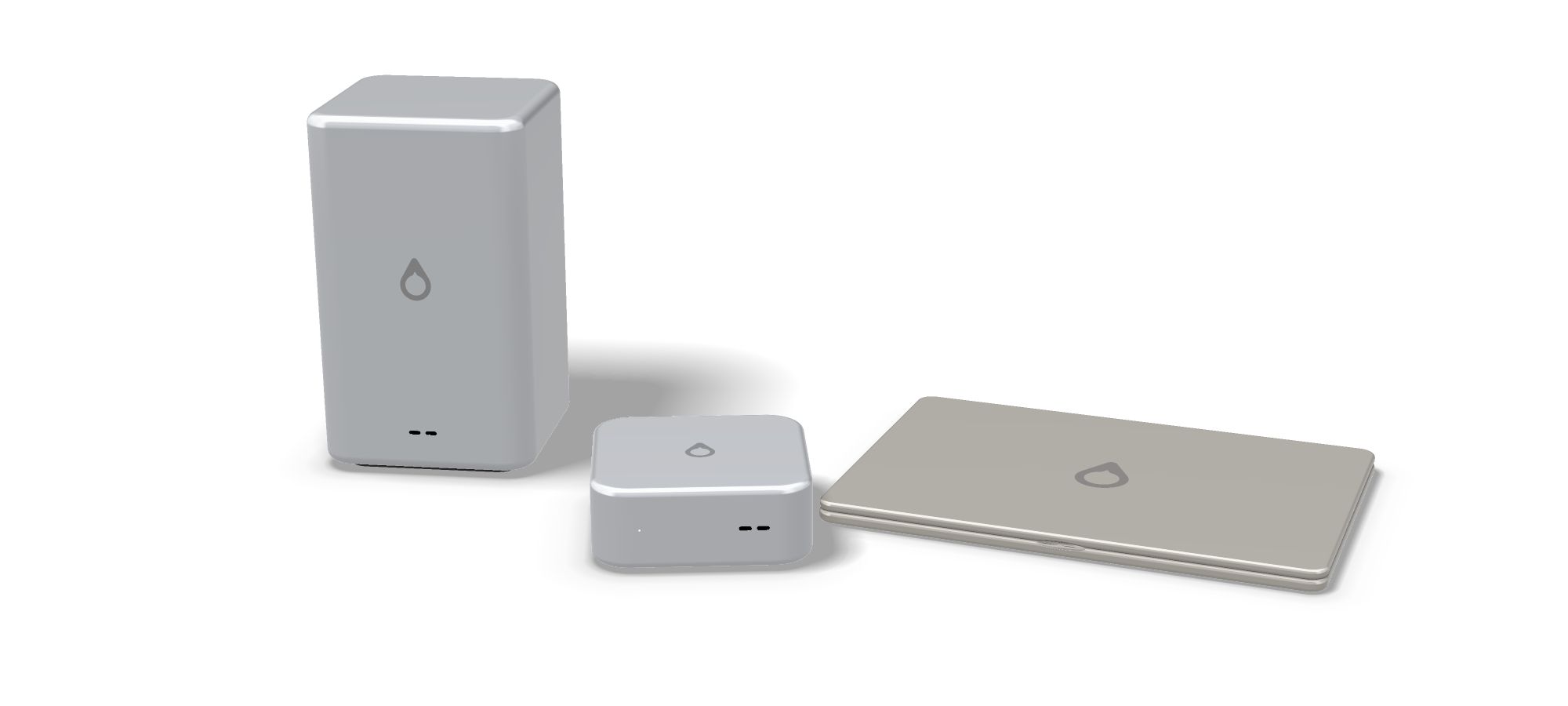
Two desktop-class computers, Aeon™ and Aeon™ Neo, and two Aebook™ laptops, Nano and Pro — from an 8 GB fanless N100 laptop to a twenty-four-core desktop, all running a custom Linux with the Glass UX.

Its AI layer is designed for useful, explainable assistance: find a document, summarise a project, surface the next action and let you approve important changes.

See the concept Build one

Concept

Noctic Silicon

Our own x86-64 processor family, Aether. The most ambitious project here and the one furthest from existing — no silicon, no foundry, no date.

The page covers how the chip would work, how it would be made, what each stage costs, and the list of reasons it might never happen.

Read the plan

Noctic Account

One sign-in. Everywhere.

Identity, plan, privacy and OAuth — the seam between every product.

How it works

Noctic Platform

Shared software foundations.

Shared auth, billing, rate limits, storage, AI gateway and security policies. Every product inherits it for free.

Explore the platform

Which one you want.

They overlap on purpose, so the honest answer depends on what you are trying to do this afternoon rather than on which is most capable.

Shiba You have a problem to think through, something to write, code to work on, or a question with more than one right answer. Start here — everything else is built on the same reasoning.
Cadence You are at a school and need the day in one place: the feed, the calendar, notes, channels and messages, with verified registration so you know who you are talking to.
Compass You know what you have to learn and not how to fit it in. It reads your Cadence data, plans in short blocks and tutors the parts you keep getting wrong.
Momentum You want to keep at something daily and see the evidence. A thirty-second evening check-in, stored on your own device.

What they share.

The reason to build several products rather than one is that the hard parts are common to all of them. Each app inherits the same foundations, so an improvement in one is an improvement everywhere.

1

One account

Sign in once. Your identity, plan and privacy choices follow you into every product.

2

One intelligence layer

The same reasoning model behind Shiba answers in Cadence and plans in Compass.

3

One set of rules

The same privacy policy, the same safety work and the same limits on what an app may ask for.

4

One place to leave

Export everything, or delete the account and its content across every product, from Settings.

Before you pick one.

Do I need all of them?

No. Each works on its own, and none of them nags you about the others. They get better together because they can read each other's context, not because anything is withheld until you sign up twice.

Is there a free tier?

Yes, on every product. The full breakdown of what each plan includes is on the pricing page.

Are my conversations used to train models?

Not unless you turn it on. It is off by default in Settings, and turning it off again stops future use immediately.

What about students under 13?

A Noctic Account requires you to be at least 13. What we do differently for younger and school-age users is set out under children and teens.

Can I build on top of these?

Yes. Continue with Noctic is open to apps that are not ours, and the tools to wire it up are in the developer section.

Download · $199 USD, paid once

Kick Start.

The SaaS starter we build on, as a zip. Next.js 15, authentication, billing, multi-tenant workspaces and a dashboard — wired together, typed end to end, and unbranded so you can ship it as your own.

Not a template you pull apart. A working product with your name missing from it.

What is in the zip

Five things nobody enjoys building.

Authentication

JWT sessions in httpOnly cookies with server-side session records, so revocation is instant. Email and password, Google and GitHub over PKCE, protected-route middleware and role-based guards.

Billing

Stripe Checkout and the customer portal, webhooks that verify signatures and survive being delivered twice, tables for subscriptions and one-off payments, and plan entitlements.

Database

A Drizzle schema for users, OAuth accounts, sessions, organisations, members, invitations, subscriptions and payments — with the SQL migrations already generated.

Interface

A token-driven component library: buttons, cards, inputs, tables, modals, dropdowns, toasts, avatars and badges. Dark and light, responsive, no framework to learn on top of Tailwind.

Dashboard

Collapsible sidebar, workspace switcher, user menu, theme switching with no flash on load, and the settings, team and billing pages already written against the schema.

Nothing broken on arrival

npm run typecheck and npm run build both pass on a fresh unzip. Three environment variables boot it; everything else stays disabled until you add its keys.

Next.js 15 with the App Router, TypeScript, Tailwind CSS, Drizzle ORM, PostgreSQL and Stripe. The zip is the source tree, not a node_modules dump — unzip it and run npm install.

One payment, by e-Transfer.

There is no checkout on this page and no card form to fill in. You send the money from your own bank, we send back a code, the code opens the download.

1

Send $199 USD

Interac e-Transfer to nicholassteiche@icloud.com. If your bank asks for a security question, use the one above: What kit is this, answered kickstart20, lower case and no space.

2

Put your account email in the message

Write the address on your Noctic Account in the transfer's message field. That is where the code is sent, and the account it belongs to.

3

Get a code back

Once the transfer lands in the bank we email you a code of your own. It looks like KS-A7QF-2M4X-9KDP-3TWE, and no one else is ever given it.

4

Spend it

Enter the code below and the zip downloads. The code is used up in the act, so save the file rather than the code.

Paying from outside Canada, or in a currency your bank will not e-Transfer? Write to support and we will sort out another way to take the $199.

Already paid? Enter your code.

Sign in first — the code is issued to your account. Entering it spends it and opens a private link that lasts fifteen minutes, so download the zip and keep it: a code that has been used is used for good, including for anyone it gets forwarded to.

What you are buying.

The whole source Every file, readable and editable. Nothing is minified, obfuscated or held back for a higher tier.
Unlimited projects Build as many products on it as you like, for yourself or for clients, and charge whatever you charge. One purchase covers all of them.
Not for resale as a kit Ship what you build with it. Do not repackage the kit itself, changed or unchanged, as a starter for other people to buy or download.
No subscription One payment. There is no renewal and no seat count. What you download is yours to keep and to build on for as long as you like.
Support is best effort Ask us anything at contact. This is a zip, not a managed service, so treat any answer as a favour rather than an entitlement.
No refunds after the code The code is the product, and it cannot be returned once it is sent. If something in the kit is genuinely broken, tell us and we will fix it or refund you.

Questions before you send money.

Why e-Transfer instead of a card?

Because a card checkout here would mean holding a payment integration for a single product. An e-Transfer costs you nothing, clears the same day, and does not put your card details in front of us at all.

How long does the code take?

A few hours in practice, one business day at worst. Transfers are read by a person, so an overnight payment is answered in the morning rather than the moment it lands.

My bank sends e-Transfers in Canadian dollars.

Send the Canadian equivalent of $199 USD on the day you pay. Any small gap either way from the rate is fine; we are not going to chase a dollar over it.

Nothing happens when I enter my code.

Check it character for character — there is no letter I or O, and no digit 0 or 1, in a code, so those are usually the typo. Spaces and lower case are fine. If it still fails, reply to the email the code came in.

Can I use the code twice?

No, and that is the point — a code that has been spent is dead for everyone, so a forwarded one is worth nothing. For the first day after you use it we will still hand you a fresh link if a download drops halfway. After that, ask us and we will open it again.

Do I need a Noctic Account?

No. Kick Start is sold and delivered entirely outside the account system. Nothing about this purchase touches your Noctic Account if you have one.

What is not in the box?

Dependencies, which npm install fetches; a database, which you point DATABASE_URL at; and your Stripe and OAuth keys. The README lists every variable and what it switches on.

Do I get updates?

What you download is the build of the day, and the code will not open a later one. Write to us if you want the current kit again and we will send a fresh code. There is no changelog feed and no upgrade path back into a project you have already changed.

Ask something first

In development

Send anything,
anywhere.

Encrypted before it leaves your machine. Usync moves files between your own devices in a browser tab. Usync Air moves them between people, from a Mac or an iPhone, without either file ever being readable by anything in the middle.

AirDrop only works when both machines are in the same room. Email attachments are read by every server they touch. This is the third thing.

Two halves

Your devices, and everyone else's.

Usync

Your own devices.

A browser tab on every machine you own. Drop files, a folder, a block of text or a link into one and it lands on another — no cable, no account juggling, no emailing yourself.

Names the devices, remembers the ones you use, and works from a phone browser as readily as from a desktop. Included with a Noctic Account.

Use it with your account

Usync Air

Other people's devices.

Native apps for macOS and iPhone that send to approved contacts. Watched folders, team spaces, and a relay that holds ciphertext for as long as it takes the other side to collect it.

$10 a month. Universal on Apple silicon and Intel, iOS 16 or later.

Sign in to get it

Security

Nobody can push a file at you.

Files that land on a machine by themselves are how machines get ruined. So a security code lets somebody reach you. It never lets them write to you. That takes your approval, once, per person.

1

Everyone gets a code

Sixteen characters, generated for you and never chosen. Share it like a phone number. Roll it the moment it leaks and the old one dies instantly.

2

Email plus code opens a request

That pair finds a person and asks to connect. It moves zero bytes. Wrong guesses are rate limited and look identical to misses, so codes cannot be fished out one attempt at a time.

3

You approve, once

Both sides agree before the database permits a single transfer. Auto-download then runs only for approved contacts, and only under the ceiling you set.

4

The relay never sees a file

Everything is sealed on your device before it is uploaded. What passes through is ciphertext and a checksum, and it is deleted the moment it is collected.

How a file moves.

Five steps, none of which involve a server that could read anything even if it wanted to.

1 · Sealed The sender's device generates a one-time key and encrypts the file with AES-256-GCM. The key exists for this one transfer and is never reused.
2 · Wrapped That key is wrapped for the recipient using X25519 key agreement, so only their device can unwrap it. Private keys live in the Keychain and never leave the machine they were made on.
3 · Relayed The ciphertext goes to the relay, which holds no key and can decrypt nothing. It is a corridor, not a filing cabinet.
4 · Verified The recipient downloads, unwraps, decrypts, and recomputes the SHA-256. A mismatch is discarded rather than saved — a half-arrived file is not a file.
5 · Wiped Once collected, the object is deleted from the relay. Nothing accumulates that could later leak.

What you get

Built for people who move files all day.

Watched folders

Point Usync Air at a folder. Save a file into it and the file is already on the other machine. No button, no upload dialog, no remembering to send it.

Inbox or straight to disk

Chosen per contact. People you trust land in a folder. Everyone else waits in an inbox until you say so, however much they send.

Team spaces

Group your people. Drop a file once and it reaches everyone approved in the space.

Verified on arrival

Every transfer carries a SHA-256 checksum, recomputed after decryption. A mismatch is refused, not opened.

No shared network

Nothing needs to be on the same Wi-Fi, in the same building or on the same continent. If both machines can reach the internet, they can reach each other.

One account

The same Noctic Account that carries Shiba and Cadence. Sign in once and the apps know who you are.

The rules that cannot be turned off.

Some settings are yours to choose. These are not, because the whole point of an automatic download is that you are not there to catch it.

Executables never auto-save Whatever auto-download says, anything on the refused list waits for you to look at it. The list is in the app, not a server setting somebody else can edit.
Quarantine is kept Files written to disk keep the flag macOS puts on downloads, so the operating system still asks its own questions before anything runs.
Your size cap holds Anything over the ceiling you set waits in the inbox instead of filling a disk while you sleep.
Approval is per person Approving one contact approves that contact. There is no setting that opens you to everybody, because we did not build one.
Keys stay on the device Private keys are generated in and never leave the Keychain. We cannot read your transfers, and there is no key escrow to be compelled for.

What it costs.

Usync

Included with a Noctic Account

  • Your own devices, in the browser
  • Files, folders, text and links
  • Nothing to install
  • No extra charge, ever
Get a Noctic Account

Downloads are tied to the account and the plan, so a build cannot be passed around. Payment is handled by Stripe and card details never reach our systems — the same arrangement as everything else on the pricing page.

Where it actually is

Honestly: not finished.

The apps are real and they build. What is not yet true is everything behind them, and it would be easy to write this page as though it were.

1

The apps build

macOS compiles in release and ships as a disk image. iOS runs. The encryption, the contact model and the safety rules above are written, not sketched.

2

The backend is not deployed

The database schema and the functions that turn a Noctic sign-in into a session are written and not yet live. Every call fails with a specific message rather than pretending.

3

The installer is unsigned

Until it is signed and notarised, macOS will refuse it on any machine but the one that built it. That is the last step before anyone else can run this.

4

Transfers cap at 45 MB

A limit of the current storage plan, not the design. Resumable chunked upload is the next piece of work and lifts it.

Questions.

Can you read my files?

No, and not as a promise — as an arrangement. The key that opens a file is created on your device and wrapped so that only the recipient's device can unwrap it. What we hold is ciphertext we have no key for, briefly, and then not at all.

What happens if I lose my device?

The private key goes with it, which means transfers sent to that device and not yet collected cannot be opened by anything. Set up a new device and ask the sender to send again. There is no recovery key, because a recovery key is a key somebody else can be made to hand over.

Somebody has my security code. What can they do?

Ask to connect. That is the whole list. Until you approve them the database refuses every transfer, and you can roll the code from the app, which kills the old one immediately.

Is Usync Air different from AirDrop?

AirDrop needs both machines nearby and both to be Apple. This needs an internet connection and an approved contact. The overlap is smaller than it sounds.

Do I need Usync Air to use Usync?

No. The browser half stands alone and covers sending things to your own devices, which is most of what most people want. Air is for sending to other people.

Is there a Windows or Android app?

Not yet, and not soon. The browser half runs anywhere; the native apps are macOS and iOS because that is where the Keychain work is done and where we can test properly.

When can I actually buy it?

When the backend is deployed and the installer is signed. Both are in the list above, and neither has a date attached, because a date we cannot keep is worse than no date.

Concept · indicative pricing, buying locked until 2030

Four machines.
One system. One connector. No telemetry.

Two desktops, Aeon™ and Aeon™ Neo, and two laptops, Aebook™ Nano and Aebook™ Pro. The same AXESS OS on all four, made to make Linux feel obvious.

From $499 to $3,499. Aebook™ Nano pricing is final; the other three are indicative until release in 2030.

Two on the desk.
Two in the bag.

Aeon™ is the family, and the name of the desktops. The laptops are Aebook™. The same AXESS OS, the same Glass UI and the same x86-64 architecture run on all four, so you are choosing a shape and how much work it can take, not which features you are allowed to have.

Aeon Neo

Desktop · small and portable · concept

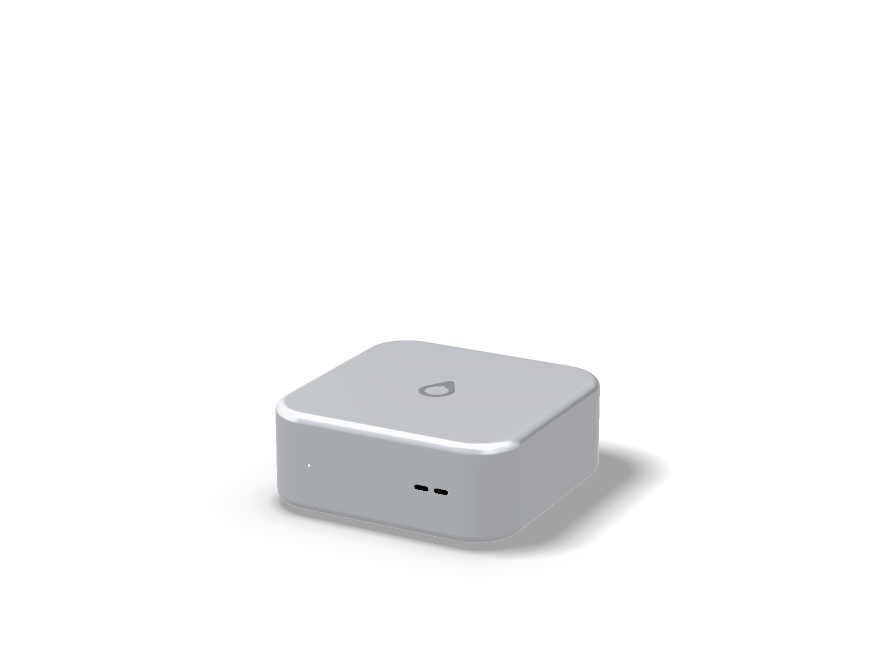
Aeon™ Neo

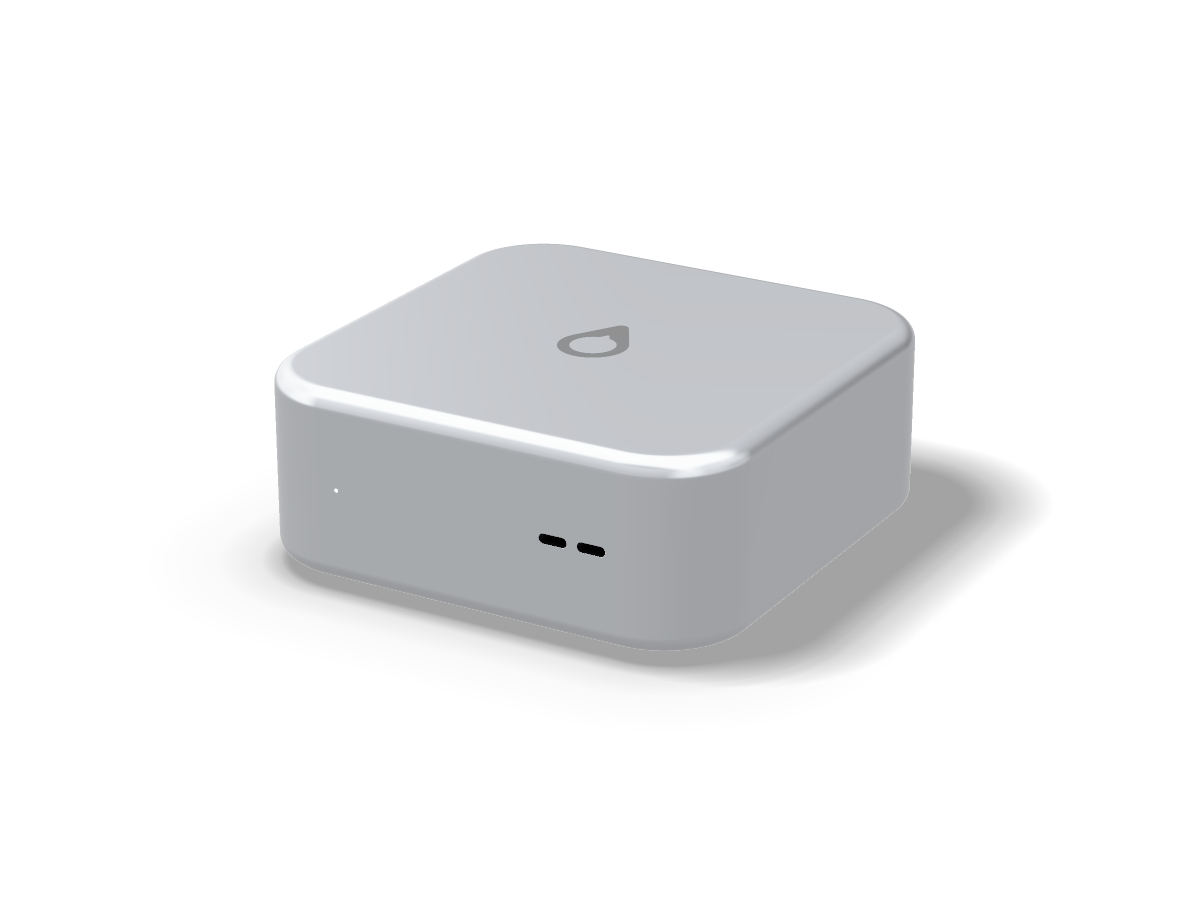
Desktop-class, fifteen centimetres square.

Carry it between desks and run it from a USB-C charger. Sixteen cores under a vapour chamber, in something you can hold in one hand.

Core Ultra 9 285H16 cores · 16 threads · up to 5.4 GHz
32 GBLPDDR5X soldered · 8400 MT/s
1.5 kg6 cm tall · four USB-C

Not for: working away from a desk. There is no screen and no battery.

Aeon

Desktop · full size · concept

Aeon™

Twenty-four cores. One fan, barely turning.

Sixty-four gigabytes on one desk, cooled by a single large fan that rarely has to work, with six USB-C ports and room for four displays.

Core Ultra 9 28524 cores · 24 threads · up to 5.6 GHz
64 GBDDR5 soldered · 5600 MT/s
27 cm tallVapour chamber · six USB-C

Not for: games or work that needs a graphics card. There is no slot for one.

Aebook Nano

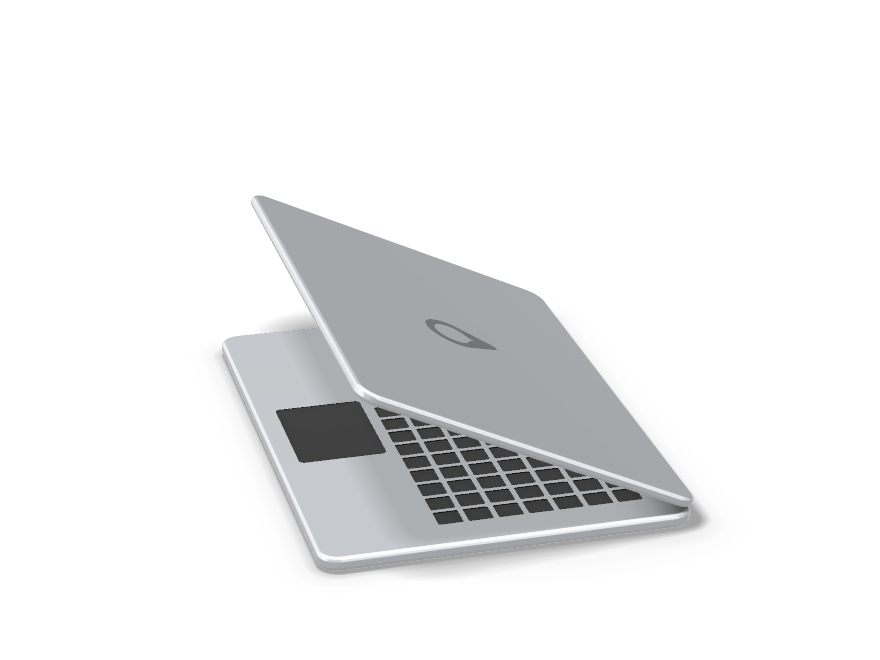
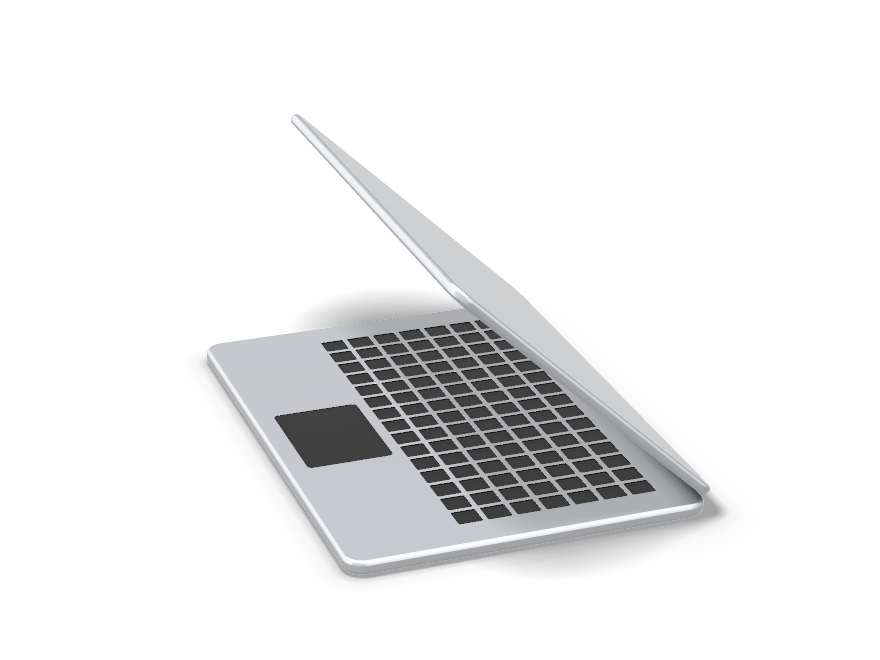
Laptop · the economical one · October 2026

Aebook™ Nano

Light, silent, and cheap to replace.

A first computer, a school computer, or a second one. It is the first machine in the family being made, and the only price on this page that is final.

Intel N1004 cores · 4 threads · up to 3.4 GHz
8 GBLPDDR5-4800 · soldered
12.5″No fan · 1.02 kg · up to 14 h

Not for: editing, gaming, compiling, or forty tabs. It is honest about being small.

Aebook Pro

Laptop · the fastest one · concept

Aebook™ Pro

Everything the Neo does, with a screen and a battery.

Sixteen cores, a 16.2-inch 144 Hz screen and a vapour chamber, for work that has to travel and cannot slow down when it does.

Core Ultra 9 285H16 cores · 16 threads · up to 5.4 GHz
32 GBLPDDR5X soldered · 8400 MT/s
16.2″2.14 kg · up to 16 h

Good for: heavy work away from a desk, in the room or on the way to it.

What all four
have in common.

One connector, one system, one architecture, and one position on what a computer is allowed to know about you.

USB-C,
and nothing else.

One connector for power, displays, storage, audio and networking. No HDMI, no full-size USB-A, no SD slot, no barrel charger, no headphone jack — on every machine, desktops included. This will annoy some people and we are doing it anyway.

4USB-C on the Aeon™ Neo
6USB-C on the Aeon™
2USB-C on the Aebook™ Nano
4USB-C on the Aebook™ Pro
1

Every port is the same port

Nothing only charges and nothing only carries data. Any cable works in any socket.

2

The space goes somewhere better

On a laptop, the thickness of an HDMI socket becomes battery. On a desktop, it becomes airflow.

3

One dock, not five dongles

If you need legacy connectors, one hub gives you all of them and lives on your desk.

4

The honest cost

On day one you will need an adapter for something. We would rather say that than pretend otherwise.

The system

AXESS OS.
Linux, presented better.

Linux underneath, Glass UI on top, and no telemetry you did not switch on.

It is the same build on all four machines, desk or bag. It runs standard Linux software, keeps the terminal for anyone who wants it, and does not require you to open it to do ordinary computer things. Every control is drawn in Glass UI — there is no borrowed system dialogue anywhere in it.

No surveillance

No keystroke logging, no screen monitoring, no location history, no usage profile assembled in the background. Not a setting that defaults on — absent.

No collection without consent

If you do not allow it, it does not happen. There is no "improve the product" toggle that is on when the machine arrives, and declining does not disable anything you paid for.

No account required

The machine works fully signed out. A Noctic Account syncs settings between machines if you want that, and nothing is withheld if you do not.

The AI asks first

It can find a document, summarise a project or surface the next action. Anything that changes your files or settings is shown to you in full and waits for a yes.

Plain words, everywhere

Settings are named after what they do. No daemons, no mount points, no acronym in a dialogue you meet once a year and have to get right first time.

Apps without friction

Standard AppImage packages work, alongside a small first-party library and useful pre-installed essentials. It is still Linux, presented better.

Silicon

Intel now.
Noctic Silicon later.

The family is designed around processors we intend to build ourselves. Until those exist, it uses Intel Core Ultra — and, on the Aebook™ Nano, an Intel N100 that costs a fraction of one.

This is the honest position and it is deliberate. A machine cannot wait on a chip programme that will take years, and an operating system is better judged on hardware anyone can buy than on hardware nobody can. Both are x86-64, so the day the swap happens, it changes nothing you can see.

Cooled like a tiny fridge

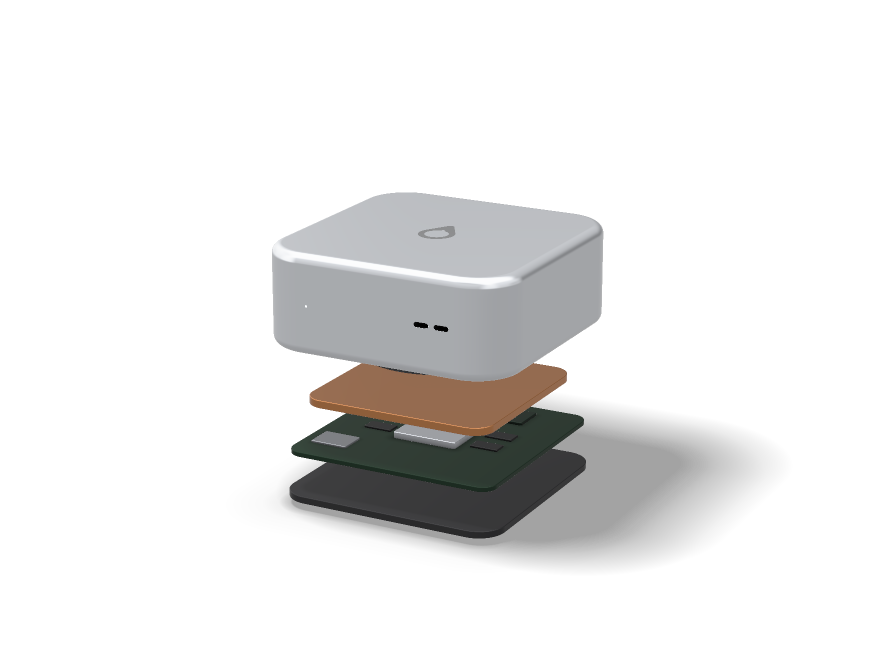
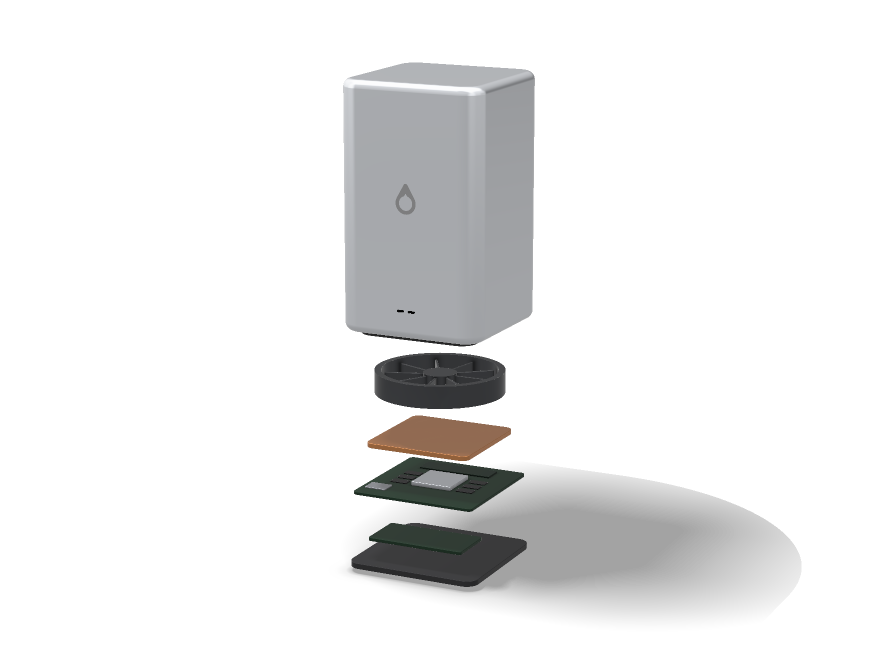
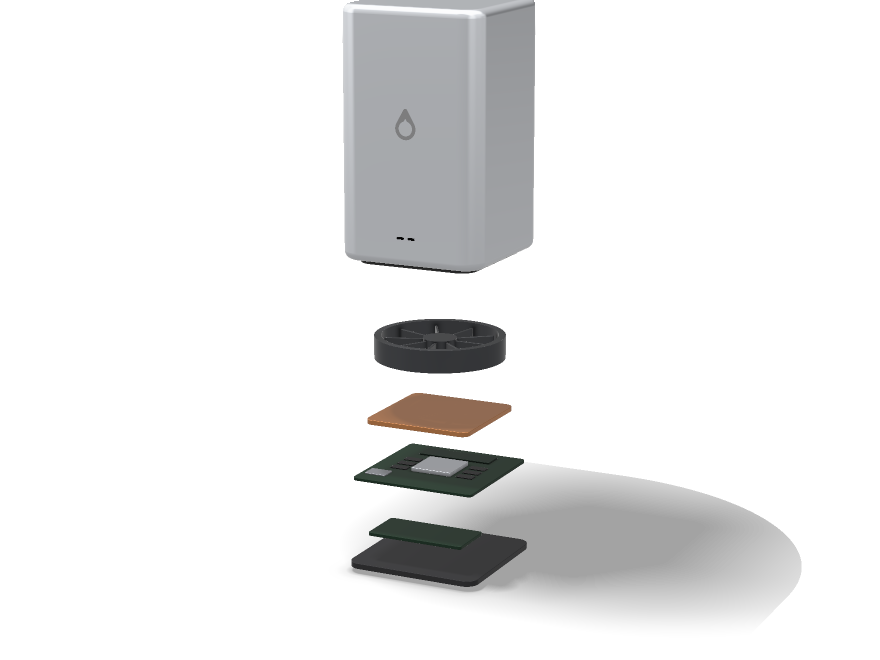
Every machine in the family moves heat with a vapour chamber: a sealed copper plate with a little liquid inside. The liquid boils where the chip is hot, the vapour carries that heat to the cooler edges and turns back into liquid, over and over, with no pump and nothing to wear out. The desktops and the Aebook™ Pro add fans to clear the heat out of the case; the Aebook™ Nano needs none.

Why no discrete GPU, either way

A separate card means a second pool of memory and a constant copy between the two. Sharing one pool is slower at the extreme top end and better at almost everything else, and it takes far less power. That holds on the desktops as much as the laptops.

Memory that stays where it is put

On every machine the memory is soldered beside the processor rather than sitting in slots. Shorter distances, lower latency, and no upgrading later. Buy the size you will still want in four years.

Performance and efficiency cores

Performance cores take the work that must finish now; efficiency cores take everything that can happen quietly in the background. Intel already splits it this way, and on our own A2 Max the split would be eight and sixteen, with the scheduler deciding it ours as well.

One thread per core

Deliberately, and conveniently already true of these Core Ultra parts. Simultaneous multithreading buys throughput on servers and costs predictability on a personal computer, and a machine that feels consistent beats one that benchmarks well.

Nothing changes when we swap

Both are x86-64. The same AXESS OS build, the same AppImages, the same drivers for everything that is not the chip itself. A processor transition is normally a software event for everyone who owns the machine. This one would not be.

Why bother building our own at all

Firmware we can read, a scheduler and cores designed to agree with each other, package decisions that belong to us, and a published errata list. Those are the honest reasons, and they are on the Noctic Silicon page in full, along with the reasons it might not happen.

Where the
family stands.

Honestly: parts of this exist and parts of it do not. This is what is real today and what is still a drawing.

Glass UI design language

The visual system, the launcher, the settings model and the file browser exist as a working design, and much of what you see across Noctic borrows from it.

AXESS OS on ordinary hardware

The system is being built against a standard Linux base first, so the software can be judged on its own before any custom silicon exists.

Aebook™ Nano

The Aebook™ Nano is the first machine in the family to be made: Intel N100, 8 GB, 64 GB or 500 GB of storage, no fan and no pretence that it is anything more than it is.

The laptops are Aebook™, and there are two

Aeon™ is the family and the desktops; the laptops are called Aebook™. The lineup keeps the Nano and the Pro. The 13.4-inch and 14.2-inch laptops were dropped rather than renamed.

Two desktops

Aeon™ and Aeon™ Neo bring the family to the desk: a full-size machine and a small, portable one, both on shipping Intel Core Ultra parts.

The Aether chips

A1 X Nano, A1 and A2 Max are a design brief, not silicon. Every core count, clock and bandwidth figure is a target, and targets have a habit of meeting physics later. The whole plan, including how it might fail, is on the Noctic Silicon page.

Hardware

The desktop cases, the Aebook™ Pro’s display and notch, and the internals of all three are concept work. There is no manufacturing partner and no date for the Aeon™, the Aeon™ Neo or the Aebook™ Pro, and the prices in the builder are indicative until there is one.

Questions, answered.

Which one should I buy?

If you work at a desk, the Aeon™ Neo, for most people, and the Aeon™ if you already know you need twenty-four cores. If the machine has to go with you, the Aebook™ Pro — or the Aebook™ Nano if the price is what decides it. If none of that lands, seven questions will get you closer than a specification table will.

Why are the laptops called Aebook™?

Because Aeon™ is the name of the family and of the desktops, and a laptop deserves a name that says what it is. An Aebook™ is still an Aeon™ underneath: the same system, the same architecture and the same rules.

What happened to the 13.4-inch and 14.2-inch laptops?

They are gone. Two laptops at either end of the range and two desktops between them cover the same people with far less overlap. If you reserved one, reply to your confirmation email and tell us which machine you would like instead.

What is the Aebook™ Nano, and why is it so much cheaper?

A four-core Intel N100, 8 GB of memory, 64 GB or 500 GB of storage, a 12.5-inch 60 Hz screen and an aluminium body instead of titanium. It exists so that AXESS OS can be put in front of someone who is not going to spend a lot of money on a computer, and it runs the same system as the other three. The whole machine is on its own page, ceilings included.

Whose processors are in them?

Intel’s. The Aeon™ Neo and Aebook™ Pro use a Core Ultra 9 285H, the Aeon™ a desktop Core Ultra 9 285, and the Aebook™ Nano an N100. We intend to replace the Core Ultra parts with our own x86-64 silicon eventually, which is a much longer story told on the Noctic Silicon page.

Would anything change when you swap the chip?

Not for you. Both are x86-64, so it is the same AXESS OS build, the same software and the same packages. A processor transition is usually an event everybody who owns the machine has to live through. This one would be an internal detail.

Can I upgrade the memory later?

No, not even on the desktops. Memory is soldered beside the processor on every machine in the family. Buy the size you will still want in four years.

Really no HDMI?

Really. USB-C carries display out, so a single cable or a hub covers it. If that is a dealbreaker, it is a fair one and this is not the family for you.

Will it run my Linux software?

AXESS OS is Linux, so standard AppImage packages are planned to work and the terminal is there. What we are changing is the assumption that you must use it.

Can I buy one?

The Aebook™ Nano is taking orders for October 2026. The other three are not for sale yet: you can reserve a spot in the first hundred, which costs nothing and commits you to nothing.

Full specifications.

Planned figures for machines that are mostly unbuilt. Every one of them may change.

Processor and memory, as it stands today

Aeon™ NeoAeon™Aebook™ NanoAebook™ Pro
ProcessorIntel Core Ultra 9 285HIntel Core Ultra 9 285Intel Processor N100Intel Core Ultra 9 285H
PlatformCore Ultra 200H seriesCore Ultra 200S seriesAlder Lake-NCore Ultra 200H series
CPU cores16 — 6P + 8E + 2LP-E24 — 8P + 16E4 — 4E16 — 6P + 8E + 2LP-E
Threads1624416
Max turbo5.4 GHz5.6 GHz3.4 GHz5.4 GHz
L3 cache24 MB36 MB6 MB24 MB
GraphicsArc 140T · 8 Xe coresIntel Graphics · 4 Xe coresUHD Graphics · 24 EUArc 140T · 8 Xe cores
Neural engineNPU 3 · 13 TOPSAI Boost NPU · 13 TOPSNoneNPU 3 · 13 TOPS
Memory32 GB soldered64 GB soldered8 GB soldered32 GB soldered
Memory speedLPDDR5X-8400DDR5-5600LPDDR5-4800LPDDR5X-8400
UpgradeableNo. Memory and storage are fixed when the machine is made, on all four.

Intel, Core Ultra and Arc are trademarks of Intel Corporation. Noctic has no partnership, endorsement or supply agreement with Intel. These are the parts machines like these would be built around if they were built today, chosen from a public price list like anyone else’s.

What Noctic Silicon would replace them with

Aether is our own x86-64 family: three parts, one architecture, so a single build of AXESS OS runs on all of them. None of it exists. Every figure below is a target written into a specification rather than a measurement taken from a chip.

Aeon™ NeoAeon™Aebook™ NanoAebook™ Pro
ChipAether A1Aether A2 MaxNone — stays on Intel N-seriesAether A2 Max
CPU cores8 — 4P + 4E24 — 8P + 16E24 — 8P + 16E
Threads82424
Max turbo3.8 GHz5.7 GHz5.7 GHz
L3 cache18 MB36 MB36 MB
GPU cores102424
Neural engine16-core · 24 TOPS32-core · 48 TOPS32-core · 48 TOPS
Memory16 GB LPDDR5X16 GB16 GB
Memory bandwidth153 GB/s205 GB/s205 GB/s
StatusSpecification only. Not designed, not verified, not manufactured, no date.Releasing October 2026, orders open now.Specification only.

Screen and input

Aeon™ NeoAeon™Aebook™ NanoAebook™ Pro
DisplayNone — bring your own, over USB-C12.5-inch, 1920 × 1200 IPS, matte, 60 Hz, 400 nits16.2-inch 8K Ultra Retina XDR, 144 Hz, 1600 nits peak
ColourWhatever your display showssRGB, 8-bitP3 wide gamut, 10-bit, factory calibrated
Touch and unlockPassword, PIN, or a paired Aebook™No touch · password or PINMulti-touch · face unlock
KeyboardNot included — any USB-C or Bluetooth keyboard1.3 mm travel, not backlit, with the Aeon™ keyBacklit, 1.5 mm travel, with the Aeon™ key
CameraNone1080p, in the top bezel12 MP, in the Dynamic Notch

Storage, power and body

Aeon™ NeoAeon™Aebook™ NanoAebook™ Pro
Storage1 TB NVMe · 2 or 4 TB to order2 TB PCIe 5.0 NVMe · 4 or 8 TB to order64 GB eMMC or 500 GB NVMe2 TB PCIe 5.0 NVMe · 4 or 8 TB to order
Sequential readAround 7 GB/sAround 14 GB/s0.3 GB/s or 2.2 GB/s7.4 GB/s
PowerUSB-C, 140 W adapterUSB-C, 240 W adapter42 Wh battery · 45 W USB-C100 Wh battery · 96 W USB-C
Battery lifeNo batteryUp to 14 hUp to 16 h
CoolingVapour chamber and one quiet fanVapour chamber and one 140 mm fanVapour chamber, no fanVapour chamber and two fans
Size15 × 15 × 6 cm16 × 16 × 27 cm12.5-inch · 15.4 mm thick16.2-inch · 16.8 mm thick
Weight1.5 kg4.1 kg1.02 kg2.14 kg
BodyAluminium unibodyAluminiumAnodised aluminiumTitanium-and-aluminium unibody

Ports and wireless

Aeon™ NeoAeon™Aebook™ NanoAebook™ Pro
USB-C ports4624
Per-port bandwidthUSB4 · 40 Gb/sUSB4 · 40 Gb/sUSB 3.2 Gen 2 · 10 Gb/sUSB4 v2 · 80 Gb/s
External displaysThree, up to 6KFour, one at 8KOne 4KThree 6K or one 8K
PowerUSB-C, 140 WUSB-C, 240 WUSB-C, 45 WUSB-C, 96 W
WirelessWi-Fi 7 and Bluetooth 6.0Wi-Fi 7 and Bluetooth 6.0Wi-Fi 6E and Bluetooth 5.3Wi-Fi 7 and Bluetooth 6.0

Everything else

Aeon™ NeoAeon™Aebook™ NanoAebook™ Pro
SpeakersOne, for alertsTwoSix with dual subwoofers
MicrophonesNoneTwoFour, studio array
SystemAXESS OS — Linux-based, Glass UI, AppImage support
TelemetryNone unless you switch it on
WarrantyIntended at two years, parts and labour
From$1,499, indicative$2,499, indicative$499, final$3,499, indicative
Its own pageAeon™ NeoAeon™Aebook™ NanoAebook™ Pro

Concept status: the Aeon™, Aeon™ Neo and Aebook™ Pro are concepts. Nothing has been manufactured, there is no manufacturing partner and no release date. Their prices in the builder are indicative, and buying is locked until release, which we do not expect before 2030. The processor choice, memory, storage, display, battery, cooling, body and every other hardware and software detail on this page is planned rather than final, and may change or be abandoned. Intel, Core Ultra and Arc are trademarks of Intel Corporation; Noctic has no partnership with or endorsement from Intel. The Aether A1 X Nano, A1 and A2 Max are specifications for silicon that does not exist — see Noctic Silicon.

Releasing October 2026 · final pricing, orders open now

Aebook Nano.

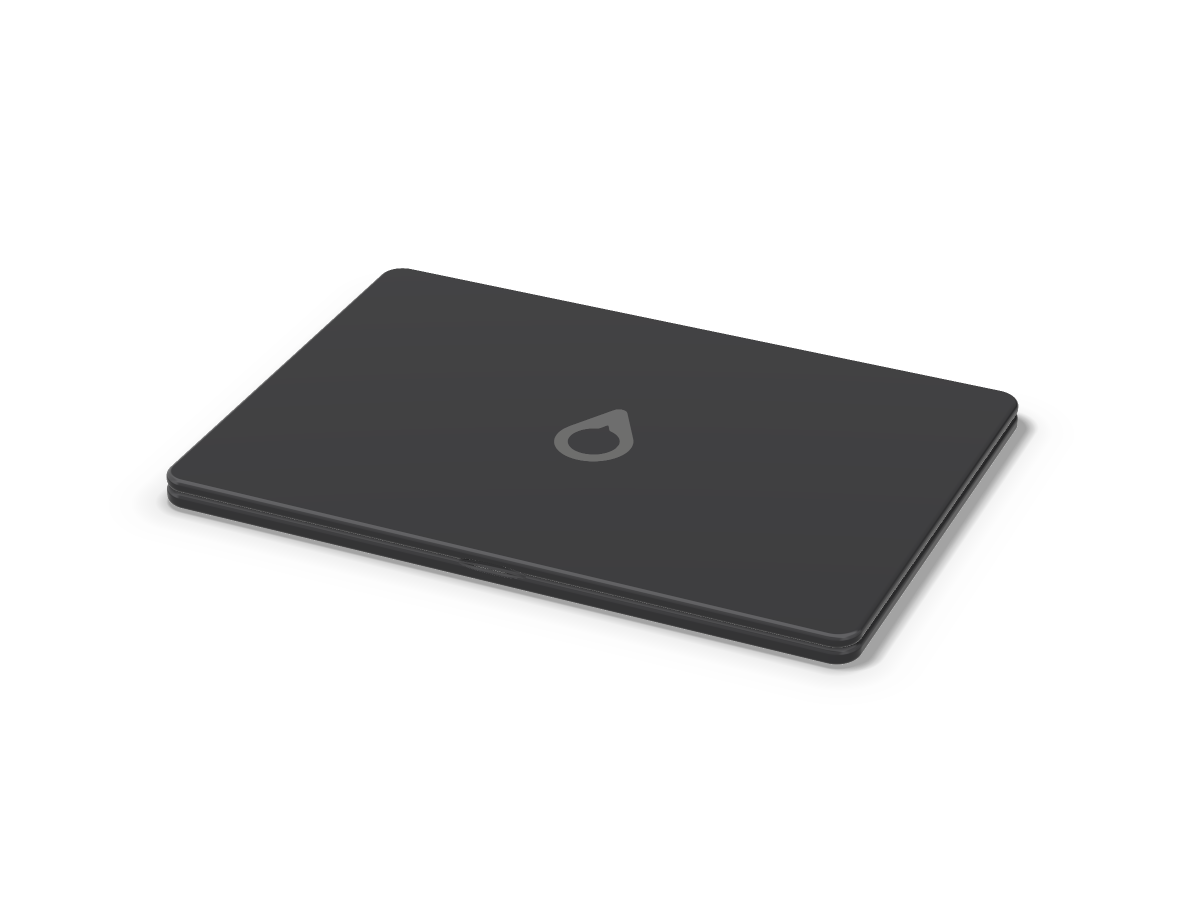
The cheapest machine we could design without it being a bad one. Intel N100, 8 GB of memory, no fan, and the same AXESS OS as the other three.

Intel® Processor N1004 cores · 4 threads8 GB LPDDR564 GB or 500 GBVapour chamber, no fan12.5″1.02 kgUSB-C only

From $499. Now accepting orders. Shipping October 2026 or earlier.

The point of it

A first computer, or a second one.

Every other machine in the lineup is a premium machine. This one is not, deliberately, and it is the only honest way to put AXESS OS in front of a student, a classroom or anyone who simply does not want to spend a lot of money on a laptop.

The Aebook™ Nano is built around a processor that costs a fraction of the others, a body made of anodised aluminium rather than titanium, and a screen chosen for being good rather than for being remarkable. What it does not do is cut the software. It runs the same build of AXESS OS, gets the same updates on the same day, and collects no more data about you than the Pro does — which is none.

Good for

Browsing, email, documents, spreadsheets that a person made rather than a bank, calls, note-taking, streaming, homework, coursework, and being carried around all day without a charger.

Not for

Video editing, 3D, gaming beyond what a browser does, large compiles, virtual machines, or forty browser tabs at once. It will attempt all of these and you will notice it trying.

The honest ceiling

Four cores, four threads and 8 GB. Around twenty-five tabs and a document is a comfortable day. Past that the machine starts swapping and you start waiting. We would rather write that down than have you discover it in week three.

Silent, always

Six watts of base power means no fan, no vents that whirr in a quiet room, and nothing inside that can fail mechanically. Fanless on the Nano is a consequence of the chip, not a feat of engineering. A thin vapour chamber — a sealed plate with a little liquid inside that boils off the hot chip and condenses at the cool edges, moving heat like a tiny fridge with no pump — spreads the heat across the body instead.

The same system

Glass UI, the same settings, the same app library, the same terminal for anyone who wants it. Nothing is withheld from the cheap machine to make the expensive ones look better.

Where it gives way

No neural engine, so on-device AI features fall back to the CPU and run slowly or not at all. No face unlock. No touch. A 60 Hz screen. Those are the costs of the price, and they are real.

Silicon

Intel N100. Nothing clever, and that is the idea.

A four-core Alder Lake-N part that draws six watts and costs almost nothing. It is the least interesting processor in the lineup and the most defensible one.

The N100 has four efficiency cores, no performance cores, no hyper-threading and no neural engine. It turbos to 3.4 GHz, shares 6 MB of cache between all four cores, and drives a small integrated GPU that is enough for a 1200p desktop, video playback and the sort of graphics a web page asks for. It is the same chip that sits inside a great many mini PCs and thin clients, which is exactly why we would use it: it is cheap, it is everywhere, it is well supported by the Linux kernel, and nobody has to invent anything for it to work.

ProcessorIntel® Processor N100 (Alder Lake-N)
Cores / threads4 efficiency cores / 4 threads — no hyper-threading
FrequencyUp to 3.4 GHz burst
Cache6 MB L3, shared
Base power6 W
GraphicsIntel® UHD Graphics — 24 execution units, up to 750 MHz
Neural engineNone. On-device AI runs on the CPU, when it runs at all.
Memory8 GB LPDDR5-4800, single channel, soldered to the board
UpgradeableNo. Nothing socketed, nothing removable.

Soldered, like the rest of the family

The Nano’s 8 GB sits soldered on the board beside the chip, as the memory does in every Aeon™ and Aebook™. It is slower than the LPDDR5X in the Aebook™ Pro, it is not upgradeable, and it is the price of the price.

Single channel, and what that costs

The N100 has one memory channel, so bandwidth is roughly a third of what the Aebook™ Pro has. You feel it in graphics and in anything that moves a lot of data at once, and you do not feel it while writing an essay.

No Noctic Silicon successor, on purpose

The Aether chips are a plan for the machines that need them. The Nano exists to be cheap and available now, and the sensible thing for a machine like this is to keep buying the cheapest competent x86 part on the market. The whole silicon argument is on the Noctic Silicon page.

8 GB is the number, and it is fixed

The platform tops out low, memory is soldered, and there is no second configuration. If you already know 8 GB is not enough for you, look at the Aeon™ Neo or the Aebook™ Pro. That is a straight answer rather than an upsell.

Two configurations

64 GB, or 500 GB.

The only choice you make when buying a Nano, and it matters more than it looks.

Nano 64 GBNano 500 GB
Medium64 GB eMMC 5.1, soldered500 GB NVMe SSD, M.2 2242
Sequential readAround 300 MB/sAround 2.2 GB/s
Free after AXESS OSRoughly 48 GBRoughly 484 GB
Made forCloud-first work, school fleets, a second machineKeeping your files on the machine
Everything elseIdentical. Same chip, same memory, same body, same screen, same system.
1

Take the 64 GB if your files live elsewhere

A school account, a drive in the cloud, a home server. The machine becomes a window onto them and costs the least it can.

2

Take the 500 GB if they do not

Photos, a music library, coursework going back years, anything you want to open on a train with no signal.

3

eMMC is slower, and it shows on big files

Booting and everyday work feel much the same. Copying a few gigabytes does not. We are not going to pretend the two are equal.

4

Neither can be changed later

The eMMC is soldered. The NVMe module is not, but opening the machine is not something we would support you doing.

The machine

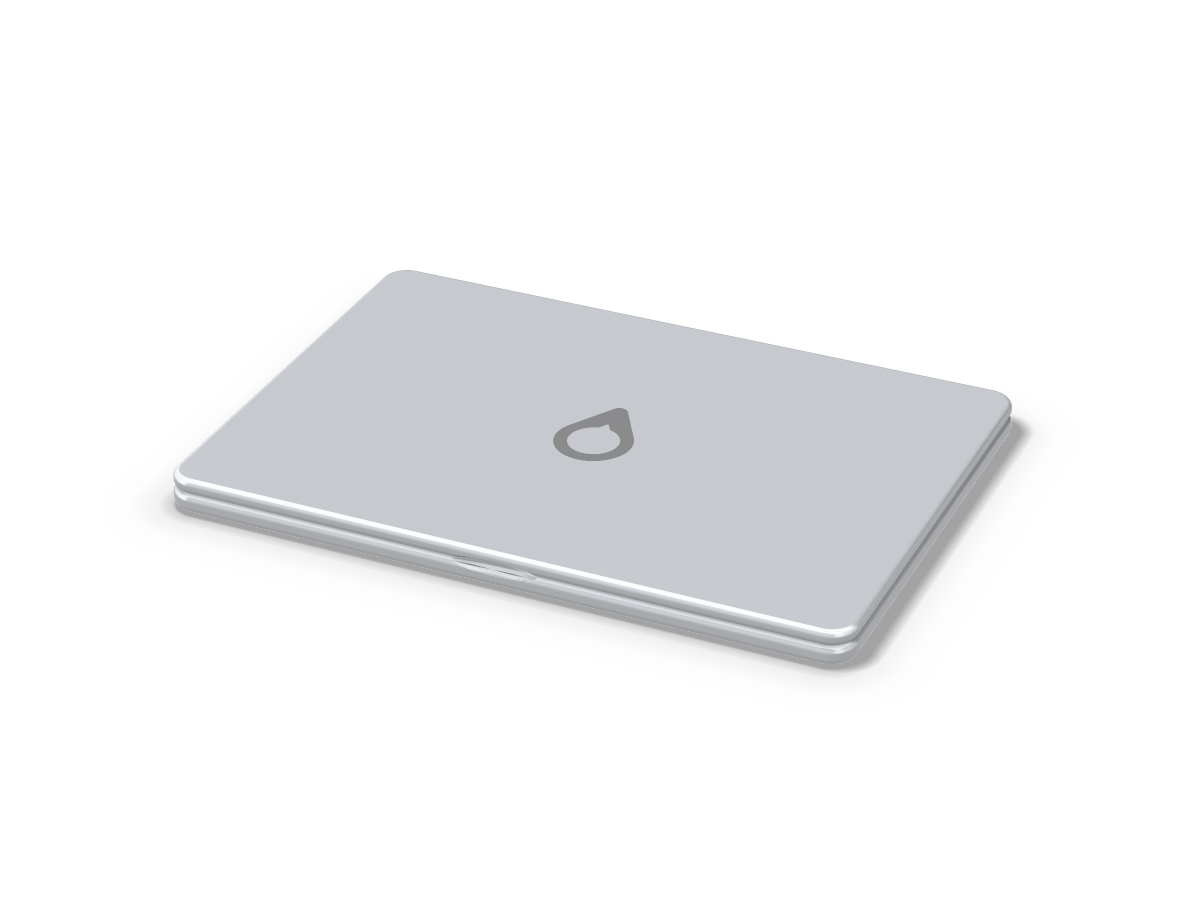
One kilogram, two ports, no fan.

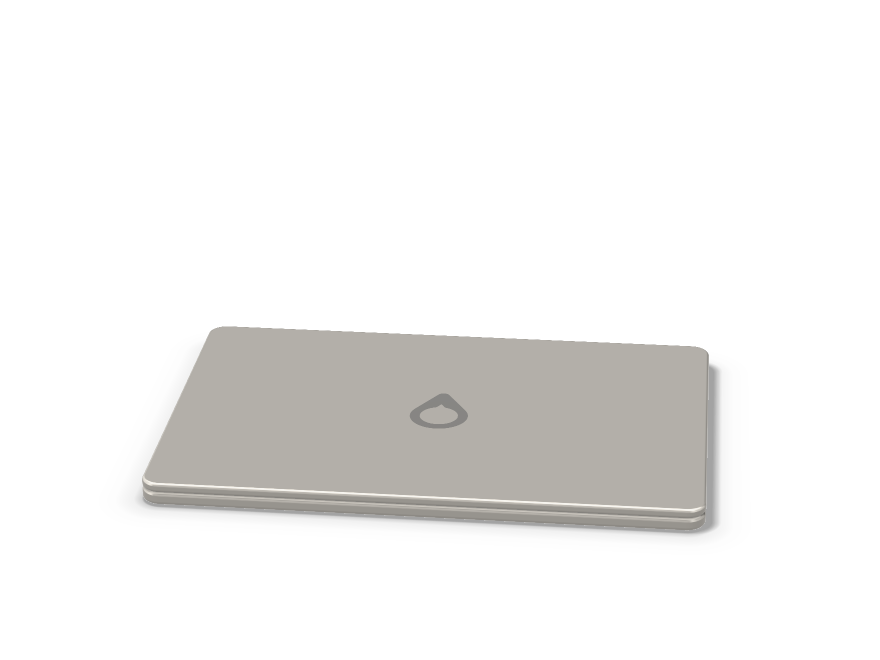
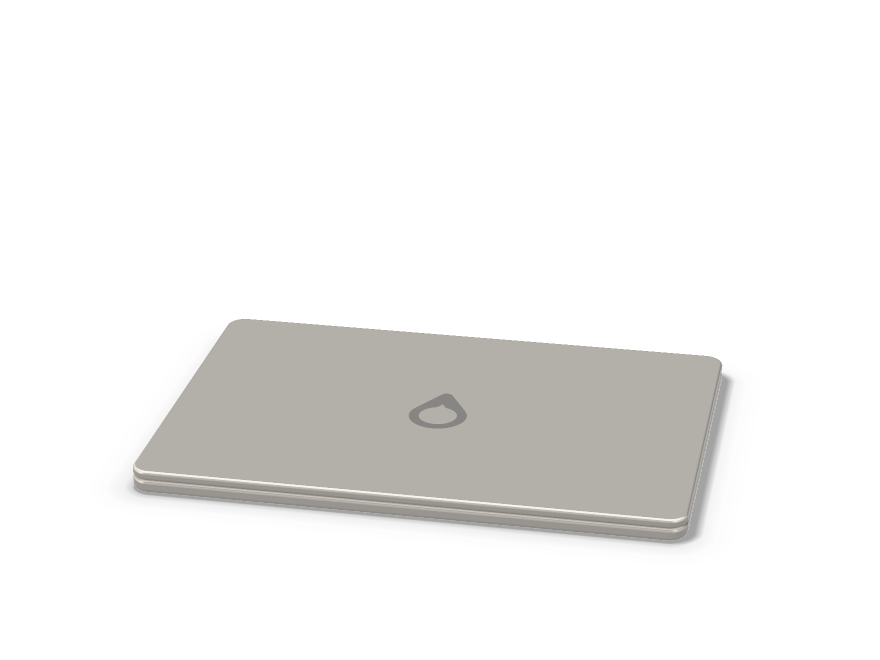
Anodised aluminium rather than the titanium-and-aluminium unibody of the Aebook™ Pro, because titanium is a cost you can see on a spreadsheet and not much else on a machine this size. The lid is stiff, the hinge opens with one hand, and the whole thing weighs a little over a kilogram.

Display12.5-inch, 1920 × 1200, IPS, matte, 400 nits, 60 Hz, sRGB
TouchNo. The Aebook™ Pro has it; this one does not.
Camera1080p, in the top bezel. No notch, no face unlock.
UnlockPassword or PIN
Keyboard1.3 mm travel, not backlit, with the Aeon™ key
SpeakersTwo, bottom-firing
MicrophonesTwo
PortsTwo USB-C, USB 3.2 Gen 2 at 10 Gb/s, charge or data on either
External displayOne, up to 4K at 60 Hz
WirelessWi-Fi 6E and Bluetooth 5.3
Battery42 Wh, up to 14 hours, 45 W USB-C charging
CoolingVapour chamber, no fan. No vents, no moving parts.
Weight and thickness1.02 kg · 15.4 mm
BodyAnodised aluminium

USB-C only, like the rest of the lineup, and on the Nano that means USB 3.2 rather than USB4 — the N100 does not offer Thunderbolt. One cable still carries power, a display, storage and audio. If you need HDMI or USB-A, a hub gives you both.

Full specifications.

Planned figures for an unbuilt machine. Every one of them may change.

ModelAebook™ Nano
ProcessorIntel® Processor N100
Cores / threads4 / 4
Max frequency3.4 GHz
Cache6 MB L3
Base power6 W
GraphicsIntel® UHD Graphics, 24 EU
Neural engineNone
Memory8 GB LPDDR5-4800, single channel, soldered
Storage64 GB eMMC or 500 GB NVMe
Display12.5″ 1920 × 1200 IPS, 400 nits, 60 Hz
Ports2 × USB-C, 10 Gb/s
WirelessWi-Fi 6E, Bluetooth 5.3
Battery42 Wh · up to 14 h
CoolingVapour chamber, fanless
Weight1.02 kg
Thickness15.4 mm
BodyAnodised aluminium
SystemAXESS OS — Linux-based, Glass UI, AppImage support
TelemetryNone unless you switch it on
WarrantyIntended at two years, parts and labour
Intended successor siliconNone planned — see Noctic Silicon

Against the rest of the family

Aeon™ NeoAeon™Aebook™ NanoAebook™ Pro
TypeDesktopDesktopLaptopLaptop
ProcessorCore Ultra 9 285HCore Ultra 9 285N100Core Ultra 9 285H
Threads1624416
Memory32 GB64 GB8 GB32 GB
ScreenBring your ownBring your own12.5″ 60 Hz16.2″ 144 Hz
Weight1.5 kg4.1 kg1.02 kg2.14 kg
From$1,499$2,499$499$3,499
Read moreAeon™ NeoAeon™You are hereAebook™ Pro
Is 8 GB really enough in 2026?

For a browser, a document, mail, music and a video call at the same time: yes, comfortably. For a large photo library, a virtual machine or forty tabs: no, and there is no configuration of this machine that changes the answer. That is what the Aebook™ Pro and the Aeon™ Neo are for.

Why an N100 and not something faster?

Because the moment you move up the price of the machine moves with it, and then it is a more expensive laptop with the same screen. The Nano is only worth building if it is genuinely cheap.

64 GB or 500 GB?

64 GB if your files live in an account somewhere and the machine is a window onto them. 500 GB if you keep things on the machine. When in doubt, 500 GB — storage is the one thing here you cannot work around later.

Does it run the same AXESS OS?

The same build, the same day. No cut-down edition, no features held back for the expensive machines. The AI features that need a neural engine are the exception, because there is not one in this chip.

Can I upgrade the memory or storage?

The memory is soldered, so no. The 500 GB model uses an M.2 module that is physically replaceable, but it is not a user-serviceable machine and we would not tell you otherwise.

Is this the school machine?

It is the machine we would put in a classroom, yes — silent, light, cheap to replace, and running a system that does not watch the person using it. What that would look like at scale is on the districts page.

Release status: the Aebook™ Nano is releasing in October 2026 or earlier. Manufacturing is underway and orders are now being prepared for shipment. The prices in the builder are final. Every figure on this page is confirmed and production-ready. Intel and the Intel logo are trademarks of Intel Corporation; Noctic has no partnership with or endorsement from Intel.

Concept · indicative pricing, buying locked until 2030

Aeon Neo.

A desktop-class computer fifteen centimetres square. Sixteen cores, 32 GB of memory and four USB-C ports, in a box light enough to carry from one desk to the next.

Core Ultra 9 285H16 cores · 16 threads32 GB soldered1 TB NVMeVapour chamber15 × 15 × 6 cm1.5 kgUSB-C power

From $1,499, indicative. Buying opens at release in 2030.

The point of it

A desktop that fits in a bag.

Most of a desktop computer is air. The Aeon™ Neo is what is left when you take the air out and keep the processor.

It uses the same Intel Core Ultra 9 285H as the Aebook™ Pro, without the screen, the keyboard or the battery, which is most of what a laptop costs. Plug it into the display you already own, pick it up at the end of the day and plug it into another one. It runs from a USB-C charger, so the second desk needs a cable rather than a second computer.

Good for

Development, office and study work with a great deal open, photo editing, 4K video, virtual machines, and anyone who works at more than one desk.

Not for

Working on a train. There is no screen and no battery, and a desktop that pretends otherwise is a laptop with extra cables.

The honest cost

A fan you will hear when all sixteen cores are busy, graphics that are good for integrated and are not a graphics card, and 32 GB that is fixed on the day it is made.

Powered over USB-C

A 140 W USB-C adapter comes in the box. On a smaller charger the Neo still starts and still works; it holds back under heavy load instead, and says so.

Bring your own screen

No display, keyboard or mouse in the box. Anything that speaks USB-C or Bluetooth works, and one cable to a USB-C monitor carries the picture as well.

Against the Aeon™

The Aeon™ has eight more cores, twice the memory and a fan that barely turns. It also weighs four kilograms and stays where you put it. The Neo is the one that comes with you.

Silicon

Core Ultra 9 285H, in a very small room.

An Arrow Lake H-series part with sixteen cores and memory soldered beside it, cooled by one fan tuned to stay slow rather than to set records.

ProcessorIntel® Core™ Ultra 9 285H
PlatformCore Ultra 200H series
Cores / threads16 — 6 performance + 8 efficiency + 2 low-power / 16
Max turbo5.4 GHz
Cache24 MB L3
GraphicsIntel® Arc™ 140T — 8 Xe cores
Neural engineIntel® NPU 3 — 13 TOPS
Memory32 GB LPDDR5X-8400, soldered to the board
UpgradeableNo. Nothing socketed, nothing removable.
Intended successorAether A1 — specification only

A laptop chip, without the laptop

No battery to protect and no lap to keep cool, so the Neo can hold the processor at a higher sustained power than the Aebook™ Pro does, for longer.

Still no discrete GPU

Arc 140T shares the 32 GB with the processor. It is quick for photo work, video and light 3D, and it is not a graphics card. If your work lives on one, this is not the machine.

A vapour chamber, and one slow fan

A vapour chamber sits on the processor — a sealed plate with a little liquid inside that boils off the hot chip and condenses at the cool edges, moving heat like a tiny fridge with no pump. One blower, tuned slow, clears that heat out of the case: silent while you write, audible during a long export.

What replaces it, one day

Aether A1: eight cores and 16 GB on the package, designed for exactly this kind of small, efficient machine. It does not exist. The plan is on Noctic Silicon.

The machine

Fifteen centimetres, four ports, one cable.

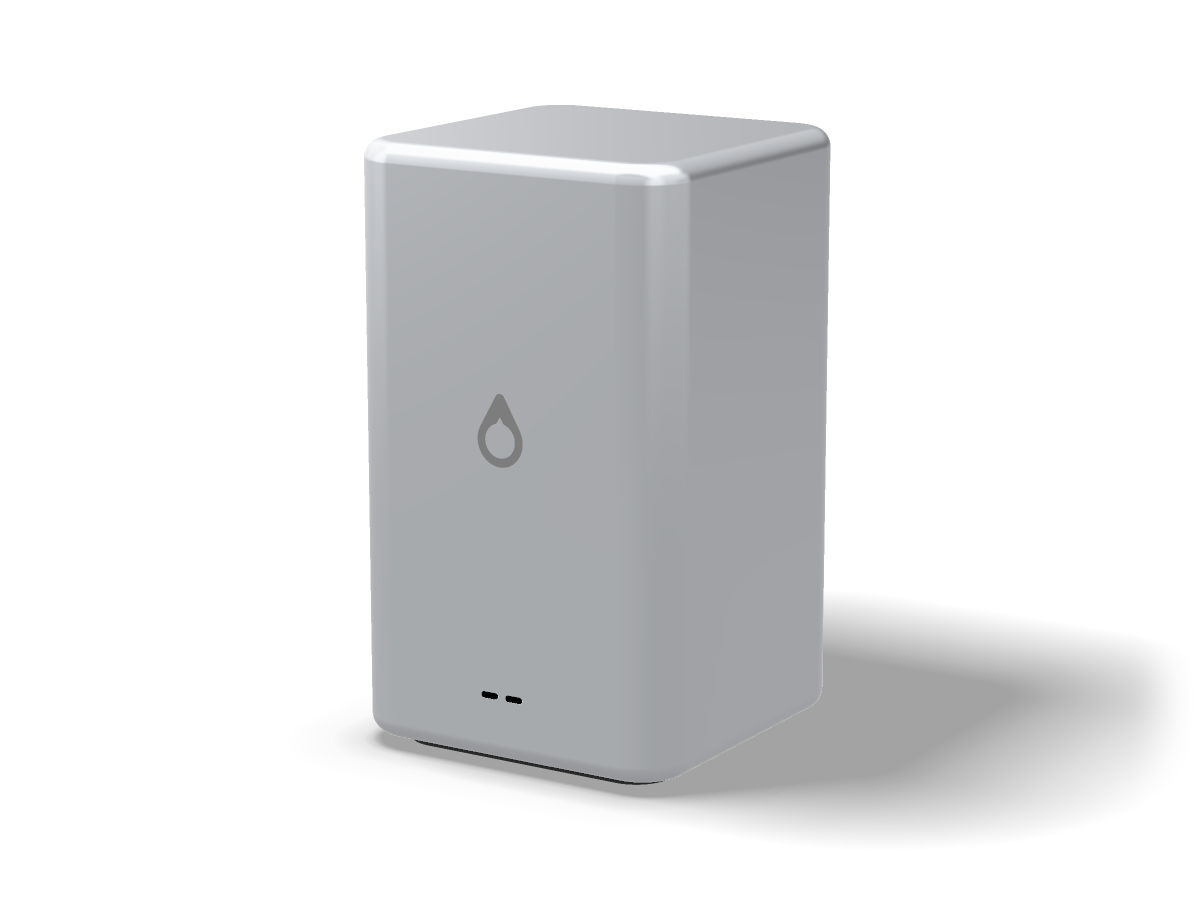
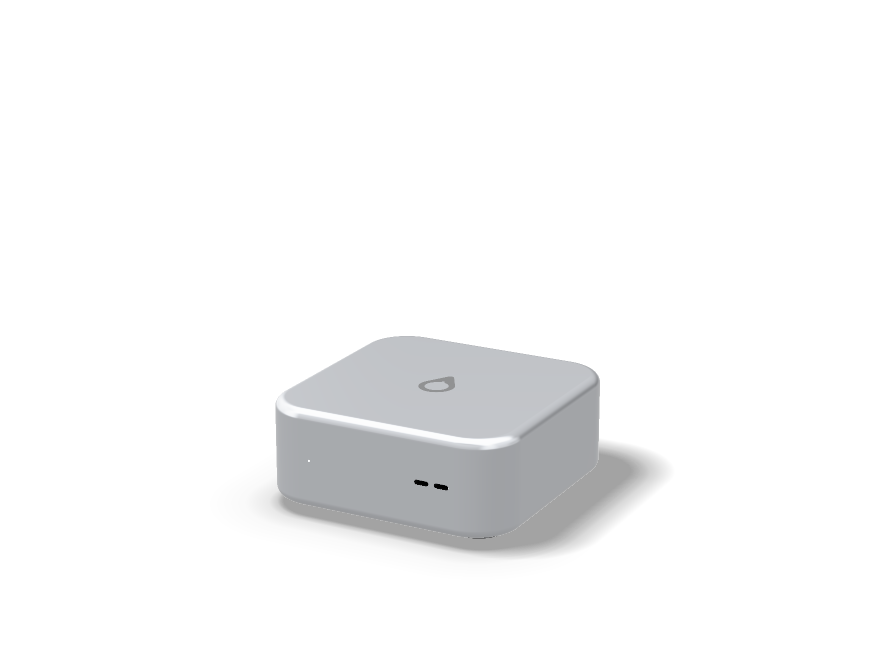
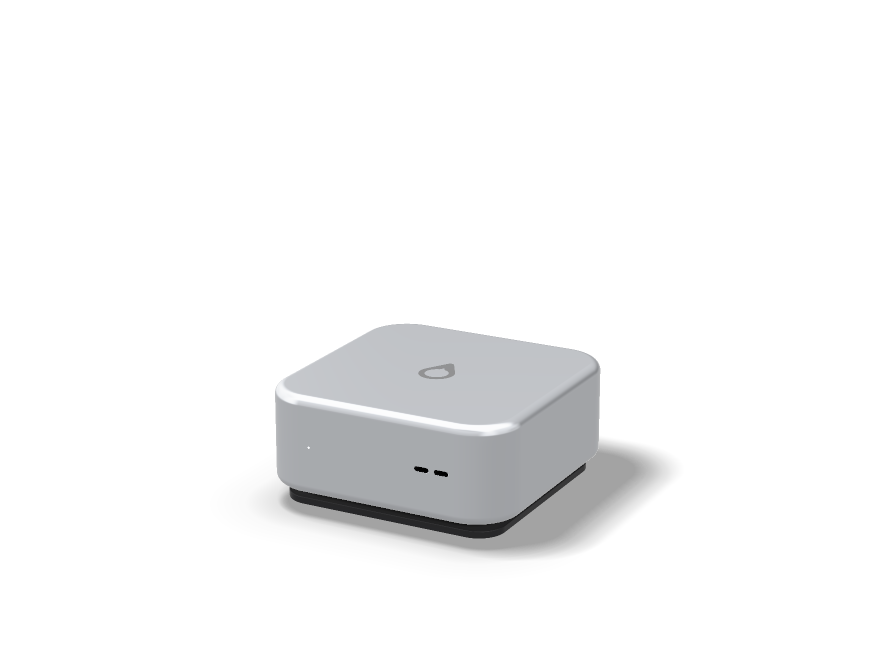
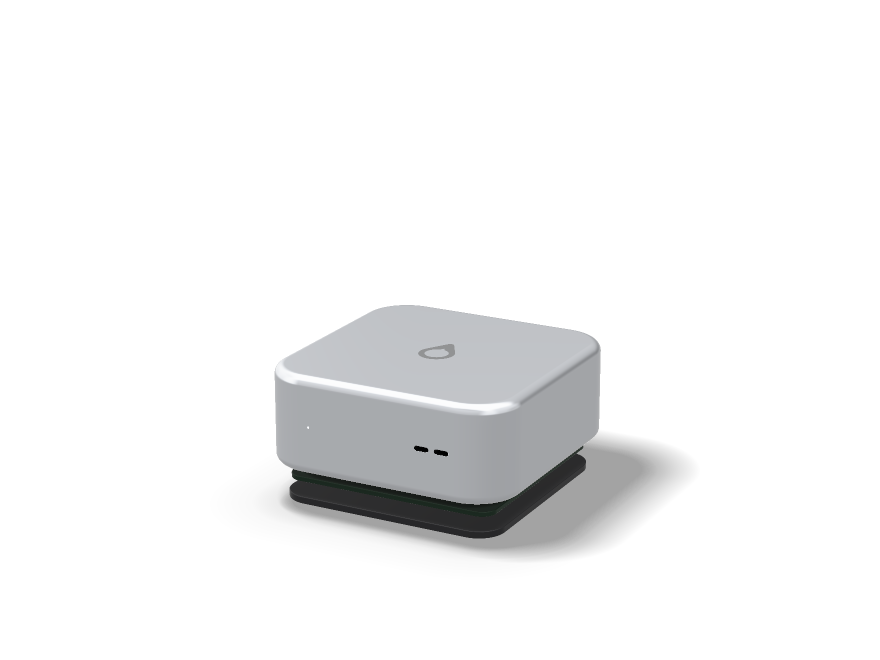
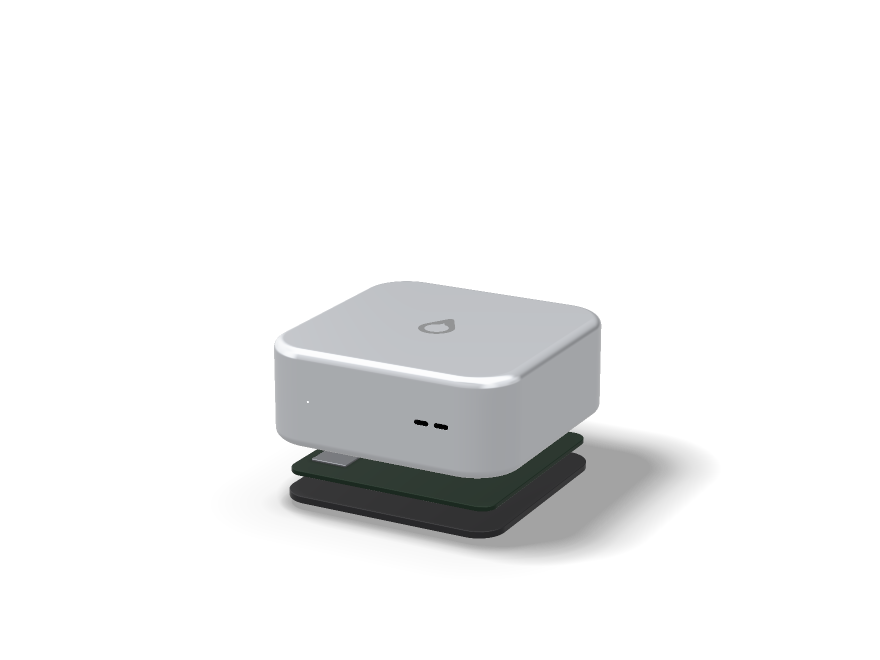
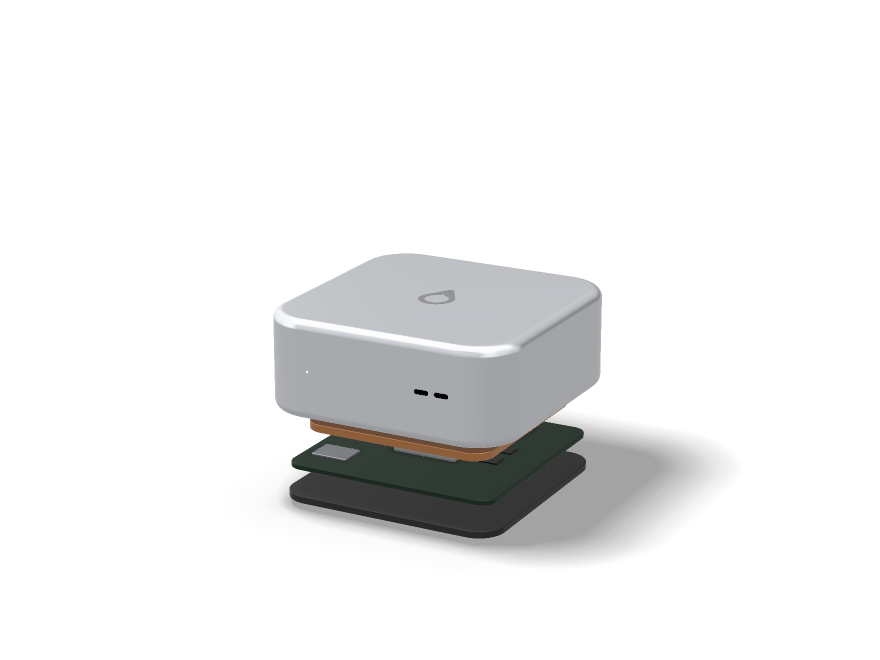
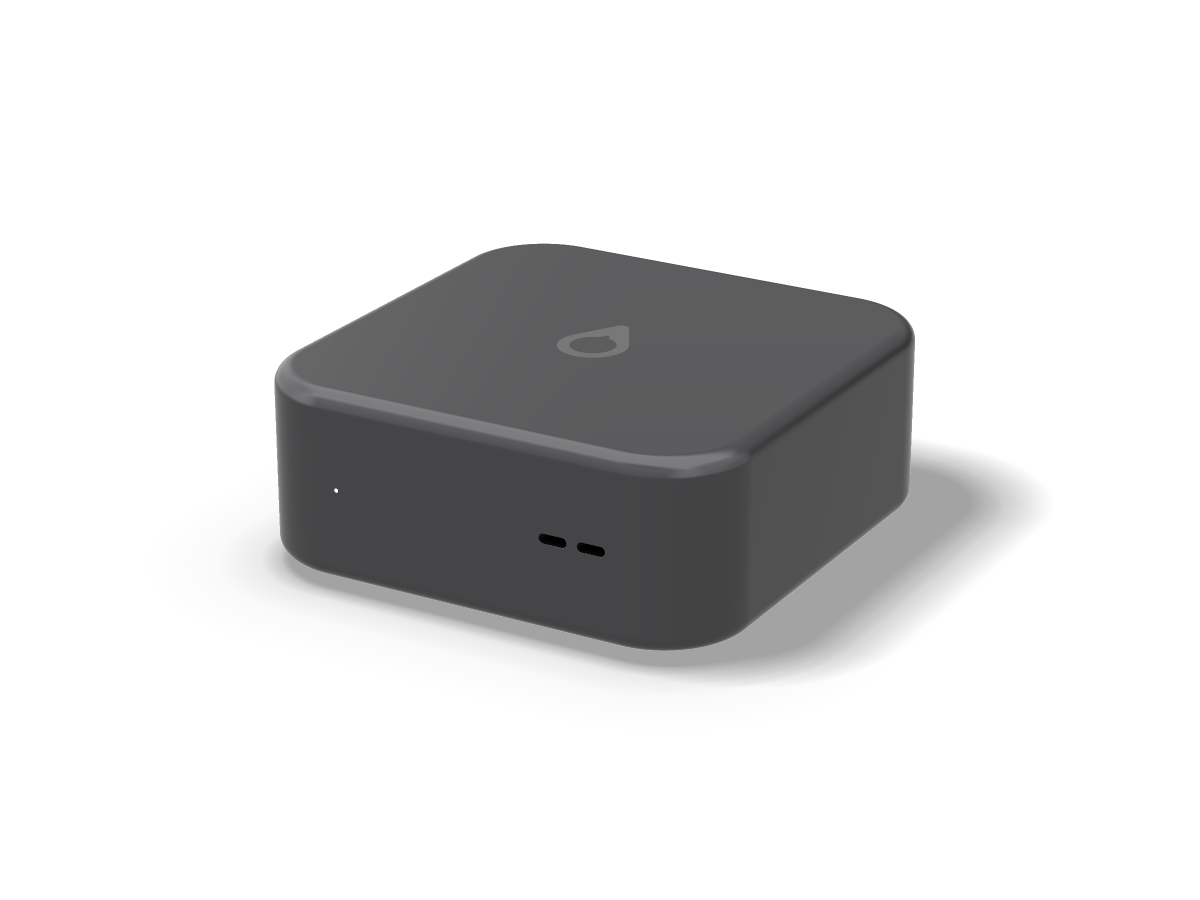
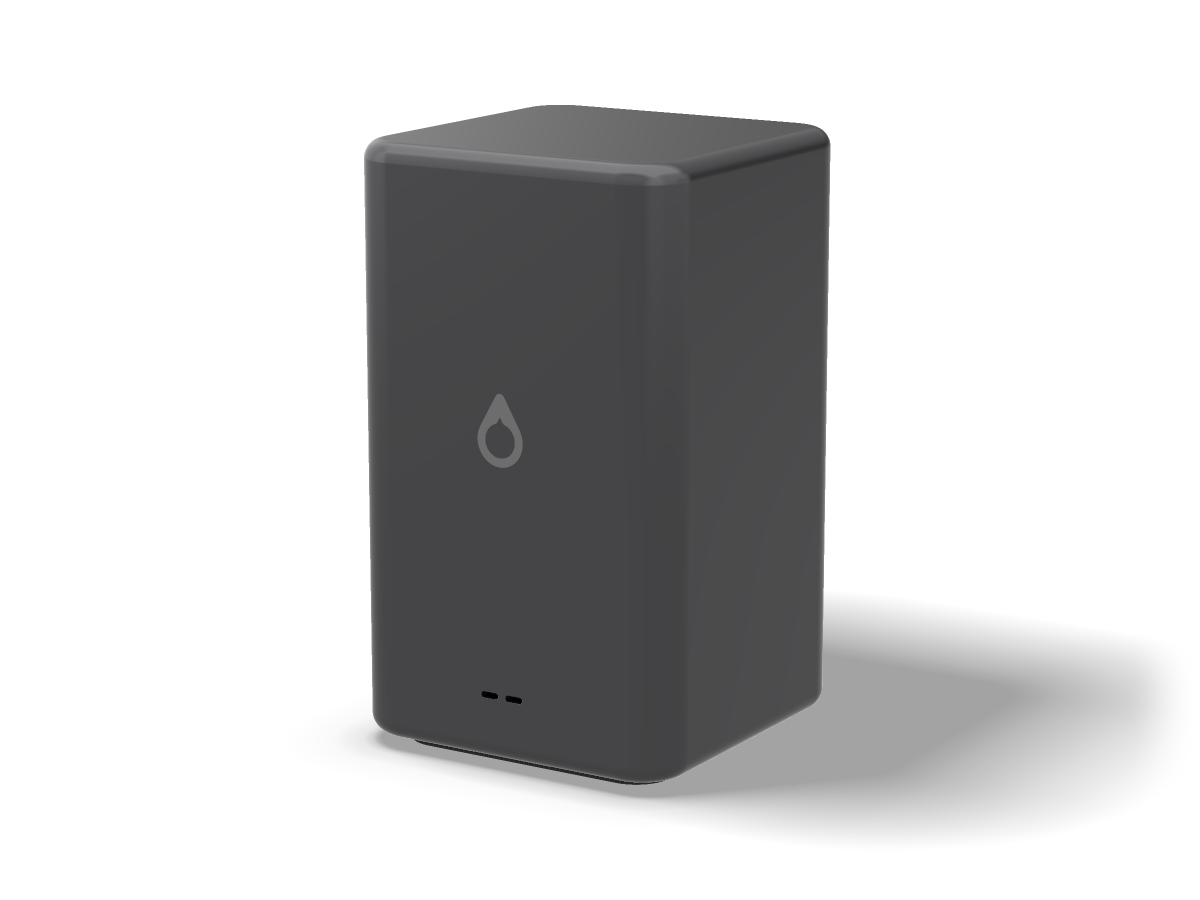
Six centimetres tall on purpose: sixteen cores need a proper heatsink and room for a fan to turn slowly. A single piece of aluminium on a dark foot, with the Aeon™ mark on top and a status light on the front. Two USB-C ports face you, two face the wall, and power goes into whichever is nearest.

Size15 × 15 × 6 cm
Weight1.5 kg
PortsFour USB-C — two front, two rear — USB4 at 40 Gb/s
External displaysUp to three, at up to 6K
PowerUSB-C Power Delivery, 140 W adapter in the box
WirelessWi-Fi 7 and Bluetooth 6.0
Wired networkNone built in — the Aeon™ Dock adds Ethernet from one port
Storage1 TB NVMe, around 7 GB/s sequential read, with 2 TB and 4 TB to order
CoolingOne quiet fan over a vapour chamber
AudioOne small speaker, for alerts. No microphone.
BodyAluminium unibody, in Silver or Graphite

USB-C only, like every machine in the family. If the second desk needs HDMI, USB-A, an SD slot or Ethernet, one dock covers all of them and stays behind when the Neo leaves.

Full specifications.

Planned figures for an unbuilt machine. Every one of them may change.

ModelAeon™ Neo
ProcessorIntel® Core™ Ultra 9 285H
Cores / threads16 (6P + 8E + 2LP-E) / 16
Max turbo5.4 GHz
Cache24 MB L3
GraphicsIntel® Arc™ 140T, 8 Xe cores
Neural engineIntel® NPU 3, 13 TOPS
Memory32 GB LPDDR5X-8400, soldered
Storage1 TB NVMe, with 2 TB and 4 TB options
Ports4 × USB-C, USB4 40 Gb/s
External displaysUp to three, up to 6K
WirelessWi-Fi 7, Bluetooth 6.0
PowerUSB-C Power Delivery, 140 W adapter included
CoolingOne fan, vapour chamber
Size and weight15 × 15 × 6 cm · 1.5 kg
BodyAluminium unibody
SystemAXESS OS — Linux-based, Glass UI, AppImage support
TelemetryNone unless you switch it on
WarrantyIntended at two years, parts and labour
Intended successor siliconAether A1 — see Noctic Silicon

Against the rest of the family

Aeon™ NeoAeon™Aebook™ NanoAebook™ Pro
TypeDesktopDesktopLaptopLaptop
ProcessorCore Ultra 9 285HCore Ultra 9 285N100Core Ultra 9 285H
Threads1624416
Memory32 GB64 GB8 GB32 GB
ScreenBring your ownBring your own12.5″ 60 Hz16.2″ 144 Hz
Weight1.5 kg4.1 kg1.02 kg2.14 kg
From$1,499$2,499$499$3,499
Read moreYou are hereAeon™Aebook™ NanoAebook™ Pro
Is it really portable?

It weighs 1.5 kg and fits in a bag beside a laptop. It is portable the way a laptop charger is: you carry it between places that already have a screen, a keyboard and a socket.

Why not just buy the Aebook™ Pro?

If you work away from desks, do. The Aebook™ Pro costs $2,000 more for the screen, the battery and the titanium, and if you already own a monitor you would be paying for a second one.

Will it run from my laptop charger?

Any USB-C Power Delivery charger will start it. Below 100 W it holds back under heavy load; on the 140 W adapter in the box it does not.

Can I add memory later?

No. The 32 GB is soldered beside the processor and there is no larger configuration. If you know you need more, the Aeon™ has 64 GB.

No Ethernet port on a desktop?

No. Every port is USB-C. The Aeon™ Dock adds Ethernet, HDMI, three USB-A ports and SD from a single cable, and Wi-Fi 7 is fast enough that most people will not miss the socket.

Concept status: the Aeon™ Neo is a concept. Nothing has been manufactured, there is no manufacturing partner and no release date. The prices in the builder are indicative and buying is locked until release, which we do not expect before 2030. Every figure on this page is planned rather than final and may change or be abandoned. Intel, Core Ultra and Arc are trademarks of Intel Corporation; Noctic has no partnership with or endorsement from Intel.

Concept · indicative pricing, buying locked until 2030

Aeon.

The full-size desktop. Twenty-four cores, 64 GB of memory and six USB-C ports, in a plain aluminium case with one large fan that barely has to turn.

Core Ultra 9 28524 cores · 24 threads64 GB soldered2 TB NVMeVapour chamber16 × 16 × 27 cm6 × USB-CUSB-C only

From $2,499, indicative. Buying opens at release in 2030.

The point of it

The one that stays on the desk.

A desktop is allowed to be bigger than it looks necessary, and the Aeon™ spends that room on the two things a small machine cannot have: more cores, and quiet while they work.

It is built around Intel’s Core Ultra 9 285, a desktop part with eight performance cores and sixteen efficiency cores, and 64 GB of memory beside it. The case is sized around a single 140 mm fan, because a large fan moving slowly is the only way to cool a processor like this without it sounding like one.

Good for

Large compiles, virtual machines, rendering on the processor, audio production, big photo libraries, local models that live in memory, and long jobs you would rather not listen to.

Not for

Games and work that needs a graphics card. The Aeon™ has integrated graphics and no slot for a card, and no amount of processor makes up for that.

The honest cost

Four kilograms, a 240 W USB-C adapter and a place on the desk it never leaves. Memory and storage are fixed the day it is made, like every machine in the family.

Quiet on purpose

A vapour chamber pulls the heat off the processor — a sealed plate with a little liquid inside that boils off the hot chip and condenses at the cool edges, moving heat like a tiny fridge with no pump — and one 140 mm fan clears it out. Most of the time it turns too slowly to hear. Under a long export you will notice air moving rather than a whine.

Bring your own screen

No display, keyboard or mouse in the box. Up to four displays connect over USB-C, one of them at 8K, and anything Bluetooth pairs from the first screen you see.

Against the Aeon™ Neo

The Aeon™ Neo is a thousand dollars less, a tenth of the size and fast enough for most people. Buy the Aeon™ when you can name the job that needs twenty-four cores.

Silicon

Core Ultra 9 285. Twenty-four cores, sixty-five watts.

An Arrow Lake desktop part: eight performance cores for the work that must finish now and sixteen efficiency cores for everything that can run beside it.

ProcessorIntel® Core™ Ultra 9 285
PlatformCore Ultra 200S series (desktop)
Cores / threads24 — 8 performance + 16 efficiency / 24
Max turbo5.6 GHz
Cache36 MB L3
Base power65 W
GraphicsIntel® Graphics — 4 Xe cores, integrated
Neural engineIntel® AI Boost NPU — 13 TOPS
Memory64 GB DDR5-5600, soldered to the board
UpgradeableNo. Memory is soldered, there are no slots, and the case is not made to be opened.
Intended successorAether A2 Max — specification only

Why not the K part

The Core Ultra 9 285K adds a tenth of a gigahertz and sixty watts of base power. In a case built to be quiet, that trade buys noise rather than speed.

Soldered memory, in a desktop

An unusual choice for a machine this size, and a deliberate one: it keeps the family’s rule that nothing inside changes after it is made. Buy the size you will still want in five years.

The graphics are the weak point

Four Xe cores are enough for several large displays, video playback and a desktop that never stutters. They are well behind a graphics card for 3D and games, and we would rather say so here.

What replaces it, one day

Aether A2 Max: twenty-four cores with memory on the package, the same eight-and-sixteen split. It does not exist and it is the hardest part to build. The plan is on Noctic Silicon.

The machine

Twenty-seven centimetres of aluminium.

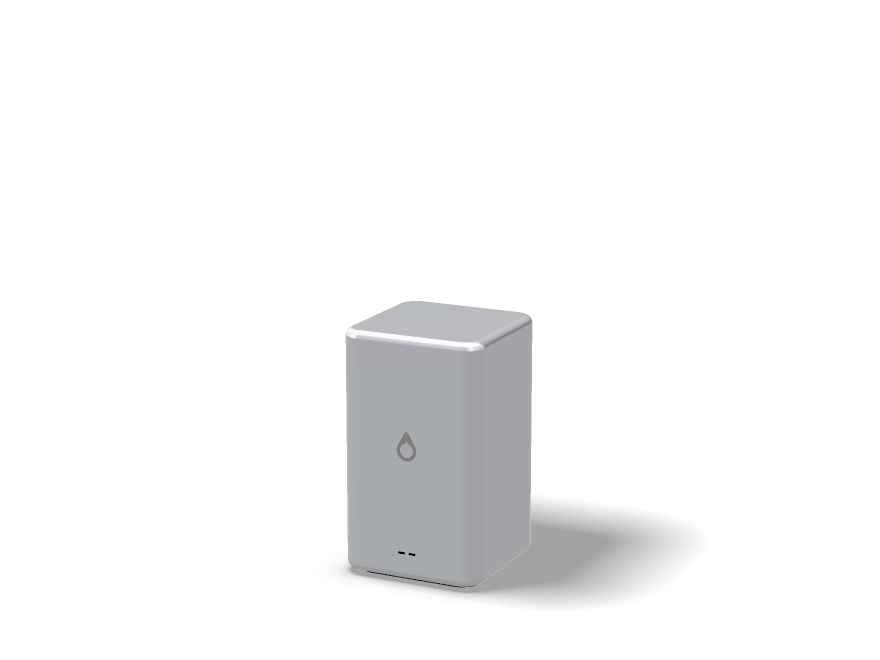
A single aluminium shell with nothing on the front but the Aeon™ mark and two USB-C ports. Air comes in through the gap above the foot and leaves at the back, where the power button and four more USB-C ports sit.

Size16 × 16 × 27 cm
Weight4.1 kg
PortsSix USB-C — two front, four rear — USB4 at 40 Gb/s
External displaysUp to four, one of them at 8K
PowerUSB-C Power Delivery, 240 W adapter in the box
WirelessWi-Fi 7 and Bluetooth 6.0
Wired networkNone built in — the Aeon™ Dock adds Ethernet from one port
Storage2 TB PCIe 5.0 NVMe, around 14 GB/s sequential read, with 4 TB and 8 TB to order
CoolingOne 140 mm fan over a vapour chamber
AudioOne speaker, for alerts. No microphone.
BodyAluminium, in Silver or Graphite

Power arrives over USB-C like everything else. USB Power Delivery carries up to 240 W, which is enough to run the Aeon™ at full load. If you need HDMI, USB-A, SD or Ethernet, one dock gives you all of them.

Full specifications.

Planned figures for an unbuilt machine. Every one of them may change.

ModelAeon™
ProcessorIntel® Core™ Ultra 9 285
Cores / threads24 (8P + 16E) / 24
Max turbo5.6 GHz
Cache36 MB L3
Base power65 W
GraphicsIntel® Graphics, 4 Xe cores
Neural engineIntel® AI Boost NPU, 13 TOPS
Memory64 GB DDR5-5600, soldered
Storage2 TB PCIe 5.0 NVMe, with 4 TB and 8 TB options
Ports6 × USB-C, USB4 40 Gb/s
External displaysUp to four, one at 8K
WirelessWi-Fi 7, Bluetooth 6.0
PowerUSB-C Power Delivery, 240 W adapter included
CoolingOne 140 mm fan, vapour chamber
Size and weight16 × 16 × 27 cm · 4.1 kg
BodyAluminium
SystemAXESS OS — Linux-based, Glass UI, AppImage support
TelemetryNone unless you switch it on
WarrantyIntended at two years, parts and labour
Intended successor siliconAether A2 Max — see Noctic Silicon

Against the rest of the family

Aeon™ NeoAeon™Aebook™ NanoAebook™ Pro
TypeDesktopDesktopLaptopLaptop
ProcessorCore Ultra 9 285HCore Ultra 9 285N100Core Ultra 9 285H
Threads1624416
Memory32 GB64 GB8 GB32 GB
ScreenBring your ownBring your own12.5″ 60 Hz16.2″ 144 Hz
Weight1.5 kg4.1 kg1.02 kg2.14 kg
From$1,499$2,499$499$3,499
Read moreAeon™ NeoYou are hereAebook™ NanoAebook™ Pro
Do I need the Aeon™, or the Neo?

If the question is open, the Neo. The Aeon™ is for people who already wait on their computer: long compiles, many virtual machines, renders measured in hours.

Can I put a graphics card in it?

No. There is no slot, and the case is sized for quiet cooling of the processor rather than for a card. If your work runs on a graphics card, this is not the machine for it.

Why is the memory soldered in a desktop?

Because every machine in the family works that way, and because 64 GB is chosen to be enough for the life of the machine. It is a real limit, and it is the reason there is only one size.

How loud is it?

Near silent at a desk doing ordinary work. Under a long, full load you will hear air moving. A single large fan is the quietest way we know to cool twenty-four cores.

Can a desktop really run on USB-C power?

Yes. USB Power Delivery carries up to 240 W, and the Aeon™ stays under that at full load. A smaller charger still starts it; the machine simply holds back under heavy work until it has enough.

Concept status: the Aeon™ is a concept. Nothing has been manufactured, there is no manufacturing partner and no release date. The prices in the builder are indicative and buying is locked until release, which we do not expect before 2030. Every figure on this page is planned rather than final and may change or be abandoned. Intel and Core Ultra are trademarks of Intel Corporation; Noctic has no partnership with or endorsement from Intel.

Concept · indicative pricing, buying locked until 2030

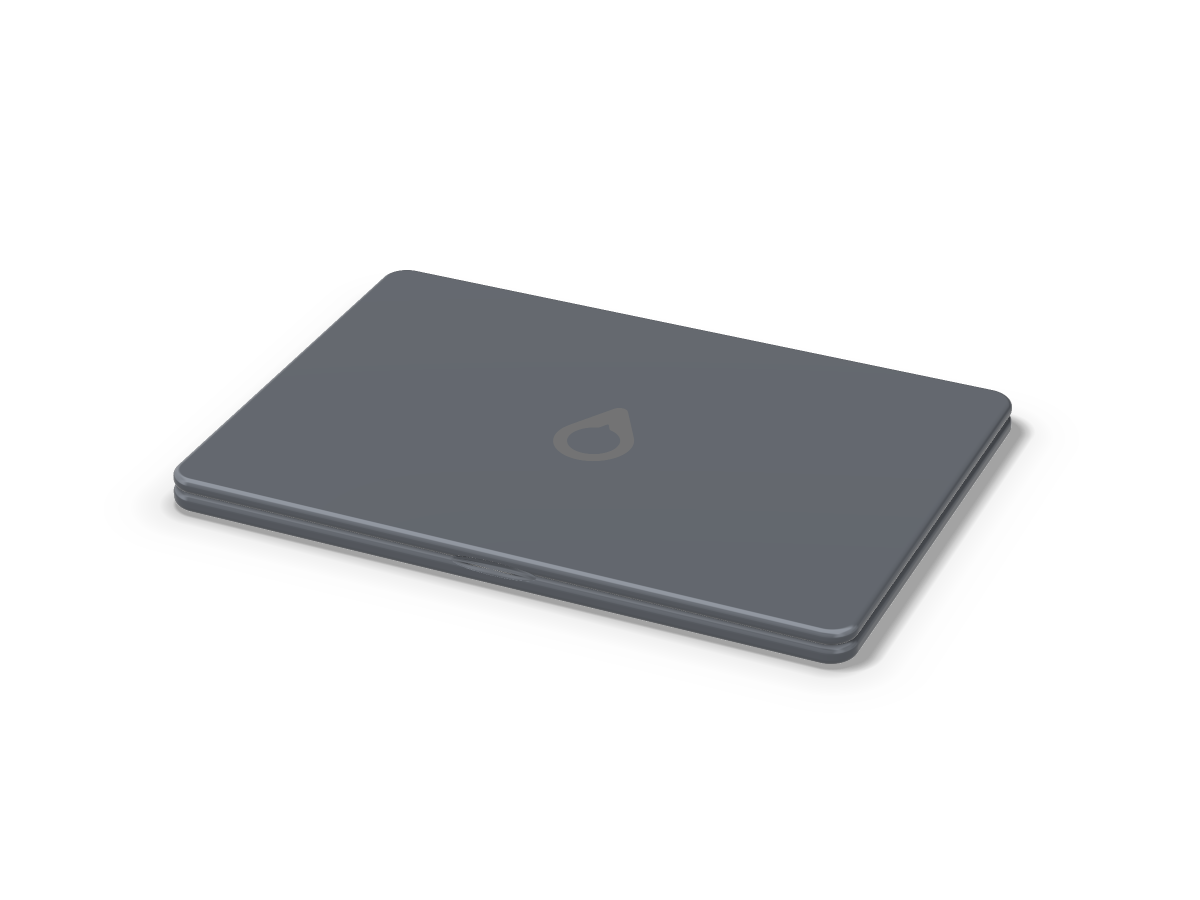
Aebook Pro.

Sixteen cores, a 16.2-inch 144 Hz panel, four USB-C ports at 80 Gb/s and a vapour chamber cooling system built so the chip never has to slow down.

Core Ultra 9 285H16 cores · 16 threads32 GB soldered2 TB NVMeVapour chamber16.2″2.14 kg100 Wh

From $3,499, indicative. Buying opens at release in 2030.

The point of it

The fastest machine you can carry.

If you are reading this page to work out whether you need a Pro, you probably do not. The people this is for were told by their work, some time ago, exactly what they needed.

Sixteen cores — six performance, eight efficiency, two low-power — in a body with the room and the airflow to keep all of them busy for an hour without backing down. Heavy software, heavy gaming, large models, big compiles and long exports. It weighs 2.14 kg, it runs a fan you can hear when you are working it, and both of those are the point rather than a flaw.

Good for

Sustained rendering, large compiles, video above 4K, 3D, heavy gaming, running local models, and any job where the machine is busy for longer than it is idle.

The honest cost

Twice the weight of the Aebook™ Nano, $2,000 more than an Aeon™ Neo with the same processor, and an audible fan under load. Performance you can carry is bought with exactly these three things.

Sixteen cores, sixteen threads

Six performance cores for work that must finish now, eight efficiency cores for throughput, two low-power cores for everything happening in the background. One thread each, deliberately.

A 100 Wh battery that still runs out first

More than twice the Nano’s pack for two more hours of life, because the machine can actually draw power. That is arithmetic, not a defect, and it is why the number reads 16 rather than something grander.

Three displays, or one 8K

Four USB4 v2 ports at 80 Gb/s. This is the machine that replaces a desktop when it reaches a desk, and the port count is what makes that true.

Where it does not win

The neural engine. The H-series part carries NPU 3 at 13 TOPS, well behind the newest low-power platforms. On CPU and graphics the Pro is far ahead of them.

Silicon

Core Ultra 9 285H, given room to work.

An Arrow Lake H-series part: more cores, more cache, more sustained power, and memory soldered to the board rather than carried on the package.

ProcessorIntel® Core™ Ultra 9 285H
PlatformCore Ultra 200H series
Cores / threads16 — 6 performance + 8 efficiency + 2 low-power / 16
Max turbo5.4 GHz
Cache24 MB L3
GraphicsIntel® Arc™ 140T — 8 Xe cores
Neural engineIntel® NPU 3 — 13 TOPS
Memory32 GB LPDDR5X-8400, soldered to the board
UpgradeableNo. Soldered, with nothing socketed anywhere in the machine.
Intended successorAether A2 Max — specification only

Soldered, not on package

The H-series does not carry memory on the package, so the Pro solders it beside the chip instead. Same consequence for you — fixed at purchase — slightly different geometry inside.

Still no discrete GPU

Even here. A card means a second pool of memory, a copy between the two, and a power budget that would cost more than it returns in a machine this size. The graphics share the 32 GB.

Vapour chamber cooling

A large vapour chamber over the processor — a sealed plate with a little liquid inside that boils off the hot chip and condenses at the cool edges, moving heat like a tiny fridge with no pump — feeding two fans and two intakes. It exists so a forty-minute export runs at the same speed in minute forty as in minute one.

What replaces it, one day

Aether A2 Max: 24 cores, 5.7 GHz, 24 GPU cores, 205 GB/s. It does not exist and it is the hardest of the three to build. The plan is on Noctic Silicon, failure modes included.

The machine

16.2 inches, 144 Hz, four ports.

The largest laptop in the family, in a titanium-and-aluminium unibody, with six speakers and dual subwoofers and a studio microphone array. 16.8 mm thick, because the cooling has to go somewhere.

Display16.2-inch edge-to-edge 8K QLED concept panel, 1–144 Hz adaptive
Brightness1,900 nits peak
ColourP3 wide gamut, 10-bit, factory calibrated
TouchFull multi-touch, with touch unlock in the keyboard deck
Camera12 MP in the Dynamic Notch, with face unlock
KeyboardBacklit, 1 mm travel, with the Aeon™ key
SpeakersSix, with dual subwoofers
MicrophonesFour, studio array
PortsFour USB-C, USB4 v2 at 80 Gb/s, charge or data on any
External displaysThree 6K, or one 8K
WirelessWi-Fi 7 and Bluetooth 6.0
Storage2 TB NVMe, around 7.4 GB/s sequential read
Battery100 Wh, up to 16 hours
CoolingVapour chamber and two fans
Weight and thickness2.14 kg · 16.8 mm
BodyTitanium-and-aluminium unibody

100 Wh is the largest battery an airline will let you carry, which is why the number stops there rather than somewhere more convenient for the specification sheet.

Full specifications.

Planned figures for an unbuilt machine. Every one of them may change.

ModelAebook™ Pro
ProcessorIntel® Core™ Ultra 9 285H
Cores / threads16 (6P + 8E + 2LP-E) / 16
Max turbo5.4 GHz
Cache24 MB L3
GraphicsIntel® Arc™ 140T, 8 Xe cores
Neural engineIntel® NPU 3, 13 TOPS
Memory32 GB LPDDR5X-8400, soldered
Storage2 TB NVMe
Display16.2″ 8K QLED, 1–144 Hz adaptive, 1,900 nits
Ports4 × USB-C, USB4 v2 80 Gb/s
WirelessWi-Fi 7, Bluetooth 6.0
Battery100 Wh · up to 16 h
CoolingVapour chamber and two fans
Weight2.14 kg
Thickness16.8 mm
BodyTitanium-and-aluminium unibody
SystemAXESS OS — Linux-based, Glass UI, AppImage support
TelemetryNone unless you switch it on
WarrantyIntended at two years, parts and labour
Intended successor siliconAether A2 Max — see Noctic Silicon

Against the rest of the family

Aeon™ NeoAeon™Aebook™ NanoAebook™ Pro
TypeDesktopDesktopLaptopLaptop
ProcessorCore Ultra 9 285HCore Ultra 9 285N100Core Ultra 9 285H
Threads1624416
Memory32 GB64 GB8 GB32 GB
ScreenBring your ownBring your own12.5″ 60 Hz16.2″ 144 Hz
Weight1.5 kg4.1 kg1.02 kg2.14 kg
From$1,499$2,499$499$3,499
Read moreAeon™ NeoAeon™Aebook™ NanoYou are here
Do I need a Pro?

If the question is open, no. If you work at a desk, the Aeon™ Neo has the same processor for less than half the price. The Pro is for people whose heavy work has to travel.

Why only sixteen hours from 100 Wh?

Because it has sixteen cores and a cooling system that lets them run. A large pack in a machine that can draw properly empties sooner than a small pack in one that cannot.

No discrete graphics, even on the Pro?

No. Integrated Arc 140T sharing 32 GB. For rendering and compute that is a good trade; for the top end of gaming it is not, and if that is your work then this machine is not it.

How loud does it get?

Audible under sustained load and silent the rest of the time. A machine this fast either makes noise or slows down, and we would rather it made noise.

Can I get more than 32 GB?

Not in this generation. The memory is soldered at 32 GB and there is no larger configuration. If your work needs 64 GB and can stay on a desk, the Aeon™ has it.

Concept status: the Aebook™ Pro is a concept. Nothing has been manufactured, there is no manufacturing partner and no release date. The prices in the builder are indicative and buying is locked until release, which we do not expect before 2030. Every figure on this page is planned rather than final and may change or be abandoned. Intel, Core Ultra and Arc are trademarks of Intel Corporation; Noctic has no partnership with or endorsement from Intel.

Seven questions · nothing is sent anywhere

Which one is right for you?

Four machines, and the honest answer is usually not the expensive one. Answer seven questions and we will tell you which one we would point you at, why, and where we would disagree with ourselves.

Or just read the short version.

The questionnaire is a convenience, not an oracle. If you already recognise yourself in one of these lines, that is the machine.

Aeon™ Neo You work at a desk, or at a few of them, and want real speed in something small and quiet. You already have a screen, or do not mind choosing one.
Aeon™ Your work already told you: long compiles, virtual machines, renders on the processor, all at one desk. You want twenty-four cores and 64 GB, and you do not need a graphics card.
Aebook™ Nano The price is what decides it. The machine browses, writes, joins calls and goes in a bag. You accept 8 GB, four threads and a 60 Hz screen in exchange for it costing very little.
Aebook™ Pro Heavy work that has to travel: long renders, large compiles, local models away from a desk — and you are willing to carry 2.14 kg and hear a fan for it.
None of them You need a discrete GPU, more than 64 GB of memory, or a machine you can upgrade later. All three are deliberate limits of this family, and no configuration removes them.

Buying opens at release in 2030

Build your Aeon.

Choose the machine, the finish, how much storage you want and everything that goes around it. The prices are indicative — nothing can be bought until the machines exist, which we do not expect before 2030. What you build here can be reserved.

Aeon Neo in Aluminium Silver

Aeon™ Neo

Aluminium Silver · 15 cm square · 6 cm tall · 1.5 kg

What happens between now and 2030.

A configurator with a locked button is an unusual thing to publish. It is here because the machines are designed down to the storage options, and because we would rather show the shape of the product honestly than put up a page that pretends to sell something.

1

Now — you build one

Every option here is a real decision in the design. Choosing them tells us which ones matter.

2

Next — a manufacturing partner

Nothing is quoted, tooled or on a line yet. Until that changes, no price here can be committed to.

3

Before release — real prices

When there is a bill of materials, these figures get replaced by ones we can stand behind.

4

2030 — the button unlocks

Reservations are asked to confirm first. Say nothing and nothing happens.

Why show prices at all if I cannot buy it?

Because a specification without a price tells you nothing about whether the machine is for you. These are the numbers we are designing towards, marked indicative everywhere they appear, and they will move.

Does reserving cost anything?

No. No card, no deposit, no address. It records which machine interests you and holds a place in the first hundred. The reservation page explains the whole thing.

Will my configuration be kept?

The one you send with a reservation is kept against your Noctic Account, so we know what to build first. It is not a commitment on either side, and you can change it at any point.

Why 2030?

Because that is an honest read of how long a machine like this takes with no manufacturing partner yet. If it moves, it will move later rather than earlier, and we will say so on the changelog.

Concept · the most ambitious thing on this site

Noctic Silicon.

Our own x86 processor, designed here, for our own machines and our own operating system. It is the hardest thing we have ever proposed. It is not impossible, and this page is the entire plan — including the parts most likely to kill it.

x86-64Hybrid P and E coresIntegrated graphicsOn-package memoryAether A1 X Nano · A1 · A2 MaxBuilt for AXESS OS

The short version

One paragraph, before the rest.

We want to build a processor. Not a chip someone else designs with our name printed on the lid — a processor we specify, architect, verify and have manufactured. It uses the x86-64 instruction set so that every piece of Linux software written in the last twenty-five years runs on it without translation. Today nothing of it exists in silicon. What exists is a set of targets, a plan with named stages, and a clear understanding of the two things that decide whether it happens: patents and money.

0Chips taped out so far
5Rungs between here and a laptop part
~4–6 yrRealistic design-to-product time for one part
x86-64The instruction set, decided and not up for debate

Everything below is written as though it will happen. Read the list of ways it dies before you believe any of it.

The instruction set

Why x86, and not Arm or RISC-V.

An instruction set is the contract between software and silicon. Choosing one decides, on day one, which programs already run and which need to be rebuilt, retranslated or abandoned. Everyone building a new chip in 2026 picks Arm or RISC-V because they are cleaner and cheaper to licence. We are picking the awkward one on purpose.

x86-64ArmRISC-V
Software you already own Runs. Every Linux binary, every AppImage, every proprietary tool, unchanged. Most of it needs rebuilding, and the closed-source parts need the vendor to care. A fraction of it. The desktop ecosystem is thin and getting thicker slowly.
Licensing No open licence. Patent-encumbered at the modern end. The hardest of the three. Available, but you pay Arm and you build inside their architecture licence. Free and open. Nothing to sign, nothing to pay.
Firmware and boot One well-trodden path: UEFI or coreboot, ACPI, standard PC platform. Fragmented. Every device tree is its own small archaeology project. Improving fast, still immature for general-purpose laptops.
Virtualising Windows Native speed, no translation layer. Possible with Windows on Arm, with caveats. Not realistically.
Difficulty of building one Highest. The decoder alone is a research project. High. Lowest. You can build a working core as a student.
Our verdict x86-64. The point of Aeon™ is that a person can use it without learning anything new. A chip that breaks their software the day it arrives fails that test before it is switched on.

Compatibility is the whole product

AXESS OS is Linux. Linux on x86-64 is the best-supported combination in computing. Choosing anything else means asking every user to check whether their tool has been ported, which is exactly the kind of homework Aeon™ exists to remove.

Translation is a tax we would rather not levy

Emulating one architecture on another works — Rosetta and FEX have both proved it — and it costs performance, battery and a class of bugs that only appear on your machine. Running native code natively has no such asterisk.

Designing the chip and the system together

When the same organisation owns the scheduler and the core, the two can be built to agree. Which work goes on an efficiency core, what the power states mean, how the neural engine is fed — those are guesses today and decisions if we build both.

Unified memory needs package control

Putting memory in the processor package rather than in slots is what makes the bandwidth and latency figures on the Aeon™ page possible. You cannot do that by buying a chip off a price list. It is a packaging decision, and packaging decisions belong to whoever designs the part.

How it works

A modern x86 chip is not an x86 chip.

This is the single most useful thing to understand. Inside, a modern x86 processor is a fast, simple, RISC-like machine. Bolted to the front of it is a decoder that reads x86 instructions and translates them, in hardware, into the simple operations the machine actually runs. x86 is the language on the outside. It is not the language on the inside.

STAGE 1Fetch

Pull bytes of program from the instruction cache, guided by the branch predictor guessing where the code goes next.

STAGE 2Decode

Chop the variable-length x86 byte stream into instructions and turn each into one or more fixed-size micro-operations.

STAGE 3Rename

Map the eight-ish architectural registers onto hundreds of physical ones, so instructions stop waiting on each other for no reason.

STAGE 4Schedule

Hold micro-ops until their inputs are ready, then issue them in whatever order the machine can actually run them.

STAGE 5Execute

Integer, vector, branch and address units do the work, several at once, across a set of parallel ports.

STAGE 6Memory

Loads and stores queue, check each other for conflicts, and hit L1, L2, L3 or main memory in that order of hope.

STAGE 7Retire

Results are committed strictly in program order, so that from the outside the chaos above looks exactly like a machine doing one thing at a time.

The x86 decoder is where the difficulty lives. Instructions are between one and fifteen bytes long and you cannot know where the second one starts until you have finished parsing the first. Arm and RISC-V decode four bytes at a fixed offset and move on. Solving that — usually with parallel speculative decoders and a cache of already-decoded micro-ops — is most of what makes an x86 front end expensive.

CPUP-core clusterWide out-of-order cores for work that has to finish now. Deep buffers, aggressive prediction, high clocks, high power.
CPUE-core clusterNarrower cores sharing one L2. Several fit in the area and power of one P-core, and they take everything that can happen quietly.
CACHEShared L3The last stop before memory, sliced across the fabric so every core sees roughly the same latency to any slice.
MEMORYMemory controllerTalks to LPDDR5X sitting on the package millimetres away, not centimetres away on a stick.
GRAPHICSIntegrated GPUShader cores, texture and raster units, media encode and decode blocks. It reads the same memory the CPU does, so nothing has to be copied across a bus to be drawn.
AINeural engineA fixed-function matrix machine for the on-device models in AXESS OS. Far more efficient than the CPU at exactly one shape of maths.
I/OUSB4 and PCIeEvery external port, the NVMe storage link and display output, all off one controller block.
FABRICInterconnectThe network on the die. Every block above talks through it, and it decides cache coherency, ordering and a great deal of the real-world performance.
POWERPower managementPer-block voltage and frequency, thousands of times a second. On a fanless machine this unit is the difference between silent and throttled.
TRUSTSecurity engineBoot measurement, key storage, memory encryption. Small, isolated, and the piece we would publish the most detail about.
PACKAGEOn-package LPDDR5XMemory dies sitting on the same substrate as the processor. Shorter wires mean lower latency and less energy per bit, and it is the reason unified memory is fast — and the reason it can never be upgraded.
CPUGraphics and AIMemoryShared and platform

One level down

Eight cores, and the memory they share.

The floorplan above says which blocks exist. This one says how they reach memory — which, as the cache note below explains, is where nearly all of the real-world speed is won or lost.

8-core / 8-thread floorplan Core 0 L1I/D L2 Core 1 L1I/D L2 Core 2 L1I/D L2 Core 3 L1I/D L2 Core 4 L1I/D L2 Core 5 L1I/D L2 Core 6 L1I/D L2 Core 7 L1I/D L2 Ring bus interconnect L3 cache (shared) 16 MB, 16-way associative 64-byte line size System agent / uncore Mem ctrl I/O hub Power coherency Main memory (DRAM) On-package LPDDR5X 64-byte burst size data/addr Legend Core + L1 L2 cache L3 cache Memory / uncore
Core and L1L2 cacheL3 cacheMemory and uncore
Eight cores, arranged two by four. Each has private L1 instruction and data caches and its own L2. All eight reach a shared 16 MB L3 across a ring bus, and the L3 feeds the system agent, which holds the memory controller, the I/O hub and power management. Coherency is maintained across the ring; every memory request leaves through the system agent. One thread per core, and no simultaneous multithreading — for the reasons set out below.
Cores and threads8 / 8, no SMT
L1 per core32 KB instruction + 32 KB data
L2 per core256 KB, private
L3, shared16 MB, 2 MB per core
InterconnectRing bus, 64-byte line size
Memory interfaceOn-package LPDDR5X, dual channel
Die size target~120–150 mm²
Package power targetSet per part — see the parts
StatusTarget figures for a planned part. Nothing here has been taped out, verified or manufactured.

Why two kinds of core

A performance core is roughly four times the area of an efficiency core for well under four times the throughput. If work is not urgent, running it on the small core finishes it at the same wall-clock moment for a fraction of the energy. The scheduler decides which is which, and that scheduler is ours.

Why one thread per core

Simultaneous multithreading fills idle execution slots by pretending one core is two. It wins on servers. On a laptop it buys throughput and sells predictability, and it has been the root of a decade of side-channel vulnerabilities. We would rather have consistent than impressive.

Why the cache hierarchy matters more than the clock

A miss all the way to memory costs a few hundred cycles. Almost all real-world speed is won by not missing: bigger caches, better prefetchers, smarter replacement. Clock speed is the number on the box. Cache is the number you feel.

Why there is no discrete graphics card

A separate card means a second pool of memory and constant copying between the two. One shared pool is slower at the absolute top end and better nearly everywhere else, and it costs far less power. That choice is only fully available to whoever designs the package.

Speculation, and its bill

The chip guesses which way branches go and runs ahead on the guess. When it guesses wrong it throws the work away. Spectre and Meltdown were the discovery that the discarded work leaves fingerprints. Any new core has to be designed against that class of attack from the first sketch, not patched later.

Microcode, the escape hatch

Complicated instructions are implemented as small internal programs rather than dedicated hardware, and those programs can be updated after the chip ships. It is how errata get fixed in the field, and it is a signed, verifiable channel into the core — so how it works would be documented publicly.

How we make it

From a document to a working part.

Chip design is not one job. It is about a dozen distinct professions that hand work to each other in a fixed order, and where a mistake caught at step four costs an afternoon while the same mistake caught at step nine costs a year and a mask set.

1

Specification

What the part must do, at what power, in what thermal envelope, at what price, by when. Written down and argued over before anyone draws a block.

2

Performance model

A software simulator of the microarchitecture, cycle-approximate, running real workload traces. This is where cache sizes, pipeline depth and issue width are decided — in software, where changing your mind is free.

3

Microarchitecture

The actual design: every buffer depth, every port, every queue, every corner case in the decoder. Hundreds of pages of specification that the RTL will implement literally.

4

RTL

The design written as code, in SystemVerilog, describing what every register holds on every clock edge. It reads like software and behaves like wiring.

5

Verification

Between half and two thirds of the entire effort. Constrained-random test generation, formal proofs on the tricky blocks, and running the design against real x86 binaries to check it agrees with a reference model instruction by instruction.

6

Synthesis

Tools turn the RTL into actual logic gates from the foundry's standard-cell library, then start the long argument about area, timing and power.

7

Place and route

Every one of billions of transistors gets a position and every wire gets a path. Timing closure — making every signal arrive before its clock edge everywhere on the die, at temperature — is the part that eats months.

8

Signoff and test

Static timing, power integrity, electromigration, design-rule and layout-versus-schematic checks. Scan chains and built-in self-test are added so that a factory can tell a good die from a bad one in seconds.

9

Tapeout

The design is frozen and sent to the foundry. Photomasks are cut. This is the moment the project stops being reversible and starts being expensive.

10

Fabrication

Twelve to sixteen weeks of lithography, etch, implant and deposition, several hundred process steps, ending in a wafer of dies that are tested while still attached to it.

11

Packaging

Good dies are cut out and mounted on a substrate with the memory stacks beside them, connected, lidded and tested again. Advanced packaging is its own supply chain with its own queue.

12

Bring-up

First silicon arrives and someone tries to make it print a character. Then boot firmware. Then a kernel. Bugs found here become an errata list, a microcode patch, or a stepping — a partial re-spin that costs months.

13

Software enablement

Compiler support, kernel support, power management, graphics driver, firmware. AXESS OS has to know the part exists and how to be efficient on it, and none of that is automatic.

14

Qualification

Thousands of hours across voltage, temperature and ageing, until failure rates are known rather than hoped for. Only then does a part go into something a person buys.

None of the above is secret. The tools are Cadence, Synopsys and Siemens; the foundries are TSMC, Samsung, GlobalFoundries and Intel; the process is the same one every fabless company follows. The barrier has never been knowledge. It is capital, headcount and time, in that order.

The plan

Ambitious is not the same as impossible.

We are not going to attempt a laptop-class processor as a first project, because that attempt has a known outcome. The plan is a ladder, where each rung is affordable from the one below it, produces something real, and can be abandoned without having wasted the rungs beneath.

RUNG 0
NOW

A simulator, in software

An x86-64 functional model and a cycle-approximate microarchitecture model. It runs real binaries, it tells us what our cache and pipeline choices are worth, and it is the reference every later stage is checked against. This costs a laptop and a great deal of patience, which is why it is the rung we are on.

Cost: time
RUNG 1
NEXT

A core on an FPGA

A simple in-order 64-bit core, written in SystemVerilog, synthesised onto a development board. It boots a minimal Linux at perhaps fifty megahertz and it is embarrassingly slow. It is also proof that the decoder works, that the memory model is right, and that we can build a thing that executes real programs.

Cost: low thousands, one to two years
RUNG 2

A shuttle test chip

Real silicon on a mature node, sharing a wafer with dozens of other projects through a multi-project wafer service. Not a product — a few square millimetres that proves we can close timing, hand over a manufacturable database and get working parts back. The first time the design meets physics rather than a simulator.

Cost: tens of thousands to low hundreds of thousands
RUNG 3

A small, real SoC

A modest multi-core part on a mature node, with licensed graphics and I/O blocks rather than our own, running AXESS OS on a development board. Slow by 2026 standards and completely useful as a product for something — a thin client, a home server, a developer box. The first chip anyone outside could hold.

Cost: single-digit millions, a team of dozens
RUNG 4

A laptop-class part

Out-of-order cores, hybrid clusters, our own or licensed integrated graphics, on-package memory, an advanced node, real packaging. This is the first rung where the word competitive is allowed in the room, and the first that requires outside capital rather than revenue.

Cost: tens of millions per tapeout, hundreds of engineers
RUNG 5

Aether A1

The part described further down this page, in an Aeon™ Neo, in someone's bag. Leading-edge node, full neural engine, the whole system designed together. Every rung below has to have gone right for this one to exist at all.

Cost: a different company than we are today

The honest read: rungs 0 and 1 are a determined small team with time. Rung 2 is a grant, a partner or a good year. Rung 3 needs a funded business. Rungs 4 and 5 need an industry to decide we are worth backing. We can start climbing without knowing whether we reach the top, and each rung is worth having on its own.

The numbers

What silicon actually costs.

Public, approximate industry figures, rounded and offered so that the ladder above reads as arithmetic rather than optimism. The mask set is the fixed cost of asking a foundry to make your design at all, before a single sellable part exists.

Process nodeMask set, roughlyWhat it suitsWhere it lands for us
130 nm – 65 nmTens of thousands, shared on a shuttleTest chips, teaching, small controllersRung 2
28 nmAround one to two millionLow-power SoCs, embedded partsRung 3
7 nmAround ten to twenty millionMainstream mobile and laptop siliconRung 4
3 nm and belowTwenty million and up, per tapeoutFlagship processorsRung 5
And that is only masksEDA tool licences, IP blocks, emulation hardware, packaging development, qualification and salaries dwarf it. A leading-edge laptop SoC programme is a several-hundred-million-pound exercise before the first unit ships.
50–65%Of a chip programme's effort spent on verification, not design
12–16 wkWafer turnaround, every single time you re-spin
300+Engineers on a typical leading-edge laptop SoC
1Escaped bug needed to cost you the whole schedule

The family

Aether — the parts we want to build.

Three parts, one architecture, so that one build of AXESS OS runs on all of them. Every number here is a target written into a specification, not a measurement taken from a chip. No Aether part exists. Read the column headings as ambitions.

Aether A1 X NanoAether A1Aether A2 Max
Intended forA fanless machine — none in the lineup yetAeon™ NeoAeon™ and Aebook™ Pro
CPU cores4 — 2P + 2E8 — 4P + 4E24 — 8P + 16E
Threads4824
Max turbo3.4 GHz3.8 GHz5.7 GHz
L3 cache12 MB18 MB36 MB
GPU cores41024
Neural engine8-core · 11 TOPS16-core · 24 TOPS32-core · 48 TOPS
Memory8 GB LPDDR5X, on package16 GB LPDDR5X, on package16 GB, on package
Memory bandwidth102 GB/s153 GB/s205 GB/s
Instruction setx86-64, with SSE2 through SSE4.
MultithreadingNone. One thread per core, deliberately.
PackageSoldered, with memory on the substrate. Nothing socketed, nothing upgradeable.
StatusSpecification only. Not designed, not verified, not manufactured, no date.

Until these exist, Aeon™ runs Intel Core Ultra silicon — a real, shipping platform that lets the machine and the operating system be judged now rather than in a decade. What Aeon™ uses today.

Software

The system comes first, on purpose.

The reason Aeon™ ships on someone else's processor is not impatience. It is that a custom chip is only worth anything if the software that runs on it already exists and is already good. Building the operating system on hardware anyone can buy means AXESS OS gets judged on its own merits, and it means the day Noctic Silicon works there is something ready to put on it.

One architecture, one build

AXESS OS is x86-64 today and Noctic Silicon is x86-64 tomorrow. The same binaries, the same packages, the same AppImages. Moving to our own chip should be, for the person using it, an unremarkable event.

Firmware we can read

A custom part means the boot firmware is ours as well — coreboot-derived, auditable, without a management engine nobody outside the vendor has ever seen the source of. That is one of the better arguments for doing any of this.

The scheduler and the cores agree

Hybrid cores only work if the operating system knows which thread deserves which core. When both sides are ours, that is a design decision rather than a heuristic reading hardware hints through a keyhole.

Toolchains, unchanged

GCC and LLVM already emit code for this instruction set. We add a tuning target, not a back end. Compare that with a new architecture, where the compiler work alone is a multi-year programme before anything runs well.

Errata, published

Every processor ships with bugs. Ours will too. The difference we can actually offer is a public errata list, in plain language, with what each bug affects and what the mitigation costs you in performance — rather than a PDF nobody links to.

No AVX is a software problem

Early parts would ship without AVX — wide vector units are expensive to build and harder still to verify, and a first core does not get them. Most software falls back to SSE paths that already exist; the rest gets trapped and emulated by the kernel, slowly. We would list precisely which programs pay that price instead of leaving it to be discovered as a support ticket.

The other side

How this dies.

Written now, while it costs nothing to be honest, rather than later when it would cost something to admit.

Money, first and most likely

Every rung above rung 2 needs capital we do not have and have not raised. This is the single most probable ending: the ladder stops at whichever rung the money stops at.

Patents

A freedom-to-operate review — a patent firm reading the design against live claims — could come back saying it cannot ship without a licence, and that licence could be unavailable at any price we could pay. That ends it regardless of how good the chip is.

An escaped bug

A verification hole that reaches silicon costs a re-spin: three to six months and a fresh mask set. A small company gets one of those. Maybe two.

Being fast enough is not optional

A first chip four times slower than a shipping Intel part is a fascinating engineering result and an unsellable product. There is no partial credit in a laptop.

Foundry access

Leading-edge capacity is allocated to customers who buy it by the wafer-year. A first-time customer ordering a small volume is at the back of a very long queue, if the queue admits them at all.

People

There are not many engineers on earth who have built an out-of-order x86 front end, and nearly all of them work for two companies with strong opinions about that. Hiring is a harder problem than financing.

Time

Four to six years per part means the specification is written against a world that will have moved by the time it ships. Aiming at where the industry is today guarantees arriving late.

It may simply not be worth it

Intel and AMD make extremely good x86 processors and sell them to anyone. If the answer at rung 3 is that we cannot beat what we can already buy, the correct decision is to stop, say so on this page, and keep building the software.

Questions.

Is any of this real yet?

No silicon exists. What exists is the plan on this page and work on rung 0 — the software model. Everything described as a part is a specification. We would rather publish the ambition with the caveats attached than quietly imply we are further along.

Then why publish it at all?

Because it explains why Aeon™ is built the way it is, and because a plan written down in public is a plan somebody can hold us to. If the ladder stalls, this page changes to say so.

Why not RISC-V, since it is free?

Because it would be much easier to build and much worse to own. The value of Aeon™ is that your existing software runs. RISC-V is the right answer for a company whose product is the chip. Ours is the machine.

Is x86 not on the way out?

It has been on the way out since roughly 1995. There is no serious argument that it is the most elegant architecture; there is an overwhelming argument that it is the one the software is compiled for. Elegance loses to inventory.

What does Aeon™ use in the meantime?

Intel Core Ultra processors. Real parts, available now, with memory soldered right beside the processor — the property the whole Aeon™ design depends on. Details are on the Aeon™ page.

Will my software run on a Noctic chip?

That is the entire reason for choosing x86-64, so: yes, with one asterisk. Anything requiring AVX may fall back to a slower path on early parts. Everything else is ordinary x86-64 and behaves like it.

When?

There is no date and it would be dishonest to invent one. Rung 1 is a matter of years. Rung 5 is a matter of whether this becomes a very different company.

Concept status: Noctic Silicon is a research and design ambition. No processor has been designed, verified, manufactured or benchmarked. The Aether A1 X Nano, A1 and A2 Max, their core counts, clocks, cache, graphics, neural engine and bandwidth figures, the process nodes, the costs and the stages described on this page are targets and estimates, not commitments, products or specifications. There is no licence agreement, no foundry agreement, no funding and no date.

Configure

Build your Shiba.

Pick the finish, pick the reasoning tier, pick how much you want it to do for you.

Midnight

Shiba, your way.

Parable 4.5 reasoning with six effort tiers, Agent Mode, voice, vision and code artifacts. Everything below changes what your account can reach.

Plan

Default effort

Voice

Included

Free · Balanced · Standard voice

The details.

6Effort tiers, Economic to Ultra
4.5Parable, our reasoning model
AgentPlans, executes, ships multi-file apps
VoiceReal-time call mode with barge-in

Configure

Cadence, per school.

One campus platform. Choose the tier your school actually needs.

Campus green

School life, configured.

Feed, reels, channels, DMs, calendar, notes and verified registration. Pick who runs it and how far the AI reaches.

Tier

AI

Verification

Free

Student · Standard AI · Student ID check

The details.

1 photoA timetable becomes a calendar
ChannelsSchool and grade broadcast
ReelsCross-device, moderated
VerifiedReal students, real schools

In development · Preview 2026

Plan the whole year.

A study copilot that reads your Cadence calendar and tutors the gaps before they become grades.

Indigo

Choose your term.

Compass builds a study plan from what you already have — the calendar, the notes, the marks — and adjusts it every week.

Term

Tutoring depth

Free

Waitlist · Planner

The details.

WeeklyThe plan rewrites itself
CadenceReads your real calendar
PrivateMarks never leave your account

Noctic Intelligence

Shiba

The assistant that thinks, builds and speaks.

Parable 4.5 reasoning, an agent mode that does multi-step work, and six effort tiers so you decide how hard it thinks.

Everything in one conversation.

Shiba, in a conversation
Replays on view

Agent mode plans first, then executes. Every step it takes is written down where you can read it.

Agent mode

Give it a goal, not a question. Shiba plans, executes and reports back.

Effort tiers

Economic, Low, Medium, High, Plus and Ultra — pay only for the thinking you need.

Code

Full projects, multi-file artifacts, live previews and one-click deploys.

Images & video

Generation, editing, 360° panoramas and style transfer.

Voice & call mode

Ultra-realistic speech with instant, to-the-point answers.

Memory

Remembers what matters to you, and forgets what you ask it to.

Visible reasoning.

Watch it think before it answers.

For effort tiers above Medium, Shiba shows its chain of thought — so you can see why it picked an answer, not just what it picked.

Six tiers, one dial.

Most assistants decide how hard to think for you. Shiba hands you the control, and shows what each setting costs before you spend it.

Economic Fast, cheap, literal. Right for lookups, reformatting and anything you already know the shape of.
Low Ordinary conversation. Enough thinking to be accurate without waiting for it.
Medium The default. Handles most real work, and the point at which reasoning becomes visible.
High Multi-step problems, longer code, arguments with more than one moving part.
Plus Work you would otherwise sit down and block out an afternoon for.
Ultra The hardest tier. Slower and expensive on purpose, for problems where being right matters more than being quick.

What people use it for.

Memory you control.

You can read it

Everything Shiba remembers about you is listed in plain sentences, not inferred from a hidden profile.

You can delete it

One item or all of it, at any time. Deleted memory does not come back from a cached copy.

You can turn it off

Memory is a setting, not a condition of use. Conversations work exactly the same without it.

It is not training data

Your conversations are not used to train models. Memory serves you, not the next model version.

Where it says no.

A capable assistant that will do anything is not a feature. Behaviour is tied to the verified age on the account, and the tiers are described on Safety.

  • — No help with anything designed to harm a person, including weapons and mass-casualty capability.
  • — No completed assignments passed off as a student's own work.
  • — No content that sexualises minors, in any framing, ever.
  • — No impersonation of a real person, and no fabricated quotes attributed to one.
  • — No pretending to be a clinician, a lawyer or a crisis service.

When it refuses, it says why. The full rules are in the Acceptable Use Policy.

Questions we get asked.

Do I need a Noctic Account?

Yes, and it is the same account that carries your plan into Cadence and Compass. Noctic Account.

What is visible reasoning, exactly?

Above Medium effort, the working is shown alongside the answer, so you can check the route rather than trusting the destination. It can be collapsed if you would rather not see it.

Can it browse the web?

Yes, for research and current information, with sources attached to what it tells you.

Is my conversation private?

Conversations are yours, they are not used to train models, and encrypted mode adds local processing with screenshot and clipboard protection. See Privacy.

Can I build on it?

Yes. Keys, OAuth and examples are under Developers. Model access is proxied server-side and no key ever reaches a browser.

Noctic Campus

Cadence

Your campus. Your schedule. Your people.

A social network, calendar, notebook and messenger built for school — currently in out now

Built around a school day.

A photographed timetable, parsed
Real output shape
Mon
Tue
Wed
Thu
Fri
08:30
Math
Bio
Math
Eng
Art
10:00
Eng
Math
Bio
Gym
Math
12:30
Gym
Hist
Eng
Chem
Bio
14:00
Chem
Art
Hist
Bio
Study
Source Photo of a printed sheetParse time 4.1sConfirmed rows 20 of 20

Cadence AI, powered by Shiba AI, reads the photo, recovers the grid and writes real calendar events you can edit.

Feed & reels

Posts, reposts and short video that stay inside your school and grade.

Calendar

Import a timetable from a PDF or photo. Holidays and PED days included.

Notes

AI summaries, cue cards, slideshows and auto-tags — Cadence AI, powered by Shiba AI.

Channels

School and grade channels, with verified announcements.

Messages

Encrypted DMs with local nicknames.

Verification

Free blue check via student ID scanning, verified by AI. The scan is deleted the moment the check finishes — only the result is kept.

A day in it.

1

Morning

Today's timetable, what changed, and whether the PED day everyone argued about is actually on.

2

Between classes

The feed for your grade, the bulletin board for tryouts, and channels that are actually your school.

3

In class

Notes that summarise themselves into cue cards afterwards, tagged to the subject automatically.

4

After school

Messages, what's due, and a plan for the evening if the school has turned Compass on.

Why it isn't a group chat.

Every school already has one. It works until the day it matters.

You know who is in it Verification ties an account to a real enrolled student. There is no former student, no younger sibling and no stranger who got the link in 2023. The card that proves it is deleted as soon as it has been read — the feed knows you are a student, and we hold no image of you.
Announcements read as official Broadcast rights belong to staff, per channel. A notice from the office looks like one.
Nothing important scrolls away The calendar and the bulletin board are places, not messages that vanished under 400 replies.
Reports go somewhere Moderation is staffed by named people at your school, with a logged history of every decision and its reason.
Leaving is clean Transfer schools and your access moves with you. Your notes and messages stay yours.
Nobody is farming attention No infinite feed, no streaks, no follower count. Quiet hours are on by default for students.

What staff can and cannot see.

This is the first question every school asks, so here is the answer without the marketing around it.

Visible to staff

Channel posts, bulletin entries, reports filed, and moderation history. Anything published to a group.

Not visible to staff

Direct messages, private notes and assistant conversations. There is no setting that reveals them.

Not visible to us

Private student content is not used to train models and is not read for advertising, because there is none.

The one exception

A specific message that has been reported, seen by a moderator only in the context of that report.

Questions we get asked.

Can I use it if my school hasn't registered?

You can create an account and use notes, messages and your own calendar. Channels and verified announcements need the campus to be claimed by a member of staff first.

How does timetable import work?

Photograph the printed sheet you were handed. Cadence AI recovers the grid and writes real calendar events you can edit, rather than a picture you have to read.

What does the blue check mean?

That the account belongs to a verified student or member of staff at that school. It is free, and it is not for sale.

Does it work offline?

Your calendar and existing notes stay readable without a connection, and sync when you are back.

Is it on the App Store?

It installs from the web on any device, with an Android build available. The details are on The base of Cadence. Until release, iPhone and Android test builds go to testers first — join Cadence Test.

What happens when I graduate?

Campus access ends when the school removes you from the roster. The account, your notes and your messages are yours and stay with you.

Cadence

Cadence Test.

Use the iPhone and Android apps before they are released.

Until Cadence is released, new builds of the phone apps go to testers first. Sign up here, say which phone you use, and the Cadence team adds you to the test — through TestFlight on iPhone, or Google Play’s internal testing on Android. The builds are unfinished on purpose: finding what breaks is the job.

Sign up.

Which phone, and the email that phone’s app store knows you by. That is all it takes to add you.

What happens next.

1

You sign up

Here, once. Your place is held against your Noctic Account.

2

You are added

By the Cadence team, to TestFlight or Google Play. It is done by hand, so expect an invite later rather than a download on this page.

3

You install it and tell us

On iPhone the invite comes from TestFlight. On Android you get a link to join the test in Google Play. Then use it, and say what goes wrong.

Questions testers ask.

Which email do I give?

The one your phone’s store uses. On iPhone that is your Apple ID — check it in Settings, under your name at the top. On Android it is the Google account signed in to the Play Store. Your school email only works if it is also one of those.

Can students join?

Yes, from 13, or younger with a parent or guardian’s permission. How Cadence treats students and minors is set out in Students and minors, and a test build follows the same rules as the app.

How long does the test last?

Until Cadence is released. There is no date here, because a date we cannot keep is worse than no date.

How do I leave?

Sign in and press Leave the test on this page. Your sign-up is deleted, the Cadence team is told to take you out of TestFlight or Google Play, and no new builds reach you.

The base of Cadence.

One document. Zero build step. Instant everywhere.

Cadence ships as a single self-contained web application with a hash router, a glass design system and a Noctic backend behind it.

Shell Single HTML document, hash-based routing, no bundler — loads on any device instantly.
Design Glass: floating pill navigation, 30px blur, hairline borders, edge-to-edge safe areas.
Data Noctic cloud backend with row-level security; media through signed uploads so posts sync across devices.
AI All model calls proxy through a server function. No keys ever reach the browser.
Identity Native Cadence accounts, or Continue with Noctic for one-tap ecosystem sign-in.
Delivery Installable PWA, Android APK and iOS home-screen app.

Why it was built this way.

Cadence runs on whatever a student already owns, which is often a phone that is four years old and full. Every decision below follows from that.

It has to open on the bus

One document means the app is usable on a bad connection in the time it takes a native app to show a splash screen.

No app store in the way

Nothing to review, nothing to approve. A fix reaches every student the day it is written, which matters when the thing that broke is the timetable in September.

Nothing for IT to deploy

No server, no plugin, no management profile. A school can be running by the end of a lunch break rather than the end of a procurement cycle.

Old devices still count

The interface is built to stay smooth on hardware a flagship demo would ignore. A student should not need a new phone to read an announcement.

What you can count on.

Offline Calendar and existing notes stay readable without a connection. New writing queues and syncs later.
Updates Applied on next launch. There is no version to chase and no student stuck on last term's build.
Notifications Quiet hours on by default for student accounts, and channels you are not in cannot reach you.
Appearance Light and dark follow the system, or can be set by hand and remembered per device.
Accessibility Keyboard operation, screen-reader labels and reduced motion throughout. Current gaps are listed on Accessibility.
Model access Every call is proxied server-side and rate limited. No key is ever present in a browser, on any page, in any build.

Noctic Design

Glass.

Depth without weight. Color without noise.

Our design system is built to feel like the interface is floating in space — glassy, responsive, alive. It works in light mode, dark mode, and everything in between.

Glass, running live
Drag the panel
Noctic
1.62
30px
1.4x
3px

Real refraction, not a blur. Every pixel behind the panel is bent through a beveled glass surface with Snell's law and per-channel dispersion at the rim — the same optics we tune in Shiba and Cadence.

Blur as structure

30px backdrop blur separates layers without adding visual weight. The background stays present but never competes.

Pill navigation

Floating controls with 980px radius feel tactile and unobtrusive. The UI recedes until you need it.

Hairline borders

One-pixel separators at low opacity define edges without boxing things in. Every surface breathes.

Edge-to-edge safe areas

Mobile screens extend to the physical edges while respecting notches, islands and home indicators.

One system, every product

Shiba, Cadence, Compass and the Noctic Account all share the same tokens, components and motion curves. Moving between them feels continuous.

How it works

Four layers, one surface.

Glass is not a filter dropped on top of a screen. It is a stack, and every layer has a job.

1

Substrate

A single background tone carries the whole product. Everything above it is transparent, so there is never a seam between a panel and the page.

2

Glass

A 30px backdrop blur with a hairline border. The blur samples what is behind it, so the surface changes colour as content scrolls underneath.

3

Light

One inset highlight along the top edge and one soft shadow below. That is the entire lighting model — enough to read as a physical object, never enough to shout.

4

Motion

Everything eases on the same curve and settles in under a quarter second. Press states shrink slightly, so a tap feels like it pushed something real.

How we made it

Rules we refused to break.

Tokens, never values

No screen in Noctic contains a raw colour. Every surface, border and label resolves through a token, so a single change re-themes the entire ecosystem at once.

Two radii

Controls are 12px. Containers are 16px. Nothing else is allowed, which is why unrelated screens still look like they were drawn by the same hand.

One accent

Colour is information, not decoration. A screen gets exactly one accent, and it always points at the next thing you should do.

Type does the hierarchy

Weight and size carry the structure before any line or box does. Remove every border from a Noctic page and it still reads correctly.

Motion earns its place

An animation must explain a change of state. If it only exists to look expensive, it is deleted.

Reduced motion is first-class

Every transition has a still equivalent that carries the same meaning, honoured automatically when the device asks for less movement. Asking for less does not mean being shown less: the scenes on the product pages still play, without anything sliding or zooming. Settings → Appearance overrides it either way.

The system, in numbers.

30pxBackdrop blur on every glass surface
2Corner radii across the whole ecosystem
220msStandard transition, one shared easing curve
1pxHairline border, the only divider we use
4Products drawing from one token set
0Hard-coded colours shipped in production

Noctic Platform

Shared software foundations.

Auth, billing, AI gateway, storage and security — shared across every Noctic product.

Building on the platform means you inherit years of work on rate limiting, row-level security, scoped consent and model routing the moment your app goes live.

Continue with Noctic, step by step
Runs automatically
Your app
Noctic Account
Consent
Token

Authorization code with scoped consent. Tokens are revocable from the account page at any time.

Identity

OAuth 2.0, scoped consent, revocable tokens and verified profile propagation.

Billing

One subscription travels with the account. Failed payments revoke access instantly.

AI Gateway

Rate-limited, model-routed, keyless access to the intelligence layer from any app.

Storage

Signed uploads, bucket-level RLS and cross-device media sync.

Security

Column-level grants, security definer functions and continuous dependency scanning.

Edge functions

Serverless functions with mandatory JWT validation and automatic abuse limits.

What you inherit on day one.

These are the parts nobody plans for and everybody eventually has to build.

Sign-in that already works No password reset flow to write, no session handling to get wrong, no verification email to deliver. The account exists before your app does.
A plan that follows the user Someone who upgrades in Shiba is upgraded in your app on the next request. You never build billing to find out.
Model access without keys Requests are proxied, routed and rate limited on our side. There is no key in your client to leak and no provider account for you to hold.
Consent you did not design Users see exactly which app is asking for what, approve it per scope, and revoke it from one page. Revocation is immediate, not eventual.
Abuse limits by default Rate limiting arrives switched on rather than as a thing you add after your first bad week.
Age-aware behaviour Assistant tiers follow the verified age on the account, so an app used by students behaves correctly without you writing the rules.

Rules of the platform.

Least privilege

Ask for the scopes you use. A request for more than your app needs is refused at review.

Revocation is real

When a user revokes access, tokens stop working immediately. There is no grace window to exploit.

No secrets in a browser

Client secrets belong on your server. An app that ships one in front-end code is suspended.

State is not optional

The authorisation flow requires it, and we reject callbacks that arrive without a matching value.

No re-selling identity

Profile data obtained through sign-in may not be sold, brokered or merged into a third-party graph.

Students are a special case

Apps that reach student accounts are held to the additional rules on Children and Students.

Getting on it.

Register the app

Name it, set a redirect URL, and pick the scopes you actually need. Register.

Build the flow

Authorisation code with state, exchanged on your server. Ready-made examples are in Code examples.

Test it honestly

The developer tools let you inspect tokens, verify webhook signatures and see what a real consent screen returns.

Go live

Scopes beyond basic identity are reviewed before release. We tell you what is missing rather than rejecting silently.

Ecosystem

The Noctic Ecosystem.

One account, unlimited services. Separately great. Together, unmistakable.

One account, unlimited services
Watch it propagate
Noctic Account
Shiba
Cadence
Compass
Your company
IdentityName, avatar and blue check appear everywhere the moment they change.
PlanUpgrade in one app and the other two unlock on the next request.
ContextA note written in Cadence opens in Shiba with its sources attached.

Continuity

Start a note in Cadence, finish it with Shiba. Your context follows you.

One plan

Noctic Plus and Noctic Pro apply across every Noctic product you use.

One identity

Your Noctic Account carries your name, avatar, verification and permissions.

One privacy model

Consent screens show exactly which app is asking for what, every time.

How it fits together.

Noctic Account The identity layer. Issues authorization codes and tokens to every app.
Shiba The intelligence layer. Powers Cadence AI and any app you connect.
Cadence The social layer. Signs in with Noctic and consumes Shiba intelligence.
Your app Register it, request scopes, and inherit the whole stack.

What the seam actually does.

Integration is easy to claim and hard to notice. These are the specific moments where using two products beats using one.

A note becomes a study plan Notes written in Cadence open in Compass with the subject, the date and the sources already attached. Nothing is re-typed and nothing is re-uploaded.
The timetable is the schedule Compass plans around the classes already in your calendar rather than asking you to describe your week to it.
Verification travels A blue check earned in Cadence appears anywhere your account does, without a second identity check.
One upgrade, three products Upgrading in Shiba raises your limits in Cadence and Compass on the next request, not the next cycle.
One consent screen Every app that wants something asks in the same words, in the same place, with the same revoke button underneath.
One deletion Delete the account and it is gone from all of it. There is no product left holding a copy.

Joined up, not locked in.

Each product stands alone

Cadence is worth using with no Shiba plan. Shiba is worth using with no school. Nothing here is a hostage for something else.

Your data comes out

Export what you have written, in a format you can open, without asking anyone for permission.

Connections are reversible

Any connected app can be cut off from one page, and access stops the moment you do it.

Third parties welcome

Continue with Noctic is open to apps that are not ours. The ecosystem is not a walled set of our own products. Developers.

Noctic Account

Manage your Noctic Account

Your Noctic Account details are used to sign you in, to keep the account secure and to support you. We do not sell them and we do not hand them to the apps you connect unless you approve the scope first. See how your data is handled. By continuing you agree to the Terms of Service and the Privacy Policy.

What it protects.

Scoped consent

Apps ask for identity, profile, email or API access — you approve each one.

Revocable

Remove an app's access at any time from your account settings.

Private by default

Birthdays, plan history and moderation records are never shared with apps.

Verified status

Verification earned in one product is recognized across the ecosystem.

What an app can ask for.

Four scopes, no bundles, and nothing granted by implication.

identity That you are a real signed-in Noctic user, and a stable identifier for you. Nothing else.
profile Display name, avatar and verification badge. What other users already see.
email Your email address, so the app can contact you. Requested separately and refusable on its own.
api Permission to make model requests on your behalf, counted against your plan and shown in your usage.

Your date of birth, plan history, moderation records, private notes, direct messages and assistant conversations are not available through any scope. There is no partner tier that unlocks them.

Keeping it yours.

See every connection

A list of every app with access, what it asked for, and when you approved it.

Revoke immediately

One button ends access at once. There is no grace period and no token that keeps working for an hour.

Strong sign-in

New passwords are checked against known breach corpora before they are accepted, without the password leaving your browser.

Export and delete

Take a copy of everything, or delete the account and its content across every product, from Settings.

Contents

Start

Overview

Noctic is one account across Shiba, Cadence, Compass and everything else we make, and building on Noctic means building on that account. There are three ways in.

  • Sign people in. Continue with Noctic is standard OAuth 2.0: an authorisation code, optional PKCE, and a userinfo endpoint. Any Noctic Account can register an app, and it is free.
  • Connect a classroom. Class Sync reads what a class website publishes into Cadence, and the Teacher API keeps the class and its roster in step with a school's own records.
  • Join the Developer Program. A named publisher on the consent screen, a listing in the Ecosystem, raised limits, pre-release builds and hardware. Free, and decided by the Noctic Developer team.

Where things are

AddressWhat it is for
developer.noctic.inkThis site: the docs, the platform, keys, tools, examples, Kick Start, the Program, Shouts and events.
noctic.inkThe Noctic Account itself: sign-in, profile, devices and connected apps.
shibaai.dev/oauth/authorizeWhere your app sends people to sign in and approve it.
oijfjxqcavxiexnyszbu.supabase.co/functions/v1The token and userinfo endpoints.
api.noctic.inkClass Sync at /class-sync and the Cadence Teacher API at /teacher.

Start

Quickstart

From nothing to a signed-in user. You need a Noctic Account — if you are reading this signed in, you have one — and a server that can keep a secret.

  1. Register an app. A name and the redirect URI of your callback page, on Register an app. You get a client ID and a client secret, and the secret is shown once.
  2. Send people to Noctic. Link to the authorisation URL with your client ID, redirect URI, the scopes you want and a random state.
  3. Take the code on your callback. Noctic comes back with ?code=shc_…&state=…. Check state is the value you sent before you do anything else.
  4. Exchange it, on your server. POST the code with your client ID and secret to the token endpoint. A code lasts sixty seconds and works once.
  5. Read who signed in. Call userinfo with the access token and keep what you need.

Try every step against the live endpoints first. The URL builder, token exchange tester and userinfo explorer run in your browser, as you. Put your client ID into Code examples and every sample rewrites itself with it.

Start

Accounts and sign-in

Everything on this site happens as your Noctic Account, so every key can be traced to the person who minted it and revoked by them. There is no separate developer login and nothing extra to create.

You are signed in here automatically

noctic.ink and developer.noctic.ink are one family of sites and share one session. Sign in on either and the other knows straight away — arrive here from a browser where you are already signed in to Noctic and there is nothing to press. Signing out works the same way: sign out of one and you are signed out of both, on this device.

Not signed in anywhere? Sign in takes you to noctic.ink for your password and the emailed code, and then straight back to the page you were on, signed in.

Chose not to stay signed in? Then the session lasts until you close the browser, on both sites, rather than being kept on the machine.

What the people using your app see

Everyone who signs in to your app can see it in their Noctic Account with the scopes it holds, and disconnect it whenever they like. When they do, its tokens stop working immediately, with no grace period — so treat a sudden 401 as a disconnection and send them back through sign-in rather than retrying.

Sign in with Noctic

How it works

Sign in with Noctic is OAuth 2.0 with the authorisation code grant. Your app never sees a password: people sign in on Noctic, approve the scopes your app asks for, and return to you with a short-lived code that your server trades for tokens.

  1. Authorise. Your app sends the person to the authorisation endpoint.
  2. Consent. They sign in if they need to, and see your app's name and the scopes it wants. Apps published by members of the Developer Program show the member's verified name here.
  3. Callback. Noctic redirects to your redirect URI with a code and your state.
  4. Exchange. Your server trades the code for an access token and a refresh token.
  5. Use. Call userinfo with the access token, and refresh it before it expires.

Endpoints

EndpointAddress
GETAuthorisehttps://shibaai.dev/oauth/authorize
POSTTokenhttps://oijfjxqcavxiexnyszbu.supabase.co/functions/v1/oauth-token
GETUserinfohttps://oijfjxqcavxiexnyszbu.supabase.co/functions/v1/oauth-userinfo

Authorisation request

A plain link or a redirect. Every parameter goes in the query string.

ParameterRequiredWhat it is
client_idYesYour app's client ID.
redirect_uriYesWhere to send the person back. Must exactly match one registered for the app.
response_typeYesAlways code.
scopeNoSpace-separated. identity profile email covers most apps.
stateRecommendedA random value you store and compare on the way back. It is what stops a forged callback.
code_challengePublic clientsThe PKCE challenge, for apps with no secret.
code_challenge_methodWith a challengeS256.

Token exchange

From your server, POST JSON to the token endpoint. The code begins shc_, expires sixty seconds after it is issued and works once, and redirect_uri has to be byte-for-byte the one used to get it — it is not where anything is sent this time, it is part of the proof the exchange belongs to that sign-in.

FieldWhat it is
access_tokenA signed JWT. Send it as Authorization: Bearer …. Valid for one hour.
refresh_tokenGets a new access token without involving the person again. Store it server-side, encrypted, as a credential in its own right.
expires_inSeconds until the access token expires.
scopeWhat was actually granted, which can be narrower than what you asked for. Read it rather than assuming.

Refreshing

Access tokens last an hour. Refresh shortly before one expires rather than waiting for a request to fail, and keep the new refresh token that comes back with the new access token.

PKCE, for apps that cannot keep a secret

Single-page and mobile apps ship their code to the people using them, so they cannot hold a client secret. They send a code_challenge with the authorisation request instead, and prove it with the matching code_verifier when they exchange the code. The PKCE generator makes a pair to test with.

Userinfo and scopes

One GET with the access token. The response is shaped by what the person approved rather than what you asked for, and a field you were refused is absent rather than empty — check before you read it. Call it once after sign-in and store what you need; it is rate-limited per token.

ScopeWhat it adds
identityThe stable Noctic user ID, sub. Proof of a real account and nothing more.
profileUsername, display name, picture, plan and verified status — what other people already see.
emailemail and email_verified. Refusable on its own without refusing the rest.
apiModel requests on the person's behalf, drawn from their plan. No extra profile fields. Granted on request — ask us.

Date of birth, plan history, moderation records, private notes, direct messages and assistant conversations are not available through any scope, and there is no partner tier that unlocks them.

OAuth errors

You seeWhat it means
invalid_grantThe code expired, was already used, or was issued for a different client or redirect URI. Codes are deliberately fragile: start the flow again.
invalid_clientThe client ID and secret do not belong together. Roll the secret on Keys if you have lost it.
401 from userinfoThe token expired or the person disconnected your app. Refresh once; if that fails too, send them back through sign-in.
403 from userinfoThe token is fine but lacks the scope. Ask for it in the authorisation URL — a scope cannot be widened afterwards.

Build

Apps and keys

An app is a name, a homepage and one or more redirect URIs, and it holds two credentials.

CredentialHow to treat it
client_idPublic. It goes in the authorisation URL and names your app on the consent screen.
client_secretPrivate. Shown once, when the app is made or the secret is rolled, and never again. It belongs in an environment variable or a secret manager on your server — not in a repository, a front-end bundle or a screenshot.

Redirect URIs

  • Register every environment you actually use: production, staging, and http://localhost while you develop.
  • localhost may use http://. Everything else should be https://.
  • The redirect_uri in a request has to match a registered one exactly — scheme, host, port and path.
  • Register production and development as separate apps, so a development secret that leaks cannot touch real users.

Rolling a secret, and signing everybody out

A lost secret cannot be recovered, only replaced. Rolling it on Keys issues a new one, and the old one stops working the moment it does — so have the deploy ready before you roll. Sign out all users on the same page ends every session your app holds, on every device.

Build

Webhooks

Every webhook we send carries its signature in the X-Noctic-Signature header: sha256= and then the HMAC-SHA256 of the raw request body, keyed with your signing secret, in lowercase hex. A request whose signature does not match did not come from us — drop it without doing anything else.

  1. Take the raw body. The exact bytes that arrived. Parsing the JSON and serialising it again changes them and breaks the hash.
  2. Compute the HMAC. SHA-256, keyed with your signing secret, as lowercase hex.
  3. Compare in constant time. A plain equality check leaks the answer a byte at a time.
  4. Refuse old deliveries. Anything older than five minutes, so a captured delivery cannot be replayed at you.

Verify, answer with a 2xx, then do the work. Slow handlers cause retries and retries cause duplicates, so make the handler idempotent and key it on the event's ID. The webhook signature tool produces the exact header for a payload, to test your check against.

Build

The button

Every integration uses the same entry point, so people recognise it wherever they meet it. Use the mark and the wordmark together, keep the trademark symbol, and never restyle the label.

The brand guidelines cover the mark, the wordmark and the product names in full.

Build

Design kit

Glass is the design language behind everything Noctic makes: system type doing the hierarchy, one blue accent, hairline borders, blurred surfaces over a single background, two corner radii and one motion curve. The design kit packs it as a skill — the rules, every token in light and dark, the components and the way we write — so Claude can build your interface in the Noctic look, or you can read it and build it by hand.

Noctic design skill noctic-design-skill.zip · 16 KB · a skill for Claude, and plain CSS for everyone else
Download

Install it

Unzip it where your tools look for skills. After that, ask for the Noctic look — “build the settings page in the Noctic style” — and Claude reads the kit before it writes anything.

What is inside

FileWhat it holds
SKILL.mdThe four layers, the rules we never break, type, colour and a checklist to run before anything ships.
assets/glass.cssEvery token in light and dark, and the components built from them: the glass bar, stages, pill buttons, cards, fields, status pills, code blocks and sheets. Drop it into any site — no build step.
assets/starter.htmlA whole page made from nothing but glass.css, with an appearance switch, to copy from.
references/components.mdMarkup, sizes and states for each component, and the motion table.
references/voice.mdHow we write buttons, headlines, errors and empty states.

The rules, in short

PageStageCardInkSecondaryAccent
  • Tokens, never values. No component holds a raw colour, so light and dark are one switch.
  • Two radii. Controls are 12px, containers 16px, and floating buttons are full pills.
  • One accent. Blue marks the next thing to do and nothing else. One filled blue button per screen.
  • Type does the hierarchy. Take every border away and the page still reads correctly.
  • Motion earns its place. 220ms on one curve, cubic-bezier(.16, 1, .3, 1). With reduced motion it fades instead, and nothing goes missing.
  • Words are whole. Sentence case, full stops on headlines, and no navigation label ever cut short with an ellipsis.

The look, not the brand. Use Glass freely in your own product. The Noctic mark, the name and our product names stay ours, so keep them out of your logo, app name and copy — the one place they belong in your app is the button above. The brand guidelines have the detail.

Cadence

Class Sync

A class website, read into a class. Your site sends a manifest of what it publishes — decks, notes, handouts, links — and Cadence fetches each item, pulls the text out of it and files it under the class the key belongs to. Everything a student sees comes from something the teacher posted, and everything Cadence AI says about the subject can be traced back to it.

Two kinds of key

KeyWhere it lives, and what it can do
ntk_pub_…Publishable. It sits in a script tag in plain sight on the class website, so it is locked to the class's own origins and can do one thing: offer material for its class. It cannot read anything back or see a student.
ntk_sec_…Secret. Server-side only, for an LMS or CMS plugin. Reads and withdraws material as well as posting it, and is the only key the Teacher API accepts.

Get both from Class keys. We store a hash of each key, not the key, so a lost one is replaced rather than recovered.

Endpoints

Base URL https://api.noctic.ink/class-sync. Send the key as a bearer token, or in X-Noctic-Key.

CallWhat it does
POST/verifyChecks a key and returns its class. Changes nothing — call it first, and show the class name so a key pasted into the wrong site is obvious.
POST/materialsThe manifest, up to 500 items. Items already on file are matched on id and updated, so posting the same list on every page load is intended.
GET/materialsWhat is held for the class and what happened to each item. Secret key only.
DELETE/materials?id=…Withdraws one item from students and from Cadence AI. Secret key only.

Only id and url are required on an item; title, kind, topic, checksum and posted_at make it easier to find and cheaper to sync. A top-level complete: true says the manifest is the whole class, so anything missing from it is withdrawn — leave it off when you sync one page at a time. The full Class Sync reference has every field, the file types Cadence reads, and the drop-in script that does all of this for an ordinary class page.

Cadence

Teacher API

Class Sync handles material. The Teacher API is everything else about a class: its name and term, the sites allowed to speak for it, and the roster — for the schools whose register lives in an SIS or an overnight CSV rather than a web page.

Secret key only, and from a server only. It refuses ntk_pub_ outright and sends no CORS headers, so a browser will never hand a roster to a script — even if somebody pastes a secret key into a page.

Base URL https://api.noctic.ink/teacher, the same authentication as Class Sync, and a budget of 60 calls a minute shared with Class Sync, because it belongs to the key. There is no class ID to pass: the key is the class.

CallWhat it does
GET/classThe class, its allowed origins, whether sync is live, and counts of the roster and material.
PATCH/classname, subject, school, term, site_origins, live. Fields left out, or sent empty, are left alone — except site_origins: [], which clears them.
GET/studentsThe roster. ?include=removed adds people taken off it.
POST/students{"handles": ["alice", "@bob"]}, up to 200 at a time. A string is split on commas and whitespace.
DELETE/students?handle=…Takes one person off, immediately. Removing somebody already off is not an error.

Each handle comes back active (they have an account and are on the class), invited (nobody holds that handle yet — it activates itself when they sign up), already or invalid. A whole export landing as invited usually means the export has the wrong column in it. The full Teacher API reference walks through a complete nightly sync.

Reference

Limits and errors

Every refusal names itself and, where it can, says what to change. These are the ones worth knowing before you ship.

Limits

LimitApplies toWhat happens
60 calls a minuteEach class key, across Class Sync and the Teacher API429 rate_limited, with Retry-After in seconds
500 items, 512 KBOne Class Sync manifest413 too_many_items; split it
200 handlesOne POST /students413 too_many_handles; send batches
200 MBOne file read by Class SyncThe item is marked skipped with a reason
60 secondsAn authorisation codeinvalid_grant on exchange
1 hourAn access token401; refresh it

Error codes

CodeFromMeaning
401 no_keyTeacher APINo bearer token and no X-Noctic-Key.
401 malformed_keyTeacher APIThat is not the shape of a class key.
401 unknown_keyBothThe key is not active — rolled, revoked or mistyped. Mint a new one under Class keys.
403 origin_not_allowedClass SyncA publishable key used from a site the class does not list. Usually www, staging, or http against a registered https.
403 read_needs_secret_keyClass SyncA publishable key tried to read or withdraw. That is the design.
403 needs_secret_keyTeacher APIYou sent the publishable key.
405 no_browserTeacher APIA CORS preflight arrived. Call it from a server.
409 class_pausedClass SyncThe class exists but sync is off. Turn it on under Class keys.
413 too_many_itemsClass SyncOver 500 items or 512 KB in one manifest.
413 too_many_handlesTeacher APIOver 200 handles in one call.
429 rate_limitedBothOver 60 calls in a minute on one key. Wait for Retry-After.

Malformed items inside an otherwise good Class Sync manifest are counted in ignored and rejected rather than failing the call — one bad date should not cost a teacher a term of material.

Reference

Security checklist

Before you ship, every line of this should be true.

  • The client secret and every ntk_sec_ key live on a server, in an environment variable or a secret manager.
  • Every authorisation request carries a random state, and the callback refuses one that does not match.
  • Apps without a server use PKCE with S256, and never a client secret.
  • Redirect URIs are registered exactly, and production and development are separate apps.
  • Refresh tokens are stored server-side and encrypted, and treated like a password.
  • You ask for the fewest scopes that work, and read the scope that comes back.
  • Webhooks are verified against the raw body, compared in constant time, and refused after five minutes.
  • A 401 sends the person back through sign-in instead of retrying in a loop.
  • Publishable class keys list only the exact origins that should use them.

Found a vulnerability in Noctic itself? Tell us through Security rather than an issue anybody can read.

Reference

Tools and examples

Utilities that run in your browser, as you, against the live endpoints. Nothing you type leaves the device except the call you choose to make.

Community

Developer Program

Everything above is free and open to any Noctic Account. The Program is for the things that need a name attached: a verified publisher on the consent screen instead of "an unverified developer", a listing in the Ecosystem, raised limits, pre-release builds, hardware and the labs. Membership is free.

Memberships

MembershipFor
IndividualOne person publishing under their own legal name.
OrganisationA company publishing under its registered name. Needs an entity number, an email at the organisation's own domain, and someone who can sign for it.
EducationA school, college or university. No entity number asked for.
Enterprise, in-houseApps used inside your own organisation and never listed publicly.

How an application is decided

  1. You enrol. Who you are, the entity if there is one, eight questions about what you are building, and the agreement. It saves as you go.
  2. An automatic check reads it the moment you submit. Anything missing or contradictory comes straight back with a list of what to fix — fix it and submit again, as often as you need.
  3. The Noctic Developer team decides. A complete application waits with the team, who accept it or decline it with a note written for you. While it waits you can withdraw it to change something.
  4. A complete application is accepted on the spot. The Developer team can still review any membership afterwards, and decline one with a note written for you.
  5. You are a member. The decision shows on your membership page the moment it is made, and everything the Program opens is on from then.
StatusWhat it means
DraftBeing filled in. Nobody but you can see it.
Needs a changeSent back, by the automatic check or by the team. The note says what to change.
Waiting for reviewComplete, and with the Developer team.
MemberAccepted. The membership is active.
DeclinedNot accepted this time. The note says why, and Support is the way to ask again.

Community

Shouts and events

Developer Shouts are short posts from the Noctic Developer team — releases, heads-ups about changes, events and anything else worth a developer's attention. They are on developer.noctic.ink/shouts, and the latest three are at the top of the developer home. Pinned shouts stay first while they are still true, and anything that changes how an API behaves is written into these docs as well.

Events — sessions, labs and meetups — are listed on Events when they are scheduled, and you take a seat there with the account you already have. Members of the Program get the labs first.

Community

Help

Does any of this cost anything?

No. Registering apps, the identity, profile and email scopes, Class Sync, the Teacher API and the Program are free. Only the api scope draws on a plan, and it draws on the user's.

Why am I not signed in on the developer site?

Usually because you are not signed in on noctic.ink in this browser either, or you signed out of one of them — which signs you out of both. Press Sign in and you come straight back here. If you are signed in on noctic.ink and still see this, reload the page once and tell us if it persists.

I lost my client secret

It cannot be recovered, only replaced. Roll it on Keys; the old one stops working as the new one is issued.

My webhook signature never matches

Almost always the body: a framework that parsed the JSON has already thrown away the bytes you need. Use its raw-body option, and check for a trailing newline in the secret.

How long does a Program application take?

The automatic check answers the moment you submit. A complete application then waits for the Developer team, and the decision appears on your membership page as soon as it is made.

Authorisation URL builder.

Compose the link your app sends people to.

Not sure what a redirect URI is? Read the plain-English guide in the Field Guide.

What each field does.

Five parameters, and only the first two are compulsory. Everything the builder produces is a plain URL — you can read it, paste it into a browser, and see exactly what your users will see.

client_id The public identifier for your app, issued when you register it. Safe to ship in a mobile binary or a front-end bundle; it identifies you but proves nothing on its own.
redirect_uri Where we send people once they have decided. It has to match one of the URIs registered against the app, character for character — including the scheme, any port and any trailing slash.
scope A space-separated list from identity, profile, email and api. Ask for the least you need; a short list is approved far more often than a long one.
state Any random string. We hand it back untouched on the redirect, and comparing it with what you sent is what stops a cross-site request forgery. Optional in the spec, expected in practice.
code_challenge The S256 hash of a secret your app keeps for the length of the flow. Required for anything that cannot hold a client secret — single-page apps, mobile apps, desktop apps.

The whole round trip.

1

Send them here

Your app opens the URL this page builds. Nothing has been granted yet.

2

They decide

We show who is asking and exactly which scopes. They can approve or refuse each request.

3

We redirect back

Your redirect URI receives a one-time code and the state you sent, as query parameters.

4

You exchange it

Your server swaps that code for tokens. The code dies on first use, or after sixty seconds.

If it does not work.

redirect_uri_mismatch

The URI in the link is not one of the URIs saved against the app. The comparison is exact, so http versus https, a stray trailing slash or a missing port will all fail. Fix it under API keys.

invalid_client

The client ID does not exist, or the app has been deleted. Copy it again from API keys rather than typing it out.

invalid_scope

You have asked for a scope the app is not allowed to request. Scopes are set at registration; widen them there first, then rebuild the link.

The user lands back with access_denied

They refused, or closed the window. That is a normal outcome, not an error — handle it by explaining what your app cannot do without the grant, and offer the link again.

Should I build this URL by hand in production?

Yes. This page is for checking your parameters while you develop. In production, build the URL in your own code so the state and the code challenge are fresh for every attempt.

PKCE generator.

Create a verifier and its S256 challenge for public clients.

Why a public client needs this.

A client secret only works if it can stay secret. A single-page app ships its source to the browser, and a mobile app can be unpacked, so neither can hold one. PKCE replaces the secret with a value invented fresh for each sign-in and used exactly once.

1

Invent a verifier

A long random string, 43 to 128 characters. Keep it in memory or session storage for the flow.

2

Hash it

SHA-256, then base64url with the padding stripped. That result is the challenge.

3

Send the challenge

It rides along on the authorisation URL. The verifier itself never leaves your app.

4

Prove it at the end

You send the verifier when exchanging the code. We hash it and compare. No match, no tokens.

An attacker who intercepts the authorisation code still cannot use it, because they never saw the verifier that has to accompany it.

Getting it right.

Do I need a new pair for every sign-in?

Yes. Reusing a verifier removes the point of it. Generate one when the user starts signing in and throw it away once you hold the tokens.

Can I use the plain method instead of S256?

We only accept S256. The plain method sends the verifier in the clear on the first request, which leaves it in browser history, referrer headers and server logs.

Where should the verifier live between the two requests?

Session storage is the usual answer for a web app, so it dies with the tab. Avoid local storage, and avoid anywhere another origin or another app on the device could read it.

My exchange fails with invalid_grant

Nine times out of ten the verifier sent at the end does not match the challenge sent at the start — usually because a new one was generated in between, or a page reload cleared it.

Is this pair safe to use for real?

The values here come from your browser's own crypto.getRandomValues, so they are properly random. Use them to test the flow; let your app mint its own in production.

Token exchange tester.

Swap an authorisation code for tokens against the live endpoint.

Before you press Exchange.

This calls the live endpoint, so you need a genuine code from a genuine redirect. Codes are single-use and short-lived — if you have already exchanged one, start the flow again to get another.

A fresh code

Begins shc_, arrives as the code query parameter on your redirect URI, and expires sixty seconds after it is issued.

The same redirect URI

Byte-for-byte the one used to obtain the code. It is not where anything is sent this time; it is part of what proves the exchange belongs to that authorisation.

Your client secret

For confidential clients only. If your app is a single-page or mobile app, leave it empty and send a PKCE verifier instead.

A server to do it from

In production this call belongs on your backend. A secret that reaches the browser is a published secret, whatever the bundler promises.

What comes back.

access_token A signed JWT. Send it as Authorization: Bearer …. Valid for one hour.
refresh_token Exchanges for a new access token without involving the user again. Store it server-side, encrypted, and treat it as a credential in its own right.
expires_in Seconds until the access token dies. Refresh before that, not after a request has already failed.
scope What was actually granted, which may be narrower than what you asked for. Read it, do not assume it.
invalid_grant

The code has expired, has already been used, or was issued for a different client or redirect URI. Codes are deliberately fragile. Run the flow again.

invalid_client

The client ID and secret do not match a registered app. Roll the secret from API keys if you have lost it.

The user revoked access. What happens to my tokens?

Both stop working immediately. There is no grace period. Treat a sudden 401 as a revocation and send the user back through authorisation rather than retrying.

Token inspector.

Decode a JWT locally and see when it expires.

Decoding is not verifying.

This page splits the token on its dots and base64-decodes the middle part. That is all a decode is — nothing here checks the signature, and nothing here leaves your browser. Anybody can read a JWT; only your server, holding the right key, can tell whether to believe it.

What to check on your server

The signature against our published keys, then exp, then iss, then aud against your own client ID. In that order, and reject on the first failure.

Never trust the header

The alg field is supplied by whoever made the token. Pin the algorithm you expect in your verification code rather than reading it back out of the token.

Do not put secrets in one

A JWT is signed, not encrypted. Every claim inside is readable by anyone holding the token, which includes the browser it passed through.

Mind the clock

Expiry is compared against your server's clock. A drifting clock produces tokens that look expired on arrival, or ones that outlive their welcome.

The claims you will see.

subThe stable Noctic user ID. This is the value to store against your own records.
issWho issued the token. Always a Noctic issuer for tokens from our endpoints.
audWho it is for. Should be your client ID; if it is not, the token is not yours to accept.
expExpiry as a Unix timestamp. One hour after issue for an access token.
iatWhen it was issued. Useful for spotting a clock-skew problem between machines.
scopeWhat the user actually granted. Enforce this on every request, not just at sign-in.
emailPresent only when the email scope was granted and approved.

A user ID is stable for the life of the account. An email address is not — people change them. Key your database on sub.

Userinfo explorer.

Call the profile endpoint with a token and read the response.

What each scope returns.

The response is shaped by what the user approved, not by what you asked for. A field you were refused is absent rather than empty, so check for its presence before you read it.

identity sub only — proof of a real signed-in account and a stable identifier for it.
profile name, picture and verified. What other users already see.
email email and email_verified. Requested separately, and refusable on its own without refusing the rest.
api No extra profile fields. It grants model requests against the user's plan, nothing more.

Date of birth, plan history, moderation records, private notes, direct messages and assistant conversations are not available through any scope, and there is no partner tier that unlocks them.

Using it well.

Should I call this on every request?

No. Call it once after sign-in, store what you need, and refresh it occasionally — daily is plenty. The endpoint is rate-limited per token, and a chatty integration will hit that limit.

I get 401 with a token that worked a minute ago

It has expired or been revoked. Refresh it once; if the refresh also fails, the user has withdrawn access and needs to authorise again.

I get 403 with a valid token

The token is fine but lacks the scope. Ask for it in the authorisation URL — you cannot widen a scope after the fact.

The name field is missing

Either the profile scope was refused, or the account has no display name set. Fall back to something neutral rather than showing an empty space.

Can I cache the picture URL?

Cache it, but re-fetch periodically. Avatar URLs change when someone updates their picture, and the old URL stops resolving.

Webhook signature.

Sign a payload with HMAC-SHA256 to verify deliveries.

Verifying a delivery.

Every webhook we send carries an HMAC-SHA256 signature over the raw request body, computed with your signing secret. Recompute it on your side and compare. If the two differ, the request did not come from us and should be dropped without further processing.

1

Take the raw body

The exact bytes received, before any JSON parsing. Re-serialising changes them and breaks the hash.

2

Compute the HMAC

SHA-256, keyed with your signing secret, rendered as lowercase hex.

3

Compare in constant time

Use your language's timing-safe comparison. A plain equality check leaks the answer a byte at a time.

4

Check the timestamp

Reject anything older than five minutes, so a captured delivery cannot be replayed at you later.

Common traps.

My signature never matches

Almost always the body. A framework that parses JSON and hands you an object has already thrown away the bytes you need — reach for the raw-body option your framework provides.

It matches locally but not in production

Check for a proxy that rewrites the body, and check for a trailing newline added by a shell when you copied the secret into an environment variable.

Should I respond before or after processing?

Verify, acknowledge with a 2xx, then process. Slow handlers cause retries, and retries cause duplicates. Make your handler idempotent and key it on the event ID.

What if my secret leaks?

Roll it from API keys. Deliveries signed with the old secret stop verifying at once, so deploy the new value before you roll.

Is the payload encrypted?

It is signed, not encrypted — the transport is HTTPS. The signature proves who sent it and that nothing was changed on the way; it does not hide the contents from anything terminating your TLS.

Register an app.

One form. Credentials in seconds.

Your client secret is shown once, immediately after the app is created. Store it somewhere safe — it is never displayed again.

What to have ready.

Registration takes about a minute, and nothing here is permanent — every field can be changed afterwards from API keys.

A name people will recognise

It appears on the consent screen, above the list of scopes. Use the name your users know the product by, not an internal codename.

A homepage

Somewhere a curious user can go to work out who you are. Optional, but apps without one are approved less often when they ask for more than identity.

At least one redirect URI

Where we send people after they decide. Add every environment you will actually use — production, staging and http://localhost for development.

Somewhere to put the secret

An environment variable or a secret manager. Not a repository, not a front-end bundle, and not a screenshot in a chat thread.

What happens next.

1

You get credentials

A client ID you can publish, and a client secret shown exactly once on this page.

2

Your app appears in API keys

Where you can edit URIs, roll the secret, grab the button markup or delete it entirely.

3

You build the flow

Authorisation URL, then code exchange. Our tools will check each step against the live endpoints.

4

You ship

New apps start with identity, profile and email. Ask us if you need api.

Questions people ask first.

Does it cost anything?

No. Registering an app and using identity, profile and email is free and always will be. Only the api scope draws on a plan, and it draws on the user's, not yours.

Can I register more than one app?

Yes, and you should — separate credentials for production and development mean a leaked development secret cannot touch real users.

I lost the client secret

It cannot be recovered, only replaced. Roll it from API keys; the old one stops working the moment the new one is issued, so deploy carefully.

Do I need a review before going live?

Not for the three default scopes. Apps requesting api are looked at by a person first — write to support with what you are building and roughly what volume you expect.

What are the rules about what I do with the data?

Profile data obtained through sign-in may not be sold, brokered or merged into a third-party graph. The full terms are in the legal centre.

Your keys.

Everything you hold, in one place.

Two kinds live here. App keys are for signing people in with Noctic. Class keys are for a teacher pushing their own material into Cadence. They have nothing to do with each other except that they are both yours, and both were easier to find in one place than in two.

A key you paste into the class website you already keep. Every deck, set of notes and handout that appears there arrives in Cadence under that class, and Cadence AI answers your students out of the slide you actually taught from. You say who those students are, and only they can read it.

The button, ready to paste.

Pick an app above, then copy the markup. It renders the official Continue with Noctic™ element and sends people through the authorisation flow.

Looking after credentials.

A client ID is public by design. A client secret is a password for your app, and everything that applies to a password applies to it.

Server-side only

If a secret is in a browser bundle or a mobile binary, it is published. Public clients use PKCE instead, which is designed for exactly that situation.

Out of version control

Environment variables or a secret manager. A secret committed once lives in the history for good, even after the file is deleted.

Roll on a schedule

Twice a year is a reasonable habit, and immediately whenever somebody who had access leaves. Rolling is instant and takes no downtime if you deploy the new value first.

One app per environment

Separate registrations for production, staging and local work. It keeps redirect URIs honest and limits the blast radius of a mistake.

Rolling and deleting.

Roll the secret Issues a new secret and invalidates the old one at once. Existing access tokens keep working until they expire; new exchanges need the new secret. Deploy the new value before you roll.
Edit redirect URIs Takes effect immediately. Removing a URI breaks any flow already in progress against it, so change them at a quiet moment.
Delete the app Permanent. Every token and every grant is revoked on the spot, and the client ID is not reissued. Users see the app disappear from their connections list.

If you believe a secret has leaked, roll it first and investigate afterwards. Then tell us at support so we can look for unusual use of the old one.

Register a class.

The name is what your students will see above the material in Cadence, so use the one they call it. The site is the address your class pages actually live at — the publishable key only works from there.

The snippet, ready to paste.

Pick a class above, then drop this into the template your class pages share — the footer is usually right. It reads the page you already publish and sends a list of what is on it. Nothing about a student is read, and nothing is uploaded but the addresses of your own files.

Who gets to study it.

A key decides what reaches Cadence. The roster decides who reads it. They are separate on purpose: your class website is public, and the material Cadence holds for your class is not.

Add people by the username you already know them by — @alice — from the Students button on the class above. Paste a whole register at once if you have one; commas, spaces and new lines all work, and the @ is optional.

1

You add a handle

If it belongs to a Noctic Account, that student can study the class from the next time they open Cadence. Nothing to accept, no invitation email.

2

A handle nobody holds waits

Writing next term's roster before the students have accounts is the ordinary case. The handle is held, shown as unfinished, and grants nothing at all until somebody claims it.

3

They read the class, not the keys

A student on the roster sees the class name and the material that is still published. They cannot see your keys, your other classes, or who else is on the roster.

4

Removing is immediate

Take a handle off and access goes at once. The name stays visible to you as removed, so a student who left mid-term does not quietly vanish from your own record of the class.

Take a deck down from your class site and it stops being readable for everybody on the roster at the same moment — the roster grants access to what you currently publish, not to an archive of it.

Two keys, on purpose.

A key pasted into a web page is published, whatever anybody intended. So the key meant for that job is built to survive being read by a stranger, and the key that is not is never asked to go there.

ntk_pub_…
Publishable
Lives in the page in plain sight. It can offer material for its own class and do nothing else — it cannot read the class back, cannot see a student, cannot reach another class, and is refused outright from any site but the ones you named. Somebody who copies it out of your source can, at worst, offer your class a link you will see in the list below and remove.
ntk_sec_…
Secret
For a server: an LMS plugin, a static-site build step, a nightly job. It also lists and withdraws material, and it is not origin-locked, which is exactly why it must never appear in a page. Treat it as a password.

Both are scoped to one class. A key cannot be talked into touching a class it was not minted for, so the worst case for a leaked key stays inside the room it came from.

What students get.

1

You post as usual

The deck goes on the class page the way it always has. There is no second place to upload it to.

2

Cadence reads it

Slides, speaker notes, headings and handouts are pulled apart into text, kept against the class, and dated to when you published them.

3

It shows up in the class

Students in that class see the material where they already look, next to the lesson it belongs to in the calendar.

4

The tutoring gets specific

Cadence AI answers from your slide 14 and quotes it, instead of answering from the internet's idea of the topic. When it has nothing from you, it says so rather than inventing it.

Questions teachers ask first.

Do I have to move my class website?

No, and the point of this is that you do not. Class Sync reads the site you already keep, wherever it is hosted — a school CMS, Google Sites, WordPress, a folder of static pages. If you can paste a script tag into the template, it works.

What if a student has no Noctic Account yet?

Add them anyway. The handle is held against the class and shown as unfinished, granting nothing until somebody actually holds it — at which point they get access without you doing anything else. This is why you can write September's roster in August.

Could I add a handle and reach the wrong person?

A handle is unique to one Noctic Account, so a correctly typed one reaches exactly that person and a mistyped one reaches nobody — it simply waits, unclaimed. The chips on the class show you which is which before anything has been read.

Can students see who else is in the class?

No. A student can see that they are on a roster and can read the class material; the register is yours. Knowing you are in a class is not the same as being handed the list.

Can students see material I have not posted yet?

Only what your class site publishes is ever sent, so a draft that is not on the site does not exist as far as we are concerned. Take a deck down and it is withdrawn from Cadence on the next sync.

What happens to files behind a login?

They are skipped, and the list below says so. Cadence fetches your material as an anonymous visitor; anything it cannot open, it will not guess at. Use a secret key from your server if you need to push material we cannot reach ourselves.

Is my material used to train a model?

No. Class material is read to answer questions for the students in that class and for nothing else. It is not training data, it is not pooled across schools, and deleting the class deletes it. The legal centre has the wording that binds us to that.

I pasted the key and nothing happened.

Check the class is turned on — sync starts paused deliberately — and that the address in your browser's bar matches the site you registered, www included. The list above shows the last time each key was used, which is usually enough to tell "not reaching us" from "reaching us and refused".

Can another teacher use my key?

It would only ever add to your class, and you would see it in the material list. If you share a class site between several teachers, register the class once and mint a key each, so a key can be rolled without disturbing anybody else.

Class Sync.

A class website, read into a class.

One endpoint. You send a manifest of what your class site publishes; we fetch each item, pull the text out of it, and file it under the class the key belongs to. Everything a student sees comes from something you posted, and everything Cadence AI says about your subject can be traced back to it.

The whole API.

Base URL https://api.noctic.ink/class-sync. Authenticate with the key as a bearer token, or in X-Noctic-Key if a bearer header is awkward where you are.

POST /verify Checks a key and returns the class it belongs to. Costs nothing and changes nothing — call it first, and show a teacher the class name so a key in the wrong template is obvious immediately.
POST /materials The manifest. Up to 500 items in one call. Items already on file are matched on id and updated, so posting the same list on every page load is the intended way to use this, not a mistake.
GET /materials What we hold for the class and what happened to each item. Secret key only — a publishable key cannot read anything back.
DELETE /materials?id=… Withdraws one item. It stops being visible to students and stops being quoted. Secret key only.

An item.

Only id and url are required, and id falls back to the URL when you leave it out. Everything else makes the material easier for a student to find and for Cadence to place in the term.

id Your own identifier for the item — a slug, a CMS post id, a file path. It is what makes the second sync an update rather than a duplicate. Keep it stable across renames; the title can change freely.
url Where the file actually is. It must be reachable without signing in, or the item is marked skipped and no student sees a broken link.
kind slides, notes, handout, reading, syllabus, assignment, link or document. Leave it out and we take it from the file extension, which is right nearly always.
checksum Anything that changes when the file does — an ETag, a hash, a last-modified stamp. When it has not moved we skip the fetch entirely, which is most of the cost of a sync and all of the load on your server.
topic The unit or chapter, in your words: "Unit 3 — Reconstruction". It is what lets a student ask about a unit rather than a filename, and what Cadence cites back to them.
posted_at When you published it. Cadence lines material up against the calendar with this, so a student revising last Tuesday's lesson gets last Tuesday's deck.
complete Top-level, not per item. true says the manifest is the entire class, so anything missing from it is withdrawn. Leave it off when you sync one page at a time, or a single page will retire the rest of the term.

Wiring it up.

The drop-in script covers the ordinary case: a class page with links on it, and Class keys writes it for you with your own key in it. The rest is for when you have a real CMS and would rather push than be scraped.

Put your publishable key in and the browser examples rewrite themselves with it. The server-side ones read a secret key out of the environment instead, and always will — a secret key that has been through a web page is not a secret any more.

What we can read.

A slide deck is not a wall of text and we do not treat it as one. Cadence keeps the structure, because a student asking "what was on the slide about the New Deal" is asking about a slide.

PowerPoint and Keynote

.pptx, .ppt, .key and .odp. Titles, body text, tables and — the part that usually matters most — the speaker notes, kept per slide and numbered, so an answer can point at slide 14 and mean it.

PDF handouts

Text and headings by page. A scanned worksheet is read with OCR; if the scan is too poor to trust, the item is marked failed rather than indexed as nonsense.

Notes and documents

.docx, .odt, .rtf, .md, .txt and Pages. Headings become structure, so a document's own sections survive into what a student can ask about.

Pages on your site

A link item is read as an article: the content of the page, without the navigation and the cookie banner. Useful for a syllabus that lives as a web page rather than a file.

Spreadsheets

.xlsx and .csv, read as tables with their headers. Mark schemes and data sets stay legible instead of collapsing into a run of numbers.

What we skip

Video and audio, anything behind a login, anything over 200 MB, and anything that is not one of the above. Skipped items are listed under the class with the reason, never silently dropped.

Limits and what they mean.

500 items per call Per manifest, not per class. Send a term at a time if you have more.
512 KB per manifest This is a list of addresses, not the material. If you are anywhere near it, you are probably sending file contents by mistake.
60 calls a minute per key Plenty for a class site, and low enough that a key found in somebody's page source is not worth much. The drop-in script syncs once a page load and no more.
200 MB per file Above that the item is skipped with a reason. Split a term-long deck; students prefer it too.
Unchanged items are free Same checksum, no fetch. A site that posts its whole manifest on every page load costs one database statement, which is why we would rather you did that than tried to be clever about it.

When it goes wrong.

401 unknown_key The key is not active — rolled, revoked, or mistyped. Mint a new one under Keys.
403 origin_not_allowed A publishable key used from a site the class does not list. Almost always www, a staging domain, or http against a registered https. Add the exact origin.
403 read_needs_secret_key A publishable key tried to read or withdraw. That is the design, not a fault.
409 class_paused The class exists but sync is off. Turn it on under Keys once the snippet reports the right class.
429 rate_limited Over sixty calls on one key in a minute. Retry-After says how many seconds are left in the window. The drop-in script syncs once a page load, so if you are seeing this from a class site, something is calling in a loop.
413 too_many_items Over 500 in one manifest, or over 512 KB. Split it.

Every refusal names itself and, where we can, says what to change. Malformed items inside an otherwise good manifest are counted in ignored and rejected rather than failing the call — one bad date should not cost a teacher a term of material.

The Cadence Teacher API.

The class, and who is on it.

Class Sync handles material: your site says what it publishes and Cadence reads it. This is everything else about a class — what it is called, which sites may speak for it, and the register. It takes the same key, so if your class site is already syncing you have one already.

It exists for the schools whose register is not a web page. If your students arrive from an SIS, a CSV overnight or a script somebody wrote in 2019, this is how the roster stays right without a teacher retyping it into Class keys every September.

Before anything else

The secret key, and only the secret key.

A publishable key lives in a <script> tag on a page anybody can read. A register is a list of children’s handles. Those two facts are not allowed to meet, so this endpoint refuses ntk_pub_ outright — not a reduced view of the roster, no view of it.

It also sends no CORS headers at all. That is deliberate and it is the same decision said a second way: a browser will not hand the response to script even if somebody does paste a secret key into a page. The request may leave; nothing comes back. Call this from a server.

Base URLhttps://api.noctic.ink/teacher
AuthThe secret key as a bearer token, or in X-Noctic-Key. Same as Class Sync.
ScopeWhatever class the key belongs to. There is no class id to pass and no way to reach another one.
Rate limit60 calls a minute, shared with Class Sync — the budget belongs to the key, not the endpoint.

The whole API.

GET /class The class, its allowed origins, whether sync is live, and counts of the roster and the material we hold. Call it first: a wrong key pointed at a real class is obvious here and expensive later.
PATCH /class name, subject, school, term, site_origins, live. A field you leave out is left alone, and so is one you send empty — the same rule the developer page follows. The exception is site_origins: [], which clears them, because withdrawing a site’s permission has to be sayable.
GET /students The roster. ?include=removed adds people taken off it. Each entry carries a status and whether that handle has a Noctic account yet.
POST /students {"handles": ["alice", "@bob"]}, up to 200 at a time. A string works too and is split on commas and whitespace, because that is what comes out of a spreadsheet cell. You get a result per handle and a tally.
DELETE /students?handle=… Takes one person off. Access goes immediately. Removing somebody who is already off is not an error — a nightly sync should not have to remember what last night did.

What a result per handle means

activeThat handle has a Noctic account. They are on the class now.
invitedWritten down, but nobody holds that handle yet. It becomes active by itself the day they sign up. A whole export landing as invited usually means the export has the wrong column in it.
alreadyThey were on the roster before you called.
invalidNot a handle. Letters, digits, dot, dash and underscore, two to forty characters.

A nightly roster sync.

The shape almost everybody wants: read what we hold, compare it with the register you already have, and send only the difference. Adding somebody twice is harmless, so the safe version of this is the one that does not try to be clever.

const KEY  = process.env.NOCTIC_TEACHER_KEY;   // ntk_sec_…
const BASE = 'https://api.noctic.ink/teacher';
const head = { Authorization: `Bearer ${KEY}`, 'Content-Type': 'application/json' };

// 1 · Check the key points where you think it does.
const { class: cls } = await fetch(`${BASE}/class`, { headers: head }).then(r => r.json());
console.log(`${cls.name} — ${cls.students.active} active, ${cls.students.invited} invited`);

// 2 · What we hold, and what your register says.
const { students } = await fetch(`${BASE}/students`, { headers: head }).then(r => r.json());
const held    = new Set(students.map(s => s.handle));
const should  = new Set(await registerFromYourSIS());        // your side

// 3 · Send only the difference.
const adding = [...should].filter(h => !held.has(h));
if (adding.length) {
  const out = await fetch(`${BASE}/students`, {
    method: 'POST', headers: head, body: JSON.stringify({ handles: adding }),
  }).then(r => r.json());
  console.log(out.tally);        // { active: 24, invited: 2 }
}

for (const h of [...held].filter(h => !should.has(h))) {
  await fetch(`${BASE}/students?handle=${encodeURIComponent(h)}`,
              { method: 'DELETE', headers: head });
}

Watch the invited count on the way out. It is the number of names that matched nobody, and on a first run against a real school it is the only line that tells you the handles in your export are actually Noctic handles.

When it says no.

401 no_keyNo bearer token and no X-Noctic-Key.
401 malformed_keyThat is not the shape of a teacher key.
401 unknown_keyNot active. Roll it from Class keys.
403 needs_secret_key You sent the publishable key. This endpoint takes ntk_sec_ and nothing else.
405 no_browserA preflight arrived. There is no browser case here.
429 rate_limited Over 60 calls in a minute on this key. Retry-After says how long.
413 too_many_handlesOver 200 in one call. Send them in batches.

Copy. Paste. Signed in.

Working examples for every part of the flow.

Put your client ID and redirect URL in the two boxes and every example below rewrites itself with your own values. Nothing you type here is sent anywhere — it stays in this browser.

Step 1 — Send people to Noctic.

A plain link is enough. This is the official button, styled for light and dark.

Step 2 — Swap the code for a token.

Noctic sends the person back to your redirect URL with ?code=…&state=…. Your server trades that code for an access token. This must happen server-side.

Step 3 — Read who signed in.

One GET with the access token returns the person's Noctic identity: id, username, name, picture, and email when the email scope was approved.

Step 4 — Keep the session alive.

Access tokens are short-lived. Use the refresh token to get a new pair, and revoke when someone signs out.

Settings.

Make it yours.

Everything here applies to your Noctic Account, so a change made once follows you into Shiba, Cadence, Compass and anything else you sign in to. Preferences save the moment you set them.

Not signed in

Sign in to sync these preferences across your devices.

Signed out, your choices are remembered on this device only.

Appearance.

How Noctic looks on this device. Text size and accent colour are stored locally, so a shared computer never carries your choices to somebody else's session.

Accent colour

Used for links, highlights and focus rings across every page.

Text size

Scales body copy without changing the layout.

Animations

Page transitions, reveals, and the scenes on the Aeon™ pages. Matching your device follows its own setting — Reduce motion on a Mac or iPhone, Animation effects on Windows, which battery saver also turns off. Matched, scenes still play without anything sliding or zooming.

Always underline links

Marks links by shape as well as colour, which helps if colour is hard to distinguish.

Language

Noctic follows your device language by default. Choosing one here overrides it.

Left to match your device, Noctic follows your operating system's own reduce-motion setting: nothing slides, zooms or drifts, and the scenes on the product pages still play without moving. The other two choices override it here, on this device. See Accessibility for the rest of what we support.

Notifications.

Choose what reaches you and when. Security messages are the one thing we always send — a sign-in code or an unlock link has to arrive even if everything else is off.

Security and sign-in

Confirmation codes, unlock links, new-device alerts and password changes.

Product updates

Occasional notes when something you use gains a feature worth knowing about.

Research and papers

New work from the research team, including model cards and evaluations.

Cadence mentions and messages

Someone replies to you, mentions you in a channel, or sends a direct message.

Compass study reminders

The nudge before a planned session, and the nightly check-in.

Newsroom

Company announcements. Roughly one email a month, never more.

Where to send them

In-app notifications appear the next time you open the product.

Quiet hours

Nothing but security messages between these times, in your local timezone.

Weekly digest instead of alerts

Collects everything non-urgent into a single message each Monday.

We do not sell your address, and marketing mail is off unless you switch it on. Every email we send carries a one-click unsubscribe.

Account privacy.

What other people can see, and what we are allowed to learn from your use. The defaults are the private ones — nothing here has to be switched off to protect you.

Who can see your profile

Your display name, avatar and verification badge.

Discoverable by email

Lets someone who already knows your address find your profile. Off hides you from search.

Show when you were last active

Displays a quiet presence dot in Cadence channels and direct messages.

Usage analytics

Aggregate counts of which features are opened. No message content, ever.

Personalised suggestions

Lets Shiba and Compass use your recent activity to order what they show you first.

Help improve our models

Off by default. Your conversations are never used for training unless you turn this on, and turning it off again stops future use immediately.

Sign-in and security.

How your account is protected, and how to end access you no longer want.

Two-step email verification

Required. Every registration and every sign-in finishes with a six-digit code sent to your address, so a password on its own is never enough.

Lock after failed attempts

Five wrong passwords lock the account for fifteen minutes and send an unlock link to your registered address. Following that link lifts the lock at once.

5 attempts

Alert me about new sign-ins

An email whenever your account is used on a device we have not seen before.

Change your password

Choose something long. New passwords are checked against known breach corpora before we accept them, and the check happens in your browser — the password itself never leaves this device.

Where you are signed in

Signing out everywhere revokes every token on every device, including the Noctic apps. You will need your password and a fresh code to get back in.

This device

Not signed in

Current
Connected apps

Apps you have approved with Continue with Noctic hold their own tokens. Review and revoke those from your Noctic Account, or read how the grants work in Security.

Your data.

Take a copy whenever you like, or close the account for good. Neither one costs anything and neither needs a conversation with us first.

Export a copy

Downloads your profile and every preference on this page as a JSON file you can read or keep.

Reset preferences

Puts appearance, notifications and privacy back to their defaults on this device.

Delete your account

Removes your account and its content across every Noctic product. This cannot be undone. Type DELETE to confirm, and we will action the request and email you when it is finished.

What we keep, and for how long, is set out in the Privacy Policy. Backups roll off within thirty days of a deletion.

We're here to help.

Shiba

Billing, plans, treats and model behaviour. Search the Field Guide.

Cadence

School registration, verification and calendar imports. Common answers.

Account

Sign-in issues, connected apps and privacy requests. Manage your account.

Write to us.

One form, one inbox, a real person. We usually answer within a day.

When to expect an answer.

These are the times we hold ourselves to, not the times we hope for.

General questions One working day. Usually the same day.
Billing and plans One working day. Refund decisions are made in the first reply, not after a review cycle.
School and district One working day, from the person who knows your campus.
Privacy requests Acknowledged in seven days, completed within thirty.
Accessibility reports Acknowledged in two working days, assessed within ten.
Security reports Same day, including weekends.
Anything involving a student's safety Immediately, ahead of everything else in the queue.

Before you write.

Check the status page

If something stopped working for everyone at once, it is probably us and probably already posted. Service status.

Search the Field Guide

Verification, calendar imports, plan changes and sign-in problems are answered there in more detail than an email will give you. Field Guide.

Try one clean attempt

A signed-out reload in a private window rules out half of all sign-in reports in about thirty seconds.

Manage it yourself

Connected apps, appearance, plan and deletion are all in Settings and take effect immediately.

What to put in the message.

The difference between one reply and four is usually three lines of detail.

1

What you did

The steps you took, in order, ending with the thing that failed.

2

What you expected

Sometimes the product is working as designed and the design is the problem. We want to know that.

3

What happened instead

The exact wording of any error message, or a screenshot with other people's names removed.

4

Where

Browser or app, device, and roughly when. Never send us a password or a full API key.

Special routes.

Security Report a vulnerability through Contact marked security. We reply the same day, we will not threaten you for reporting in good faith, and we credit researchers who want it. Please do not test against real student accounts.
A student at risk Contact your school's moderators first, because they can act immediately. Tell us as well and we will prioritise it above everything else in the queue.
Privacy and data requests Access, correction, export and deletion. Parents and guardians should read Children and Students first, since we verify the relationship before acting.
Legal and copyright Notices and counter-notices go through the legal centre.
Press Announcements are in the Newsroom; asset requests go through Brand.
Developers API keys, OAuth and webhooks are documented under Developers.

We answer in English and French. There is no phone queue and no chatbot in front of the inbox: every reply is written by someone who can actually change the thing you are writing about.

In development · Preview 2026

Noctic Compass.

An AI that knows your school year — and works ahead of it.

Compass reads the timetable, assignments and notes already living in Cadence, then plans the term with you: what to study tonight, what's about to collide, what your grades need, and where it all leads after graduation.

Tonight’s plan
Generated from your term
17:00Chemistry review — the unit test moves up two days next week.
18:00History essay outline. The draft and the Bio lab both land Thursday.
19:30Math problem set 4. Your last two quizzes dipped on quadratics.
LaterNothing. Friday is clear, so the buffer stays where it is.

Compass only proposes work that the timetable, deadlines and grade trend in Cadence actually justify.

Four things it does every day.

Plans the week

Turns deadlines, tests and shifts into a realistic study schedule that rebuilds itself when something moves.

Teaches the gap

Finds the specific concept you're losing marks on and tutors that — not the whole chapter.

Predicts the crunch

Flags the week three tests land together, early enough to actually do something about it.

Points forward

Maps course choices, grades and interests to programs, scholarships and apprenticeships worth applying to.

Why it can only exist here.

The data Cadence already holds the timetable, notes, PED days and assessments. Compass doesn't ask students to enter anything twice.
The intelligence Shiba supplies reasoning, vision for scanned handouts, and voice for hands-free review.
The identity The Noctic Account carries verification, so a school can trust who is on the other side.
The distribution Every Cadence student is one toggle away from Compass. No new app to install.
1Plan for the whole term
0Extra apps to install
24/7Tutor that knows your syllabus

Built with limits on purpose.

Coaching, not cheating

Compass explains, quizzes and drafts outlines. It refuses to hand in work for you.

Student-owned

Schools see participation, never private notes or messages.

Auditable

Every school-facing report is generated from data the student can see first.

Off by default

Compass reads nothing until the student turns it on, scope by scope.

One campus. One app.

Cadence and Compass, licensed for your whole school.

Announcements that actually get read, a calendar that matches the real timetable, verified student identity, and an AI study coach — under one district agreement.

What a school gets.

Verified rosters Student ID scanning ties accounts to real students, so channels stay closed to outsiders.
Official channels Grade, homeroom and campus-wide channels with broadcast rights for staff.
Shared calendar Holidays, PED days and conditional PED days pushed once, visible everywhere.
Timetable import Students photograph a printed schedule; AI turns it into a live calendar.
Moderation Reporting, review queues and staff moderators with full action history.
Bulletin board Clubs, tryouts and lost-and-found on a board students actually check.

Rolling out.

Register the school

Claim your campus in Cadence and verify with a staff ID.

Open the channels

Grades and homerooms generate automatically; staff get broadcast rights.

Load the year

Import the calendar once — holidays and PED days included.

Turn on Compass

Opt in per grade, with student consent for every data scope.

Most schools are through all four steps inside a week. Nothing here needs a server, a plugin or an IT project.

Who it's for

Four people, one app.

Administrators

One place to reach the whole campus, and a record of who announced what. Verified rosters mean the audience is exactly the school, and moderation history is exportable when you need it.

Teachers

Post once to a homeroom instead of chasing a group chat you don't control. Broadcast rights are granted per channel, so a message from staff reads as a message from staff.

Students

The timetable, the holidays, the club sign-ups and the actual announcements in one feed, on the device they already carry. No public follower count to perform for.

Families

A clear answer about what the school can see and what it cannot, and a route to request or delete a student's data that goes to a person rather than a form.

What a licence covers.

Everything below is included. There are no per-feature add-ons.

The whole campus

Every enrolled student and every member of staff, on any number of devices. Licensing is by school rather than by seat, so a class that grows in October does not become a procurement conversation.

Channels and announcements

Campus-wide, grade and homeroom channels generated from the roster, plus channels staff create by hand for teams, trips and clubs. Broadcast rights are set per channel.

One calendar, loaded once

Term dates, holidays, PED days and conditional PED days entered by one owner and visible to everyone the moment they save. Students layer their own timetable on top.

Timetable import

A student photographs the printed schedule they were handed in September and gets a live calendar from it. No template, no data entry, no asking the office to re-export anything.

Bulletin board

Tryouts, auditions, club sign-ups, lost and found. The paper board that nobody reads, in the place students already look.

Moderation with a paper trail

Reporting, a review queue, named staff moderators and a full action history with reasons recorded. Every decision is attributable to a person.

Compass, opt-in

The study copilot can be enabled per grade rather than all at once, and each student approves the data it may read before it reads anything.

What it is not.

Being clear about this up front saves everyone a procurement cycle.

Not the official record Cadence does not hold grades, transcripts or attendance. Your student information system remains the system of record and we do not try to replace it.
Not a surveillance tool There is no administrator view of private notes, direct messages or assistant conversations, and there is no way to buy one. See Children and Students.
Not a marking platform Assignments can be announced and dated. Submission, marking and feedback stay wherever your school already does them.
Not a device manager We do not install profiles, restrict devices or report on what a student does outside our app.

What you need before you start.

1

A staff verifier

One member of staff with a school ID to claim the campus and approve the first moderators.

2

A roster source

A list of grades or homerooms. A spreadsheet is enough; there is no integration to build.

3

A calendar owner

One person responsible for term dates, so the year is entered once and stays correct.

4

A moderation policy

Your existing conduct policy, applied to a channel. We supply the tooling, not the rules.

Privacy, in short.

The long version is in the Privacy Policy and on the Children and Students page. This is what a district usually asks first.

Who owns school content The school. Announcements, channels and the calendar stay with the campus.
Who owns private content The student. Notes, direct messages and assistant history are not visible to staff.
Advertising None, anywhere, on any plan. We do not build advertising profiles of students.
Model training Private student content is not used to train models.
Leaving A school can export its channel and moderation history and close its campus. Student accounts survive the school leaving, because they were never the school's to delete.
Requests Parents and guardians can ask for access, correction or deletion. We verify the relationship, reply within seven days and finish most requests inside thirty.

Support and training.

Setup session

A live walkthrough with whoever is claiming the campus, covering channels, rights and the calendar.

Staff briefing

A short session for teachers on broadcasting, moderation and what students can and cannot see.

Term-start check

We look at the calendar and rosters with you before the year opens, when mistakes are cheap to fix.

A named contact

School email goes to a person who knows your campus, not to a general queue.

Questions we get asked.

Do students need a school email address?

No. Verification ties an account to a real student through the school's own roster and ID check, so it works for campuses that do not issue student email at all.

Can teachers read direct messages?

No, and there is no setting that turns this on. A moderator sees a specific message only when it is reported, and only in the context of that report.

What happens to a student who transfers mid-year?

Their access to the old campus ends when the school removes them from the roster. The account, its notes and its calendar move with the student and can be attached to the new school.

Can we turn Compass off?

Yes. It is off until a school enables it, it can be enabled for some grades and not others, and each student still approves what it may read.

Does this work on school-managed devices?

It runs in a browser and as an app. There is nothing to install centrally and no management profile to deploy.

What if a student posts something serious?

Reports reach your moderators, not ours. Your staff act under your conduct policy, with a logged history of what was decided and by whom.

Can parents get accounts?

Parent accounts are not part of the current licence. Parents can make data requests about their own child at any time through Contact.

How is it priced?

By campus under a single agreement rather than per seat. Figures for your school size are on the Pricing page or from us directly.

Plans

Two plans.
Four apps. Yours to trim.

Noctic Plus and Noctic Pro carry Shiba, Cadence, Momentum and Compass on one yearly bill. Switch off an app you will not use and the price comes down with it.

Included apps — switch off anything you will not use

$408 / year, USD

Billed yearly. Cancel any time.

Noctic Free

A daily allowance across chat, images and code, Cadence in full, and a Noctic Account that works everywhere. No card, no time limit.

Get started

Plans renew yearly and cancel instantly if a payment fails — access is revoked the moment billing lapses, never silently continued. Card details are handled by Stripe and never reach our systems.

What the plans actually change.

Every product is included on every plan. What moves is how much and how hard.

Daily treats Free gets a daily allowance across chat, images and code. Noctic Plus raises it substantially and Noctic Pro raises it again. Treats reset on a rolling daily window rather than at midnight in one time zone.
Effort tiers Free reaches Medium. Noctic Plus opens High and Plus effort. Noctic Pro unlocks Ultra. A harder tier thinks for longer and costs more treats per request.
Cadence Free everywhere a school has licensed the campus. Cadence Air on Plus and Cadence Pro on Pro add group spaces, analytics and the staff tools on top.
Momentum Momentum Plus syncs streaks and the evening check-in across devices. Momentum Pro adds long-range trends, exports and shared habits.
Compass Compass Light plans one term at a time. Compass Plus plans the whole degree, with transcripts and advisor sharing.
Voice, research and market data Plus and above.
Peak-hour priority Plus and Pro are served ahead of Free when demand is high.
Dropping an app An app you switch off is simply not part of the plan: it falls back to its Free tier and the yearly price drops by that app's share. Add it back whenever you like and the change is prorated.

About treats.

A treat is one unit of work. A short answer costs one; a long piece of reasoning, an image or a multi-step agent run costs more, because it genuinely uses more.

You see the cost first

The effort tier is a control you set, and the cost of a request is shown before you send it.

Nothing expires early

Treats reset daily. We do not sell packs that quietly lapse at the end of a month.

Running out is not a wall

Lower effort tiers keep working when the higher ones are spent, so you are never fully locked out.

No surprise overage

Consumer plans cannot bill you more than the plan price. There is no metered spillover to discover later.

Billing, plainly.

Renewal Yearly, on the day you subscribed. The date and amount are shown in your Noctic Account before it happens.
Cancelling One button in Settings, effective immediately, with no retention offer and no cancellation survey. You keep the plan until the period you paid for ends.
Failed payments Access ends at once rather than continuing on credit. Nothing is charged again without your action.
Refunds If something we shipped stopped the plan being usable, write to us and we will refund it. The decision is made in the first reply, not after a review cycle.
Changing plans Upgrades and added apps apply immediately and are prorated. Removing an app or moving from Pro to Plus takes effect at the end of the year you have paid for.
Card details Handled entirely by the payment processor. Card numbers never reach our systems.
Price changes Announced at least thirty days ahead. An existing plan keeps its price until the notice period ends.

Schools are priced differently.

A campus licence covers every enrolled student and every member of staff under one agreement, rather than charging per seat. A class that grows in October should not become a purchase order.

Questions we get asked.

Is there a free trial of Noctic Plus?

The Free plan is the trial. It is not time-limited, it includes Cadence in full, and it does not ask for a card.

What happens to an app I switch off?

It drops to its Free tier rather than disappearing. Your data stays exactly where it is, and adding the app back later picks up where you left off.

Do students pay?

Not for Cadence. Where a school licenses the campus, the school pays and students use it at no cost. A student can still buy a personal plan for Shiba if they want the higher tiers.

What happens to my content if I downgrade?

Nothing is deleted. Conversations, notes and posts stay where they are; only the limits change.

Can I pay monthly?

Noctic Plus and Noctic Pro are yearly, which is how they cost what they cost. Campus agreements are annual too, invoiced rather than charged to a card.

Do you offer education or non-profit discounts?

Campus licensing is already priced below per-seat. For anything else, ask us and we will be direct about it.

Is there advertising on the free plan?

No. There is no advertising in any Noctic product, on any plan, and there is no plan that removes it.

Company

We build the software, and the hardware it runs on.

Noctic™ writes the models, the accounts and the apps people actually open — and designs the silicon and the machines underneath them.

We started with one AI assistant and one school app. The interesting part turned out to be the seam between them: a single account, a single plan, one privacy model, and products that get better the moment you use another one. Everything since has been that same idea pushed further down the stack, until it reached the chip.

Our philosophy.

We believe the deep integration of hardware and software is what makes technology intuitive and beautiful. Most of it feels stitched together because it is — the model from one company, the interface from another, the device from a third, and nobody answerable for the seams between them.

So we are oriented around the whole path rather than one layer of it: the silicon, the hardware it goes into, the model, the software people live in, and one design language across all of it. Not because owning more is a virtue, but because the parts stop fighting each other only when the same people are responsible for all of them.

The honest version: it is slower, it is harder, and it leaves us with nobody else to blame. That is the trade, and we think it is the only way the result feels like one thing instead of four.

Fewer apps, deeper ones

Every new surface has to earn its place by removing one somewhere else.

Keys never touch the browser

All model access runs server-side. It is slower to build and it is not negotiable.

Ship to real users

Cadence is used in a real school while it's in beta. That's the feedback loop.

Say what it costs

Clear plans, instant cancellation, no dark patterns at renewal.

Where we are.

3Products shipping
1Account across all of them
2026Cadence public release
"The goal isn't to make the most features. It's to make the right ones disappear."
— Noctic design principle

What we make.

How we got here.

One assistant

Shiba began as a model and a chat window, built to be useful rather than impressive in a demo.

One school app

Cadence started because a group chat is a bad way to run a campus and everybody had quietly accepted that it was the only option.

One account

The interesting part turned out to be the join: a single identity, a single plan, one privacy model, and products that improve the moment you open another one.

One company

Noctic became the parent brand, and everything moved under a single ecosystem and a single policy.

How we operate.

1

Remote, written

Decisions live in writing so nobody needs to have been in the meeting to understand them.

2

Small on purpose

A team that fits in one conversation. Every hire has to make the product better, not larger.

3

Users before roadmap

A real school uses the beta. What breaks there outranks what was planned for the quarter.

4

Slow where it counts

Privacy, minors and key handling do not get a fast lane. Nothing ships around them.

Where to go next.

Who runs Noctic One person, for now, holding rather more titles than is ideal. The honest version is on Leadership.
Press and media Announcements are in the Newsroom; assets and usage rules are on Brand.
Working here Open roles, how we hire and what the trial project looks like are on Careers.
Privacy and data The plain-language version is on Privacy; the binding version is the Privacy Policy.
Safety How the assistant behaves by age tier, and what it will not do, is on Safety.
Schools Licensing, rollout and district questions are on Education.
Anything else One form, one inbox, a real person: Contact.

Newsroom

What we shipped, in order.

Noctic Silicon, written down in public

Our ambition to design our own x86-64 processor now has a page rather than a rumour: how the chip works, how one gets manufactured, the five stages between here and a laptop part, what each stage costs, and the honest list of ways it fails. No silicon exists.

Aeon™ is a concept, on Intel for the time being

Aeon™ is labelled a concept everywhere it appears, and the lineup is now specified around shipping Intel Core Ultra parts instead of silicon that does not exist. The Aether chips remain the goal; they have simply moved to the page that admits what building them would take.

Aeon™ hardware

Noctic is exploring four computers — the Aeon™ and Aeon™ Neo desktops and the Aebook™ Nano and Aebook™ Pro laptops — running AXESS OS, our own Linux-based system with the Glass UI.

Noctic Compass enters preview

An AI study and planning copilot built on the school data students already keep in Cadence.

Noctic™ becomes the parent brand

Shiba and Cadence unify under one company, one account and one ecosystem site.

Continue with Noctic

OAuth 2.0 sign-in opens to first-party apps, with scoped consent and revocable access.

Shiba 4.5 "Parable"

Six effort tiers from Economic to Ultra, visible reasoning, and Agent Mode for multi-step work.

Cadence beta

Feed, calendar, notes, channels, DMs, reels and verified school registration. Public release NOWW!! 1, 2026.

For press.

We are a small team, so press mail goes to a person rather than an agency. Expect a reply within a working day, including a straight answer when the answer is no.

Interviews Available for product, education technology and privacy stories. Tell us your deadline in the first email.
Assets Logos, product shots and screenshots on request. Usage rules are on Brand and the legal position is under Trademarks.
Fact checking Send us the claim and we will confirm or correct it before you publish. This is free and quick.
Schools We will not put a school or a student in front of a journalist. Any campus story goes through the school's own communications process first.
Embargoes We honour them and expect the same. Everything not under embargo is already on this page.

The short version.

Useful if you are writing about us and need the description to be accurate.

What we are A software company. We make no hardware and sell no devices.
What we make Shiba AI, a reasoning model and assistant; Cadence, a campus platform; Noctic Compass, a study copilot.
Who uses it Individual subscribers, and schools licensing Cadence by campus. Cadence is in beta in a working school.
Business model Subscriptions and school licences. No advertising in any product, on any plan.
How to write the name Noctic, with the trademark symbol on first prominent use. Product names are never abbreviated.

Privacy at Noctic

Privacy is the architecture.

Not a setting we added later.

Server-side keys

No AI provider key is ever shipped to a browser. Every call is proxied and rate-limited.

Column-level protection

Birthdays, plan history and moderation records are unreadable by other users at the database level.

Scoped consent

Connected apps receive only the scopes you approve, and you can revoke them at any time.

Encrypted conversations

Encrypted mode processes locally, with screenshot and clipboard protection enabled.

Minors first

Age-aware behavior across the assistant, with stricter defaults for younger accounts.

Deletable

Delete your account and its content from account settings, in any product.

What we collect, and why.

Each row exists because something would break without it.

Account details Name, email and a verified date of birth. The date of birth sets the assistant's behaviour tier; it is not shown to other users.
What you write Conversations, notes, posts and messages. Stored so you can come back to them, and readable by you.
School membership Which campus, grade or homeroom you belong to, so the right channels appear and the wrong ones do not.
Plan and billing What you pay for and when it renews. Card details are handled by the payment processor and never reach us.
Security signals Sign-in attempts and rate-limit counters, kept briefly, used to stop account takeover and abuse.
Diagnostics Optional and aggregated. Error and performance counts with no advertising identifier attached.

What we do not do.

No advertising

None in any product, on any plan. There is no advertising business here to compromise the rest.

No selling data

We do not sell, rent or trade personal information, and we are not part of any identity graph.

No training on private content

Your notes, messages and assistant conversations are not used to train models.

No silent expansion

A connected app gets the scopes you approved. New scopes require asking you again.

No background tracking

We do not follow you around the web, and we do not read location when the app is closed.

No shadow profiles

We do not build records about people who have never had an account with us.

What you can do about it.

1

See it

Request a copy of everything held against your account, in a format you can actually open.

2

Correct it

Fix anything wrong, including a date of birth entered incorrectly at sign-up.

3

Revoke it

Cut off any connected app from account settings. Access ends immediately, not at the next renewal.

4

Delete it

Delete the account and its content from settings, in any product. No retention call, no exit survey.

Requests are answered within seven days and completed within thirty. Where a request comes from a parent about a student, we verify the relationship first — the detail is on Children and Students.

How long we keep things.

Your content Until you delete it or delete the account. We do not expire your own material to save space.
Deleted content Removed from the live service immediately and purged from backups on the backup rotation.
Security logs Kept briefly, then discarded. Long enough to investigate an incident, not long enough to be a record of you.
Billing records Kept as long as tax and accounting law requires, and no longer.
Moderation records Kept while the account exists, because a safety decision without a record is not reviewable.
School ID scans Deleted the moment the check finishes. The card is scanned only to verify a student for the Cadence feed; we keep the yes or no and the school, never the image.

Careers

Small team. Large surface.

If you like owning a product end to end, this is that.

Product engineer, Compass

Full-time · Remote

Own the study copilot end to end: what it reads, what it suggests, and how a student says no to it. You will spend as much time on consent flows as on the interesting part, and that is the job.

Applied AI engineer

Full-time · Remote

Turn model capability into product behaviour that holds up in front of teenagers. Evaluation, refusal behaviour, latency budgets and the difference between a demo and something a school trusts.

Design engineer

Contract · Remote

Design in the browser rather than in a file. Interface work across Shiba, Cadence and this site, with a strong opinion about type, motion and what to leave out.

Education partnerships

Part-time · Remote

Sit between schools and the product. Run campus onboarding, answer the questions a district actually asks, and bring the awkward ones back to us instead of smoothing them over.

Security engineer

Full-time · Remote

Access control, tenancy boundaries, key handling and abuse resistance on a platform full of minors. You will have the authority to block a release, and we expect you to use it.

iOS/Android engineer

Full-time · Remote

Native clients for Cadence and Shiba. Offline behaviour, notifications that respect quiet hours, and the kind of performance work that never shows up in a screenshot.

Nothing that fits? Tell us what you'd build.

Departments

Where you'd sit.

Ten teams, none of them large. Every open role above lives in one of these, and you are expected to wander into the others.

Core OS

6 people · Hiring

Identity, tenancy, the data layer and the background work every product sits on. If a boundary between two schools has to hold, it holds here first.

Web

4 people · Hiring

This site, the console and the dashboard. Server-rendered, fast on a school laptop, and readable without JavaScript where that is possible.

Apps

3 people · Hiring

Native iOS and Android for Cadence and Shiba. Offline behaviour, notifications that respect quiet hours, and performance work that never shows up in a screenshot.

Applied AI

4 people · Hiring

Model behaviour as a product surface: evaluation, refusals, latency budgets and the gap between a demo and something a school will trust on a Monday.

Infrastructure

2 people · Not hiring

Deploys, observability, on-call and the bill. The team that finds out first, and would rather find out from a graph than from a student.

Security & Trust

3 people · Hiring

Access control, key handling, abuse resistance and the appeals route. Has the authority to block a release and is expected to use it.

Design

2 people · Hiring

Design engineering rather than handoff. Type, motion, density and a standing argument about what to leave out.

Data

2 people · Not hiring

Instrumentation, experiments and honest numbers. Includes telling the rest of us when a result we liked does not survive a second look.

Education Partnerships

2 people · Hiring

Between schools and the product. Campus onboarding, the questions a district actually asks, and bringing the awkward ones back to us.

Words

1 person · Hiring

Documentation, the Field Guide, error messages and release notes. Anything a user reads that is not a button is written here.

Not sure which one you belong in? Say what you'd want to own and we'll work it out.

How we work

Small team, real ownership.

You own the surface

Not a ticket queue. You take a product area, decide what it should be, and are the person who answers when it breaks.

Remote and asynchronous

Written by default, with a couple of hours of overlap rather than a calendar full of meetings. Decisions are written down so nobody has to have been in the room.

Ship to real users

Cadence is in a real school while it is in beta. Feedback arrives from students the week you ship, which is uncomfortable and extremely useful.

Slow on the parts that matter

Privacy, minors and key handling do not get a fast path. Everything else is expected to move quickly.

The hiring process.

You write to us

A short note about what you have built and what you would want to own here. No cover letter.

A conversation

Forty-five minutes on your work and ours. You will speak to someone who can answer technical questions.

A real problem

A scoped piece of work from something we are actually building, done on your own time and paid for. No algorithm puzzles and no unpaid weekend projects.

Decision

An answer within a week either way, with a reason. We do not leave people waiting.

What we look for.

Evidence over credentials Something you made that we can look at counts for more than where you studied. A degree is not required for any role listed here.
Comfort with ambiguity Most problems arrive as a complaint from a real user rather than as a specification. Turning that into a decision is the skill.
Writing A remote team runs on written argument. If you can explain a trade-off in a paragraph, you will do well here.
Judgement about minors Every role touches a product used by teenagers. We look for people who treat that as a constraint rather than an inconvenience.

Questions we get asked.

Do you sponsor visas?

All roles are remote and engaged as either employment or contract depending on where you are. Tell us your location early and we will be straight with you about what is possible.

Do you hire students or junior engineers?

Yes, where the work fits. The bar is evidence of something you built and shipped, not years of experience.

Is the trial project paid?

Always. It is scoped to a few hours and you keep the work regardless of the outcome.

Do you work with recruiters?

No. Unsolicited candidate submissions are deleted unread.

What if none of the roles fit?

Write anyway. Tell us what you would build and why it belongs here. Several of the roles above started as exactly that message.

Research

We work on AI that earns its place.

Noctic research turns reasoning, multimodality and agents into useful product behaviour—not spectacle for its own sake.

Our research programme is small and applied. We study the parts of AI that change how a product feels: how a model plans, grounds answers in real sources, uses tools, recovers from a wrong first step, and knows when a person should be brought back into the loop. One strand of it is not about models at all — Noctic Silicon is our long-range work on the processor underneath.

Graded deliberation
Choose an effort tier
Chain length 3 stepsLatency 1.4sRelative cost 1x

Same question, six budgets. The tier decides how long the model deliberates before it commits to an answer.

AI built for the real world.

Graded deliberation

Six effort tiers, from Economic to Ultra. The same question can cost a fraction of a cent or run a long deliberation chain, and the user picks.

Legible reasoning

Intermediate steps are summarised into something a person can audit, rather than dumped raw or hidden entirely.

Agentic execution

Planning, tool selection, multi-file code generation and self-correction, evaluated on whether the program actually runs.

Grounded multimodality

Photographed timetables, scanned handouts, charts and panoramas. Vision that has to survive a bad phone photo in a classroom.

Tool use with boundaries

Models should know what they can verify, ask before consequential actions and leave a clear trail of what they changed.

Personal context

Useful assistants remember the right context without turning a person’s private life into an opaque training set.

How we evaluate.

Task completion Did the generated program compile, run, and do the thing that was asked. Not partial credit.
Cost per solved task Effort tiers are only useful if a cheaper tier solves most work. We track the crossover point.
Recovery rate How often the model notices its own wrong turn without being told.
Refusal quality Refusing the right things, and explaining why, without refusing ordinary work.
Real usage Cadence runs in a real school during beta. Field failures outrank offline scores.

Model line.

Shiba 4.5 "Parable" Current general model. Reasoning, code, vision, voice. Six effort tiers and Agent Mode.
Cadence AI Applied layer for education, powered by Shiba. Timetable extraction, notes, flashcards, summarisation.
Noctic Image Image generation and editing, including equirectangular panorama output.
Noctic Voice Low-latency speech in and out for call mode, tuned for interruption rather than monologue.

Model behaviour is documented in the Acceptable Use Policy and constrained by the safety framework.

Hardware research

Noctic Silicon.

The longest-range thing we work on, and the only one measured in years rather than releases: our own x86-64 processor.

Everything above is software research, where a wrong answer costs an afternoon. Silicon is the opposite — a mistake caught late costs a mask set and a year. So this strand is deliberately slow, entirely public, and currently living in a software simulator rather than a fab. It is the most ambitious project at Noctic and the one most likely to fail, and we would rather publish the plan with the failure modes attached than imply we are further along.

Why it belongs in research

Because it is not a product and will not be one for a long time. It is a question — can a small team design a useful x86-64 core — being answered in the open, one stage at a time.

Where it is now

A functional and cycle-approximate model in software. No RTL on an FPGA yet, no test chip, no foundry, no licence, no date. Zero parts have been taped out.

What it is for

Firmware we can read, a scheduler and cores designed to agree with each other, memory decisions that belong to us, and a published errata list. Aeon™ runs Intel Core Ultra until then.

How it is evaluated

Same as anything else here: against a reference model, instruction by instruction. A core that disagrees with the specification on one edge case is a core that does not ship.

Safety

Built for people who are still in school.

A large share of our users are minors. That is not an edge case we handle later. It is the default we design against.

Age-aware responses
Switch the account age

One prompt, four account states. The refusal boundary never moves for harmful categories — only tone and topic latitude change.

Age-aware by construction.

Under 16 Clean language, conservative topic handling, no mature content, stricter refusal thresholds.
16 to 17 Mildly relaxed language. Mature and harmful categories stay closed.
18 and over Adult tone available. Illegal, harmful and exploitative categories remain refused at every age.
Unverified Treated as the strictest tier until a birthday is confirmed on the account.

What we refuse, always.

Sexual content involving minors

Zero tolerance in every framing, including fiction and hypotheticals. Attempts are preserved, escalated and reported. See below for what that means in practice.

Self-harm instruction

The assistant redirects to crisis resources and will not provide method information.

Weapons and biothreats

No synthesis routes, no device construction, no uplift for mass-casualty capability.

Targeted harassment

No content written to intimidate, dox or degrade a named person.

Academic dishonesty

Study tools explain and quiz. They will not submit graded work on a student's behalf.

Fraud and malware

No phishing kits, no credential harvesters, no ransomware, regardless of framing.

Moderation in practice.

Reporting

Every post, message and generated response can be reported from where you see it.

Review queues

Reports enter a queue with a full action history. Decisions are attributable to a named moderator.

School moderators

Verified staff can moderate their own campus without seeing private notes or direct messages.

Appeals

Suspended accounts get the reason and a route to appeal through the Field Guide.

Child exploitation

One category has no tiers.

No warning. No strike count. No appeal. No exception for a first offence.

Everything else on this page is a scale. Sexual content involving minors, and any attempt to use our products to reach, groom or exploit a child, sits outside it entirely. There is no version of that conduct we manage, moderate or educate someone out of. We remove the account, we keep the evidence, and we hand it to the people whose job it is to act on it.

What happens, and how fast.

The account is frozen

Access ends the moment the report is substantiated. The account cannot post, message, or reach any student while it is reviewed, and it is not restored pending an appeal because there is no appeal.

A person reviews it

Nothing in this category is decided by an automated system alone. A trained member of staff reviews the report, and the review is prioritised above every other item in every queue.

Evidence is preserved

Content, account records, sign-in history and identifiers are placed under legal hold. Deleting a message, a conversation or the account itself does not remove what has already been preserved.

It is reported to the authorities

We report to the national child protection body for the jurisdiction and to law enforcement, as the law where we operate requires. This is not discretionary and it does not wait for a court order.

The account is terminated

Termination is across the whole ecosystem, not one product. Any connected application, API key and active token belonging to that account is revoked at the same time.

Return is blocked

Attempts to come back under a new name are treated as part of the original conduct and are reported again. Deleting an account does not reset anything and never has.

The consequences, stated plainly.

We would rather someone considering this reads the list before they try it than after.

Permanent loss of access Every Noctic product, forever. Not a suspension, not a cooling-off period, and not something that expires quietly after a year.
No appeal Every other enforcement decision we make can be appealed to a person. This one cannot. It is the only category where that is true, and it is deliberate.
Referral to law enforcement Reports go to the police service with jurisdiction and to the national reporting body, with the preserved material attached rather than described.
Full cooperation with investigations We respond to valid legal process quickly, we do not require investigators to fight us for records they are entitled to, and we have a named contact who handles nothing else.
Records survive the account Material under legal hold is retained for as long as an investigation or prosecution requires, regardless of any deletion request. A deletion request is not a way to destroy evidence.
Civil action Where someone has used our products to harm a child, we will pursue the remedies available to us and we will support a family or a school pursuing theirs.
Notification to the school Where a student at a registered campus was targeted, the school's designated safeguarding contact is told directly and immediately, not through a monthly report.
No quiet settlements We do not offer reinstatement in exchange for silence, and there is no commercial relationship large enough to change any line in this section.

Grooming is not a grey area.

Explicit content is the end of a process, not the beginning. The conduct that leads there is itself a terminable violation, and we act on it without waiting for the point where it becomes undeniable.

Adults seeking private contact with students

An adult account attempting to open private conversation with minors it has no legitimate reason to contact.

Moving a child off-platform

Pushing a student towards another service specifically to continue without moderation or a record.

Requests for secrecy

Asking a student to hide a conversation from parents, teachers or friends, in any wording.

Isolation and dependency

Positioning an adult as the only person a student can talk to, or discouraging them from telling anyone.

Gifts, money and offers

Anything offered to a minor in exchange for contact, images, silence or continued attention.

Sexualising a real child

Including through the assistant, including in fiction, including in a hypothetical, and including where the request is framed as a test of the system.

We do not publish how any of this is detected. Describing the mechanism in public would only help the people it exists to catch, and no amount of transparency is worth that trade.

The child comes first, not the case.

Enforcement against an offender is the easy half. The part that matters is what happens to the student afterwards.

No paperwork burden on a minor

We assemble the record ourselves from what we already hold. A student is never asked to gather evidence, re-read what was sent to them, or repeat an account of it to us more than once.

The account is not punished

A student who was targeted keeps their account, their notes and their standing. Being a victim is not a policy violation and is never recorded as one.

Contact is severed properly

The offending account is blocked from every route to that student, including new accounts, before the student is told anything has happened.

The school is brought in

The campus safeguarding contact is told directly, so the people who see that student every day can act in person rather than finding out later.

Guardians are supported

A parent or guardian gets a person to speak to, a clear account of what we hold, and help making the report themselves if they want to make it.

Images can be removed

Where intimate images of a minor exist, we help the family reach the specialist services that get them taken down across the wider internet, not only from us.

Specialist help exists and is free. In Canada, Cybertip.ca and the Canadian Centre for Child Protection. In the United States, the National Center for Missing & Exploited Children. In the United Kingdom, the Internet Watch Foundation and CEOP. We will make the introduction and stay involved rather than handing over a link.

If you need to report this now.

1

If a child is in immediate danger

Call your local emergency services first. We cannot reach them faster than you can.

2

Report it in the product

Use the report control on the message or account. Reports in this category jump every queue.

3

Or write to us directly

Through Contact, marked urgent. This is monitored outside working hours.

4

Do not investigate it yourself

Do not confront the account, collect images, or ask a child to keep a conversation going. Preserve nothing yourself; we already hold it, and handling this material can put you at legal risk.

Reports made in good faith that turn out to be mistaken carry no consequence for the person who made them. We would rather read a hundred reports that come to nothing than miss the one that does not.

Field Guide

Everything, in plain English.

In plain English: what is a redirect URL (and where do I find mine)?

A redirect URL is simply the page on your own website that people land on right after they press “Continue with Noctic”. We do not give it to you — you choose it, because it is a page in your app.

How to pick one, step by step:

1. Think of the address of your app, for example https://myapp.com.
2. Add a page that will receive the sign-in result, for example /auth/callback.
3. Put them together: https://myapp.com/auth/callback. That is your redirect URL.
4. Open Register an app, paste that exact address into the “Redirect URIs” box, and save.
5. If you are still building on your own computer, also add http://localhost:3000/auth/callback (use whatever port your app runs on).

Rules that trip people up: it must match character for characterhttps is not the same as http, and a trailing slash counts. Add every address you use (local, staging, live) as separate entries.

Where do I find my Client ID and Client Secret?

Go to Developers → API keys. Every app you have registered is listed there with a Copy button for the Client ID. The Client Secret is only shown once, right after you register an app — if you lost it, press Roll secret on that app and a fresh one appears.

Client ID = public, safe to put in your web page. Client Secret = private, only ever use it on your server. Never paste a secret into front-end code or a public repository.

Add “Continue with Noctic” to my app in 5 steps.

1. Register your app and copy the Client ID and Secret.
2. Add your redirect URL (see the article above).
3. Send people to the sign-in link — build it with the Authorisation URL builder.
4. We send them back to your redirect URL with ?code=shc_… in the address.
5. On your server, swap that code for tokens — test it first with the Token exchange tester. Then read the person's details with the Userinfo explorer.

What are scopes, and which should I ask for?

Scopes are the boxes the person ticks when they approve your app. identity gives you a stable user ID. profile adds name and avatar. email adds the email address. api allows calls on their behalf. Ask for the fewest you need — shorter consent screens get approved more often.

What is PKCE and do I need it?

PKCE is a small extra safety step for apps that cannot keep a secret — mobile apps and pure browser apps. Generate a pair with the PKCE generator, put the challenge in the sign-in link and keep the verifier in memory, then send the verifier when you exchange the code. If your app has a server that can hold the Client Secret privately, you do not need PKCE.

What is “state” for?

State is any random text you invent. You put it in the sign-in link, we hand it back untouched, and you check it matches. If it does not match, someone else started that sign-in and you should ignore it.

How long do tokens last, and how do I refresh them?

Access tokens last one hour. Refresh tokens last thirty days and are replaced each time you use one. Paste any token into the Token inspector to see its exact expiry. To refresh, call the token endpoint again with grant_type=refresh_token.

Error: “redirect_uri_mismatch”. How do I fix it?

The address in your sign-in link is not identical to one saved on your app. Copy the address from the error, open API keys, and paste it in exactly. Check for: http vs https, www vs no www, a different port, a trailing slash, or capital letters.

Error: “invalid_client”.

The Client ID or Secret is wrong, has extra spaces, or belongs to a different app. Re-copy both from API keys. If the secret was ever shared, roll it.

Error: “invalid_grant” or “code expired”.

Authorisation codes are single-use and expire after sixty seconds. Exchange the code immediately on your server, and never reuse one. Refreshing the page after sign-in also reuses the code — that is the most common cause.

My developer tool says “Network error”.

Almost always one of three things: you are offline, an ad blocker is blocking the request, or you are calling from a page that is not allowed. Try again in a normal browser tab, and if it persists send us the exact request through Contact.

How do I verify a webhook we send you?

We include a header X-Noctic-Signature: sha256=…. Take the raw request body, sign it with your signing secret using HMAC-SHA256, and compare. The Webhook signature tool produces the exact value so you can check your code matches.

Are there rate limits?

Sixty sign-in requests per minute per app and six hundred API calls per minute. If you go over you receive HTTP 429 with a Retry-After header. Wait that many seconds and try again.

Can I test without publishing my app?

Yes. Register the app, add a localhost redirect URL, and sign in with your own Noctic Account. Nothing is public until you share the link.

What is a Noctic Account?

One sign-in that works across every product we make. It carries your name, avatar, plan, verification status and the permissions you have granted to connected apps. Create it once at Sign in.

I forgot my password.

Open the sign-in page, enter your email and request a reset link. The link expires after one hour and can only be used once. If it does not arrive within a few minutes, check spam and confirm the address is the one on the account.

What are the password requirements?

At least eight characters, with an uppercase letter, a number and a special character. We also check the password against known breach corpora using a privacy-preserving hash prefix, so a password that has already leaked cannot be used here.

How do I change my email address or name?

Open Noctic Account. Editing your email sends a confirmation link to the new address; the change only applies once you click it, so the old address keeps working until then.

How do I see and remove apps connected to my account?

Noctic Account lists every app you granted access to, what it can see, and a Revoke button. Revoking is instant and its tokens stop working straight away.

How do I delete my account?

Account settings in any product has a delete option. Deletion removes your profile, posts, notes and generated content across the ecosystem. It cannot be undone, and it completes within thirty days.

It says my email is already registered, but I have never signed up.

Usually the account exists from another Noctic product — one account covers all of them. Use “Forgot password” on the sign-in page to take control of it. If that email is not yours, tell us through Contact.

What do the plans cost?

Free is zero. Noctic Plus is four hundred and fifty dollars a year and Noctic Pro is eight hundred and ninety-nine, both covering Shiba, Cadence, Momentum and Compass. Drop an app you will not use and the price drops with it. See Pricing to build yours.

What happens if a payment fails?

Access is revoked immediately rather than silently continued at a lower tier. Update the card and the plan restores on the next successful charge.

How do I cancel?

Cancel from billing settings. Cancellation is immediate at the end of the current period, with no retention flow and no cancellation fee.

Can I get a refund or an invoice?

Invoices are in billing settings and are emailed after each charge. For a refund, write to us through Contact within fourteen days of the charge and tell us what went wrong.

What are treats?

Treats are the daily usage allowance on the Free tier. Higher effort tiers consume more treats per request, from a quarter of the base cost at Economic up to eight times at Ultra. Treats reset daily.

What do the effort tiers do?

They control how long the model deliberates before answering. Economic is near-instant and cheap. Ultra runs a long reasoning chain for hard problems. Most everyday questions are well served at Low or Medium.

Can I see the reasoning?

Yes. The thought process is summarised and shown above the answer. It is a summary, not the raw chain, because raw chains are long and often misleading out of context.

What is Agent mode?

Agent mode lets Shiba plan a task, run several steps in a row and check its own work before answering. Use it for long jobs like building a page or reworking a document; use normal chat for quick questions.

Replies are slow or cut off.

Drop the effort tier one step, shorten very long attachments, and check Service status. If a specific prompt always fails, send it to us through Contact and we will look at that request.

How do I register my school?

Open Cadence, choose your campus, and scan a genuine student or staff identification card. The scan is checked for authenticity before the school is created. Fabricated cards are rejected and the attempt is logged.

How do I import my timetable?

Take a photograph of the printed schedule, or upload a PDF, from the calendar screen. The extraction runs server-side and writes real calendar entries you can then edit.

My timetable import failed.

Make sure the whole page is in frame, the text is in focus, and the file is under ten megabytes. Photographs of screens often blur — a PDF works best. Try again, then contact us with the file if it still fails.

How do I get verified?

Verification is free. Scan a valid identification card during school registration. Verification earned in one product is recognised everywhere in the ecosystem.

How do reposts and channels work?

A repost shows a small “you reposted” header on the original post and is visible to your followers. School and grade channels are joined automatically once your school is confirmed, and you can leave any channel from feed settings.

How do I install Cadence on my phone?

Open the download page in Cadence. Android gets an APK — your phone will warn that it is not from a store, which is expected for a direct download. iPhone uses Add to Home Screen from the share menu.

How do I add Continue with Noctic to my app?

Register an application to receive a client identifier, a secret and your redirect URIs, then run a standard OAuth 2.0 authorisation code exchange. Full steps are on the Developers page.

Which scopes exist?

Identity, profile, email and api. Each is approved separately by the user on the consent screen and can be revoked at any time from account settings.

Do you train on my content?

We do not use private notes, direct messages or encrypted conversations for training. See the Privacy Policy for the full description of what we process and why.

How do I report abuse?

Use the report control on the post, message or response. Reports enter a moderation queue with an audit trail. Urgent safety matters can also be raised through Contact.

How do I get a copy of my data?

Ask through Contact choosing the privacy topic. We reply with a machine-readable export within thirty days, at no cost.

How do I report a vulnerability?

Send the details through Contact with reproduction steps. We acknowledge reports and do not pursue researchers acting in good faith. Details are on the Security page.
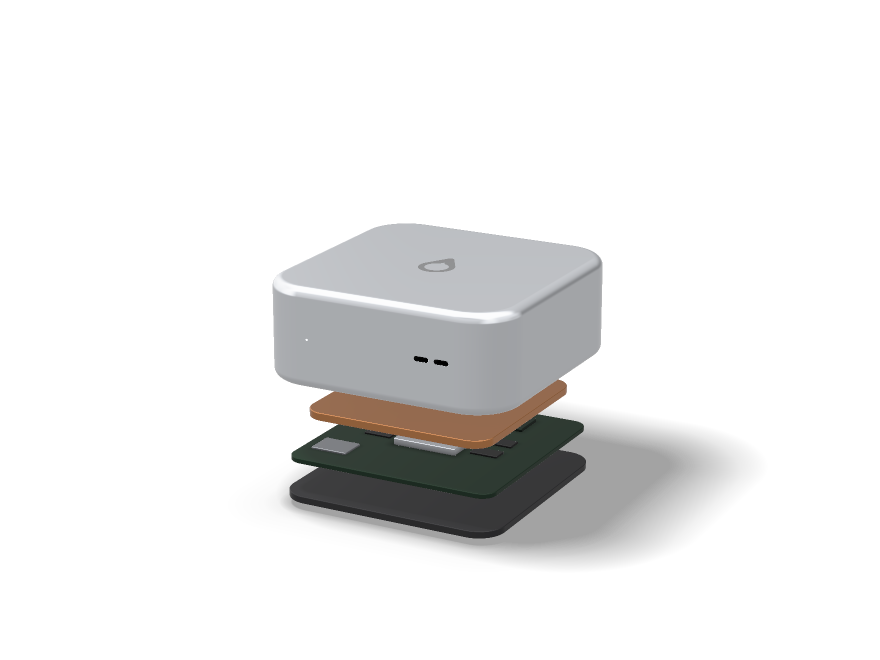
Nothing loads, or a page looks broken.

Do these in order: reload the page, check Service status, sign out and back in, then try a private window with extensions off. If it is still broken, send us the page address and a screenshot through Contact.

Keyboard

Shortcuts.

Noctic reads which system you are on and shows that system's keys. You are on your device, so the modifier below is the modifier key. Open the full list at any time with .

Search everything

Jump to any page, or run a command like switching the colour scheme.

Search without the modifier

Works anywhere you are not typing into a field.

This list of shortcuts

A panel over the page, with the keys written for your system.

Close anything open

Palette, menus, date pickers, confirmations — all of it.

Go straight to a page

Press and then one more key. You have about a second and a half for the second press.

Home

Products

Research

Ecosystem

Developers

Noctic Account

Settings

Company

Field Guide

Why is there nothing on the Windows or Super key?

Because it would not work. Your operating system claims those keys before a web page is told about them, so a shortcut built on either would silently do nothing. Off the Mac we use Control instead, which a browser tab can actually receive.

It is showing the wrong system's keys

We read what your browser reports. A browser in a compatibility mode, or a remote desktop session, can report the host rather than the machine in front of you. Everything still works; only the labels are wrong.

Do these clash with my browser's own shortcuts?

We deliberately avoided the combinations browsers reserve for tabs, windows, bookmarks and printing. is claimed by some address bars, and we take priority on this site the same way other web apps do.

Can I turn them off?

The single-key ones never fire while you are typing in a field, which is the case people actually trip over. If they still get in your way, tell us at contact and we will add a switch to Settings.

Is there anything for screen readers?

The palette is a labelled combobox with a listbox of results, the panel is a modal dialogue, and focus returns to wherever you were when either closes. More in Accessibility.

Service status.

Checked live, from your browser, every thirty seconds.

Checking every service…

Checking…

Platform

AI

Apps

Rows marked with a timing were measured from this browser a moment ago, so they reflect the path between you and us — a slow network of your own will show here too. Rows marked Reported by Noctic come from us: an endpoint answering is not proof that the feature behind it works, so a declared incident always outranks a probe. Incidents are posted here first and summarised afterwards in the Newsroom.

What each level means.

Operational Working normally. Ordinary variation in speed is not an incident and we will not post about it.
Degraded Usable but slower or less reliable than it should be. Some requests fail and succeed on retry.
Partial outage One feature or one region is down while the rest of the service continues.
Major outage A core service is unavailable to most people. Posted within fifteen minutes of us confirming it.
Maintenance Planned work with a start and end time, announced at least three days ahead.

How we handle an incident.

We say something

A first post as soon as we have confirmed the problem, even when we do not yet know the cause. Silence is worse than an incomplete update.

We keep saying something

Regular updates while the incident is open, whether or not anything has changed.

We mark it fixed

Only once it is genuinely fixed for everyone, not once it looks better on our side.

We write it up

Anything that reached a major outage gets a plain-language summary in the Newsroom: what broke, who it affected, and what changed so it does not happen again.

Maintenance and schools.

Never during school hours

Planned work avoids the school day in the regions where Cadence is in use. Term start is frozen entirely.

Announced in advance

At least three days' notice here, and a note in the campus channel where a school is affected.

Read-only first

Where we can, the calendar and existing posts stay readable while the rest is being worked on.

Told directly

School administrators hear from their named contact rather than finding out from this page.
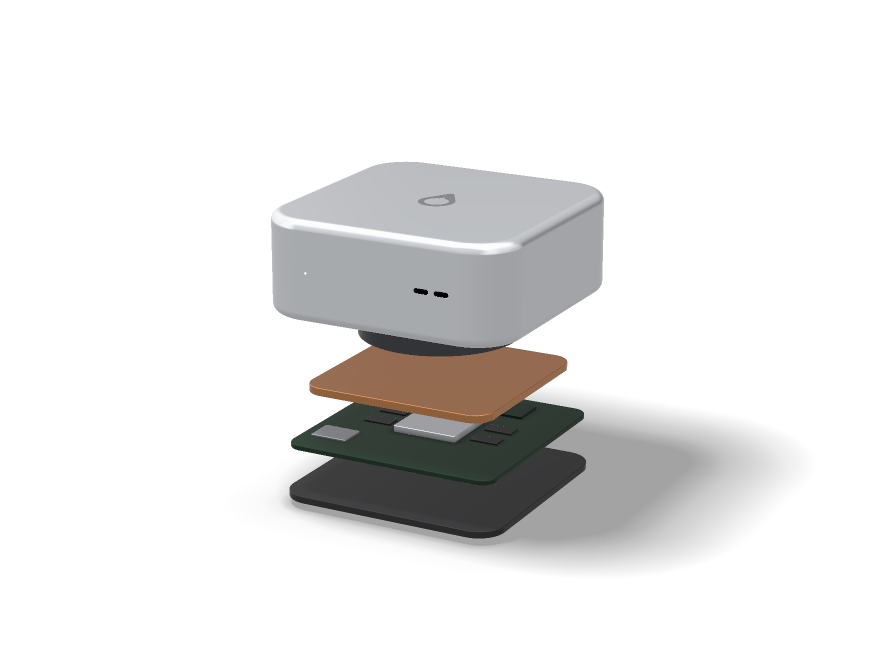
Seeing a problem that is not listed here? Tell us through Support — a report from one person is often how we find out.

Talk to a person.

Small team, real replies.

Support

Account, billing and product problems. Start in the Field Guide, then write to support at noctic.

Schools

District licensing, rollout and staff training for Cadence and Compass. Write to education at noctic.

Security

Vulnerability reports and coordinated disclosure. Write to security at noctic. See Security.

Privacy

Access, correction and deletion requests under applicable law. Write to privacy at noctic.

Legal

Trademark, copyright and law-enforcement requests. Write to legal at noctic. See Legal.

Press

Interviews, briefings and brand assets. Write to press at noctic. See Brand.

Message our team.

One form, one inbox, a real person. We usually answer within one working day. You get a copy by email.

Faster answers for common questions are in the Field Guide. Live incidents are posted on Service status.

When you'll hear back.

Support and billing One working day, usually the same day. Refund decisions are made in the first reply.
Schools and districts One working day, from the person who knows your campus rather than a general queue.
Privacy requests Acknowledged within seven days, completed within thirty.
Security disclosure Same day, including weekends.
Press One working day. Tell us your deadline in the first email and we will work to it.
Anything involving a student's safety Immediately, ahead of everything else.

We answer in English and French. There is no phone queue and no chatbot in front of the inbox.

Sending the right thing.

Include the steps

What you did, what you expected, and what happened instead. Three lines saves three emails.

Include the context

Browser or app, device, and roughly when it happened. The exact wording of any error message helps most.

Never send credentials

No passwords, no full API keys, no session tokens. We will never ask for them, and anyone who does is not us.

Blur other people

Screenshots from Cadence usually contain students. Cover names and faces before sending.

A note on security reports.

Report in good faith and we will not threaten you for it. We reply the same day, keep you updated while we fix it, and credit you publicly if you want that.

  • — Please do not test against real student accounts or real school data.
  • — Please do not run denial-of-service testing against production.
  • — Give us a reasonable window to fix it before publishing.
  • — Tell us how to reproduce it. A proof of concept beats a scanner report every time.

Brand guidelines.

The mark is a single drop. Keep it that way.

Name Noctic, always capitalised. Use the trademark symbol on first prominent use: Noctic™.
Products Shiba AI, Cadence, Noctic Compass, Noctic Account. Never hyphenate or abbreviate them.
Clear space Leave at least the height of the mark as empty space on every side.
Colour Black on light surfaces, white on dark surfaces. No gradients, no shadows, no outlines added to the mark.
Do not Recolour, rotate, stretch, animate, place the mark inside another shape, or lock it up with a third-party logo.
Endorsement Do not use our marks in a way that suggests partnership, sponsorship or approval without written permission.

Writing the name.

Most brand mistakes are typographic, not graphic.

Correct Noctic. Shiba AI. Cadence. Noctic Compass. Noctic Account. Continue with Noctic.
Incorrect NOCTIC, noctic, Noctic.ai, Noctic AI, Shiba AI™ on every mention, Cadence App, Compass by Noctic.
Trademark symbol Once, on the first prominent mention in a document. Not in headlines, and not on every repeat.
As a verb or noun Our names are adjectives. Write "the Cadence calendar", not "Cadence it" or "send me a Cadence".
Possessives and plurals Avoid both. Write "the Shiba AI assistant" rather than "Shiba AI's assistant" or "Shibas".
Translation Product names are not translated or transliterated. They stay as written in every language.

The mark.

Minimum size

Never below sixteen pixels on screen or five millimetres in print. Below that the drop stops reading as a drop.

Clear space

At least the full height of the mark on every side, kept free of type, rules and other logos.

Backgrounds

Solid, quiet surfaces. Not over busy photography, not over a gradient, not over another logo.

One colour only

Black on light, white on dark. No brand colour version of the mark exists, so please do not invent one.

Never redrawn

Use the file we supply. Do not trace it, re-letter it, or rebuild it from a screenshot.

No lockups

Do not place the mark beside your own logo as a single unit. Separate them, or use text instead.

Colour and type.

Ink #1D1D1F on light surfaces. #F5F5F7 on dark. Pure black is reserved for full-bleed dark sections.
Accent #0071E3, used for actions and links only. It is not a decorative colour and not a background.
Surfaces #FFFFFF and #F5F5F7 in light appearance; #000000 and #101010 in dark.
Typeface The system sans on each platform. If you need a substitute, use Helvetica or Arial, never a display serif.
Setting Sentence case everywhere, tight letter-spacing on headlines, and no all-caps product names.

Screenshots and press use.

Use real screens

Take the screenshot from a current build. Do not mock up an interface and present it as ours.

Do not edit the interface

Cropping and scaling are fine. Changing labels, colours or figures inside the screenshot is not.

Blur other people

Screens from Cadence often contain students. Remove names and faces before publishing anything.

Ask for assets

Logos, product shots and fact-checking go through the press contact on Contact.

What we cannot approve.

  • — Merchandise carrying the mark.
  • — The mark or a product name inside your own logo, app icon, domain or social handle.
  • — Any use implying certification, partnership or an official integration that does not exist.
  • — Comparative advertising that reproduces our mark alongside claims about our products.
  • — Use in political, religious or campaign material of any kind.

Everything else, ask. Requests go to the press contact on Contact and are usually answered within a few days. The legal position is set out under Trademarks.

Legal

The policies, in plain order.

Everything that governs your use of Noctic, in one place.

Terms of Service

The agreement between you and Noctic covering accounts, plans, content and liability.

Privacy Policy

What we collect, why we collect it, how long we keep it and the rights you hold over it.

Cookie Policy

The small number of storage keys we set, and what each one does.

Acceptable Use Policy

What you may not do with our products, and what happens when someone does it.

Security

How the system is built and how to report a vulnerability responsibly.

Accessibility

Our commitment, the standard we target and how to tell us where we fall short.

Children and Students

Additional protections that apply to accounts belonging to minors.

Trademarks

The marks we own and the limited ways they may be used.

Copyright

How to submit an infringement notice and how to counter-notify.

Which one applies to you.

You use Shiba or Cadence The Terms of Service and the Acceptable Use Policy govern your account. The Privacy Policy covers what we hold.
You are under eighteen Everything above applies, and Children and Students adds protections on top. Where the two differ, the stricter one wins.
You are a school Your campus agreement sits alongside these policies. Children and Students describes what staff can and cannot see.
You build on the API The Terms, the Acceptable Use Policy and the platform rules under Platform apply to your app as well as your account.
You are writing about us Trademarks for the legal position, Brand for presentation.
You own content we host The notice and counter-notice process is on the Copyright page.
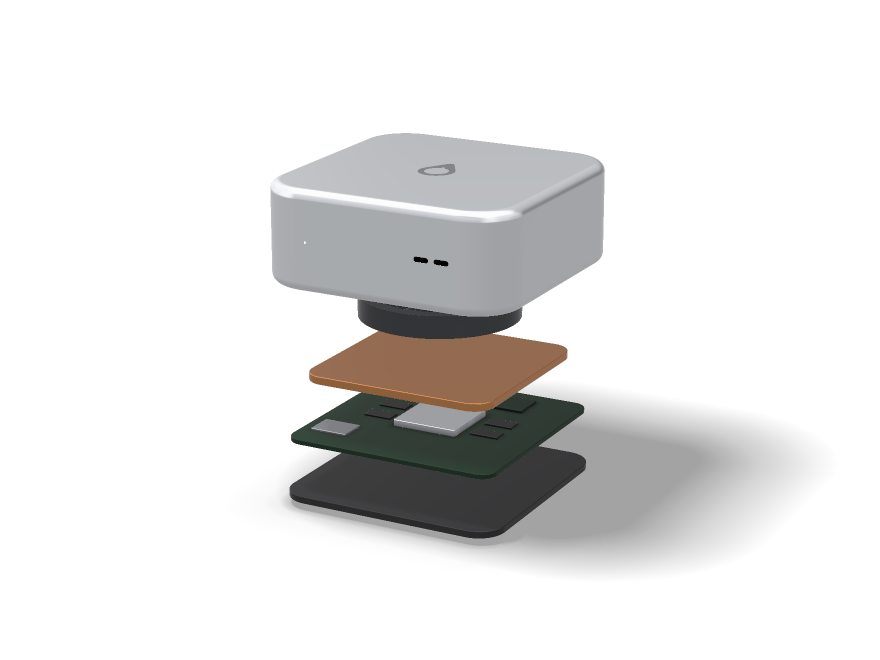
How we handle changes.

1

Dated, always

Every policy carries the date it last changed at the top. Nothing is edited quietly.

2

Notice before it counts

Material changes are announced at least thirty days before they take effect.

3

In plain words

Announcements say what changed and why, in the Newsroom, not only in the diff.

4

You can leave

If you do not accept a change, delete the account before it takes effect and nothing new applies to you.

Requests from authorities.

We require valid legal process for user data. We tell the affected person unless we are legally prohibited from doing so, we read every request for scope and push back on the ones that are too broad, and we do not provide bulk or standing access to anyone.

Emergencies involving a risk to life are handled immediately and reviewed afterwards. Requests go to the legal contact on Contact.

The model

Parable 4.5.

The reasoning model underneath everything we make. It thinks before it answers, shows the shape of that thinking, and stops when it is not sure.

Parable is a single model with an adjustable amount of deliberation, not a family of models you have to choose between. The same weights answer a one-line question and a week-long project; what changes is how long it is allowed to think.

6Effort tiers, Economic to Ultra
1MToken context window
29Languages at full quality
4.5Current generation

Effort, not model roulette.

Most systems make you guess which model fits your question. Parable takes the effort as a parameter instead. Ask for less and you get an answer in a second; ask for more and it will plan, check itself and revise before it replies.

Economic Reflex answers. Definitions, reformatting, short translations, tidying a sentence. No planning stage at all — under a second in most cases.
Standard The default. One planning pass, then an answer. Good for ordinary questions, short code, summarising a document you have just pasted in.
Extended Plans, drafts, then reads its own draft back before answering. Where most real work belongs — essays, multi-file changes, arguments with more than one moving part.
Deep Several independent attempts, compared against each other. Noticeably better on maths, proofs and anything where a subtle error early ruins everything after it.
Research Long-horizon work with tool use throughout. Reads, searches, runs code, keeps notes, and reports what it could not establish as well as what it could.
Ultra Everything Deep does, run wider and for longer, with an explicit adversarial pass looking for reasons the answer is wrong. Slow and expensive on purpose.

Effort is a ceiling, not a quota. Ask for Ultra on a question that needs Standard and Parable will stop early rather than pad the answer out to justify the setting.

How it answers.

1

Reads the whole thing

Question, attachments, conversation history and whatever memory you have allowed it, in one pass.

2

Decides what it needs

Whether to search, run code, open a file, or simply answer. Tool use is a decision, not a reflex.

3

Works, visibly

You can watch the plan and the steps. Nothing important happens in a part you cannot see.

4

Checks before it speaks

At Extended and above it reads its own draft looking for the mistake it is most likely to have made.

Calibrated uncertainty

Trained so that "I am not sure" tracks actual accuracy. When Parable hedges, the hedge means something — it is not politeness.

Citation before assertion

When it has searched, claims carry the source that produced them. A claim with no source attached is a claim from the model's own weights, and it says so.

Refuses to guess quietly

Missing information produces a question, not an invented value. This is the single most common complaint about assistants and the thing we spend the most effort on.

Stable across a long context

Quality at 900,000 tokens is close to quality at 9,000. Instructions given at the start still hold at the end, which is the part most long-context claims quietly skip.

What it is not good at.

Published because a model card that only lists strengths is marketing. These are the failure modes we know about and have not fixed.

Arithmetic on long numbers, without tools

It will reason correctly about the method and then slip a digit. At Deep and above it reaches for a calculator instead, which is the right instinct but means the raw model is weaker than it looks.

Very recent events

Anything after the training cut-off only exists if it searches for it. Without search, it will sometimes answer confidently about a world that has moved on.

Counting things in an image

Reliable up to a handful of objects and unreliable past that. It reads text in images well and counts poorly, which is an odd combination but a real one.

Knowing what it does not know about you

It cannot tell the difference between something you never mentioned and something it has forgotten. If memory is off, it will not notice the gap.

Sycophancy under pressure

Push back hard enough on a correct answer and it will sometimes fold. We test for this and it is better than 4.0, but it is not gone.

Long creative work

It holds a plot for a few thousand words and then starts contradicting itself on details it established earlier. Useful for drafting, not for finishing.

Where it runs.

Shiba

The assistant. Every effort tier, Agent Mode, artifacts, voice and memory.

Cadence

Answers in channels, turns a photographed timetable into a calendar, moderates at the edges.

Compass

Plans the term and tutors the specific gap, at Extended effort by default.

Your app

Through the api scope, counted against the user's plan rather than yours. See the developer section.

Noctic Education

For teachers.

Less time on the administration around teaching, and a straight answer about what your students are actually doing with AI.

We did not build this by imagining a classroom. Cadence started at one school, with teachers telling us which parts of the week were wasted. Most of what follows came from those conversations rather than from a product plan.

The week, with less friction.

One announcement, everywhere

Post to a class, a grade or the whole school. It lands in the feed, in the calendar if it has a date, and as a notification only for the people it concerns.

A timetable from a photograph

Photograph the printed timetable. Cadence reads it into a real calendar, including rotations and week A/B patterns, and asks about anything ambiguous rather than guessing.

Your class website, read in

Paste one key into the site you already post to. Slide decks, notes and handouts arrive in Cadence under your class, and the tutoring quotes your slides instead of guessing at the syllabus. Get a teacher key.

Marking that shows its reasoning

Optional, and never final. Parable drafts feedback against your rubric and flags the specific line it is responding to. You edit and release; nothing reaches a student unread.

Deadline collision warnings

When three departments set major work in the same week, you find out while there is still time to move something.

Channels that stay on topic

Subject channels with teacher moderation, a slow mode for the noisy ones, and no direct messages between staff and students outside a logged channel.

Attendance without a register app

Take it from the class list on your phone in about ten seconds, or let it follow from the calendar and correct the exceptions.

The honest position on AI and homework.

We are not going to tell you we can detect AI writing. Nobody can, reliably, and the tools that claim to are wrong often enough to ruin a student's year. So we built the opposite thing.

1

Process, not verdicts

Compass shows how a piece of work was built — when it was started, what was drafted, where it stalled. A conversation starter, not an accusation.

2

Assistance is visible

When a student uses Shiba on work linked to an assignment, the transcript is available to them and attachable by them. You ask; they show.

3

You set the boundary

Per assignment: no AI, AI for planning only, or AI freely with disclosure. Students see the rule before they start, in the assignment itself.

4

Tutor mode refuses to finish it

On flagged coursework, Shiba explains and questions but will not produce the artefact. It says why, and it says who set the rule.

This shifts the question from "did a machine write this" to "can you explain what you wrote", which is a better question and one you were probably already asking.

What we do not do with your classroom.

No training on student work Coursework, messages and assistant conversations from a school account are never used to train models. This is not a setting a district can be talked into turning on.
No advertising, ever There is no ad product. Nothing about a student is packaged for anyone outside the school.
No selling to third parties Profile data obtained through school sign-in may not be sold, brokered or merged into an outside graph. Our processors are listed in the trust centre.
No surveillance features No keystroke logging, no webcam proctoring, no location tracking, no screen monitoring. We have been asked for all four and declined each time.
No lock-in Export the school's data whenever you like, in a format you can read. Leaving is a button, not a negotiation.

Questions teachers ask.

How long does setup take?

A single class, about ten minutes. A whole school with verified registration and a timetable import, usually an afternoon with someone from us on a call.

Do students need their own devices?

No. Cadence runs in a browser on shared machines, and signing out is genuinely signing out — preferences and sessions do not linger for the next person.

What does it cost for a school?

Cadence is free for schools. Compass is paid per student with a free tier, and there is a reduced rate where cost is the blocker — ask rather than assuming. See pricing.

Can I use it without the AI parts?

Yes. The feed, calendar, channels and attendance work with every assistant feature switched off at the school level. Some schools run it that way for a term first.

What happens to a student's work when they leave?

It belongs to them. They keep a personal copy under their own Noctic Account; the school's copy follows the school's retention policy.

Who do I contact when something breaks at 8am?

Support, and during term we answer school reports first. Live status is on the status page.
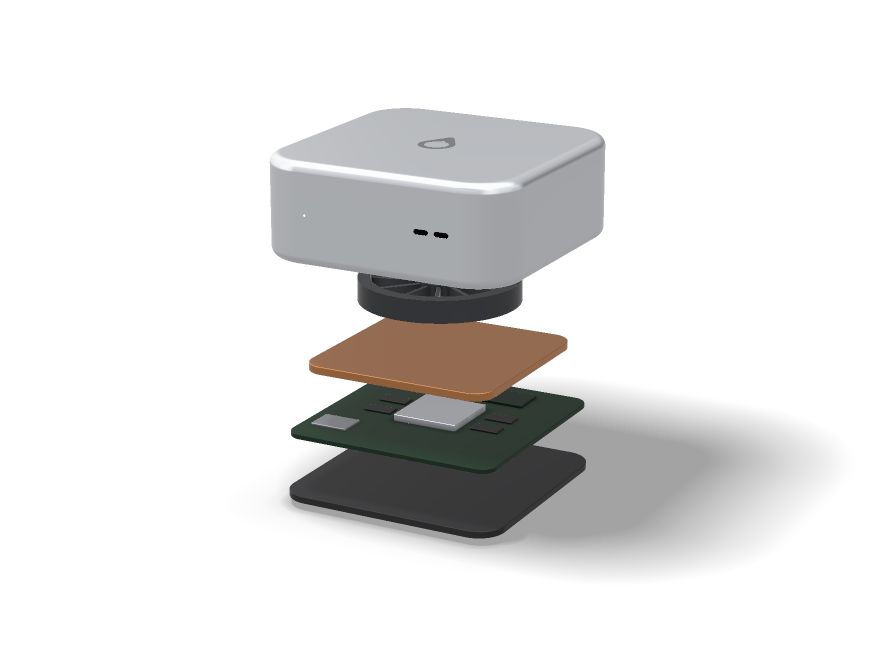
Noctic Education

For districts.

Rollout, identity, data protection and the paperwork your procurement team is going to ask for.

We are a small company. That has consequences worth knowing before you start a procurement process with us, and they are set out plainly below rather than buried in a call.

How a rollout actually goes.

One school, one year group

We start small on purpose. A single cohort with real timetables surfaces more problems in a week than a pilot document does in a month.

Identity and the timetable

SSO wired up, verified registration switched on, timetable imported and checked by the people who wrote it. This is the part that takes the longest and the part worth not rushing.

Widen to the school

Staff onboarding runs about an hour. Students need no training, which is not a boast — it is the test of whether the interface is right.

The rest of the district

School by school, with the first school's staff usually doing more of the explaining than we do. Then a review of what to switch off, which is always something.

Identity and access.

SSO and SAML

SAML 2.0 against your existing directory, so accounts are created and de-provisioned where you already manage them. Google and Microsoft directories both work.

Verified school registration

A student account tied to a school is confirmed by the school, not self-asserted. This is what makes channels safe and what stops outsiders appearing in them.

Roles that mean something

Student, teacher, head of department, administrator, guardian. Permissions follow the role, and the role follows your directory.

Two-step by default

Staff accounts finish every sign-in with an emailed code, and five failed passwords lock the account and email an unlock link. Not optional, not configurable downward.

Guardian access

Linked, read-only, scoped to their own child, and visible to the student. No silent parental monitoring — everyone can see who can see what.

Audit log

Who changed a permission, who exported data, who accessed a record. Exportable, and retained for the period your policy requires.

Data protection.

Controller and processor The school or district is the controller. We are the processor and act on your instructions. A data processing agreement is available before you commit to anything.
Residency Canadian and EU regions available. Data stays in the region you choose, including backups. Tell us the region before rollout, because moving it later means a migration.
Retention You set it per data class. Deletions propagate to backups within thirty days, and we will tell you when it has completed rather than leaving you to assume.
Training School data is never used to train models. There is no consent flow that changes this for a school account, deliberately, so it cannot be switched on by mistake.
Subprocessors Listed publicly in the trust centre, with notice before any addition. Currently a short list, because we run most of it ourselves.
Incidents Notification within 72 hours, and in practice as soon as we know. Our track record and our process are both on the status page.
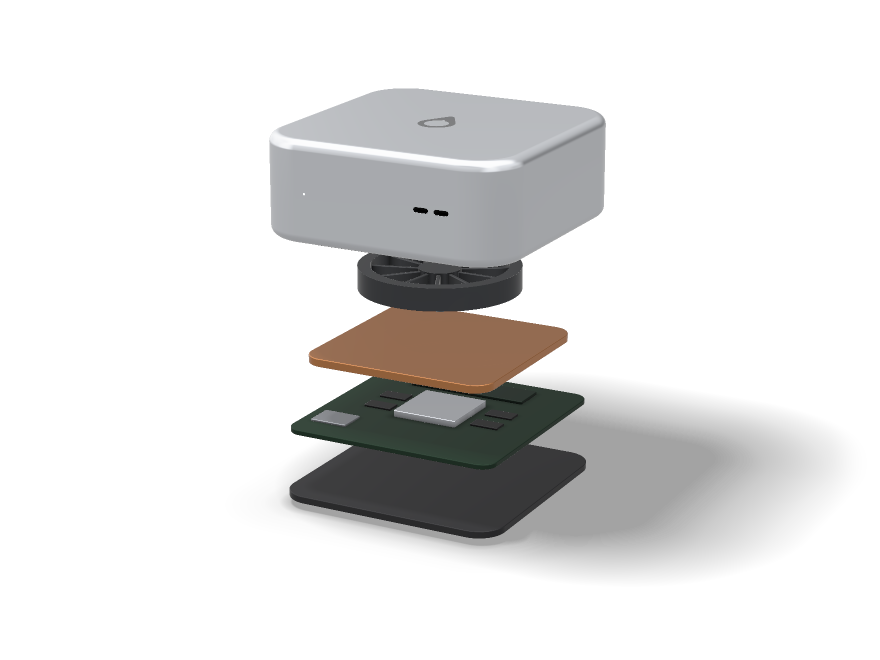
Things you should weigh against us.

A procurement process will find these anyway. Better that you hear them from us first.

We are small

If you need a vendor with a hundred-person support organisation and a decade of district references, that is not us yet. What you get instead is direct access to the people who build it.

Some compliance certifications are in progress

Current status, honestly stated, is in the trust centre. If a specific certification is a hard requirement for you, ask before starting — we will tell you straight whether we have it.
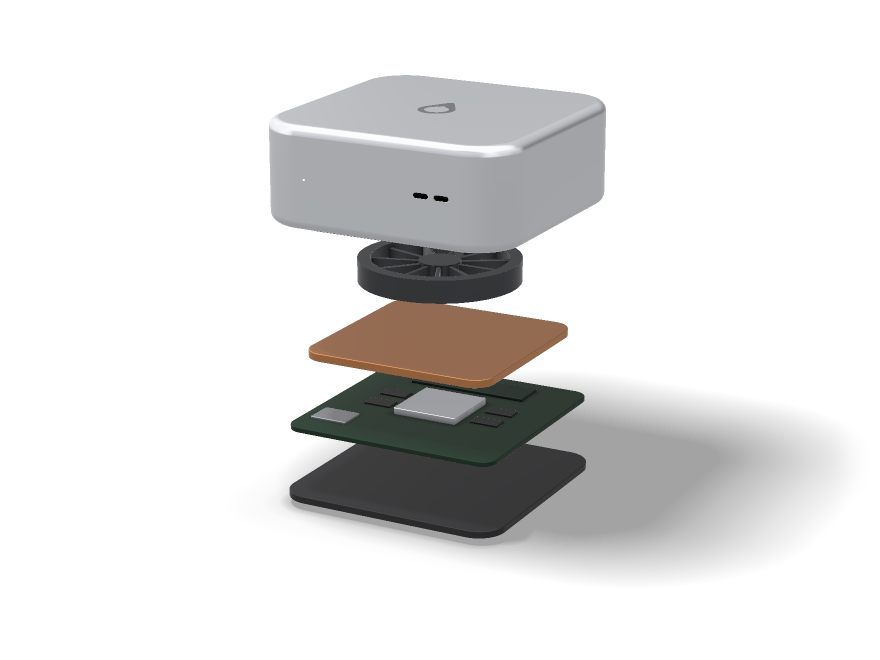
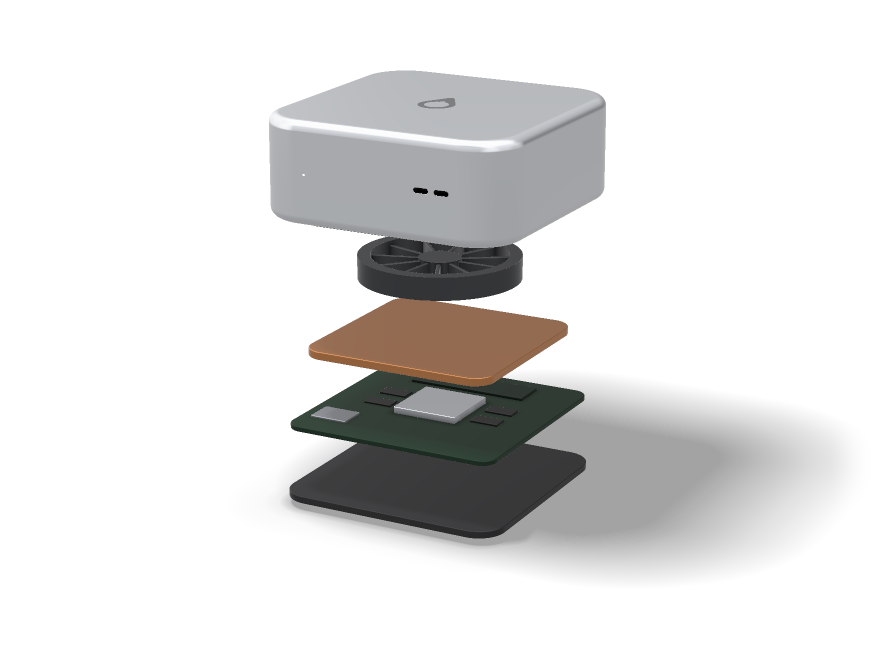
Compass is still in development

Cadence is production software used daily. Compass is in preview. Do not build a district-wide plan around Compass features on a fixed date.

We will say no to some requests

Proctoring, keystroke logging, webcam monitoring and location tracking are not on a roadmap we are willing to be talked into. If those are requirements, we are the wrong supplier.

Pricing is simple and not very negotiable

Cadence is free for schools. Compass is per student. There is a reduced rate where cost genuinely blocks access, and beyond that there is not much room to move.

Ecosystem

Apps that use your Noctic Account.

Ours and other people's. Every one of them asks for specific permissions, and every one can be cut off from your account in a single click.

This is the whole list, not a curated selection. An app appearing here means it has registered and passed review — it does not mean we vouch for what it does with a permission you grant it.

Made by Noctic.

Shiba

The assistant.

Parable 4.5 at every effort tier, Agent Mode, artifacts, voice and memory.

Cadence

School life, in one place.

Feed, calendar, notes, channels, messages and verified school registration.

Compass

Your whole year, planned.

Reads your Cadence data, plans in short blocks, tutors the specific gap.

Preview

Momentum

Visual momentum, nightly.

A glowing streak matrix, a thirty-second evening check-in, stored on your device.

Open Momentum

Noctic Account

The seam between all of it.

Identity, plan, privacy and the consent screen every app has to pass through.

How it works

What an app can ask you for.

Four scopes. No bundles, nothing granted by implication, and each one refusable on its own without refusing the rest.

identity That you are a real signed-in person, and a stable ID for you. Nothing else — not even your name.
profile Display name, avatar and verification badge. What other users can already see.
email Your address, so the app can contact you. The most commonly refused scope, and rightly.
api Model requests on your behalf, counted against your plan and shown in your usage. Reviewed by a person before an app may request it.

Your date of birth, plan history, moderation records, private notes, direct messages and assistant conversations are not available through any scope. There is no partner tier that unlocks them, and there is no price at which we will add one.

Staying in control.

1

You see who is asking

The consent screen names the app and lists exactly which scopes, before anything is granted.

2

You can switch account

Connecting the wrong account is easy to do and easy to undo — switch on the consent screen and sign in as whoever you meant.

3

Every grant is listed

What each app asked for and when you approved it, in your account. Nothing hidden in a submenu.

4

Revoking is immediate

One button ends access at once. No grace period, no token that keeps working for another hour.

Questions.

Does Noctic review every app here?

Every app is checked for a working redirect, an honest name and a real homepage before it can request anything beyond identity. Apps requesting api are reviewed by a person. We do not audit what an app does with data you have chosen to give it.

What if an app misuses my data?

Revoke it from your account first, then tell us at support. Selling or brokering profile data obtained through sign-in breaks our terms and gets an app removed.

Can an app read my Shiba conversations?

No. There is no scope that exposes assistant conversations, direct messages or private notes, and this is enforced at the token level rather than by policy alone.

Why is an app asking for my email separately?

Because we made it a separate scope so you can say no to it. An app that genuinely needs to email you will explain why; one that does not will still ask, and you can decline.

I built something — how do I get listed?

Register it, ship it, then write to us. See build on Noctic.

Ecosystem

Build on Noctic.

Continue with Noctic is open to apps that are not ours. No fee, no revenue share, no approval queue for the ordinary case.

The bargain is simple. You get an identity layer you did not have to build, with sign-in codes, lockout and recovery already handled. Users get one consent screen they recognise and one place to revoke you.

What you get for free.

Authentication you did not write

Password rules, breach checking, emailed sign-in codes, account lockout and unlock links — all of it already built and maintained on our side.

A consent screen users trust

The same screen across every app in the ecosystem. Familiarity is worth more than a custom flow, and it converts better than one people have never seen.

Standard OAuth 2.0

Authorisation code with PKCE. If you have integrated any other provider, you already know this. No bespoke SDK you have to adopt.

Verification that travels

A verified badge earned in one product is recognised in yours, so you do not have to run your own identity checks.

Tools that hit the real endpoints

URL builder, PKCE generator, token exchange tester, token inspector, userinfo explorer and a webhook signer. All in the developer section.

Model access, on their plan

With the api scope your app can make Parable requests counted against the user's plan rather than a bill you have to underwrite.

From nothing to signed in.

1

Register

Name, homepage, redirect URIs. You get a client ID and a secret shown once.

2

Send them to us

Build the authorisation URL with a fresh state and PKCE challenge. Our builder will check it.

3

Exchange the code

Server-side, within sixty seconds, for an access token and a refresh token.

4

Read what you were granted

Call userinfo, key your records on sub, and enforce the scope on every request after.

The rules.

Short, and we do enforce them. Breaking any of the first three gets an app removed rather than warned.

Do not sell the data Profile data obtained through sign-in may not be sold, brokered, or merged into a third-party identity graph. This is the one we remove apps for most often.
Do not impersonate Noctic Use the official button and the official name. Do not imply we built your app, endorse it, or review its content. Details in brand.
Ask for the least you need Requesting every scope because it is easier is grounds for review. A narrow request is also approved by more users, so this is in your interest anyway.
Handle revocation properly When a user revokes you, stop. Treat a sudden 401 as revocation and send them back through authorisation rather than retrying in a loop.
Keep the secret secret Server-side only. A secret in a front-end bundle or a mobile binary is a published secret, and we will ask you to roll it.
No apps aimed at under-13s A Noctic Account requires 13 or older. Do not build a flow that encourages younger users to claim otherwise. See children and teens.

Before you commit.

What does it cost?

Nothing. No listing fee, no revenue share, no per-user charge for identity, profile or email. The api scope draws on the user's plan.

How many users does this actually reach?

Honestly, not many yet — we are a small company with a handful of products. Build on this because the integration is clean and the terms are fair, not because of the distribution.

Will you compete with my app?

Possibly, and we will not pretend otherwise. What we will not do is use anything we learn from your integration to do it. We do not read your traffic for product ideas.

What if you shut down the programme?

Twelve months' notice for any breaking change to the authorisation flow, and we would publish the wind-down in the changelog and the newsroom rather than emailing you quietly.

Is there rate limiting?

Yes, per token and per app. Generous for sign-in traffic, real for api. Ask before launching something with unusual volume and we will raise it.

Can I test without real users?

Register a second app for development with http://localhost redirects. Keep it separate from production so a leaked development secret cannot touch anybody real.

Trust centre

What we can prove.

Where your data lives, who else touches it, what we have certified and what we have not.

Most trust pages are written to survive a procurement questionnaire. This one is written to be read, which means it says "not yet" where that is the truth.

Certifications, honestly.

GDPR Compliant
Data processing agreement available, EU residency offered, subject access and erasure requests handled within thirty days.
PIPEDA Compliant
We are a Canadian company and this is our home regime. Canadian residency is the default for Canadian schools.
FERPA Aligned
School data is processed on the school's instruction as a school official. No secondary use, no advertising, no training.
COPPA Not applicable by design
A Noctic Account requires 13 or older. We do not knowingly collect from under-13s. See children and teens.
SOC 2 Type II In progress
Observation window underway. We do not have the report yet, and we will not imply otherwise. Ask for a current date if this gates a decision.
ISO 27001 Not started
On the list, not begun. If it is a hard requirement, we are not the right supplier this year.

If a certification matters to your process, write to us and we will give you the current position in writing rather than a marketing answer.

Where your data lives.

Regions

Canada (default) and the European Union. The region covers primary storage, replicas and backups. It is chosen at setup, and changing it later is a migration rather than a switch.

Encryption

TLS 1.3 in transit, AES-256 at rest, and separate keys per region. Database backups are encrypted with keys we hold rather than the storage provider.

Backups

Continuous, with point-in-time recovery over 30 days. A deletion propagates through backups within the same 30 days, and we confirm when it has.

Access on our side

Production access is limited to named engineers, requires two-factor, and is logged. Nobody has standing access to message contents or assistant conversations.

Subprocessors.

The complete list. We are told regularly that it is unusually short — that is because we run most of the stack ourselves rather than assembling it from ten vendors.

Supabase Database, authentication and object storage. Region-pinned. Processes account and application data.
Netlify Static site delivery for noctic.ink. Serves pages and assets; holds no account data.
Cloudflare DNS and denial-of-service protection. Sees request metadata in transit, not content at rest.
Transactional email provider Delivers sign-in codes, unlock links and account notices. Receives an email address and the message body, nothing further.

We give thirty days' notice in the changelog before adding a subprocessor that touches school or account data. Districts on a data processing agreement are notified directly.

How we handle an incident.

1

Contain

Stop the bleeding first — revoke, isolate, roll credentials. Before any communication goes out.

2

Post publicly

The status page is updated while we still do not know the cause. Silence during an incident is worse than an incomplete update.

3

Notify

Affected schools and users within 72 hours of confirming a data incident, and in practice as soon as we can describe it accurately.

4

Write it up

A post-mortem with the actual cause, published. No "an issue with a third party" when it was our mistake.

Reporting a vulnerability.

Tell us before you tell anyone else and we will work with you. We do not threaten researchers, and we do not require you to sign anything before reporting.

Where do I send it?

Through contact with "security" as the topic. We acknowledge within one working day and give you a real assessment within five.

What is in scope?

noctic.ink, shibaai.dev, the Cadence application, our authorisation endpoints and our edge functions. Third-party marketing pages and our subprocessors' own infrastructure are not.

What should I not do?

Do not access accounts that are not yours, do not run denial-of-service tests, and do not exfiltrate data to demonstrate a finding. A description is enough.

Is there a bounty?

Not a formal programme yet. We pay for serious findings out of proportion to our size, and we credit you publicly if you want that.

Will you disclose it?

Yes, once it is fixed, with your credit if you want it. Ninety days is our default ceiling and we usually beat it considerably.

Changelog

What changed, and when.

Every user-visible change, including the ones that were our fault. Breaking changes are marked and given notice.

The newsroom is for announcements. This is the running record — smaller, duller and more useful if you are trying to work out when something moved.

2026

Aeon™ desktops, and laptops called Aebook™

The family is now four machines. Aeon™ and Aeon™ Neo are new desktop-class computers, one full-size and one small enough to carry. The laptops are called Aebook™, and the lineup keeps two of them: the Aebook™ Nano and the Aebook™ Pro. The 13.4-inch and 14.2-inch laptops are gone. The family page, the builder and the questionnaire were rebuilt around it.

A page for every Aeon™, and a fourth machine

Aeon™ Nano, Aeon™ Neo, Aeon™ Ultra and Aeon™ Pro each have their own page now, with the full specification, the ceilings and the reasons to buy something else. The Nano is new: an Intel N100, 8 GB of memory and either 64 GB or 500 GB of storage, fanless, and the cheapest machine we could design without it being a bad one. The lineup page keeps the comparison.

Two-step email verification, everywhere

Registration and sign-in now both finish with a six-digit code sent to your address. Five failed passwords lock the account and email an unlock link. Not optional — a password alone no longer signs anyone in.

Switch account on the consent screen

Connecting an app while signed into the wrong account used to mean signing out and starting over. The consent screen now shows which account you are connecting and lets you switch in place.

Settings, properly

Notification preferences, appearance controls including accent colour and text size, account privacy, session management and a data export. Preferences save as you set them.

Light mode contrast pass

Every text and background pairing across the site was measured and fixed. Cards that were hard-coded dark now follow your theme, and code blocks finally switch palette in dark mode — they had been stuck on the light one because of a selector that never matched.

Noctic Silicon

A new page for the x86-64 processor family we want to build: the microarchitecture, the manufacturing process end to end, the patent situation in plain language, a five-rung plan from software simulator to laptop part with a cost against each rung, and the ways it could all fall over.

Aeon™ moves to Intel Core Ultra, and says concept

The lineup is respecified around Core Ultra 5 226V, Core Ultra 7 258V and Core Ultra 9 285H — real parts with on-package memory — so the machine and AXESS OS can be judged now. Every badge reading “work in progress” now reads “concept”, which is what it always meant.

Aether A1 X Nano

A second chip in the Aeon™ concept: 4 cores, 4 threads, up to 3.4 GHz, fanless, alongside the 8-core A1 at up to 3.8 GHz. Same architecture, so one build runs on both. Both are now Noctic Silicon targets rather than Aeon™ specifications.

Developer tools, documented

The URL builder, PKCE generator, token exchange tester, token inspector, userinfo explorer and webhook signer all gained explanations of what the parameters mean and what the errors are telling you.

Parable 4.5

Six effort tiers, a one-million-token context window that holds instructions to the end, and better calibrated uncertainty. Published limitations alongside it.

Continue with Noctic opened up

Third-party apps can register and use the authorisation flow. Four scopes, no fee, no revenue share.

Cadence, out of pilot

Verified school registration, timetable import from a photograph, channels with teacher moderation. Free for schools.

How we version things.

Breaking changes get notice

Twelve months for the authorisation flow, ninety days for anything else in the API. Announced here first, then by email to registered developers.

Model versions are explicit

Parable 4.5 stays 4.5. We do not quietly swap the weights behind a version number, because that makes your evaluations meaningless.

Deprecations are dated

Anything on the way out gets a date, not a "soon". If we miss the date, the date moves publicly rather than the removal happening early.

Incidents live on the status page

Outages and their post-mortems are on status. This page is for intentional changes.

Concept hardware · 100 reservations

Reserve an Aeon.

Put your name on the list. No payment now, and no payment at release until you say yes.

The Aeon family: the upright Aeon, the small Aeon Neo and a closed Aebook Pro.
Concept renders of the Aeon™, Aeon™ Neo and Aebook™ Pro. None of them has been manufactured, and final hardware may differ.
100

Reservations in the first run

One hundred spots, held in the order requests arrive. We confirm your place by email — we would rather tell you honestly where you are in the queue than show you a number on a page that we cannot back up.

No payment today

How it works.

1

You join the list

Name, email, and which of the four models interests you. That is the whole form.

2

We confirm by email

Within a few days, with your position. If the hundred are gone you go on the list behind them.

3

We keep you posted

Only when something real happens — a manufacturing partner, a date, a price. Not a newsletter.

4

You decide at release

We ask you to confirm before anything is charged. Say nothing and nothing happens; your spot simply passes to the next person.

Your reservation.

We ask for as little as we can get away with. No address, no card, no date of birth.

Before you put your name down.

Is this binding?

No. It is a list, not a contract. You can leave it with one email and there is no penalty, no deposit and nothing to forfeit.

Are you taking payment?

Not now and not at release until you confirm. We do not hold a card, and this page never asks for one — if a page claiming to be us ever does, it is not us.

What if the hundred spots are gone?

You go on the list behind them, in order, and we tell you that plainly in the confirmation email rather than pretending you made the first run.

When will it actually ship?

We do not know. There is no manufacturing partner, no date and no price. Anyone giving you a quarter for this machine is guessing. See where the concept stands.

Can I change which model I want?

Yes, right up to the point you confirm an order. Reply to the confirmation email and we will change it.

What happens to my details?

They sit on the reservation list and nowhere else. Not sold, not brokered, not used to train anything. The full terms are in the Privacy Policy.

Why do I need an account?

So the reservation belongs to someone. It means only you can change or cancel yours, you can see it from your account, and we are not maintaining a separate list of names and addresses outside the thing that already holds them.

Does making an account cost anything or sign me up for more?

No on both. It is free, it is the same account that works across every Noctic product, and marketing email is off unless you turn it on in Settings.

Company

Leadership.

One person, for now.

Most companies our size publish a page like this with five titles and four photographs of the same three people. Here is the honest version instead.

Nicholas Steiche

Founder and Chief Executive Officer · Chief Hardware Engineer · Chief Software Engineer

Chief of everything

Not three people. One person holding three titles until there is someone better to hand each of them to.

What each of those actually means.

Chief Executive Decides what we build and what we refuse to build. Answers the email. Says no to the surveillance features schools keep asking for, and will keep saying no.
Chief Hardware Engineer The Aeon™ and Aebook™ concepts — the four machines, the decision to ship on Intel Core Ultra until our own silicon exists, the Aether chip targets behind Noctic Silicon, going USB-C only and putting memory in the package where it cannot be upgraded.
Chief Software Engineer AXESS OS and the Glass UI, Cadence, Compass, the Noctic Account, the sign-in codes, and every line of the site you are reading.
Everything else Support tickets, the privacy policy, the status page during an incident, and the invoices. There is nobody to escalate to, which is either reassuring or alarming depending on your role.

A note from Nicholas.

I started Noctic because the software I was given at school was bad in ways that seemed fixable, and because the tools that were supposed to help mostly watched you instead. Cadence began as one school's problem. Everything after it came from the same place.

I hold three titles because there are not three people yet, not because I am uniquely qualified for all of them. I am better at software than at hardware, and better at both than at running a company. Where that shows, it shows — and I would rather you heard it here than found it out later.

The plan is to hand each of these titles to someone who does the job properly, and to keep the parts I am actually good at. Until then, if you write to Noctic, you are writing to me. and something about Baja blast i guess...

What a one-person company means for you.

Worth weighing honestly, whichever side of it you are on. Some of this is in your favour and some of it is not.

You reach the person who decides

No tier-one script, no account manager relaying your question to engineering. The reply comes from whoever can actually change the thing.

Decisions do not drift

"No advertising, no training on school work, no proctoring" holds because there is no board, no investor and no growth target pulling the other way.

Bus factor of one

The real risk, stated plainly. It is why your data is exportable at any time and why nothing we build locks you in — leaving has to work even if we stop.

Some things move slowly

Certifications, compliance paperwork and enterprise procurement all take longer here than they would at a company with a legal team. See the trust centre for exactly where things stand.

Support has one pair of hands

During term, school reports get answered first. Everything else is answered too, just not always the same day.

Nothing gets quietly discontinued

Small enough that shutting something down would be a conversation, not a line in a changelog you find three months later.

The roles we want to stop holding.

These are the titles above, written as the jobs they will become. None are open on a fixed date, and we will not pretend otherwise — but this is the order we would fill them in.

1

Engineer, Cadence

The product with real users and real schools depending on it. The first hire, whenever it happens.

2

Support, education

Someone whose actual job is answering schools, rather than it being the fourth thing on a list.

3

Hardware

Aeon™ needs a person who has shipped physical products before. Currently it has someone who has not.

4

Operations

Compliance, contracts, invoices and the certifications sitting in the trust centre marked "in progress".

If you are reading this because you are considering working here: the honest pitch is that you would be the second person, and you would have a great deal of say in what Noctic becomes.

Hmm… Something’s not right.

That did not work, and it is our side of the line rather than yours.

Nothing you were doing has been lost, and nothing on your account has been changed. Most of the time the same thing works on a second attempt.

Worth trying, in this order.

1

Try it again

A single failed request is the most common cause, and a retry clears it.

2

Check the status page

If something of ours is down it will be on status already, usually before we know the cause.

3

Reload the page

A long-open tab can be holding an old version of the site after we have shipped a new one.

4

Tell us

If it keeps happening, send us what it says above through contact. That text is the useful part.

Did I lose anything?

No. Forms on this site hold what you typed until they succeed, and nothing is written to your account unless the request came back clean.

Was I charged?

No. Nothing on Noctic charges you without an explicit confirmation step, and a failure like this stops before that point.

Is my account safe?

Yes. Sign-in needs your password and a code from your email, and a page error cannot change either. If you want reassurance, end every session from Settings.

This keeps happening on one page

That is worth telling us about, with the page address and the text above. Write to support and we will chase it rather than wait for a pattern.

Noctic Developer

Build on Noctic.

The model, the account and the design language, in one membership.

Everything Noctic runs on is open to you: Parable for reasoning, the Noctic Account for sign-in, Cadence for classrooms, Glass for the way it all looks. The Developer Program is how you get the parts of it that carry our name — a publisher name on record, published listings, hardware and the people who built it.

What's new

Three things worth your afternoon.

Parable 4.5 is on the API

Six effort tiers behind one endpoint, with the reasoning trace returned rather than hidden. Streaming, tool calls and structured output are all in the same shape as the chat surface you already know.

Read about Parable

Glass, as a kit

The material Noctic is drawn in — surfaces, depth, the motion curves — written down properly, with tokens you can lift straight into your own product without guessing at the numbers.

Open Just Glass

Aeon™ hardware access

Members can request a unit from the Aeon™ line to test against real silicon rather than an emulator, and keep it for the length of the membership year.

See the Aeon™ line

Membership

One program. Everything with our name on it.

You can build against Noctic without joining — the OAuth endpoints, the tools and the examples are open to any account. The Program is for the things that need a name attached: a named publisher on the consent screen, a listing in the Ecosystem, early builds, hardware, and a person to talk to.

Where everything is.

Sign in with Noctic

Standard OAuth 2.0, three steps, with six tools for inspecting every part of the flow.

Open the documentation

API keys

Register an app, hold its credentials, roll a secret you have lost track of.

Manage keys

Code examples

The whole sign-in flow, copy-paste, in five languages.

Open examples

Class Sync

Push what a class website publishes into Cadence, under the class it belongs to.

Read the docs

Design kit

The Noctic look as a skill for Claude and a stylesheet for you, with the rules for our marks.

Get the design kit

Kick Start

A Next.js 15 app with auth, billing and workspaces already built. $199, source included.

See what is in the zip

Noctic Developer Program

Membership, and what it opens.

One year. Renewed when you say so.

Enrolment verifies who you are, asks what you intend to build, and puts a name we can stand behind on every consent screen your app shows. It takes about ten minutes. Nothing in it is a test.

What membership includes.

A named publisher

The legal name you enrolled under, shown on the consent screen above the scopes your app asks for, and held to an agreement that ends if it is false. Apps outside the Program say "an unverified developer" there instead, and people notice.

A listing in the Ecosystem

Apps that sign in with Noctic can be listed at Ecosystem → Apps, where people who already have an account go looking for things to connect it to.

Raised limits

Ten times the unauthenticated rate limit on the token and userinfo endpoints, and a queue position on Parable that does not move behind free traffic.

Pre-release builds

Models, endpoints and Glass revisions before they ship, with the breaking changes written down in advance rather than discovered.

Two support requests a year

Not a ticket queue — an engineer reads your code and answers about your code. Organisation membership gets six.

Hardware and labs

Request an Aeon™ unit for the membership year. When developer labs start running, members get the seats before anyone else — there are none scheduled yet.

Memberships.

All four are free. There is no fee to enrol, no fee to stay, and no card to put on file — what you choose here decides whose name goes on the consent screen and what the membership is allowed to do, not what it costs.

Individual One person, publishing under their own name. Two support requests, one Aeon™ unit, everything above. The name on the consent screen is your legal name.
Organisation A company, publishing under the company's name. Up to twenty-five people on one membership and six support requests. The name on the consent screen is the organisation's.
Education A school, college or university. Everything in Organisation except hardware, and no entity number is asked for — plenty of institutions do not have the kind we mean.
Enterprise, in-house only Apps distributed inside your own organisation and never listed publicly. Includes private scopes and a named contact.

Pick the one that describes you rather than the one that sounds biggest. It sets what your membership may do, and changing it later means enrolling again.

How enrolling works.

1

A Noctic Account

Everything is done as you, so we know who agreed to what. Free, and it takes a minute.

2

The questionnaire

Eight questions about what you are building, who it is for and what happens to their data. There are no right answers.

3

Your details

Legal name, or the entity and your authority to sign for it. This is the name you are held to.

4

The review

An automatic check sends back anything missing or contradictory on the spot. A complete application goes to the Noctic Developer team, who accept or decline it.

Automatic, and immediate. It reads what you have given for the things that contradict each other or are not there, and answers on the spot.

5

Membership

Live the moment it is accepted. Free, with nothing to pay now or later.

Who can enrol.

AgeEighteen or over, or the age of majority where you live, whichever is higher.
EntityAn individual under their own legal name, or an organisation that legally exists and can be looked up.
AuthorityFor an organisation, the person enrolling must be able to bind it to an agreement. We check this.
StandingNo Noctic account or membership terminated for a breach in the last twelve months.
WhereAnywhere we can lawfully accept a payment from and send a contract to.

If your enrolment is declined we say which of these it failed and what would change the answer. It is not a permanent bar unless it says it is.

Step 4 of enrolling

A few questions about what you are building.

There are no right answers. Nothing here is marked.

A membership is an agreement about a specific thing you intend to do, so the review reads better when we know what that thing is. Answers route the application — a product for under-sixteens is checked against a different set of rules than an internal dashboard — and they are not a test you can fail. Say "not sure yet" wherever that is the honest answer; it is one of the options for a reason.

What we do with the answers.

They route the review

An internal dashboard and a product for schoolchildren are read against different rules. Telling us which one you are building is how the right person picks it up.

They tell you what else to read

Some answers come with a pointer — to the rules on minors, or on passing profile data to a third party. That is a note, not a mark against you.

They can change later

Plans move. Come back and edit any answer while the enrolment is still a draft, and tell us in writing once it is a membership.

The one thing that is not flexible: the answers have to be true when you give them. A membership rests on them, and an answer that turns out to be false ends it.

Noctic Developer Program

Enrol.

Five steps, free, and read by the Developer team.Five steps, free, answered on the spot.

Your answers are saved as you go, so you can leave in the middle of this and come back to it. Nothing is submitted until the last step, and there is nothing to pay at any point — membership is free. Anything missing is caught the moment you submit, so the only wait is for the team to read a complete application.The check at the end is automatic, so you get the answer immediately rather than in a few days.

  • 1Who is enrolling
  • 2Your details
  • 3The entity
  • 4Questions
  • 5Agreement

What happens after you submit.

Two readings. A machine first, the moment you press the button, so nobody waits on a person to be told a box is empty. Then the Noctic Developer team, who read what is complete and decide.

Nobody reads it. The check runs the moment you press the button and answers in the same breath, so there is no queue to be at the back of and no working day to wait for.

1

It is checked

Against itself, mostly: fields that are missing, an organisation enrolling from a personal mailbox, a name that is only initials, a declaration left unticked. Anything it finds comes straight back with the list of what to change — fix it and submit again, as often as you need.

2

The team decides

A complete application waits with the Developer team, who accept it or decline it with a note written for you. Spot a mistake while it waits? Withdraw it, change it, send it again.

You get the answer

A complete application is accepted there and then. Sent back is not a refusal — fix what it named and submit the same form again.

3

That is all

Membership is live and free from the moment it is accepted. There is nothing to pay and no card to add.

Worth being straight about what an automatic check is: it reads what you typed. It does not confirm that a company exists, that you work there, or that a legal name is the one on your passport. What it does is hold you to the declarations you ticked — and those are the thing the membership rests on. An answer that turns out to be false ends it, whoever or whatever accepted it.

Noctic Developer

Events.

The first one is an hour with our CEO, online, on 20 October.

Sign up with the Noctic Account you already have and the link to join appears on this page. It goes ahead if at least one person signs up: sign-ups close an hour before it starts, and if nobody has by then it does not happen, so nobody is left sitting in an empty room.

The three kinds.

What is scheduled is above. These are the shapes the rest take when they are — said here so you know what to expect, not as promises with dates on them.

Sessions

An hour on one thing, streamed and kept up afterwards. Open to anyone with a Noctic Account.

Labs

Your code on the screen and an engineer beside it, no slides. Small enough that they would fill, so members of the Program would get them first.

Meetups

Run by people who are not us, in their own city. We would send stickers and a speaker where we can.

Anything scheduled goes in the changelog as well as on this page.

Want to run the first one?

Somebody has to be first, and it does not have to be us. If you would organise a Noctic developer meetup in your city, say so — we will help with stickers, a speaker where we can, and the slides for anything we have shown publicly. Use the mark the way the brand guidelines describe and call it a Noctic Developer Meetup, not a Noctic event.

Noctic Developer

Your membership.

Where you are, and what is next.

The rest of your developer things.

Keys of both kinds live on the main site with the rest of your account, because they belong to the account rather than to the membership.

API keys

The apps you have registered, their client IDs, and the secrets you can roll.

Manage keys

Register an app

One form, credentials in seconds, and the secret shown once.

Register an app

Noctic Account

Your profile, devices, connected apps and plan.

Open your account

Noctic Developer

Shouts.

Straight from the team that builds Noctic.

Releases, heads-ups, events and anything else worth a developer's attention, posted by the Noctic Developer team as it happens. Pinned shouts stay at the top until they stop being true.

Where else they turn up.

On the developer home

The latest three sit at the top of developer.noctic.ink, above everything else that is new.

Open Discover

In the documentation

Anything that changes how an API behaves is written into the docs as well as shouted about.

Read the documentation

In the changelog

Releases are recorded in the changelog for good, long after the shout has scrolled away.

Open the changelog

Noctic Developer · Team

Applicants.

Everyone enrolling in the Program, and your decision on each.

Error 404

There is nothing at this address.

The page has either moved or never existed. The rest of the site is still here.